Best Of
Re: Ability to have pending transactions count toward Projected Cash Flow while using 'Bank Balance'
As I understand it, this problem occurs only in a specific set of circumstances. The following situation is an example of where I think it will come up:
- Your bank balance without counting pending transactions is $10,000.
- Your bank already takes transactions that are pending at the bank into account.
- There is a $900 transaction pending at the bank showing up in your Pending section.
- You have manually entered a $500 pending transaction that your bank does not know about.
- So your actual balance, all non-future transactions considered, is $8,600. ($10,000 - $900 -$500)
What Balance Type should you select? As I understand it (I could be wrong, of course):
If you select "Bank Balance (default)" your balance will show as $9,100 (because the bank will subtract the $900 transaction pending at the bank from the current balance of $10,000 and report $9,100 to Simplifi). Your manually entered $500 pending transaction will not be counted.
If you select "Balance with Pending" your balance will show as $7,700 (because the bank will still report $9,100, but Simplifi will subtract both the $900 transaction pending at the bank and the $500 manually entered pending transaction.) Your $900 transaction pending at the bank will be counted twice.
There doesn't seem to be any way around this, other than future-dating the manual pending transaction. But maybe one of the coaches will have an idea.
 DryHeat
Re: Ability to Exclude part of a split transaction [edited] (3 Merged Votes)
What I would do in your situation is set up a manual account called "Reimbursable Work Expenses" (or similar). When you spend the money on those expenses, categorize them as a Transfer to that manual account. The transactions will be excluded from Spending Plan since it automatically doesn't include transfer transactions. When you get your paycheck, split it into two: one line for the actual income, and another line as a Transfer to the manual account, which will apply it towards the spending. This way, the reimbursement also won't count in Spending Plan and the manual account will keep a running balance for you to keep track of what's owed to you.
 EL1234
Re: Ability to Exclude part of a split transaction [edited] (3 Merged Votes)
I’m adding my support for this feature as well. My expense reports are paid out with my paycheck. I split my paycheck transaction to show the difference. Since I can’t exclude the payment, I have to leave all the transactions being included as well. If the transactions and payment happen in the same month, it’s not as big of a deal, although it does skew spending for a couple weeks. When the payment and transactions are spread over two months, the income and expense amounts show big peaks and valleys that cause confusion and obfuscate the real gains and losses.
kg4ysy
Web Releases 4.86.0 & 4.86.1
Hello everyone!
Here are the issues and features we were able to tackle with the 4.86.0 and 4.86.1 Web Releases, released December 3rd & 4th:
- FIXED: The Income Report is still broken down by day when using a Date Range of 31 days.
- FIXED: The deep-link for the Monthly Summary Report opens a default reports page.
- FIXED: When editing the amount of a transaction and then selecting to create a Transaction Rule, the Create Rule form does not have 'Amount' checked by default.
- FIXED: The dialog for editing a one-time expense in the Spending Plan does not scroll.
- FIXED: In the register Spending tab, the bar chart text doesn't change to white in Dark Mode.
- FIXED: Unable to create a Transaction Rule when the THEN condition is set to 'Not Reviewed'.
- FIXED: Exporting Reports to CSV does not show the Categories when opening the file.
- FIXED: Various fixes made to the "Beta" Reports.
- FIXED: Various errors and crashes.
- FIXED: QBP: In the Edit Client modal, the toolbar and client name are misaligned.
- FIXED: QBP: Inconsistent date formatting in the Profit & Loss Report.
- UPDATED: QBP: The Mileage Tracker has been integrated with the Taxes Report.
- UPDATED: QBP: Minor enhancements made to the Tax Planner.
To be automatically notified of new product updates, please be sure to follow the Updates from the Product Team category by clicking "Follow" at the very top of the page.
Thank you!

Re: Does the account-specific Balance Type setting actually do anything?
Thanks. This behavior persists across Safari 26.1 (21622.2.11.11.9) and Chrome 142.0.7444.176, on macOS 26.1 (25B78). It also persists in Incognito mode.
Report created - reference id 515723412602858498.
Re: Unable to add Synchrony Store Cards to Simplifi
Hi Kristina, this is the new login portal for Synchrony I am using:
The store cards are Sam's Club, Belk, and TJ Maxx.
I have tried pretty much every variation that pops up in Simplifi when adding an account for Synchrony, even the store-specific ones like the Sams Club, but they all result in the same error.
When you go to Synchrony.com and click Sign In at the top, it gives you a dropdown menu.
I select the first option that says "Credit Cards" (see image)

Then it asks if I have completed the new sign-in experience, which I have, so I select "Yes, continue" (see image)
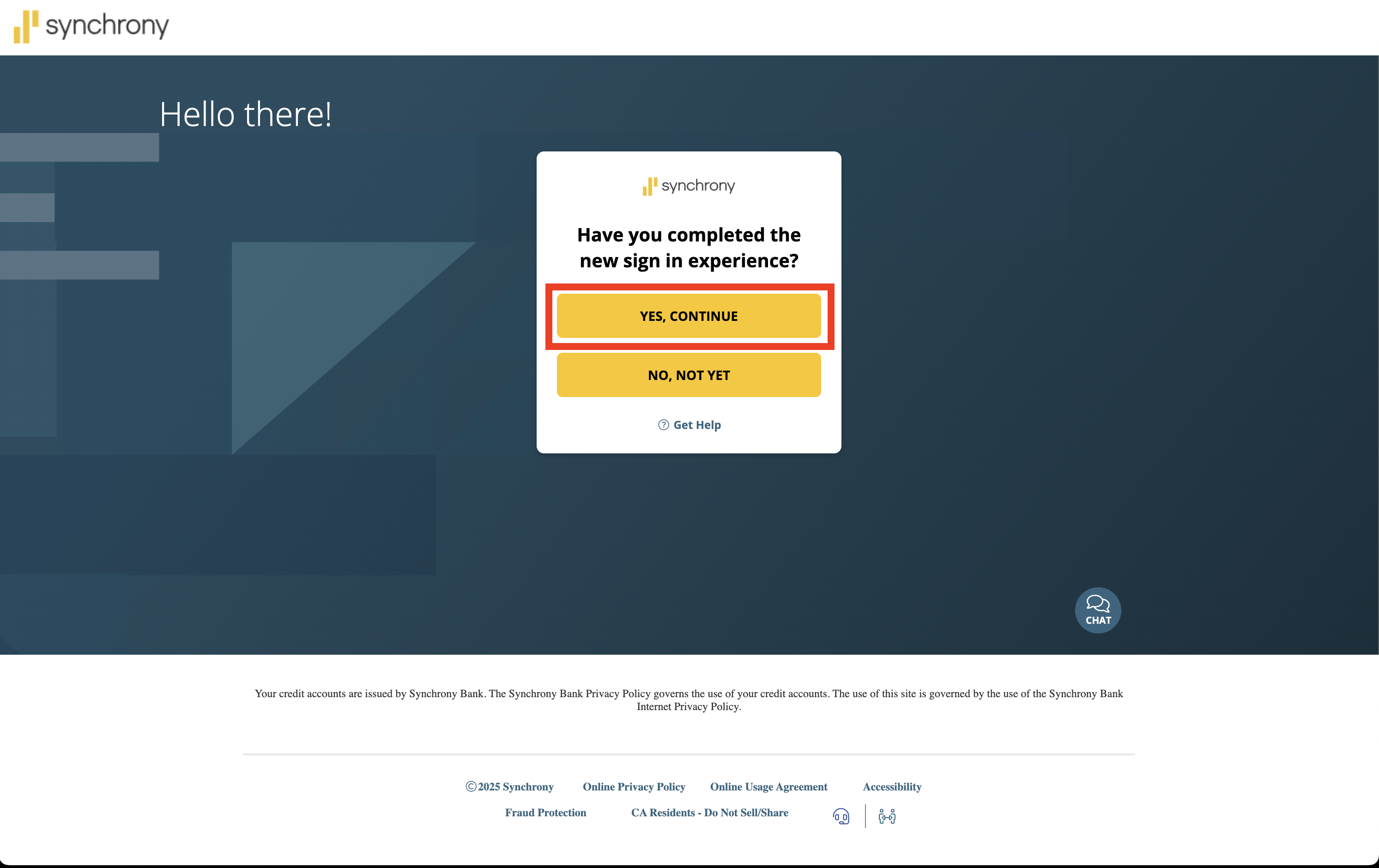
Then it takes me to the login link I put at the top of this message.
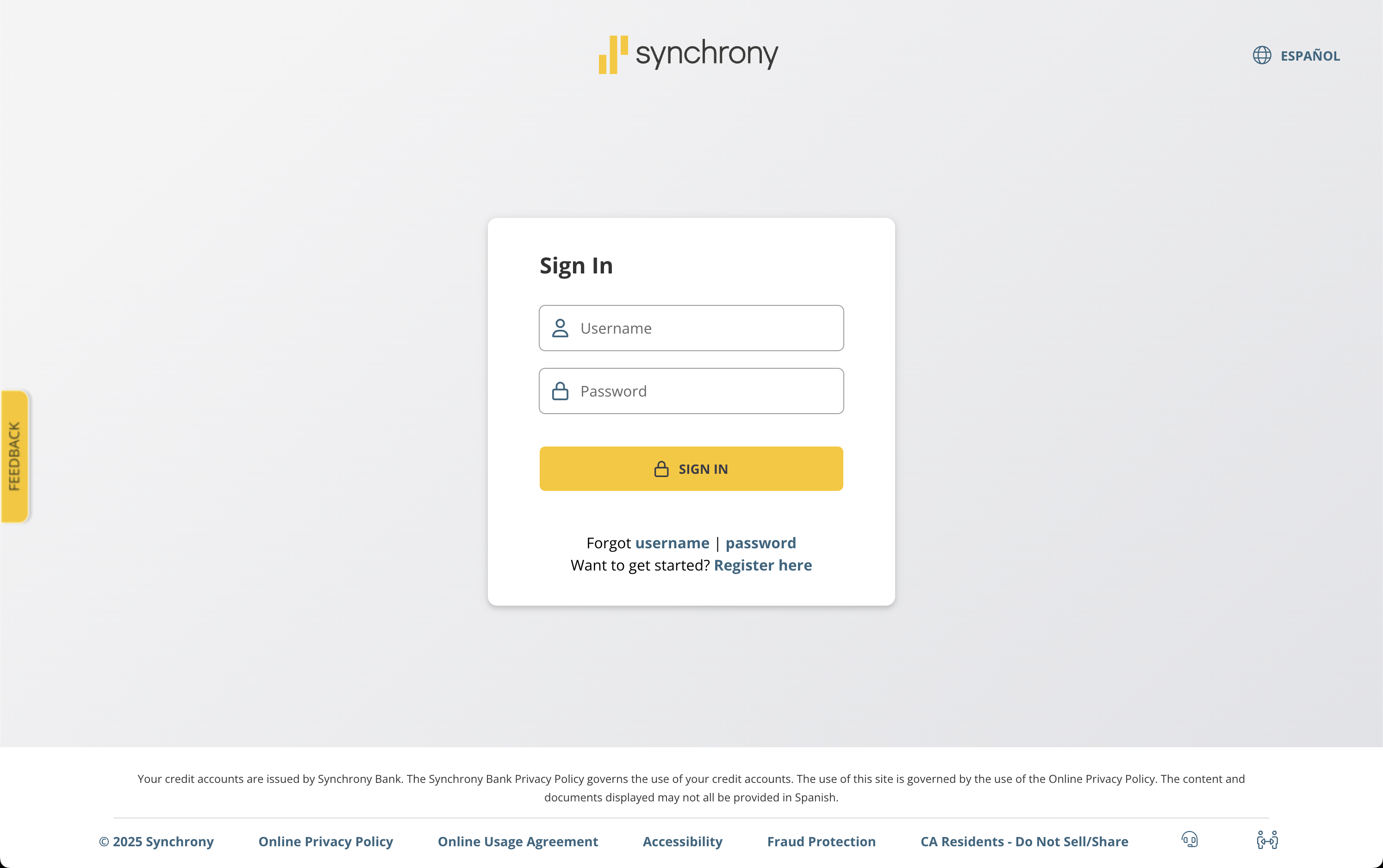
From there, I can login and see all 3 credit cards together.
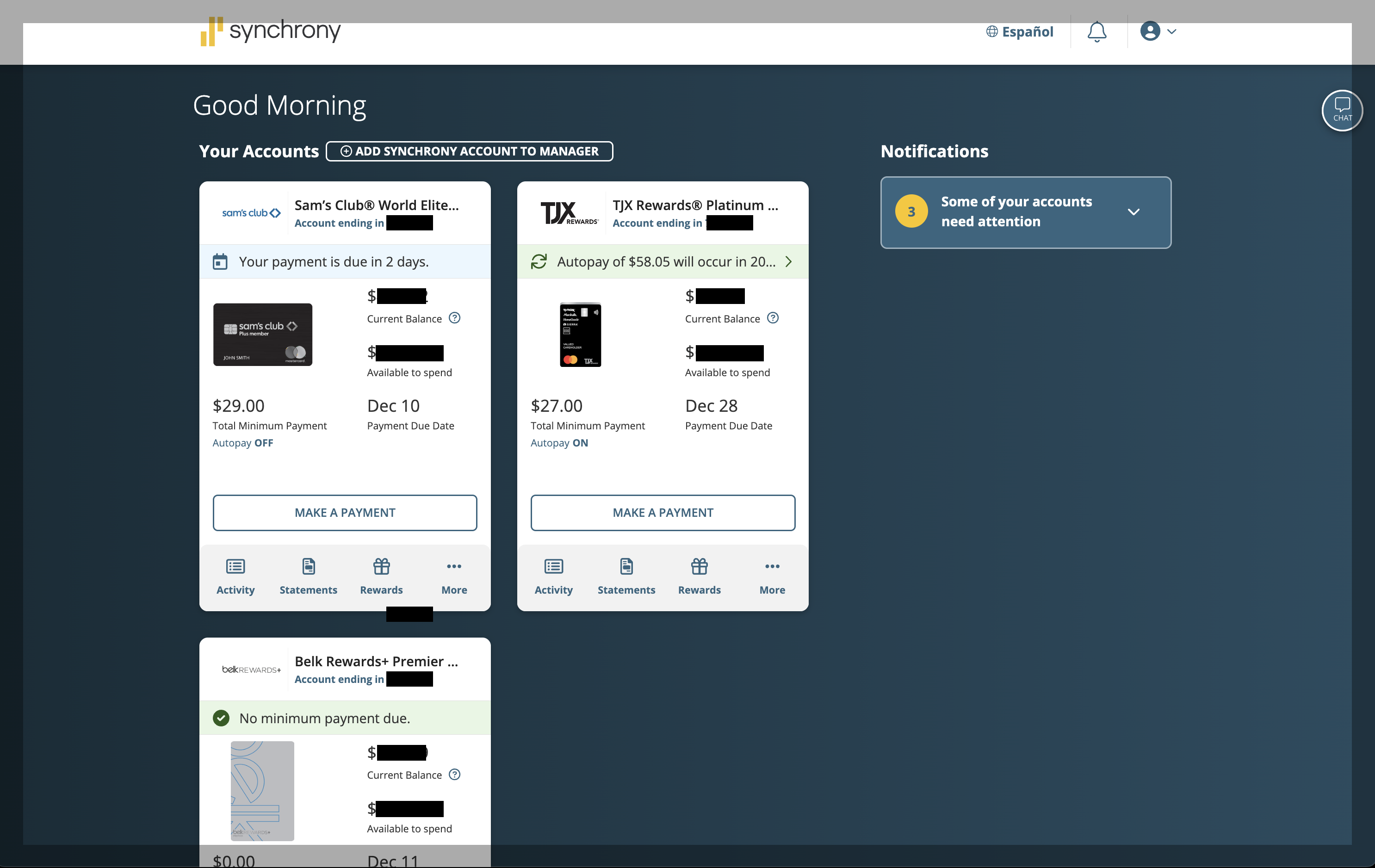
I just cannot figure out how to get this account linked into Simplifi!
I always get the same error message I originally posted, which is "Care Code FDP-103"
Do you think it may have something to do with their "new sign-in experience"? 🤔
Re: Unable to add Synchrony Store Cards to Simplifi
Hello @cyberstackn,
Thank you for letting us know you're encountering this issue. Which store cards are you trying to connect? What is the URL (web address) you use when logging into the accounts directly through the financial institution website?
If they are serviced by Synchrony, they typically would not connect using the Synchrony Bank Credit Cards connection. Some cards serviced by Synchrony have their own connection option, such as Care Credit and Guitar Center.
I look forward to your reply!

Re: Creating Manual Investment Account - Balance showing zero, no shares
@SRC54 Thank you so much! Glad I was t losing my mind and missing something! Looks like I’ll stick to automated download for now. I appreciate your help on this and your description is dead on. It really a good deal, but as with everything, the software they use to allow us to download data is far behind everyone else…
Re: Creating Manual Investment Account - Balance showing zero, no shares
I made a test investment account with the name C Fund, and it would not let me. I have tried several workarounds, and so far the only thing I could do is just set a cash amount. That would at least allow you to update the value of the account until Simplifi adds these funds to their list or allows the user to create their own funds.
I found this online:
The TSP C Fund, which is the Common Stock Index Investment Fund, tracks the S&P 500 Index. While the TSP funds do not have official ticker symbols, the equivalent ticker symbol for the S&P 500 Index is $SPX. This symbol can be used for tracking purposes on various financial platforms.
I tried entering $SPX and it didn't work either. I am still looking for a workaround. I tried it in Quicken Classic and couldn't find it either, and though I was able there to create a C Fund, it didn't add it to holdings or to the overall value.
I read up on the Thrift Savings Plan in Wikipedia. It sounds like a smart deal. And they do let you invest a small portion in private mutual funds too.
My dad was civil service, and retired in 1972 on disability. He lived until 2019 so he collected his pension for 57 years. He was only 49 when he retired. Long before they had a 401K offering. I have some family members to work for the Post Office.
You may just be better off using the TSP connection even with its limitations. I use Fidelity and it too has limitations. Simplifi was designed with minimal investment features although they have added more since it was released.
Good luck with this, and welcome to Simplifi. Hope you can find a workaround until Quicken adds your funds.
 SRC54
SRC54