Best Of
Re: Need support for Cognizant Voya Retirement Account
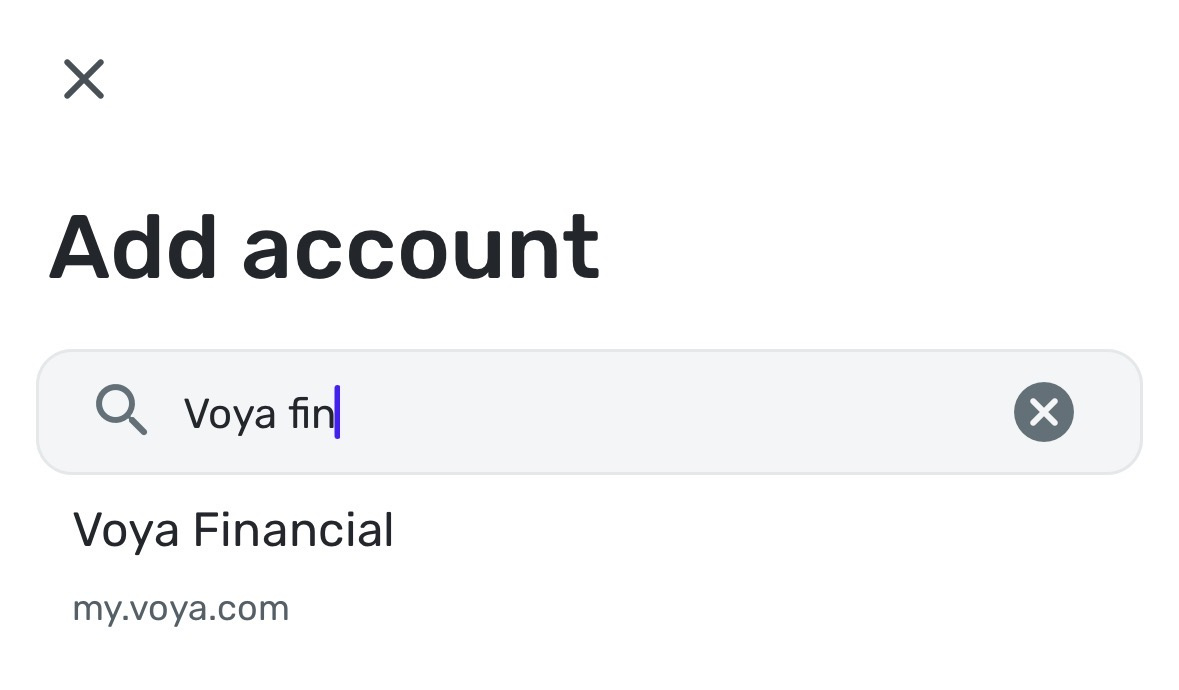
looks like Simplifi have a new connection with Voya per the account screen message up I got. Once I used that new connection it does not matter which Voya account you have , that api connection will work. We will directly enter details in Voya for permission like Citibank etc.

Re: New York Life showing balance of $0 on IndexFlex Variable Annuity account (edited)
@LJMR, that is great news!
I actually came in this morning to an update on the ticket stating the issue is resolved, so I am glad to hear that's the case. I will let them know you confirmed! Thanks!

Re: Ability to visualize my data using a Sankey diagram (edited)
How is the Sankey diagram not already a feature? This is a necessity for monthly/quarterly summaries.
PO, please move this to the top of your backlog.

Re: Ability to visualize my data using a Sankey diagram (edited)
Would love to have this as well, any plans on the roadmap?
Re: Ability to visualize my data using a Sankey diagram (edited)
Sankey Diagrams were the main reason I used [removed], and I was sad to lose that functionality when I switched to Quicken Simplifi. Even though Simplifi is the better choice, adding Sankey Diagrams would be absolutely amazing.
Re: Ability to visualize my data using a Sankey diagram (edited)
This would be great.
And there is already a nice Sankey diagram javascript library on Plotly:
https://plotly.com/javascript/sankey-diagram/
 Dognose
Re: Ability to visualize my data using a Sankey diagram (edited)
I found this suggestion wondering if there is a way to export my annual data in a convenient format for this.
ender
Re: Ability to visualize my data using a Sankey diagram (edited)
Would love this for monthly and annual budget allocation meetings with spouse/family for visualization.
Davidd
Re: Why are Zelle payments automatically classified as Transfers when they are payments?
I was more frustrated when a Zelle transaction came in from a certain relative, and Simplifi decided to change the name of the Payee to another relative (with the same last name) who also sends Zelle sometimes. I spent a long time trying to trace down the issues that it caused!
It doesn't bother me much if they come in as Transfer, since I anyways look at all transactions and confirm the category etc before marking them as Reviewed.
EL1234