Best Of
Re: Target Red Card - FDP-163 error (edited)
It worked thanks. The only caveat is that the transactions posted on the card between (1) the last sync before the reset and (2) the first sync after the reset were not downloaded. Not a big deal in my case (I added them manually), but I think it's worth sharing this, since it's unlikely to be an intended behavior of the system.
 maxvv
maxvv
Re: How can a community member search for requests that are Active, Already Offered, etc?
@Dick_Davis, thanks for posting your inquiry to the Community!
First, navigate to the Feature Requests page:
There are then sorting and filtering options at the top:
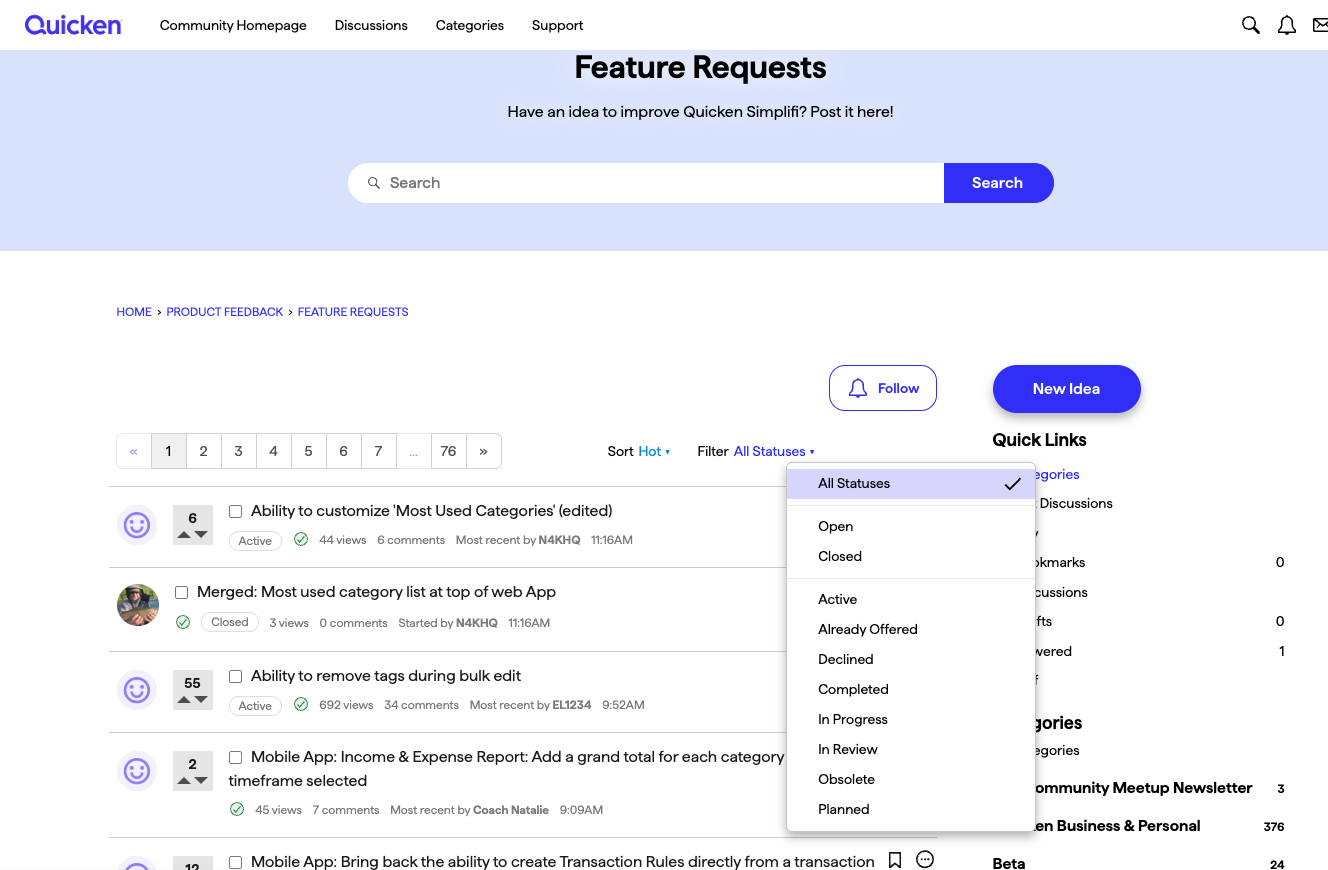
I hope this helps!

Re: Check # field is missing on the mobile app
Hello @micwise,
Thank you for those logs! I did get this issue escalated to our product team and will be sure to follow up here when we have updates regarding the issue.
-Coach Jon
SIMPL-30478

Re: Target Red Card - FDP-163 error (edited)
After resetting the connection, it's working now but it wasn't working a few days ago or even a couple days ago
Re: Spending and Income Tabs in Your Registers: Share your feedback here!
DannyB, thanks for calling that out. I'll get a bug filed for that. Sorry, we missed it.
Re: Spending and Income Tabs in Your Registers: Share your feedback here!
Wow, this is sweet!
I did notice that in dark mode in Edge on a Windows 11 machine the categories font is black, making it hard to read.
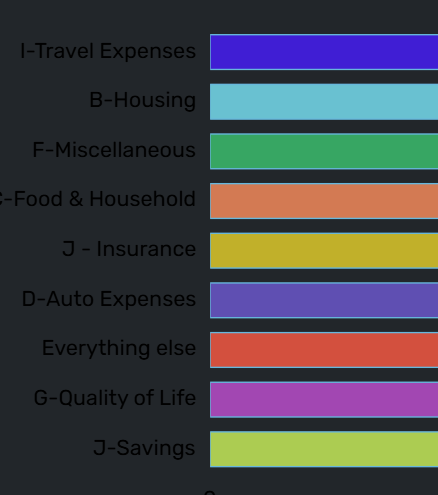
Expenses on the Repots page is correct:
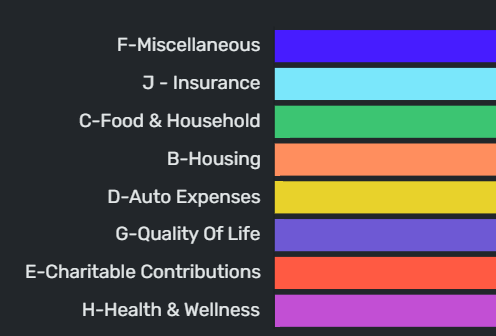
 DannyB

New Feature Alert: Spending and Income Tabs in Your Registers!
We’ve made it even easier to understand your finances right from your transaction registers with the Spending and Income tabs!
With Early Access enabled, you’ll now see three tabs at the top of your register on the Quicken Simplifi Web App:
- Transactions – your regular register view you’re already familiar with
- Spending – a quick view of your spending insights
- Income – a breakdown of your income transactions
The Spending and Income tabs provide the same filtering and breakdown options you’ll find in the Reports section — but without ever leaving your register!
You can access these tabs for any header in your Accounts List, as well as for individual accounts. Selecting them from a specific area will show data for that account or group of accounts, giving you a quick, focused look at your income and spending — while still letting you edit any transaction directly.
This update makes it simpler than ever to stay on top of your money! Let us know what you think of this new feature by clicking the link below!