Best Of
Adding new Care Credit account FDP-103 error
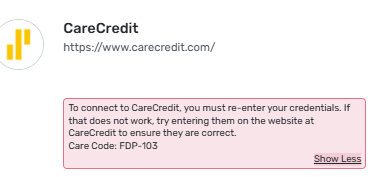
I am trying to add a new Care Credit account and keep getting an FDP-103 error. Following advice from other posts, I tried connecting several times through carecredit.com, as well as through others with the synchrony.com domain. Worth noting that when I try to check my credentials through carecredit.com, the login page goes to https://id.synchrony.com/idp/en. I am sure my credentials are correct, but not sure how else to go about connecting in Simplifi.
Re: Cyan colored flag labeled as "Brown" in pick list
The image you posted of your register looks different from my register (below) in at least three ways:
- the selected transaction has a highlighted background
- the icons for Flag and Review are boxed differently (see red box on left)
- there is a faint vertical border line after the amount (see red box on right)
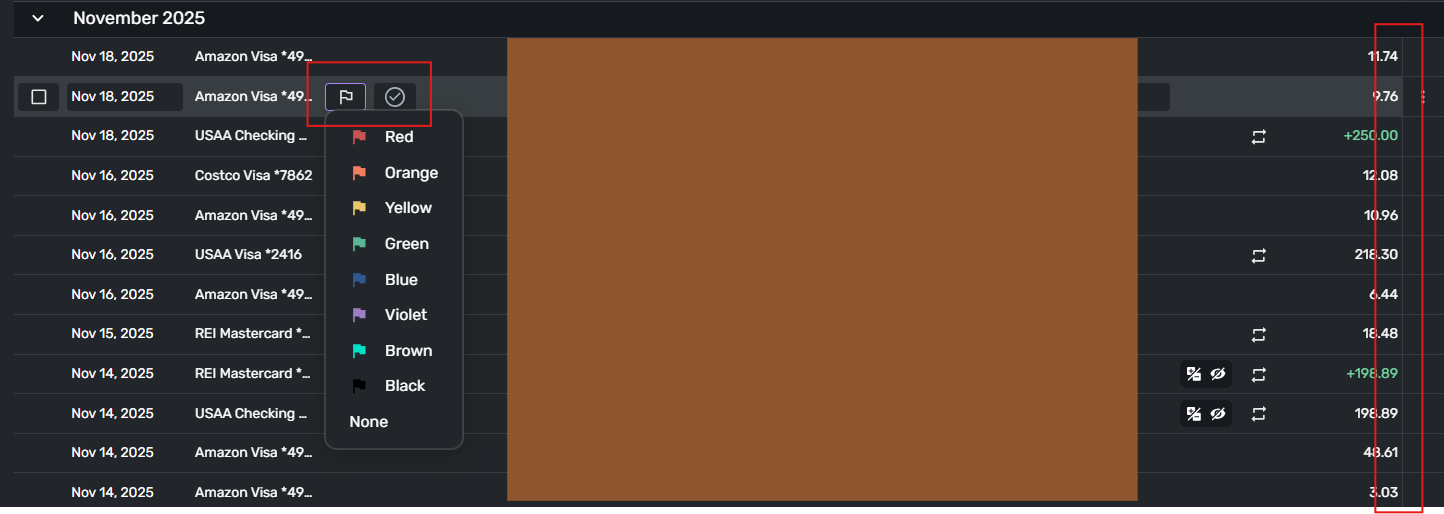
Your image for comparison:
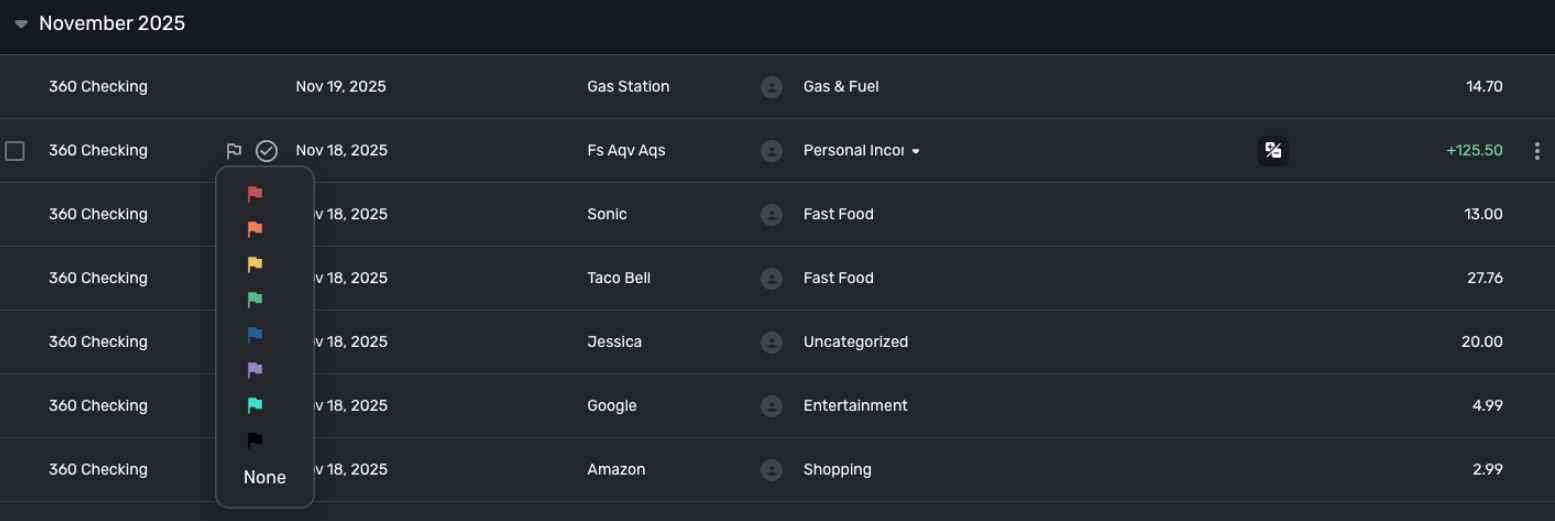
Are we using the same register? Do any of your team members have registers that look like mine?
 DryHeat
Re: Include all categories when exporting reports, even if they haven't been used (edited)
Some (but not all) reports have an option to hide or show the cents digits. (It would be better if all had this option.)
Something similar could be done with Categories — an option to either hide or show Categories that have no transactions in the period. That should satisfy all users.
DryHeat
Re: 529 accounts are not shown in the Other Investments part of the Investing Dashboard tile on Mobile
"I can understand that you are inferring this information based on what was provided; however, we cannot do that ourselves here in the community"
Actually, no "inferring" is involved. This is simple arithmatic. I'm pretty sure you could do it yourself.
I pointed it out hoping it would spare @rosachin21k from needing to waive privacy concerns.
DryHeat
Re: Cyan colored flag labeled as "Brown" in pick list
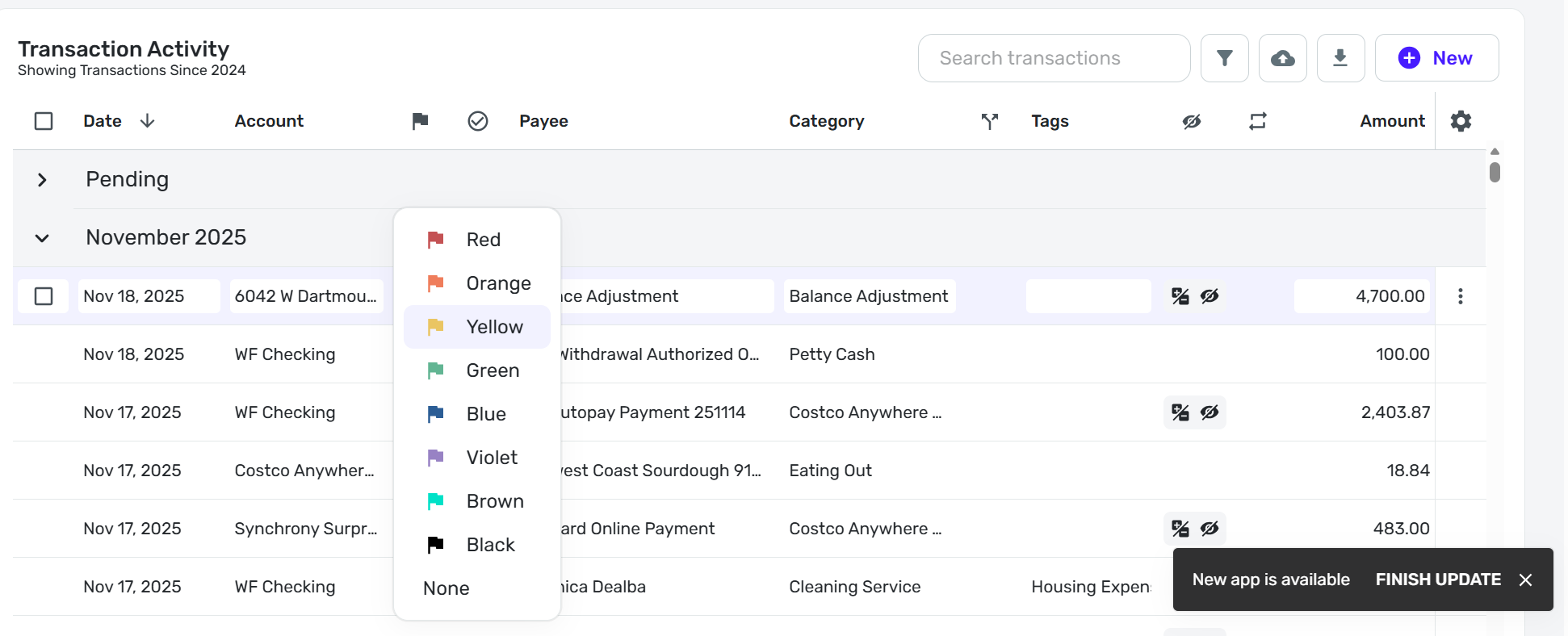
This is QS v. 4.84… I am now going to finish todays update and I'll see if this changes.
This is QS v. 4.85…
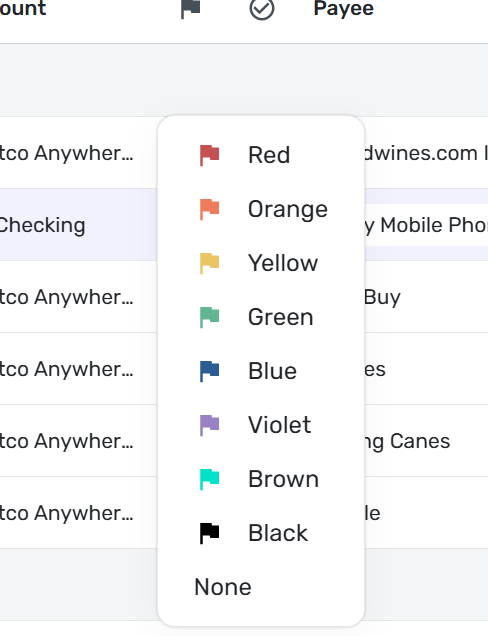
Like @DryHeat my flags have color labels.
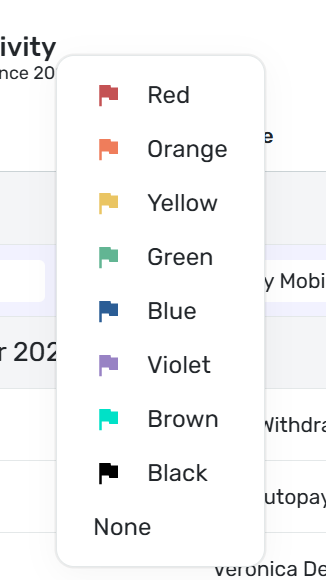
Here is what I see when I use DuckDuckGo browser:
I see the same in Google Chrome browser:
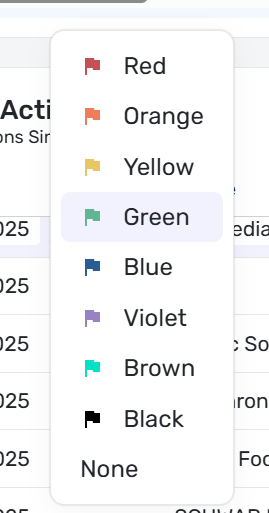
I even tried changing the zoom setting to see if that affected the color labels - it didn't either zooming in or out.
The original point of this discussion is the mislabeling of the cyan flag as Brown only to discover that at least for two of us there is the bewildering secondary issue that the labels appear at all.
I don't use flags and typically have the column deselected so for me, I have no recollection one way or another of the flags being labeled in the past and if not, when they started showing.
 DannyB
Re: Spending and Income Tabs in Your Registers: Share your feedback here!
Agreed, my 2c is that the transaction activity panel should use the same column config and capabilities (like multi-edit) as the 'transactions' tab; that is what makes this useful, being able to edit transactions in the same way from the same place but in report view.
right now it's really just s shortcut to the report (which is nice by itself, don't get me wrong…) but the change in behavior/capabilities based on the tab selected is an unexpected behavior.
Also agreed on the dates - it seems they always default to last 12 months
This would be another good use for the 'saved reports' that has been on the list.. the user could select a 'saved report' with whatever filters, that could then be selected as thedefault view for for instance the Spending tab on Account A… feature request here
https://community.simplifimoney.com/discussion/87/saved-reports-edited-13-merged-votes#latest
Re: Target Red Card - FDP-163 error (edited)
It worked thanks. The only caveat is that the transactions posted on the card between (1) the last sync before the reset and (2) the first sync after the reset were not downloaded. Not a big deal in my case (I added them manually), but I think it's worth sharing this, since it's unlikely to be an intended behavior of the system.
 maxvv
maxvv
Re: How can a community member search for requests that are Active, Already Offered, etc?
@Dick_Davis, thanks for posting your inquiry to the Community!
First, navigate to the Feature Requests page:
There are then sorting and filtering options at the top:
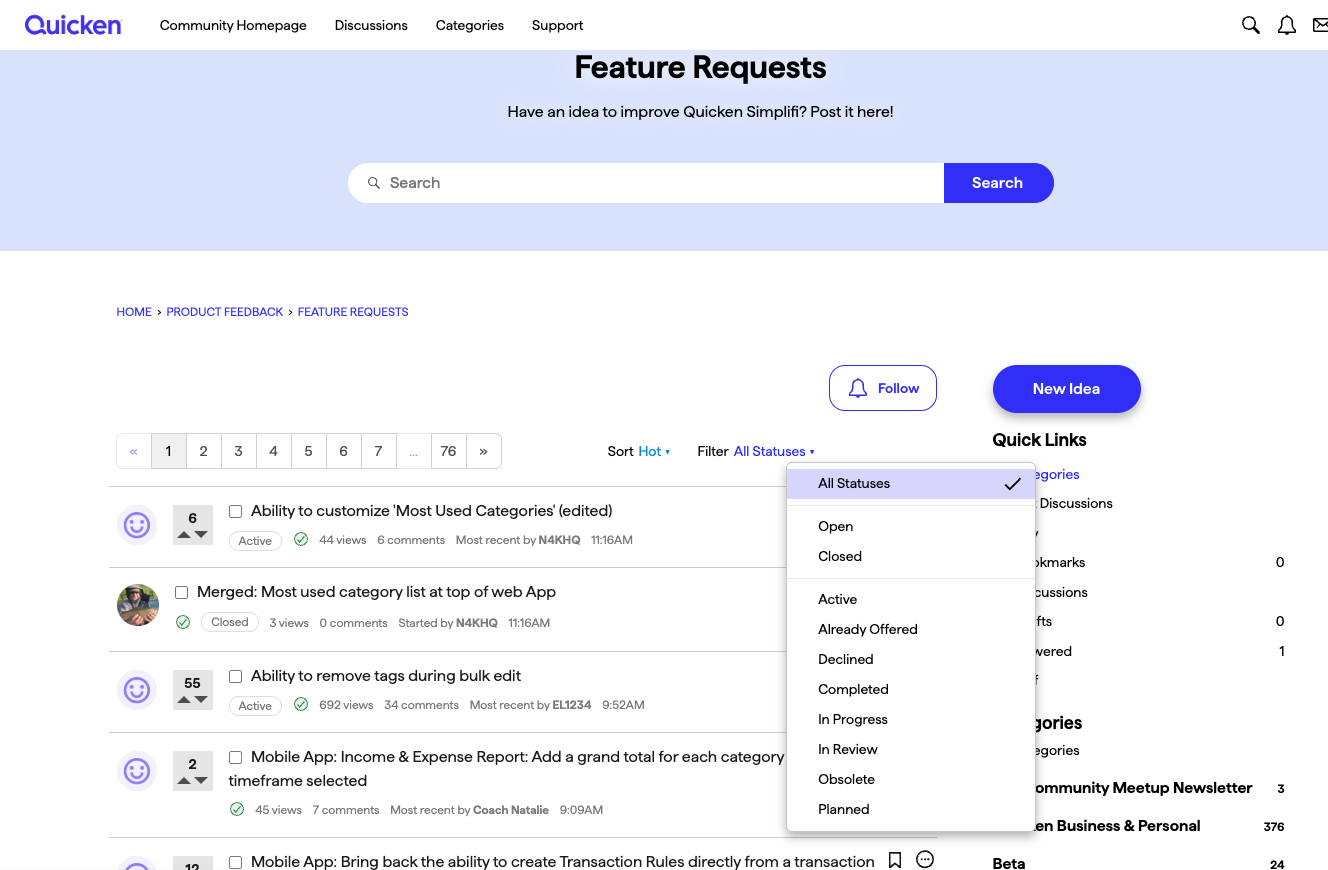
I hope this helps!
