Best Of


Re: FDP-106: ComputerShare
@nmnmnmnmn, thanks for the information!
Since the FDP-106 error is occurring on an existing account, please try establishing a completely fresh connection with the bank to see if doing so clears things up for you. Here are the steps:
- Make all of the accounts with this bank manual by following the steps here.
- Once you see the account(s) listed in the Manual Accounts section under Settings > Accounts, go back through the Add Account flow to reconnect to the bank.
- If the connection is successful, carefully link the account(s) found to your existing Quicken Simplifi account(s) by following the steps here.
Let us know how it goes!

Re: The "This Year" Date Range option should include the full calendar year, not YTD (edited)
I agree with the "year to date" and the "This year" as recommended. This makes sense and the user will be able to understand in a clear, concise manner.
I do also feel that that the "this year" will provide the user with the ability to look forward to where transactions have been entered and they can be easily found on many of the screens. Also, with the reports, Income and Expense, the user can see what is coming and what they need to have funds for to pay.

Re: Schwab "check numbers" not in the Quicken "check number" field
Hello @KrensSmith,
Thank you for coming to the Quicken Simplifi Community with this issue!
When I checked our internal tools, I noticed that you have a Quicken Classic subscription. If you are encountering this issue with Quicken Classic, I recommend that you post about the issue on the Quicken Classic Community. Here's the link:
I hope this helps!

Re: FDP-103 error with TSP account. (edited)
Hello, here is the information you requested.
- Have there been recent changes in the TSP website? If there are changes, what was changed?
None that I am aware of; I have not been able to connect my TSP account to Simplify for over 6-months.
- What is the exact URL you use to log in to your account (login URL)?
https://www.tsp.gov
- What type of accounts are you adding (banking, investment, debt, etc.)?
Investment
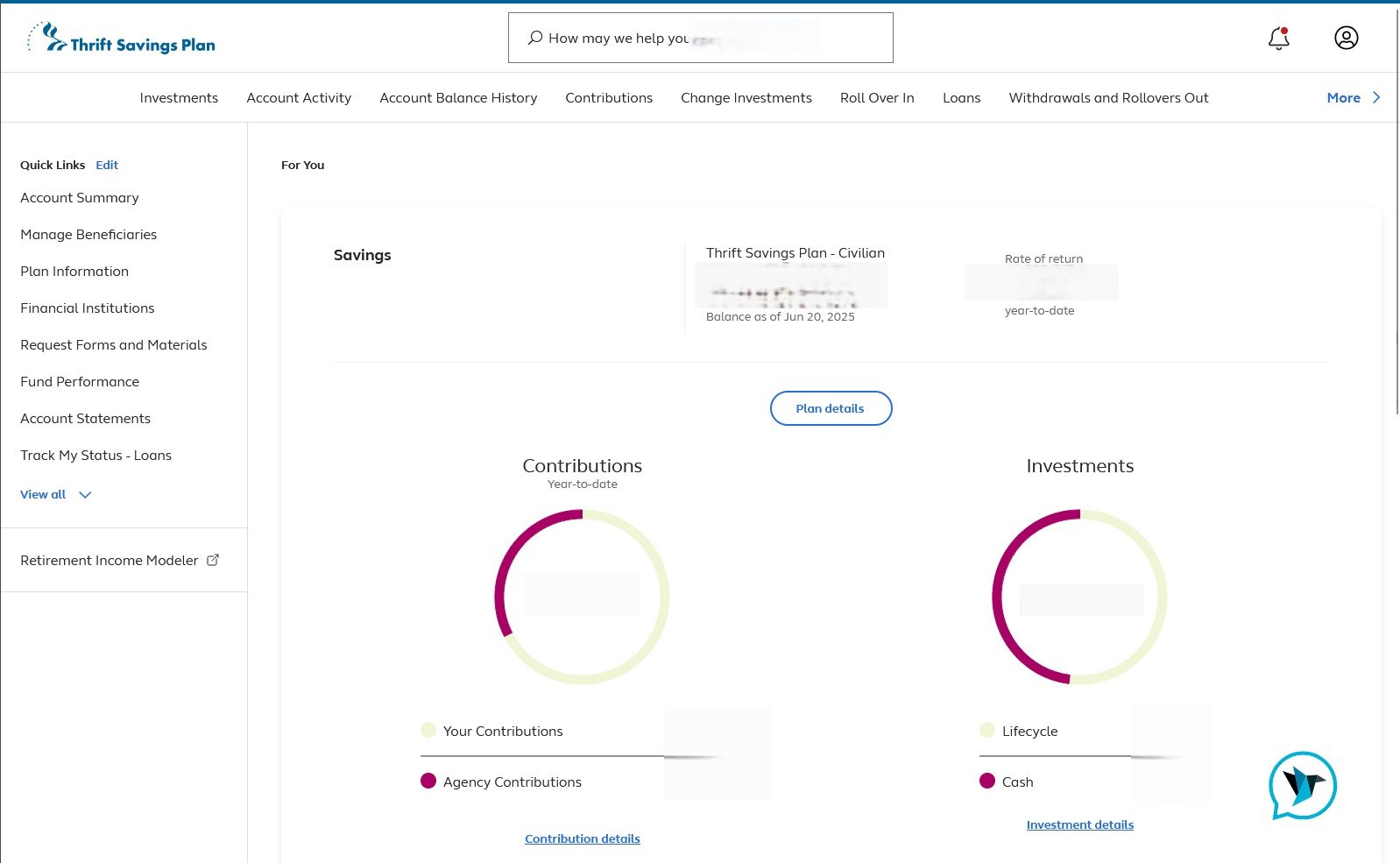
- Please provide a screenshot of your account summary page that shows the full URL. Please remove or obscure any personal information.
- Provide the FORMAT of your password (NOT the actual password!). For example, the password of "Quicken123$" would be "Xxxxxxx###$." Document the specific special character(s) in the password (AGAIN, DO NOT show actual password!). We recommend to NOT use the following special characters & < > / \.
xXXxXxXXXxXxxxxxXxXXxXXxXXXxXXxX
Re: How to get default categories back? (edited)
yeah no worries thank you for following up.
Re: Manually updating investments while team resolves issues
Hi,
If you mean entering dividends, buys, sells, reinvestments in your Investment account, sure you can just add them manually. Simplifi will ignore them anyhow. They are just for your records.
I think for updating your holdings, there is nothing you can do to fix that as long as it is a connected account. It's frozen until you get a refreshed download.
You could create a manual account to add the new holdings you now have gotten since you lost connectivity. This would help you keep up with your net worth. This would be something you would later delete once you have connectivity again.
The third option would be to take the account manual, and then you can edit it as you see fit and change your holdings. You could later reconnect this account and Simplifi would, I think, overwrite your holdings with the downloaded ones.
This is some food for thought. It's been a while since I had a manual investment account in Simplifi, and I don't want to tell you blithely to do it. I once took my Fidelity Investment Accounts manual to edit them and then reconnected them. It was fine, but I held my breath thinking I might lose data., which is always possible. Of course, you can always recreate it. So it comes down to you.
By the way, how long have you've been without connectivity? I assume you've tried everything to reconnect and you know that this is a known issue?
 SRC54
SRC54
Re: Add an option to expand/collapse all transaction rows (edited)
Want to keep this discussion active. Once again, an expand all/collapse all option for the transaction pages would be a great feature to add.
 DannyB