FDP-103 error with TSP account. (edited)

I have updated my password, I have reset my connections, I have made my password be less secure because of character requirements, and still I am getting the message:
To connect to Thrift Savings Plan, you must re-enter your credentials. If that does not work, try entering them on the website at Thrift Savings Plan to ensure they are correct.
Care Code: FDP-103
I enter the credentials over and over with no luck. The credentials work just fine on my actual account and the TSP.gov website. I have asked for assistance on this in the past and have not been able to get assistance without giving screenshots of sensitive information which I do not want to do. I ask for escalation on this as it has been months since this connection has worked.
Comments
-
Hello @User123484u,
Thank you for sharing your experience. I can see you contacted us in the past about getting a FDP-102 error with Thrift Savings Plan (TSP), but I'm not seeing any contacts about a FDP-103 error. Do you have the ticket number handy?
For us to be able to escalate this issue, we do first need to confirm that all troubleshooting has been done.
When you input your password in Quicken Simplifi, are you using the show password icon to verify there are no typographical errors?
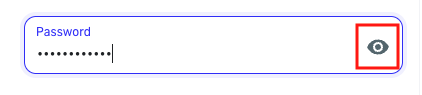
If you use a password manager, have you tried typing the password into Quicken Simplifi manually, just in case the stored password is outdated?
You mentioned that you have already verified your credentials work on the TSP website. If you haven't tested recently, I recommend checking again, just to confirm that the account isn't locked.
If the above steps do not resolve the issue, please provide the following additional information:
- Have there been recent changes in the TSP website? If there are changes, what was changed?
- What is the exact URL you use to log in to your account (login URL)?
- What type of accounts are you adding (banking, investment, debt, etc.)?
- Please provide a screenshot of your account summary page that shows the full URL. Please remove or obscure any personal information.
- Provide the FORMAT of your password (NOT the actual password!). For example, the password of "Quicken123$" would be "Xxxxxxx###$." Document the specific special character(s) in the password (AGAIN, DO NOT show actual password!). We recommend to NOT use the following special characters & < > / \.
If you are not comfortable providing the requested information in this discussion, it is okay to send the information via DM.
I look forward to your response!
-Coach Kristina
0 -
Hello, here is the information you requested.
- Have there been recent changes in the TSP website? If there are changes, what was changed?
None that I am aware of; I have not been able to connect my TSP account to Simplify for over 6-months.
- What is the exact URL you use to log in to your account (login URL)?
https://www.tsp.gov
- What type of accounts are you adding (banking, investment, debt, etc.)?
Investment
- Please provide a screenshot of your account summary page that shows the full URL. Please remove or obscure any personal information.
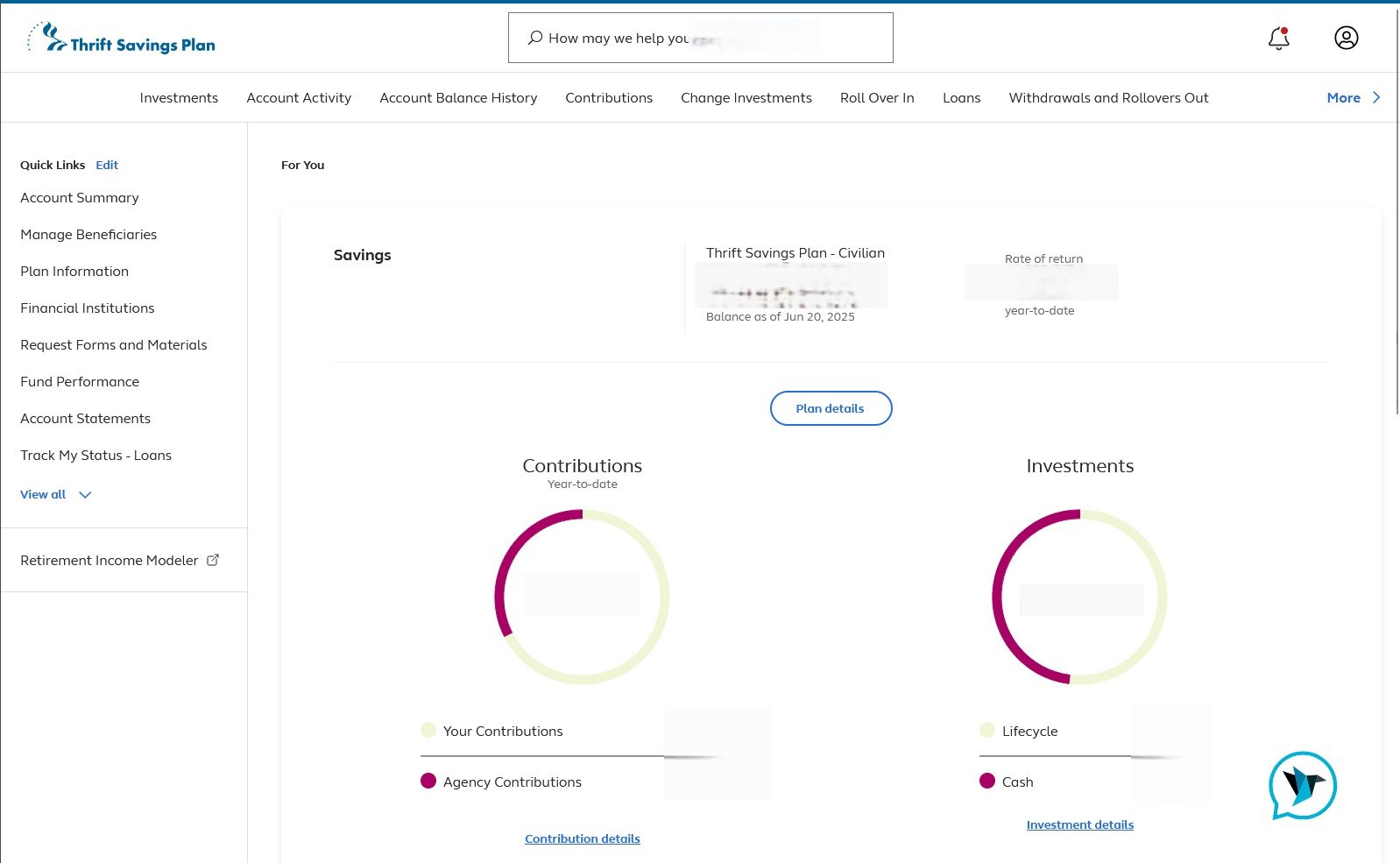
- Provide the FORMAT of your password (NOT the actual password!). For example, the password of "Quicken123$" would be "Xxxxxxx###$." Document the specific special character(s) in the password (AGAIN, DO NOT show actual password!). We recommend to NOT use the following special characters & < > / \.
xXXxXxXXXxXxxxxxXxXXxXXxXXXxXXxX
1 -
Thank you for your reply,
It is possible that the issue is being caused by the length of the password you're using. Some financial institutions impose restrictions on 3rd party applications that they do not impose on customers logging in directly through their website.
Please try reducing the password length to 20 characters (it's okay to use special characters, as long as they are not & < > / \), and test to see if you still get the error when trying to connect the account in Quicken Simplifi.
Thank you!
-Coach Kristina
0 -
Thank you. I have changed the password and the error continues.
0 -
Thank you for your reply,
Since the error continues, even with the shorter password, we will need logs in order to further investigate the issue. To send logs, please follow these steps:
- Log into the Quicken Simplifi Web App.
- Select Profile from the left-hand navigation bar.
- With the Profile menu open, hold down the Option key for Mac or the Alt key for Windows, and then click Send Feedback.
- Leave all boxes checked, add a brief description of the issue, and then click Send.
Thank you!
-Coach Kristina
0 -
Complete.
1 -
Hello @User123484u,
Thanks for sending the logs @Coach Kristina requested! I went ahead and got this issue escalated to our service provider. I will be sure to report back here when we have any updates on this issue.
-Coach Jon
EWC - 11825635
-Coach Jon
0 -
Hello @User123484u,
I am back with an update from our service provider on your issue! They would like you to update your password at the bank's website and to make sure it does not contain any of the following special characters: ""{}|[]\/<>~`:;()". Afterwards, please try establishing a fresh connection with the account in Quicken Simplifi to see if this issue is resolved:
- Make all of the accounts with the bank manual by following the steps here.
- Once you see the account(s) listed in the Manual Accounts section under Settings > Accounts, go back through the Add Account flow to reconnect to the bank.
- If the connection is successful, carefully link the account(s) found to your existing Quicken Simplifi account(s) by following the steps here.
-Coach Jon
-Coach Jon
0 -
I have reset my password and made sure it conforms to the requirements above. I cannot make a new connection to the bank it fails with the same error I listed in my post. For reference, I have tried these steps (reset the password, try again) 3 times with the same result.
0 -
Thanks for letting us know @User123484u!
I let the service provider know, and I will be sure to follow up here once we hear anything back!
-Coach Jon
-Coach Jon
0 -
Hello @User123484u,
I am back with another update from our service provider. Please try reconnecting the accounts within the program again, and let us know if that ends up working this time. If it does not, please supply the following information:
- The name of the account(s), as it appears in Quicken Simplifi.
- The name of the account(s), as it appears on the bank's website.
-Coach Jon
-Coach Jon
0 -
I am still unable to make a connection to the account. There is no name in Simplifi because I cannot make a connection to get that far. On the TSP.gov website the account name is Thrift Savings Plan - Civilian.
0 -
Hello @User123484u,
Thanks for the requested information. I noticed that the Account Summary screenshot you shared previously did not have the URL at the top of the page included. Can you provide that screenshot again with the URL included, please? As well as a screenshot of the FDP-103 error shown within Quicken Simplifi?
-Coach Jon
-Coach Jon
0 -
Both attached.
0 -
Hello @User123484u,
Thank you for the additional information. I did report this to my product team and will be sure to follow up here once I have a status update!
In the meantime, you can track the account manually by adding manual transactions, which will keep your records up-to-date. Here are the steps to do so: Managing Transactions in Quicken Simplifi | Quicken Simplifi Help Center
If the account is an investment account, the manual tracking steps are a little different:
- Make the account manual so you can add and edit Holdings: How to Make an Account 'Manual' | Quicken Simplifi Help Center
- Add/edit your Holdings to keep accurate records: Tracking Investments in Quicken Simplifi | Quicken Simplifi Help Center and Tracking Investments in Quicken Simplifi | Quicken Simplifi Help Center
-Coach Jon
CTP-13685
-Coach Jon
0 -
Unfortunately the manual options do not do anything for me to track my investments. It is easier to simply log into my bank to check. In fact, many of my accounts are getting easier to just login to them instead of trying to continually troubleshoot Quicken's connections. I hope things change soon.
0 -
Hello @User123484u,
Thanks for your patience. I am back with an update from our product team. They would like you to please try changing your password to something between 8 and 12 characters in length. Afterward, please try connecting once again and let us know how that goes!
-Coach Jon
-Coach Jon
0 -
TSP will not allow anything less than 12-character passwords, and reducing the number of characters like this reduces the security of my password. Regardless, just like the last 4 times I have reset my password, this did not fix the issue. Same error, same loop. So. Completely. Frustrating.
This is not a password problem as it requires my SMS code to go through. This is a connectivity problem between Simplify and the TSP.gov website. Please address.
0 -
Hello @User123484u,
Thanks for the update! If you can, please provide the updated format of the password as requested previously in this thread.
- Provide the FORMAT of your password (NOT the actual password!). For example, the password of "Quicken123$" would be "Xxxxxxx###$." Document the specific special character(s) in the password (AGAIN, DO NOT show the actual password!). We recommend to NOT use the following special characters & < > / \.
Additionally, we will need new logs so that we can get this reported back to our product team:
- Log into the Quicken Simplifi Web App.
- Select Profile from the left-hand navigation bar.
- With the Profile menu open, hold down the Option key for Mac or the Alt key for Windows, and then click Send Feedback.
- Leave all boxes checked, add a brief description of the issue, and then click Send.
Thank you!
-Coach Jon
-Coach Jon
0 -
Hello @User123484u,
I am following up to verify if you have seen my previous reply regarding updating your credentials. If so, please provide that information to us so that we may get this reported back to our product team.
Thanks!
-Coach Jon
-Coach Jon
0 -
Here is the information requested
[removed - privacy]
I have sent in the logs.
0 -
Hello @User123484u,
Thank you for the reply and requested information! I did get this reported back to my product team and will follow up here with any further status updates.
-Coach Jon
-Coach Jon
0 -
@User123484u, thanks for your patience as our engineering team worked through that session with you!
At this time, it does appear that the ticket was closed due to our engineering team being unable to obtain the HAR file that our service provider needs. It's possible that other users have or will be able to provide this data, which may result in a fix for everyone, but this particular thread will no longer be tracked as an escalation.
Just wanted to give you an update from the Community side of things!
-Coach Natalie
0




