"Oops! Something went wrong error" when viewing transactions with new register (edited)

This is -new- tonight and is kind of a big deal. Something went wrong, and was fine earlier today.
In Chrome, yes, the same in incognito mode. Yes, I tried in Safari as well, same result.
When I click the 'transactions' menu or from dashboard, click an account on the dashboard, This is what I get:
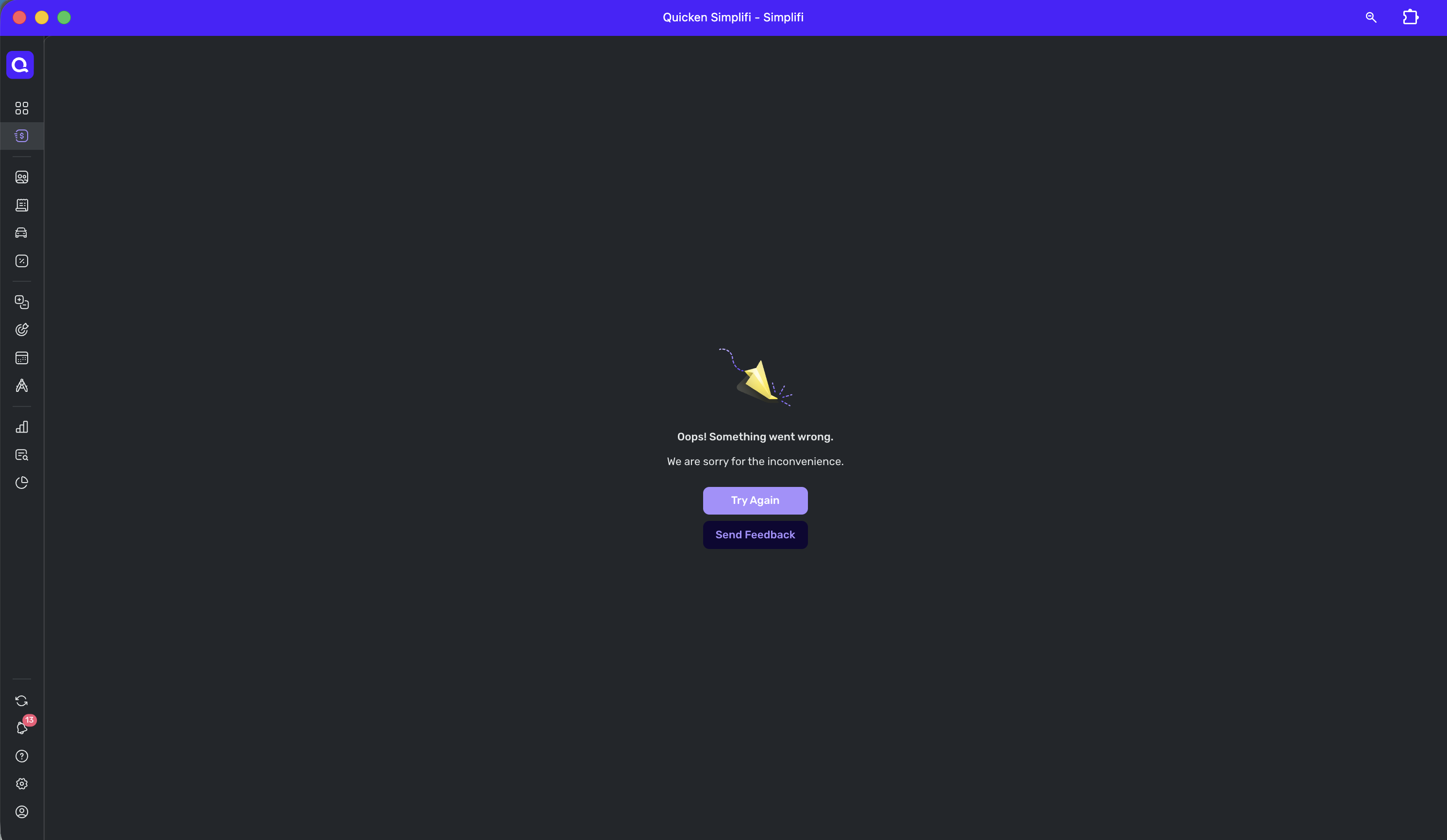
I -am- willing to believe if most users aren't seeing this, this may have something to do with an early access register I have that not all users might also have.
→ Temporarily, I can "edit" transactions from reports and other areas of the app, and otherwise can just let them download for now I guess. Also, from Bills & Income i can see cash flow.
—
Rob Wilkens - RobWilkens.com
Comments
-
@Coach Jon THANK YOU - I for a moment forgot the mobile app existed (call it panic mode thinking). I can use it as alternate data entry. Mobile app seems fine.
-Rob
—
Rob Wilkens - RobWilkens.com1 -
I cannot open my web app either. Upgraded to 4.80 and since then no accounts will display. I can get to Dashboard and reports, etc, but no accounts display.
As you say, makes no difference whether in Safari or Chrome.
Steve
Quicken Simplifi (Safari & iOS) Since 2021
Quicken Classic (MacOS) Since 2009
MS Money (1991-2009) and Dollars & Sense (1987-1991)0 -
Update: I turned off Early Access, and everything is working again. I assume this will get fixed asap.
Edit: Now morning, and still broken. I sent in a bug report. As I say with Early Access off I can regain use of the account transactions without the test features which include the Register changes.
@Coach Jon I sent in a bug report and logs FWIW.
Steve
Quicken Simplifi (Safari & iOS) Since 2021
Quicken Classic (MacOS) Since 2009
MS Money (1991-2009) and Dollars & Sense (1987-1991)1 -
I'm seeing the same thing with v.4.80 when I click on "Transactions" in the main navigation bar.
The same thing happens when I try to navigate to a specific account from the Accounts list in Dashboard.
This is a show-stopper level bug that needs to be addressed immediately.
(FWIW, I have QBP and am one of the users who have access to the new transaction register.)
[EDIT] As @SRC54 says, turning off Early Access fixes this. So… not quite a show-stopper.
DryHeat
-Quicken Classic (1990-2020), CountAbout (2021-2024), Simplifi (2025-…)0 -
Hey everyone,
I am seeing this issue in my own register that has the new design enabled, and I have let the product manager know. Turning off Early Access works for me, but I think that's because it puts me back on the regular register. At any rate, they are aware and will get this fixed.
Thanks!
-Coach Natalie
2



