Unable to connect to Elevations - FDP-102 (edited)

Comments
-
Hello @freirich,
Thank you for reaching out! To help troubleshoot, I checked on our end, and can see what looks like a successful connection this morning. Were you able to connect/update the account? If not, please provide more information. What error message/code are you seeing? If you are not seeing any errors, what happens when you try to connect/update the account?
Please also be aware that there is currently a known issue connecting with Elevations Credit Union. If you are seeing a to.100 or FDP-101 error, then you're likely being impacted by the known issue:
I look forward to your reply!
-Coach Kristina
0 -
I received a notification today that this was resolved. It is not, I still can not connect
1 -
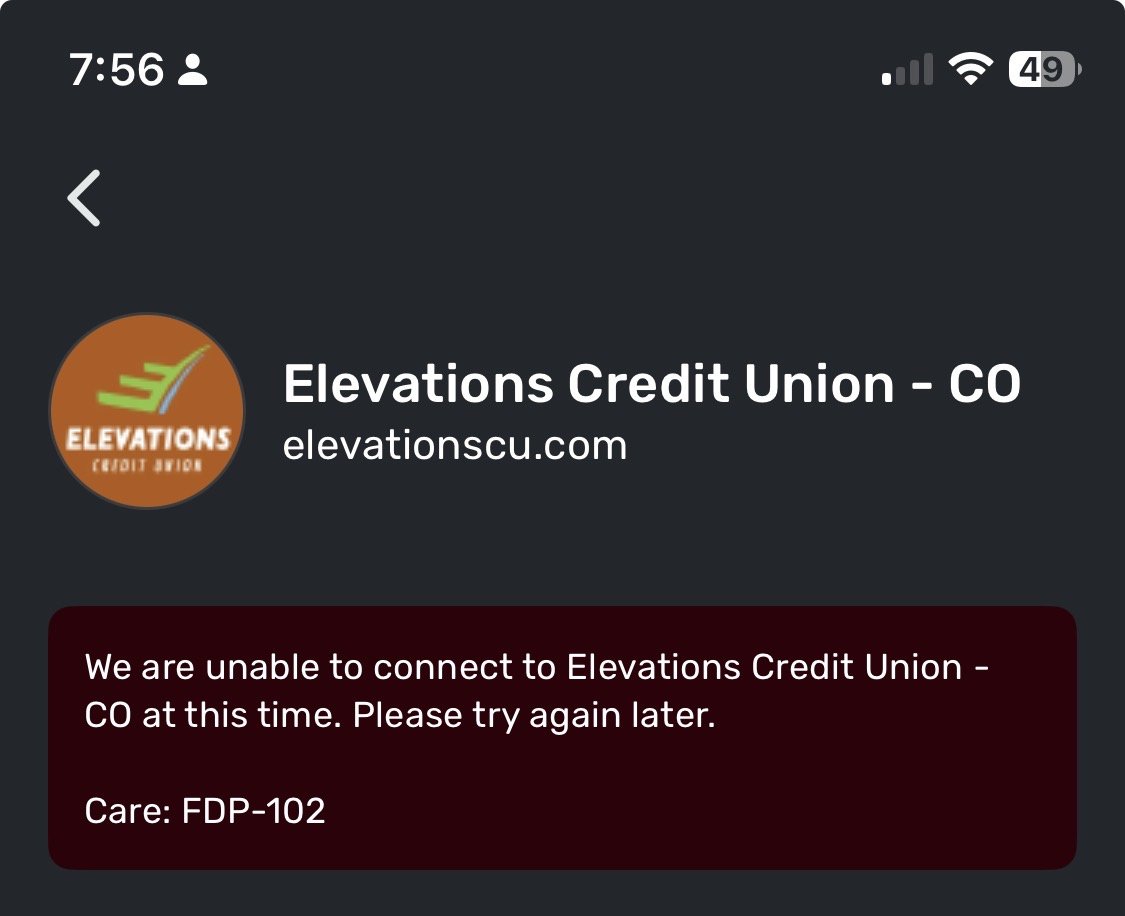
screenshot for reference. Not connecting. Thx.
0 -
Hello @badbread,
Thanks for reaching out as well. I can see that you have been experiencing an FDP-102 error as of today. This type of error usually clears up after 48 hours in most cases. Can you let us know if you are trying to update an existing account already in Quicken Simplifi, or if you are trying to add a new account?
For the former, I would have you try the following steps:
- Make all of the accounts with the bank manual by following the steps here.
- Once you see the account(s) listed in the Manual Accounts section under Settings > Accounts, go back through the Add Account flow to reconnect to the bank.
- If the connection is successful, carefully link the account(s) found to your existing Quicken Simplifi account(s) by following the steps here.
Let us know!
-Coach Jon
1 -
Hi, these were existing accounts at Elevations. I just deleted and readded them, new names and the connection worked. That seemed to fix things.
1 -
Those steps did seem to work and elevations seems to be connected again. Thank you.
1

