Rules Not Working

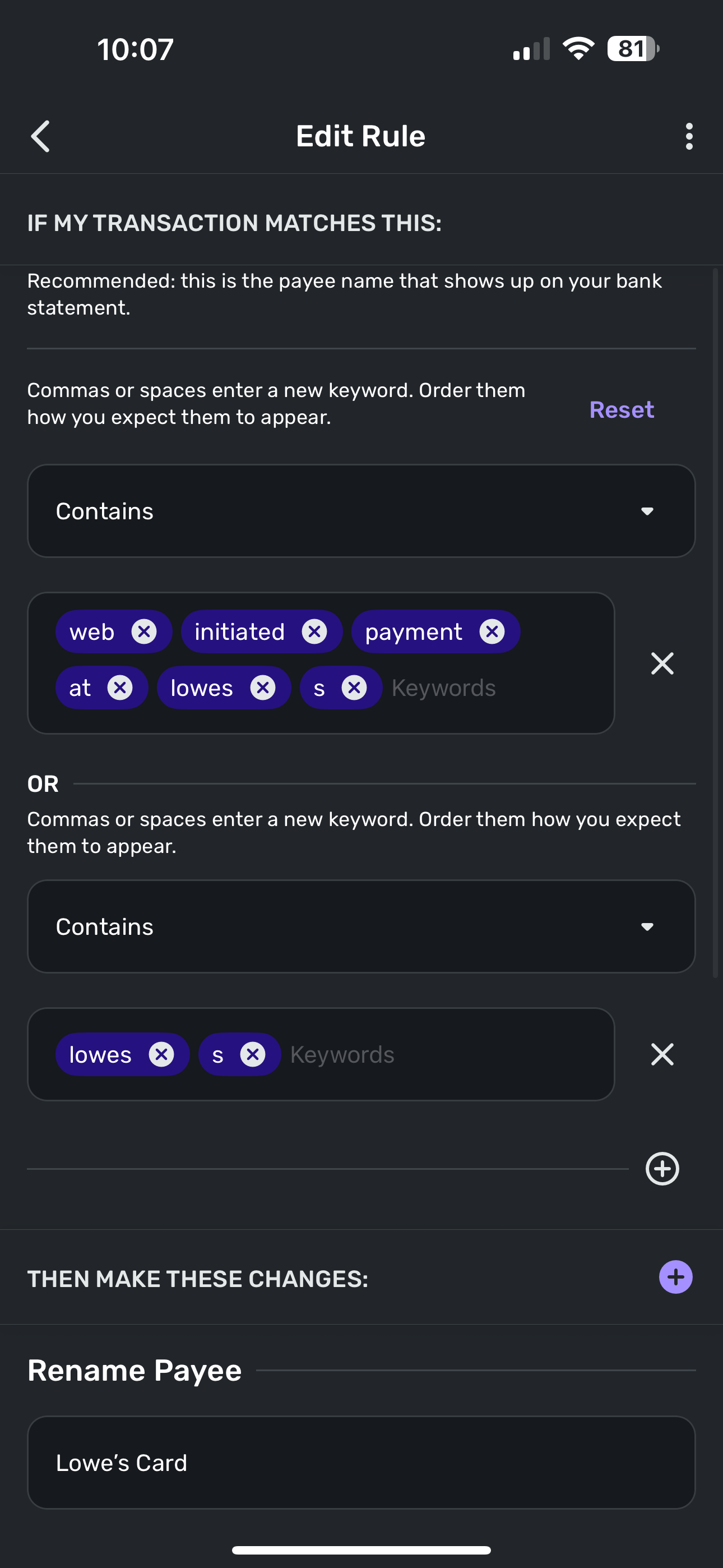
I’m having trouble with a rule for my Lowe’s Credit Card transaction. When the payment posts from my bank, the original transaction shows as “Web Initiated Payment at Lowes S” and I’m trying to create a rule to change that name to “Lowe’s Card Payment”. I have used every combination possible and even changed from “contains” to “exact” and nothing will work to apply the rule. Thoughts?

Comments
-
Screenshot attached. I’m trying to focus on the “Lowes S” portion of the transaction name as that’s unique to a credit card payment. If I use only “Lowes” it’s likely to change all transactions from my debit card as well. I’m having the same problem with my my Chase card too. No matter what I use for a rule it doesn’t recognize it
 0
0 -
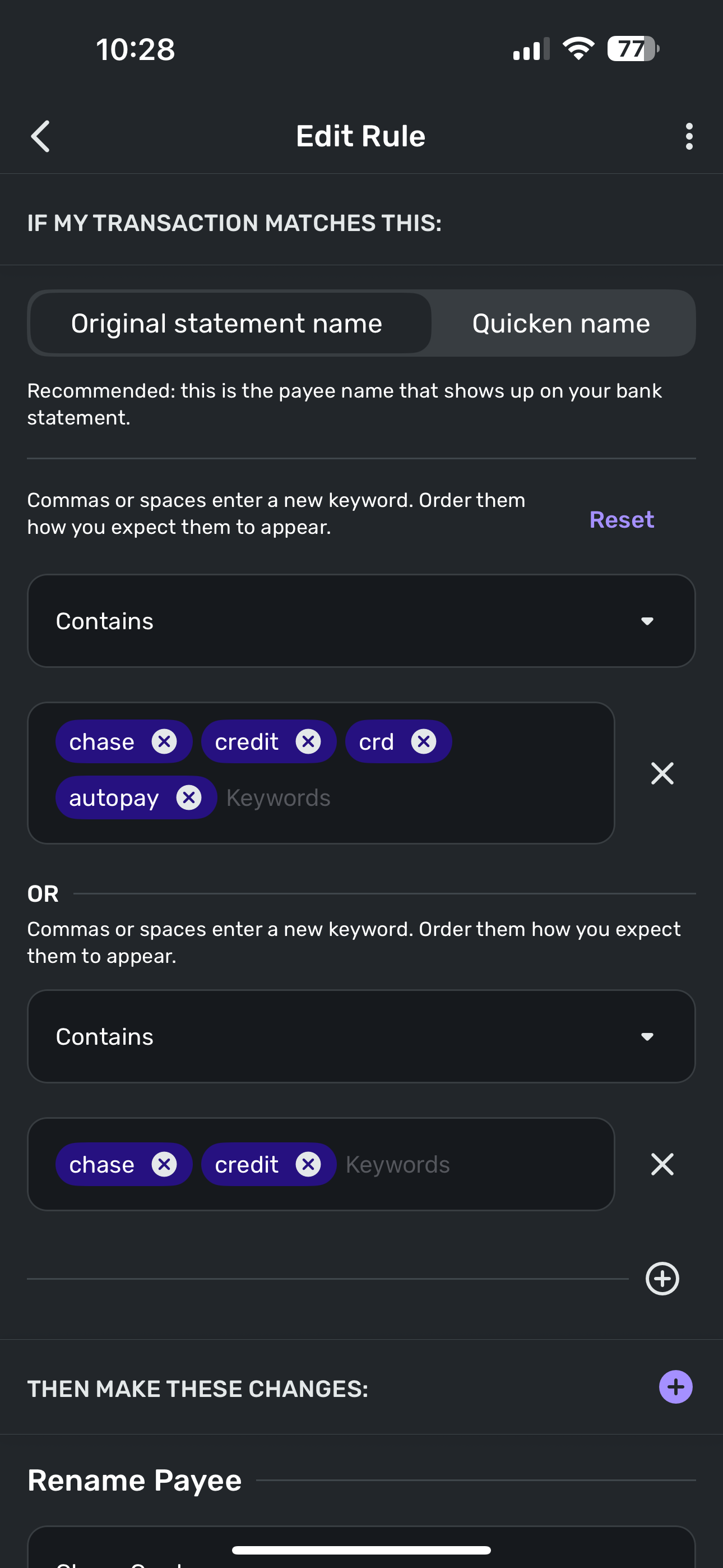
Same for my Chase Card. I have tried every combination possible and nothing works. I need to use more than just “Chase” as I’m afraid it will find any transaction called “recurring purchase” and apply the Chase name rule.

 0
0 -
Hello @housetr,
Thank you for the requested screenshot! I would see if removing the secondary section of this rule and taking out the "s" from the first section works to apply the rule. If you have any existing transactions, you can see if this rule gets applied immediately once reviewed in the next window.

Let us know if this works!
-Coach Jon
-Coach Jon
0 -
I cannot use just “Lowes” as there transactions in Simplifi where I’ve used my debit card at Lowe’s and it will change all them too.
0 -
Hello @housetr,
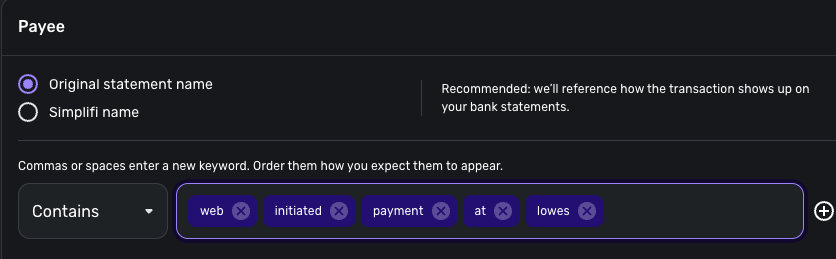
Thanks for the reply! I believe there may be a misunderstanding here. I did not mean for you to just use "Lowes", but to keep the rule the same as presented in your screenshots and just remove the "s" from the list of keywords, as well as removing the secondary "OR" section. Let me know if this makes sense!
-Coach Jon
-Coach Jon
0 -
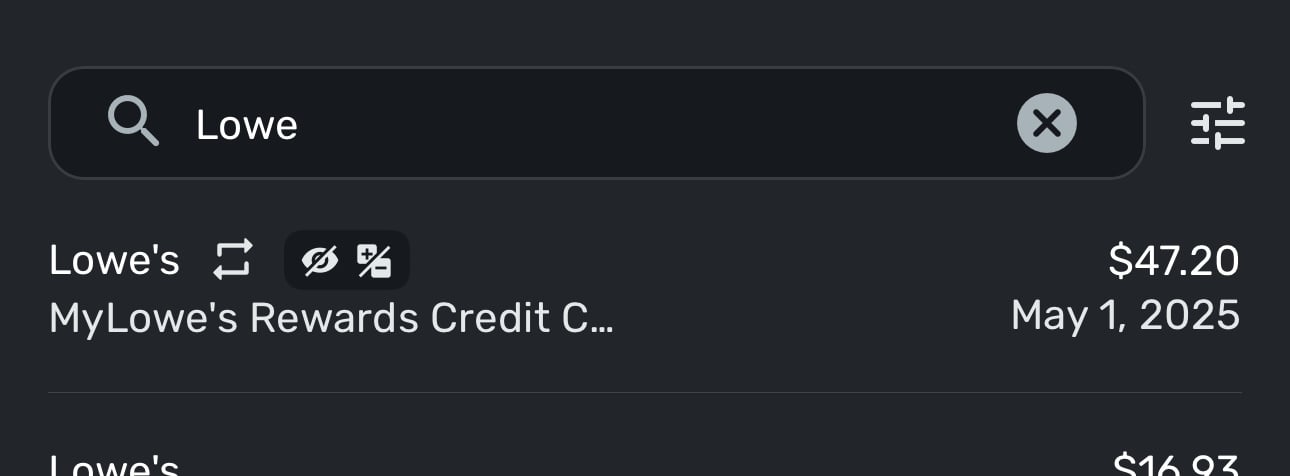
Ok, tried that just now and doesn’t work either.
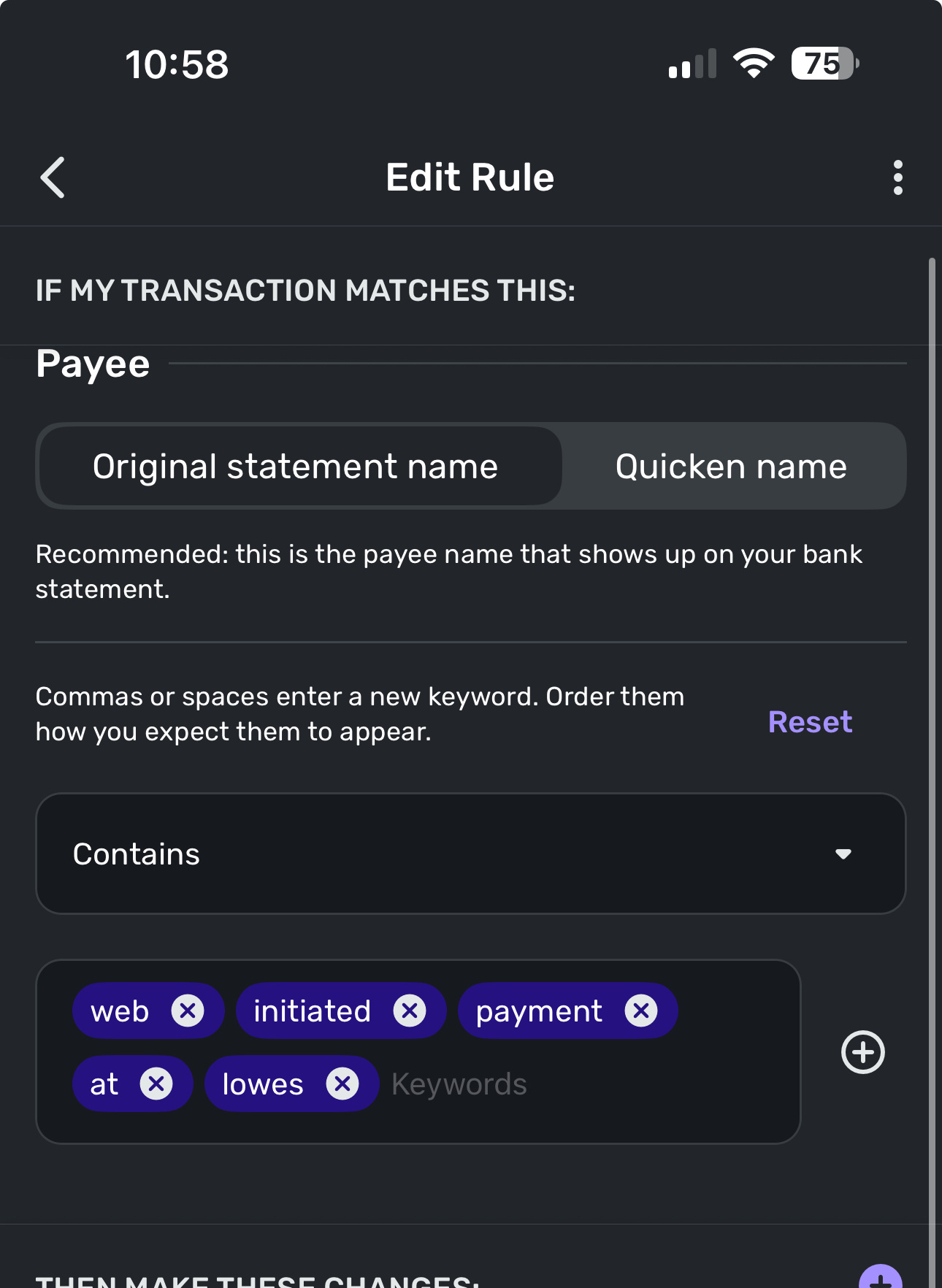 0
0 -
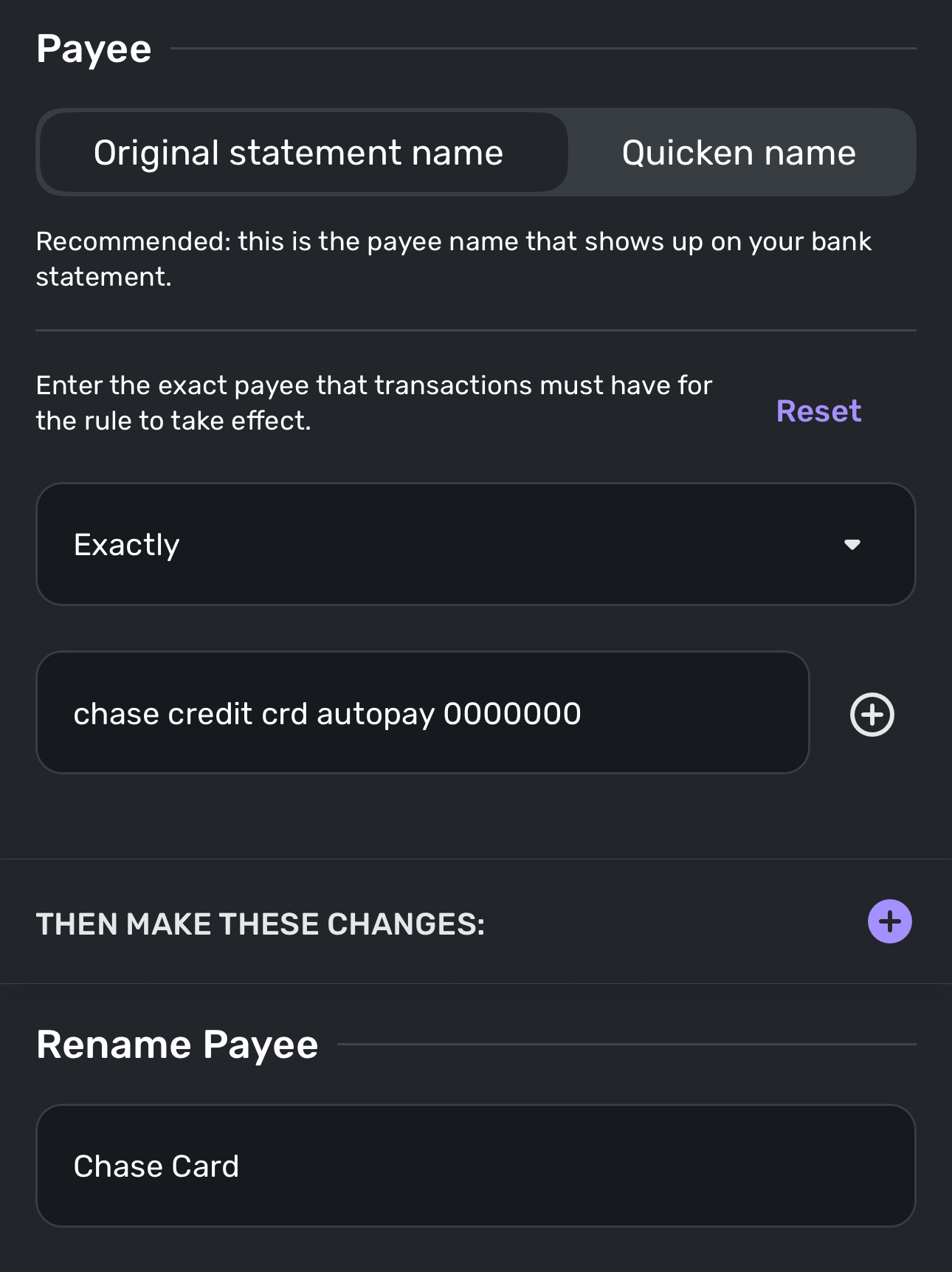
For the Chase Card rule, I even created a rule using exactly what showed in the original transaction name “Chase Credit Crd Autopay 0000000” and the rule doesn’t apply for that one either.
0 -
Hello @housetr,
Thanks for the reply. If you navigate to one of the transactions and open up the transaction detail window, can you provide a screenshot of what you see there? I would also see if changing from the Original statement name to the Quicken name works here with the same rules you have set up.
-Coach Jon
-Coach Jon
0 -
Jon, sent you a private message.
0 -
Hello @housetr,
Thank you for the direct message. Do you currently have other rules created that might be affecting these transactions you are currently trying to create a rule for? Additionally, I would see if creating a rule from the transaction in the account register itself works.
-Coach Jon
-Coach Jon
0
