Customize Dashboard on iPad

Comments
-
Hello @housetr,
Thanks for reaching out! We turned this idea post into a discussion to get some more information regarding this topic. Since the iPad is also a mobile application, just formatted for the iPad itself, you should be able to customize the Dashboard like on the iPhone. Have you tried dragging and dropping, or maybe holding down on a tile to see if that works? Can you provide screenshots as well, showing that you cannot customize the Dashboard?
-Coach Jon
-Coach Jon
0 -
I can also confirm that neither dragging and dropping, nor long-holding on the iPad will allow customization. If I sent you a screenshot, it would just be of the static page. I was going to send a video, but i'm not sure the video shows 'touch' point which might be eseential to understanding what;'s going on in the video.
—
Rob Wilkens
0 -
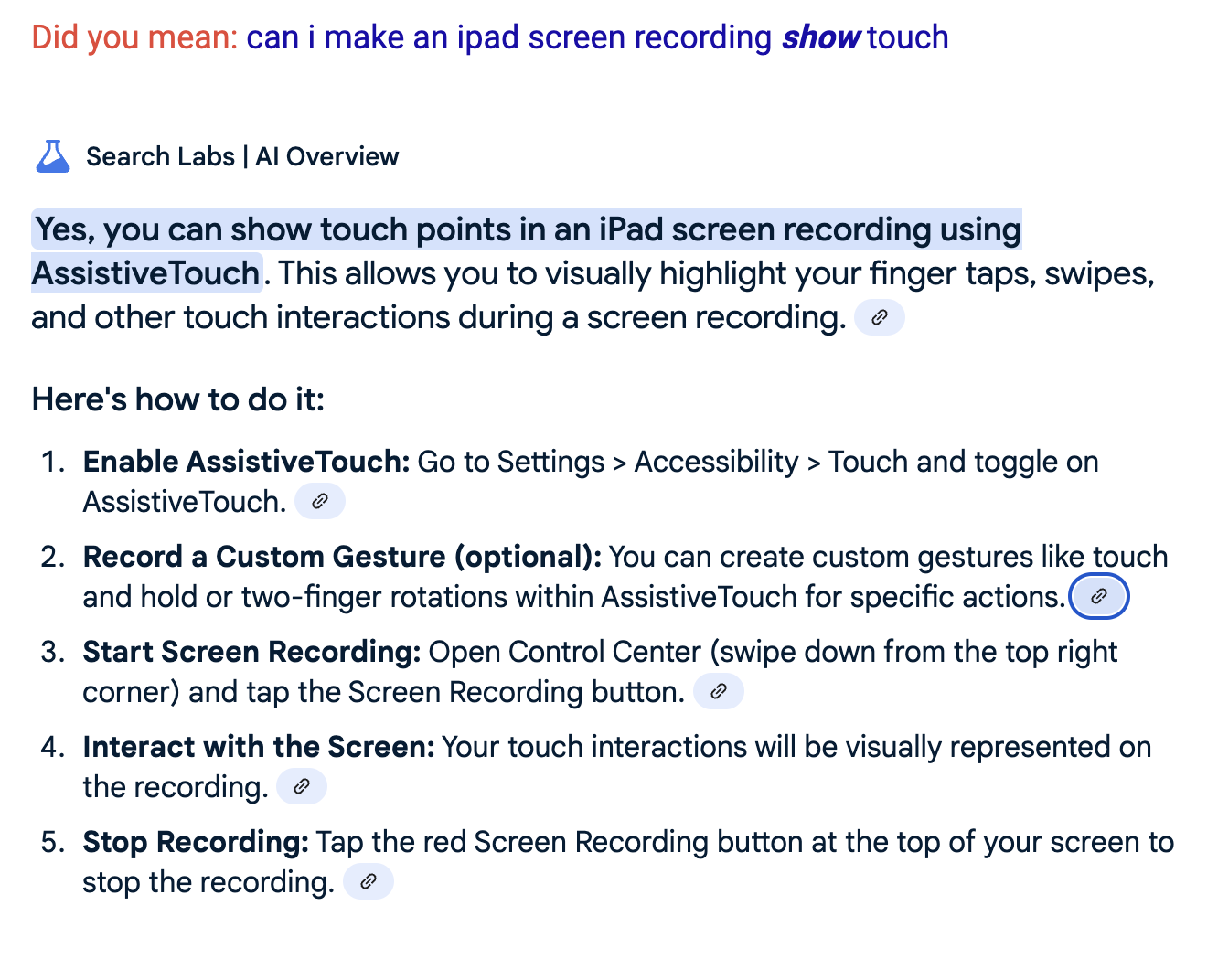
Google says there is a way to show touch in screen recordings in videos on ipad Screen Recorder. Do you want me to do this?
—
Rob Wilkens
0 -
I am back after reaching out to my product team about this issue. I can confirm that the feature to customize the Dashboard is currently disabled for iPads. They did let me know that it will be enabled after they work on a few things first.
I am sorry I don't have a better answer, but at least it should only be temporary.
-Coach Jon
-Coach Jon
1 -
It's the fastest answer I've seen from the product team & support in this forum - I am impressed :-)
Better to disable a non-essential feature that has issues than to leave it running but broken, I agree.
-Rob
—
Rob Wilkens
2

