Cannot add First Command account - FDP-101/FDP-108 (edited)

I have never been able to add First Command accounts to Quicken Simplifi. I have investments located in the command center login and it is not working. This has been going on for several years, any update?
Comments
-
Hello @drouetd,
Thanks for reaching out! From our side, I can see that you are receiving an FDP-101 error when trying to connect. I do see that we have a couple of different instances of First Command available within Quicken Simplifi. Did you try the other instances to see if it allows you to connect? Let us know!
-Coach Jon
-Coach Jon
0 -
yes i have tried them all and none connect.
0 -
Hello @drouetd,
Thanks for letting us know! I can see that FDP-103 errors with the other instances you tried, and the FDP-101 error with the First Command Financial Services instance that you were experiencing before as well. If you can please supply logs to us, we can get this issue escalated:
- Log into the Quicken Simplifi Web App.
- Select Profile from the left-hand navigation bar.
- With the Profile menu open, hold down the Option key for Mac or the Alt key for Windows, and then click Send Feedback.
- Leave all boxes checked, add a brief description of the issue, and then click Send.
-Coach Jon
-Coach Jon
0 -
Logs sent, thanks.
0 -
Here is the screenshot.
0 -
Hello @drouetd,
I am back with an update! It looks like our service provider wants us to schedule a debugging session with you at this point. To request the session from our end, we need the following:
- Confirm that the email address and phone number listed on your Quicken Simplifi Account are your best contact info.
- Provide your general availability over the next few weeks, and please also include your time zone with this.
I look forward to hearing back from you!
-Coach Jon
-Coach Jon
0 -
Email is [removed for privacy]
Phone number is [removed for privacy]
I am available this Friday (central time zone) and Monday. Thanks.
0 -
I've also been experiencing the same error so interested to see what the fix is
0 -
Hello @craguirre,
Thanks for reaching out! Are you also trying to add this account for the first time into Quicken Simplifi, or are you trying to update an existing account already within the program?
-Coach Jon
-Coach Jon
0 -
I'm trying to add for the first time
0 -
Hello @craguirre,
Thanks for the reply. Have you tried the other instances of First Command available within Quicken Simplifi as well? If so, please supply logs to us if you can, as this will help us investigate further:
- Log in to the Quicken Simplifi Web App.
- Select Profile from the left-hand navigation bar.
- With the Profile menu open, hold down the Option key for Mac or the Alt key for Windows, and then click Send Feedback.
- Leave all boxes checked, add a brief description of the issue, and then click Send.
-Coach Jon
-Coach Jon
0 -
I have tried the other instances but I get error FDP-103. I'll provide the logs through the Feedback portal
0 -
Hello @craguirre,
Thanks for the requested logs! The last thing I would have you try is to disable any VPN's or third-party software that may be blocking the connection, if you have anything like that currently enabled. Let us know!
-Coach Jon
-Coach Jon
0 -
Hi Jon, I don't use VPN or am using third party software.
0 -
@craguirre, thanks for the reply!
Since this is your first time attempting to add this account, let's confirm that the option you're selecting in Quicken Simplifi is the correct option for you. To do so, search for "First Command Financial Services" in the Add Account flow and then select the bank. When you get to the screen where you enter your credentials, you'll see a URL displayed below the bank name. Click on this and see if you're able to sign into the new page that opens to the bank's website.
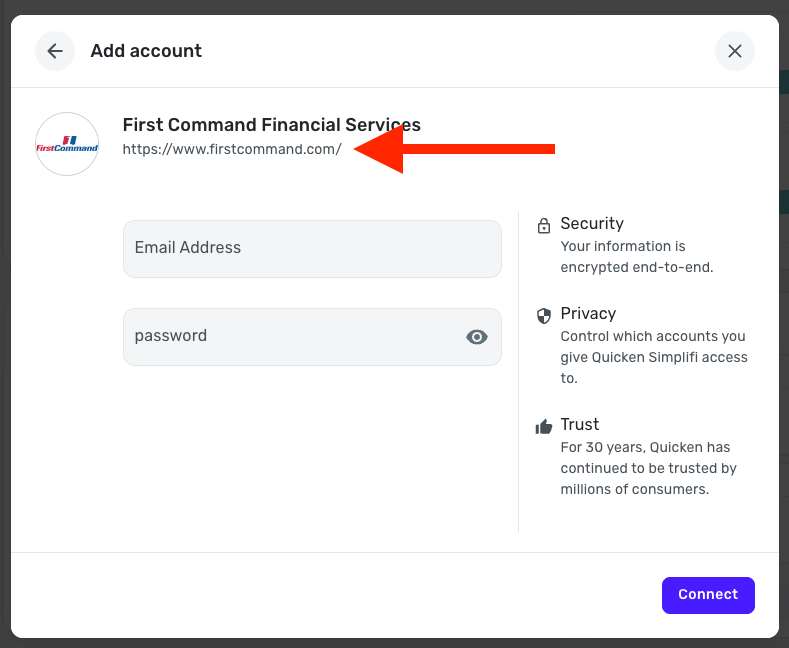
Let us know how it goes!
-Coach Natalie
0 -
Hi Natalie,
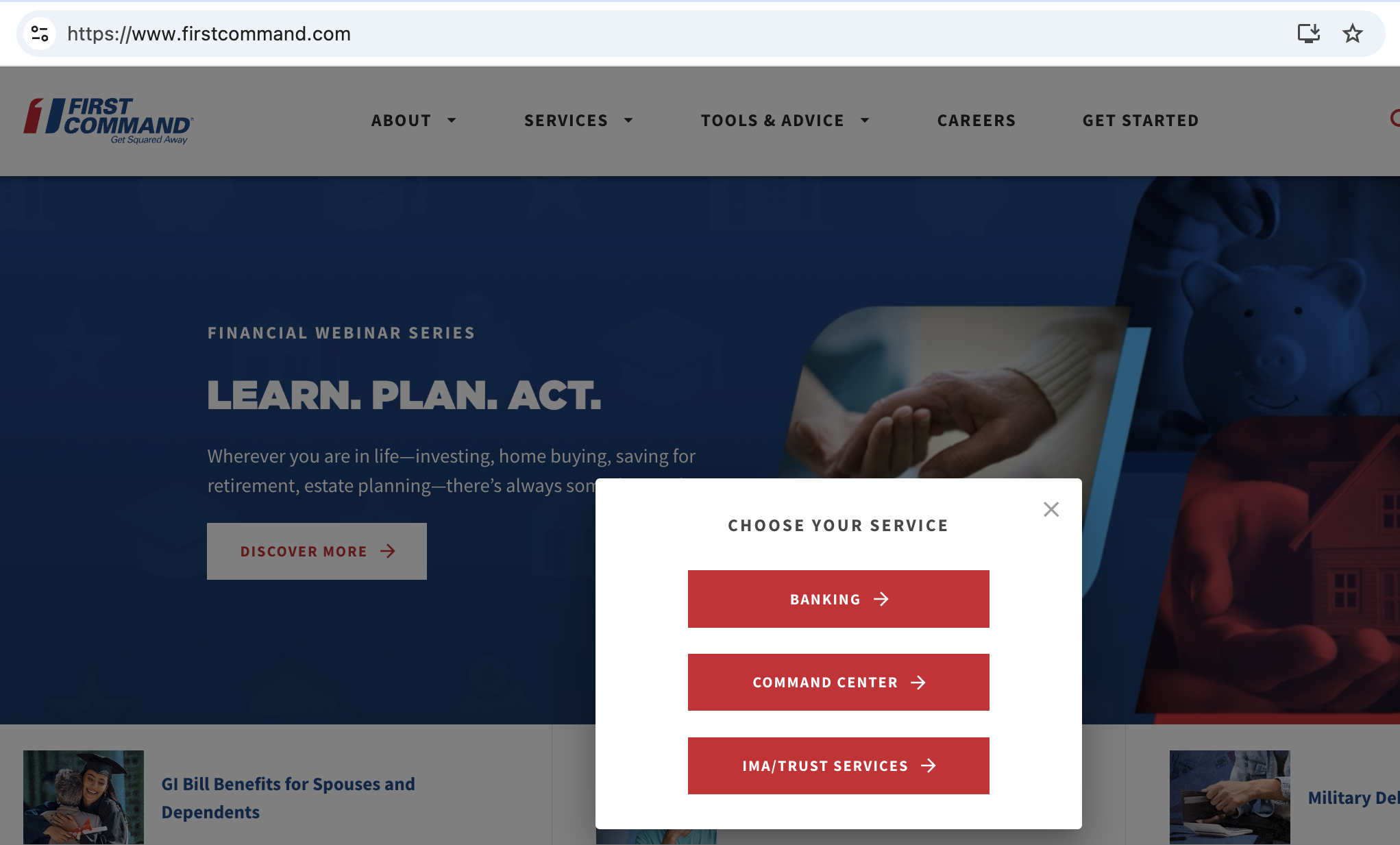
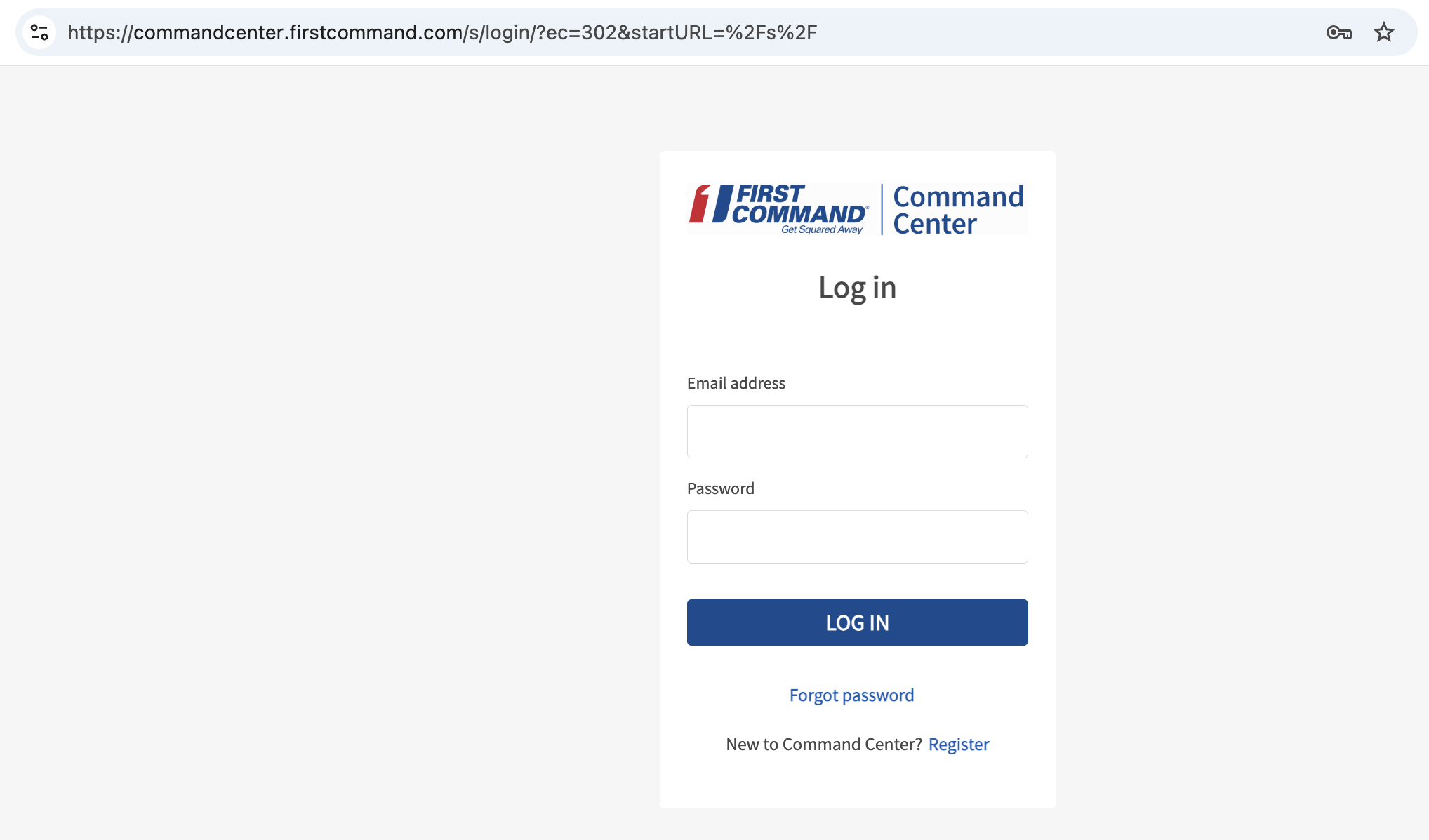
I clicked on the URL and when I tried to log in I get a prompt to select one of their three services to log in to. I use Command Center which has a different URL than what appears in Simplifi
 0
0 -
@craguirre, thanks for confirming!
The URL used to connect from the backend is not always the one displayed in Quicken Simplifi. Are you able to select "Command Center" from your first screenshot and sign in to your account with the bank directly? If so, I think this is definitely the correct bank option for you in Quicken Simplifi.
Let us know!
-Coach Natalie
0 -
I am available any day starting on July 1st from 7 AM to 3 PM (central time). Thanks.
0 -
Hello @drouetd,
Thank you for providing that information! I have requested the debugging session and provided your contact info, as well as your availability. They will most likely be contacting you via email, so be sure to keep an eye out for an email that includes a date and time for the session.
-Coach Jon
CTP-13576
-Coach Jon
0 -
Hello, I have checked and still do not see any email for the debug session, are you able to tell if the email was sent yet?
0 -
Hello @drouetd,
Thanks for the reply. These debug sessions can usually take some time to schedule when it comes to cases like this. I would suggest staying on the lookout for now, as they will be sure to contact you to schedule this session based on your availability, given prior.
Thank you for your patience!
-Coach Jon
-Coach Jon
1 -
Hello, it's been 3 weeks and nobody has contacted me yet about this issue. Any update?
0 -
Hello @drouetd,
I can see from our side that the debug session is still in the works. As mentioned before, these sessions can take some time to schedule, which is why we ask for your general availability. I would remain on the lookout in the meantime for that communication.
Thank you for your patience!
-Coach Jon
-Coach Jon
0 -
Hi @Coach Natalie yes selecting Command Center and logging in through there (https://commandcenter.firstcommand.com/s/login/) is how I get into my account.
0 -
Hello @craguirre,
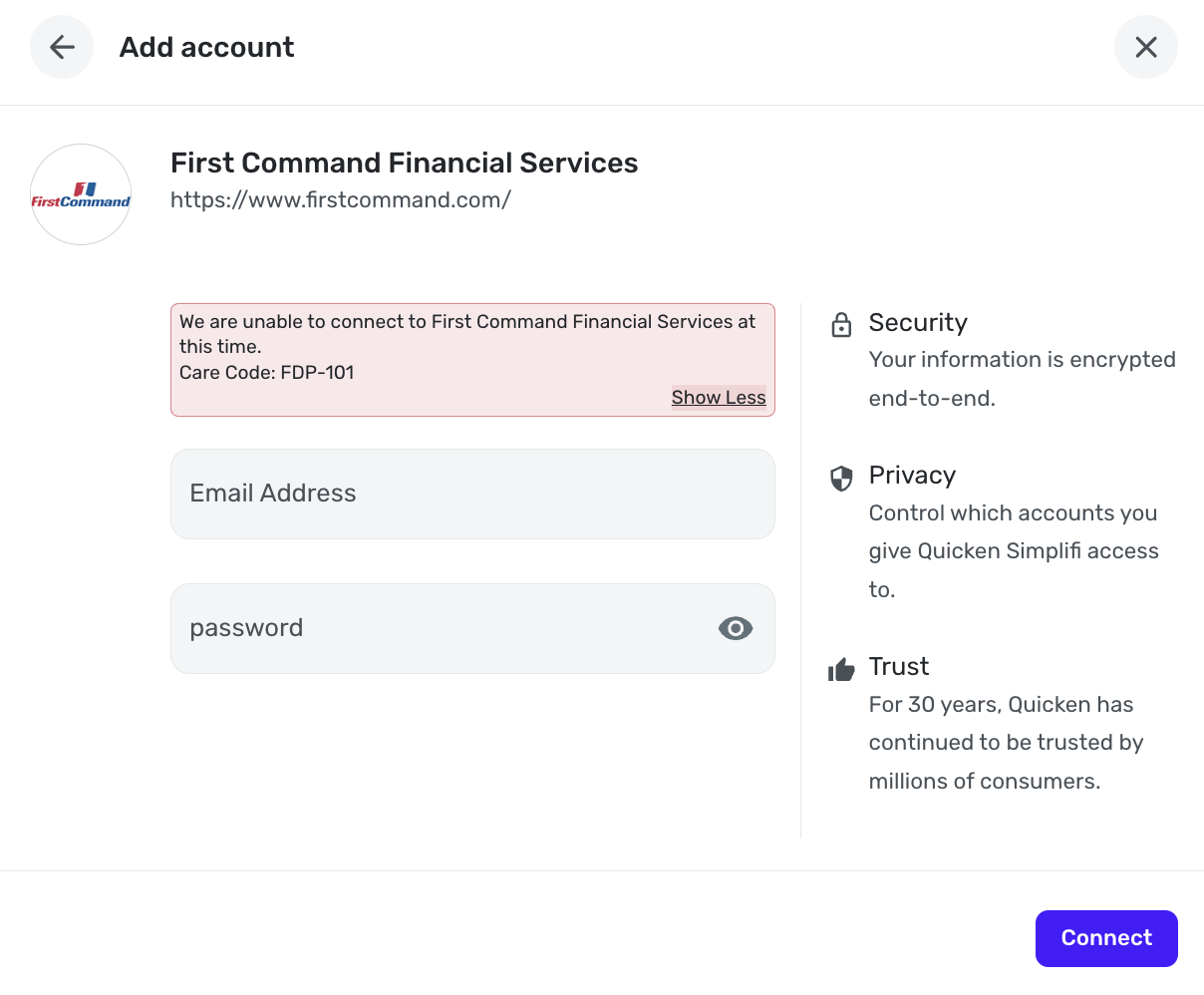
Thanks for confirming you can log in using that link. I am not seeing an FDP-103 error for you from our side, however. Can you please confirm this issue is still occurring for you, and if so, provide a screenshot of the error you are receiving when trying to connect to First Command in Quicken Simplifi?
-Coach Jon
-Coach Jon
0 -
Hi Jon, here's the error I get:
 0
0


