request-body-field-unsupported error with LPL Financial (edited)

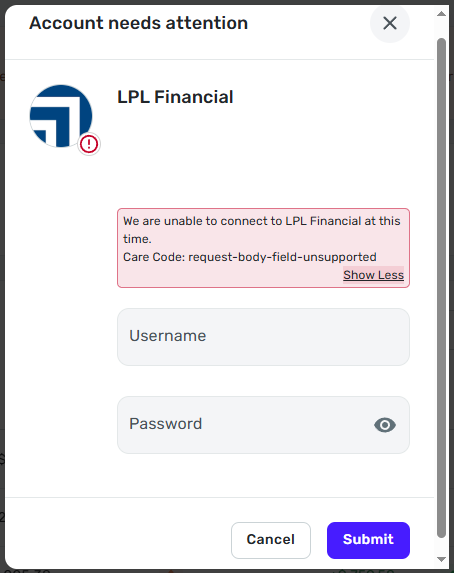
I keep getting a message that I need to reconnect to LPL but when I enter my credentials properly it returns the error below. I am able to login just fine at LPL with the same credentials. Anyone else seeing this? I have not seen this error before.
Comments
-
Hello @DingoBoy,
Thanks for reaching out! This error typically indicates that there is a scripting error during the connection attempt. I can see from our side that you started experiencing this error today within the program. This error generally resolves itself 48 hours after receiving the error. If you are still experiencing this error after waiting 48 hours to connect, please let us know here so we can continue troubleshooting!
-Coach Jon
-Coach Jon
0 -
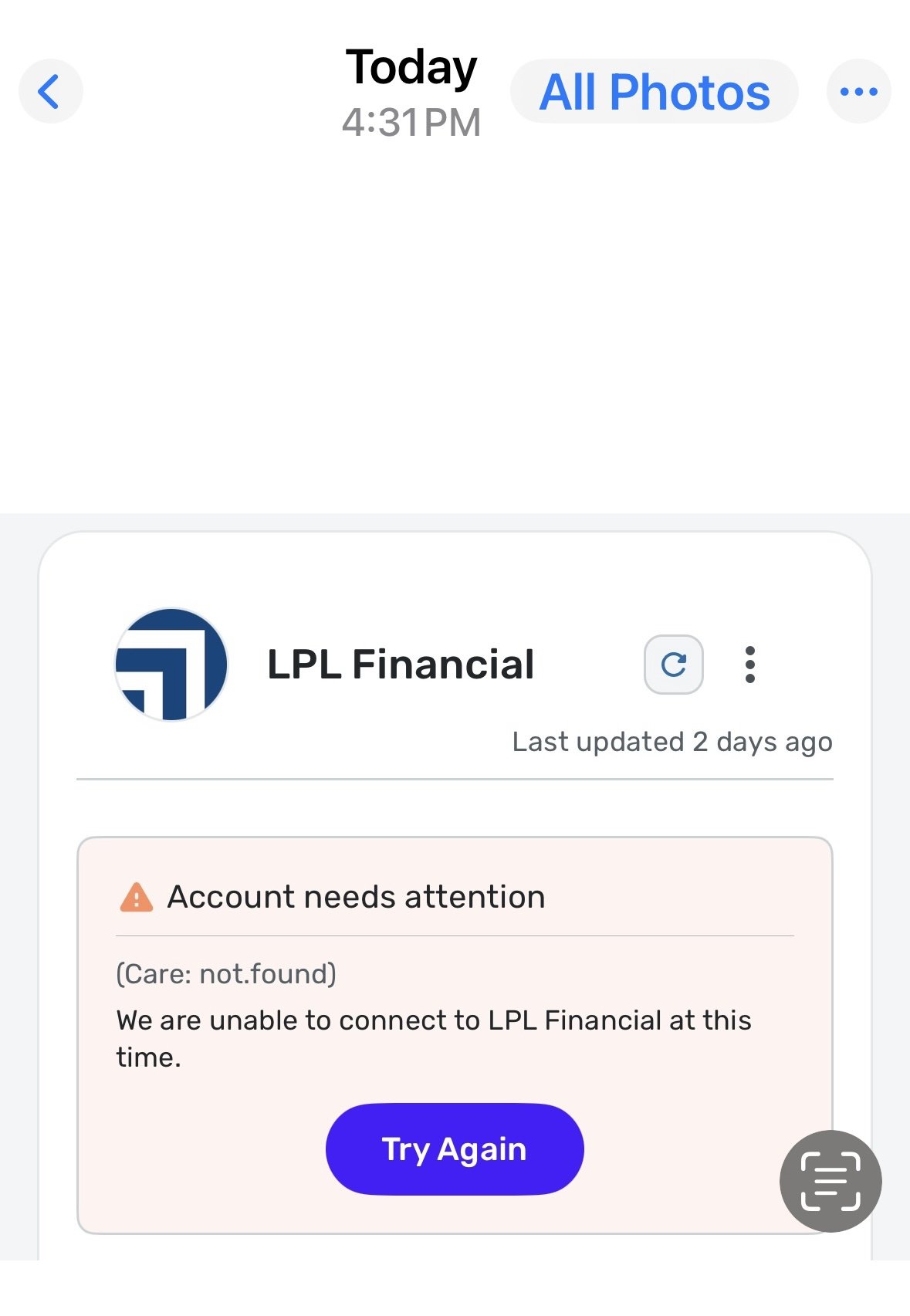
Good afternoon, I have had similar connectivity issues with LPL over the last 48 hours, (error messages after using valid credentials indicating that Simplifi is unable to connect at this time). I’d appreciate any additional steps I should take. Thank you.
 0
0 -
Hello @JPP,
Thank you for reaching out as well! I can see that you are also experiencing this error from our side. I would have you try establishing a new connection for this financial institution within Quicken Simplifi:
- Make all of the accounts with the bank manual by following the steps here.
- Once you see the account(s) listed in the Manual Accounts section under Settings > Accounts, go back through the Add Account flow to reconnect to the bank.
- If the connection is successful, carefully link the account(s) found to your existing Quicken Simplifi account(s) by following the steps here.
Let us know how this goes!
-Coach Jon
-Coach Jon
0 -
That worked! Thank you very much… JPP
2 -
That worked for me as well, thank you.
2

