Unable to add Stash Invest account (edited)

I've read some of the other posts concerning Stash and I saw the one from a moderator that said to create a new post. I have tried several times to add Stash Invest on my mobile app. (just signed up for this so it is the newest version of the app from the play store)
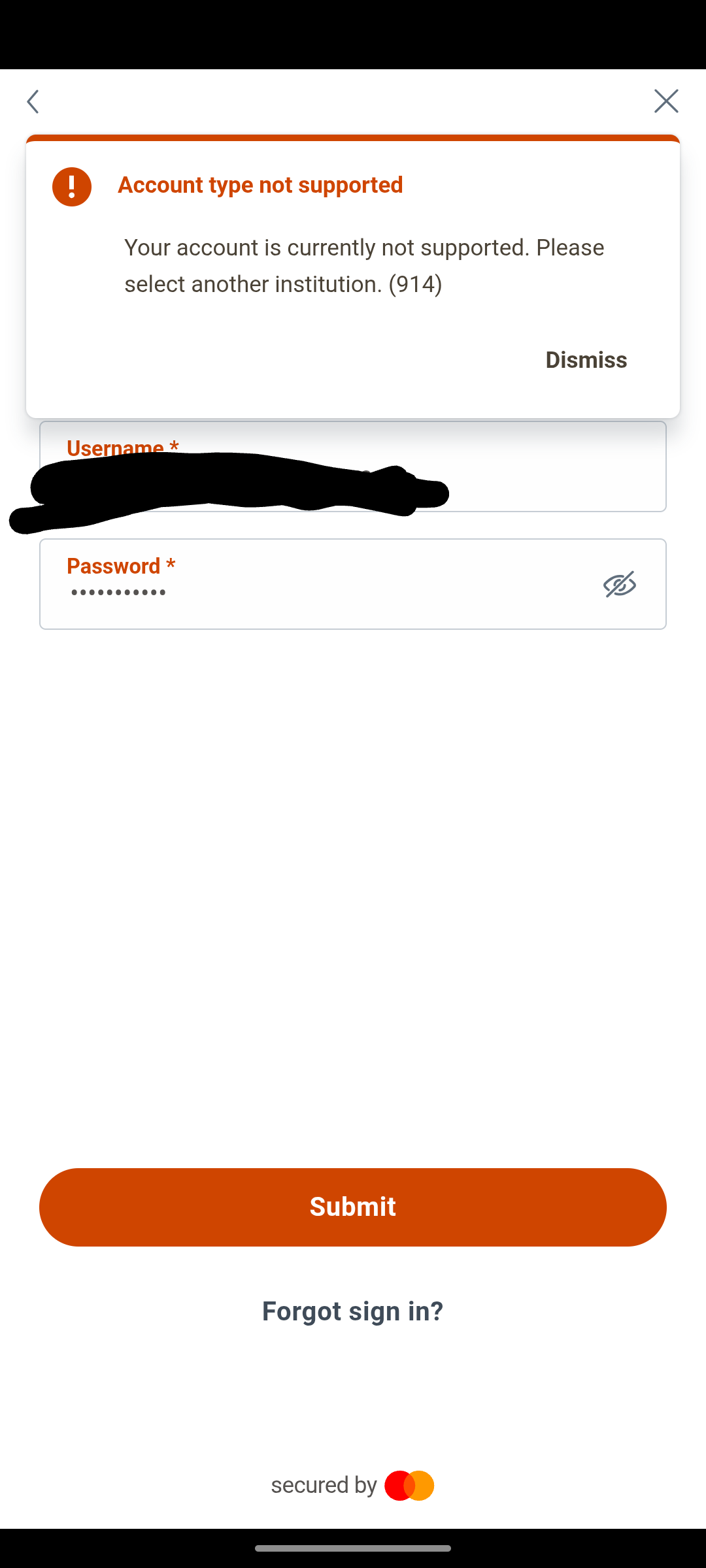
It goes through the entire process, including texting me a code, but then I get the message "Account type not supported" "Your account is currently not supported. Please select another institution. (914) Attaching the screenshot. I tried on my laptop as well with the same result. I was looking for an all in one solution and paid for a year, so I hope this can be resolved.
Comments
-
Hello @KareS,
Thanks for reaching out! This error message appears when the account can not be located at the financial institution's website under the credentials used. Can you let us know what account type you are trying to add into the program? I would also have you log into the bank's website and see if the account is available through your online banking portal. Let us know!
-Coach Jon
-Coach Jon
0 -
Hello @jujubeez,
Thank you for the additional information and the screenshots.
That specific error message typically means that either the account type is not supported, or that your account(s) are inactive, closed, or temporarily frozen on the financial institution side.
What account type are you trying to add (for example, checking, savings, brokerage, retirement, loan, credit card, etc.)? Have there been any recent transactions in the account(s), other than interest payments? Does Stash require you to do any sort of authorization on their end to allow 3rd party aggregation services to connect?
I look forward to your response!
-Coach Kristina
0 -
Hello @jujubeez,
Thanks for the reply. To clarify why we ask about the account type being added for this financial institution, it is because not all account types are supported within Quicken Simplifi. If this error is continually popping up, it is most likely due to an account type that is not supported, or the account is not enabled for third-party sharing from the bank's side.
Can you please provide a screenshot of the Accounts Summary page from the bank's website that lists all accounts and balances (feel free to redact any personal info) and has a wide enough scope to show the page URL (this must be taken from a web browser and not a mobile browser).
-Coach Jon
-Coach Jon
0 -
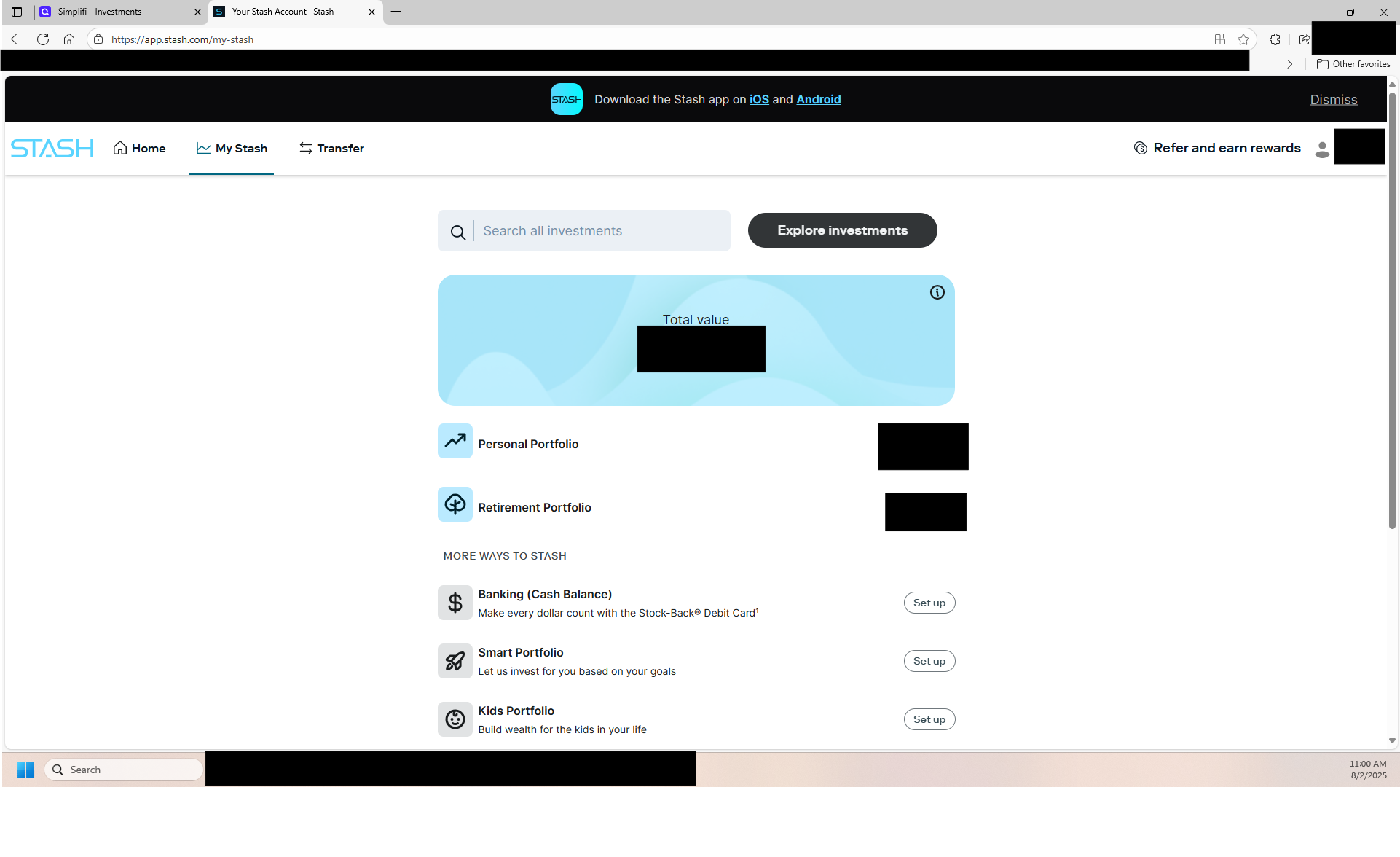
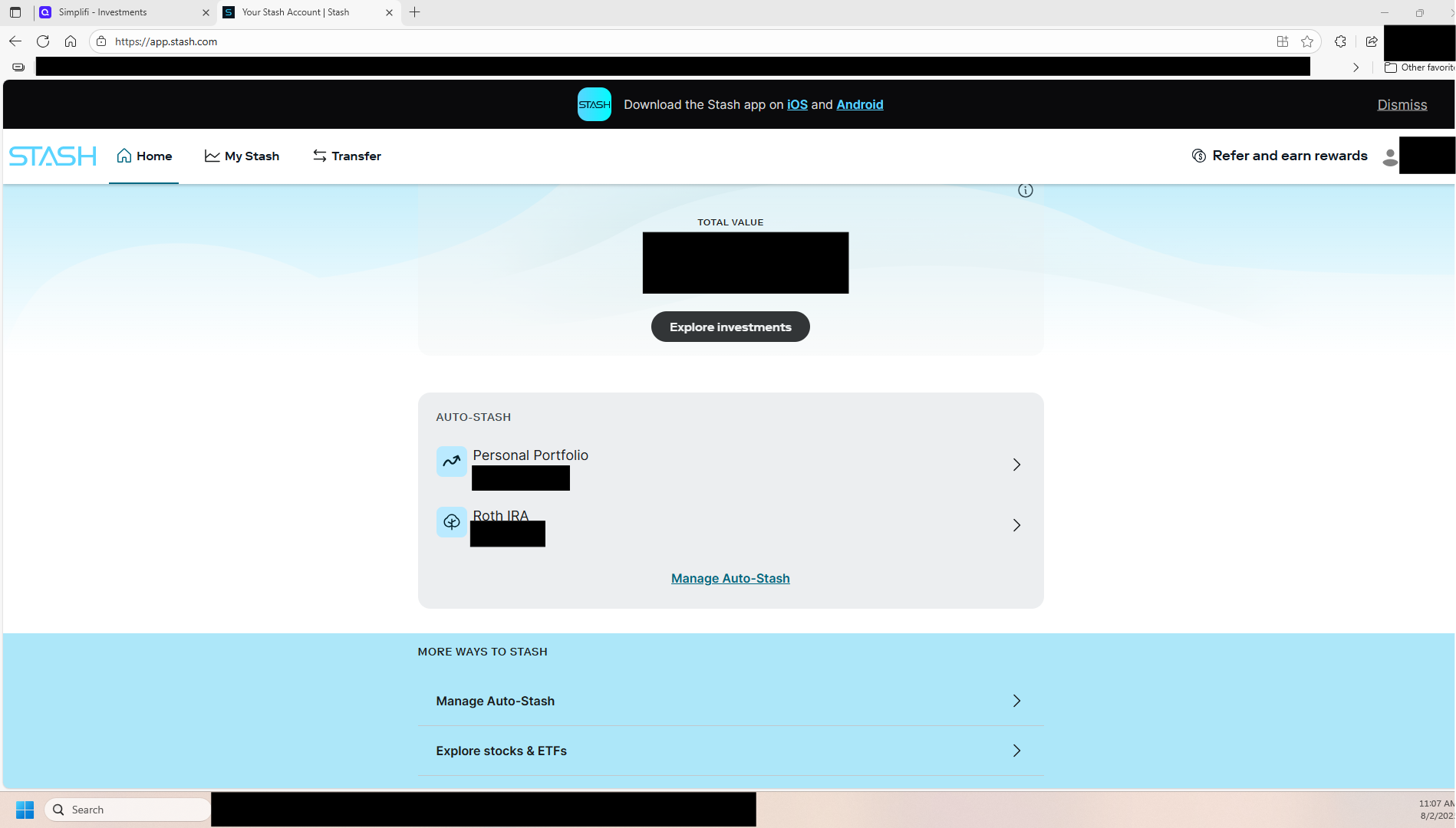
Hello, I'm back. I agree with everything @jujubeez has said. Here is screenshot from my account "mystash" summary page. This has the balances. There is also the "home" page, which is the second screenshot. It only includes the total value and the amounts that I have automatically transferred. Each account also has it's own page with the investment details. The link starts with app.stash.com/portfolio and then my account ID(s) - but I will not post these. Note: the retirement portfolio is a Roth IRA.
 0
0 -
I am having the same issues and error messages. I have multiple investment accounts with Stash along with a bank account. My income goes through there, and Quicken is useless to me if I don't have access to my accounts via Stash.
0 -
Hello @KareS,
Thanks for following up. Could you please clarify whether you are still receiving the 914 error code you previously shared? I don't see an error code from our side, so I wanted to confirm. If you can also provide the following information, this would help us troubleshoot further.
- Has there been any activity in the account in the last 90 days?
- Is the account considered an external account (i.e. are you redirected to a different website when selecting the account on the bank's website)? If so, what URL are you redirected to?
- Is the account a subtype of a different account?
- Has the bank made any recent changes to its website or sign-in process?
- Are you the owner of the account?
- The name of the account, as it appears on the bank's website.
- If the issue is occurring on an existing Quicken Simplifi account, the name of the account as it appears in Quicken Simplifi.
- A screenshot of the Add Account screen in Quicken Simplifi showing that the account in question is missing at account discovery.
We will also need logs if you can please provide those as well:
- Log into the Quicken Simplifi Web App.
- Select Profile from the left-hand navigation bar.
- With the Profile menu open, hold down the Option key for Mac or the Alt key for Windows, and then click Send Feedback.
- Leave all boxes checked, add a brief description of the issue, and then click Send.
Are you also receiving the 914 error referenced in this thread? Please let us know!
-Coach Jon
-Coach Jon
0 -
Oh no… all my comments got deleted. :( Earlier I had offered answers to your questions as well as screenshots, but when I tried to upload the very final screenshot of my Stash statement (redacted, of course) I suddenly got this tiny little message saying, "You are banned." That was it. And I could no longer log in. Just a big gray sad face with the words “You are banned” on the login screen. I just managed to get unbanned after a lot of back and forth, but they can't give me any specific reason as to why it occurred. Very strange and disturbing.
Anyway, what I had been posting was that I think I found something that might help us with this issue. I will try entering the information again, but I'm a little nervous, even though what I submitted wasn't any different from anything I've posted before. Just straightforward info.
So here goes! …
0

