Simplifi fails with iPadOS26.3

iPadOS26.3 beta installed on my iPad today, and when I open Simplifi, Simplifi will shut down after a couple of seconds. I've restarted the iPad, deleted and reinstalled the app, signed in again but the problem persists.
My iPhone also updated, but this does not occur with it.
Any ideas or suggestions are appreciated.
Comments
-
Hello @TheReal702,
Thanks for reaching out! It may be specific to the device itself in this case. I would see if you can access the storage settings for the mobile application and completely remove the data from the device, then reinstall afterward to see if that works.
-Coach Jon
-Coach Jon
0 -
Thanks Coach Jon -
When I deleted the app there was a warning that all associated data would be removed If there is somewhere else to go look for the data to delete it I lack the skill to know how/where to look for it.
It may very well be an OS issue. OS26.2 worked fine, so maybe they have a glitch in 26.3.
0 -
Hello @TheReal702,
Thanks for the reply. To manage app storage on your iPad, I believe you would need to navigate to Settings > General > iPad Storage. Then there should be a breakdown of apps there.
-Coach Jon
-Coach Jon
0 -
Thanks for the lesson @Coach Jon but that didn't work either.
I did find an odd behavior - I have reinstalled the app 3 times now, and each time it works fine with the initial log in, but when I close the app then reopen it after a couple of minutes it will shut down within a few seconds. However, if I restart the app and quickly log out of the app before it shuts down, then log in again it seems to work fine.
I guess I'll log in and out each time I use it until this gets figured out.
Thanks for listening.
Ugh 😂
0 -
Hello @TheReal702,
Thanks for the reply and information. To clarify, were you able to successfully log into the Quicken Simplifi iPad application, and is it now working as intended? Or do you still have to do the steps you mentioned above each time to get it to work? Does restarting the device itself work to resolve the issue, if so? Additionally, is this issue specific to just the iPad application, or do you see the same issue on another device, like a phone or the web application?
-Coach Jon
-Coach Jon
0 -
Hi @Coach Jon
Restarting the iPad several times did not resolve the issue. Yesterday I was able to quickly log out of the app on my iPad before it quit working. Then I discovered that I can make it work properly by logging in each time I want to use it, log out when I'm finished, then log back in when I want to use it again. Prior to this 26.3 beta update I never logged out and had no issues.
It did occur one time this morning with the app on my iPhone, but has not happened again. It does not occur on my iMac desktop.
0 -
Hello @TheReal702,
Thanks for the information. If you will, can you please provide a screen recording showing the behavior within the application when it closes/crashes? You can feel free to DM me personally if you prefer.
-Coach Jon
-Coach Jon
0 -
It's on the way via DM.
Thank you!
0 -
Hello @TheReal702,
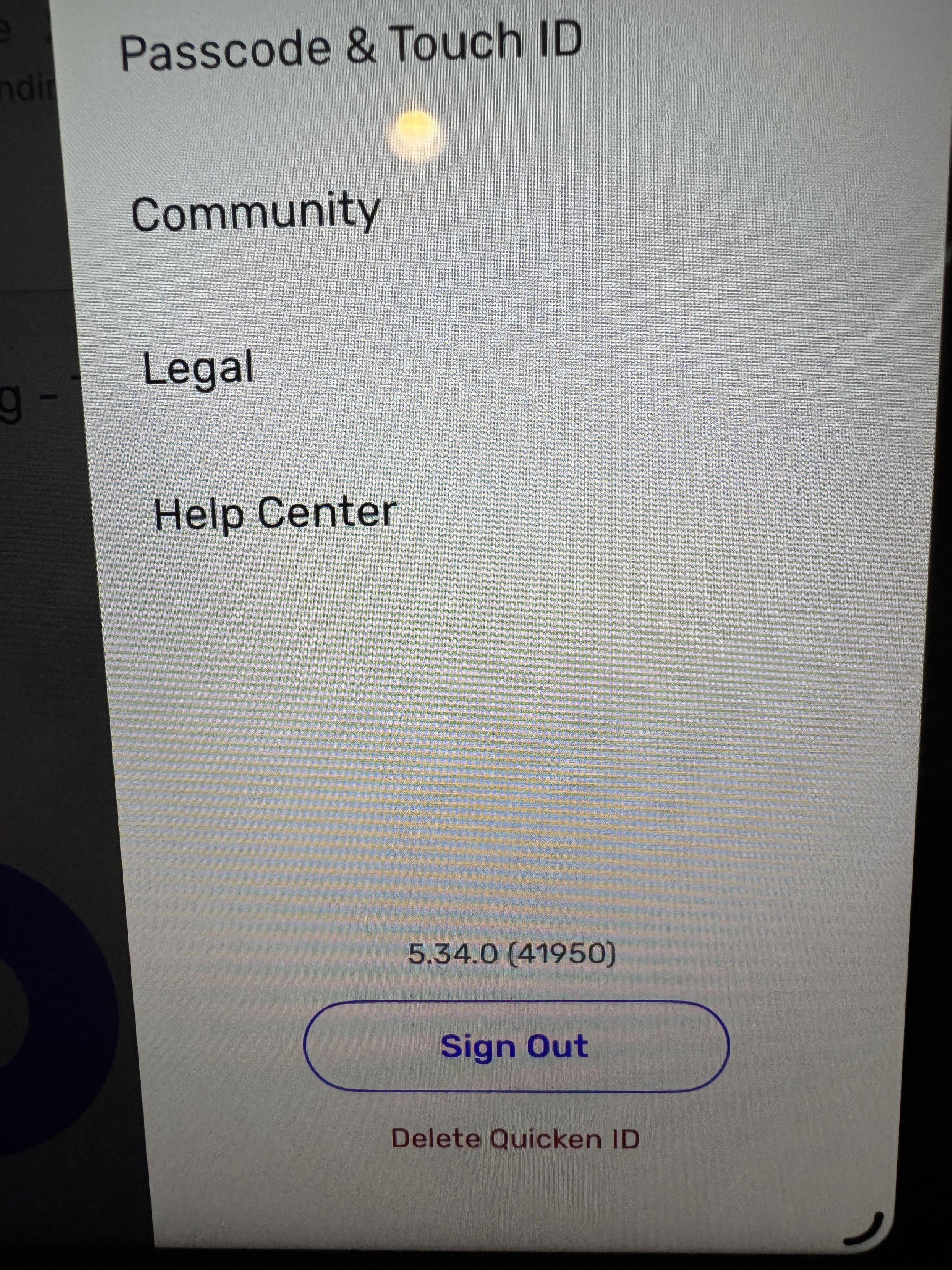
Thank you for the screen recording. Can you also please let us know what version and build of Quicken Simplifi your iPad is currently on? This can be found by selecting the profile icon in the top right within the application.
We will also need logs to be sent to us. Instructions to do this can be found below:
- Log into the Quicken Simplifi Web App.
- Select Profile from the left-hand navigation bar.
- With the Profile menu open, hold down the Option key for Mac or the Alt key for Windows, and then click Send Feedback.
- Leave all boxes checked, add a brief description of the issue, and then click Send.
-Coach Jon
-Coach Jon
0 -
0
-
Hello @TheReal702,
Thanks for the requested information. I did get this reported to my product team and will be sure to follow up here when we have a status update!
-Coach Jon
SIMPL-28058
-Coach Jon
0 -
@Coach Jon Thank you!
1 -
I can now confirm that this is occurring with my iPhone as well. I thought that when it happened this morning that it was a fluke, but the app is shutting down every time I open it on both devices. Both devices are running OS26.3 beta.
0 -
Thanks @TheReal702,
I forwarded this information to the product team. I will follow up here when we hear anything else.
-Coach Jon
-Coach Jon
1 -
iPad OS26 beta 4 dropped today (as well as all of the others) and the issue of Simplifi crashing on my iPad seems to have been resolved. My thanks to you and your team for getting this handled, and fingers crossed it continues to work for me.
0 -
Hello @TheReal702,
Thanks for letting us know! I am glad the issue seems to be resolved with the new OS update. Let us know if the issue comes back in the future!
-Coach Jon
-Coach Jon
2