Savings Goals Not Loading w. Google Chrome

Hello!
For the last two days, I have not been able to get the Savings Goals tab to load in Google Chrome. As a result, my Spending Plan is also telling me I have more money available than I do because it's no longer accounting for my savings goals allocations. The mobile app is working just fine - as is Safari.
So far, I have cleared my cache, disabled extensions, tried to open it incognito mode. My Chrome is updated to version 138.0.7204.97. Is this happening to anyone else?
Comments
-
Hello @bccoleman,
Thanks for reaching out! If Quicken Simplifi is working correctly in other web browsers / the mobile application, then the browser settings themselves or a third-party extension may be causing this behavior. Have you tried disabling any extensions you may have?
-Coach Jon
-Coach Jon
0 -
Hello @Coach Jon!
So far, I have cleared my cache, disabled extensions, and tried to open it incognito mode. My Chrome is updated to version 138.0.7204.97.
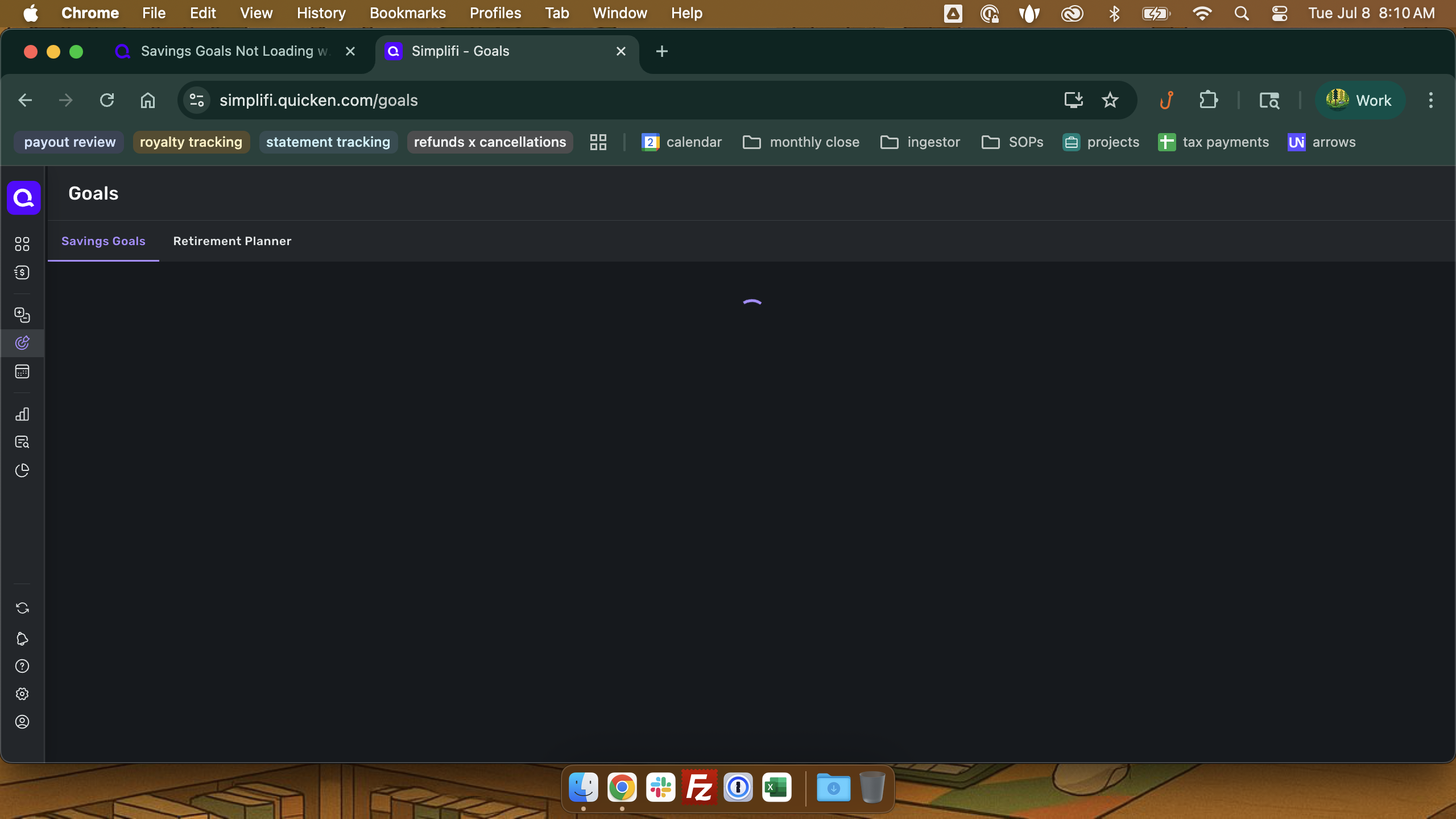
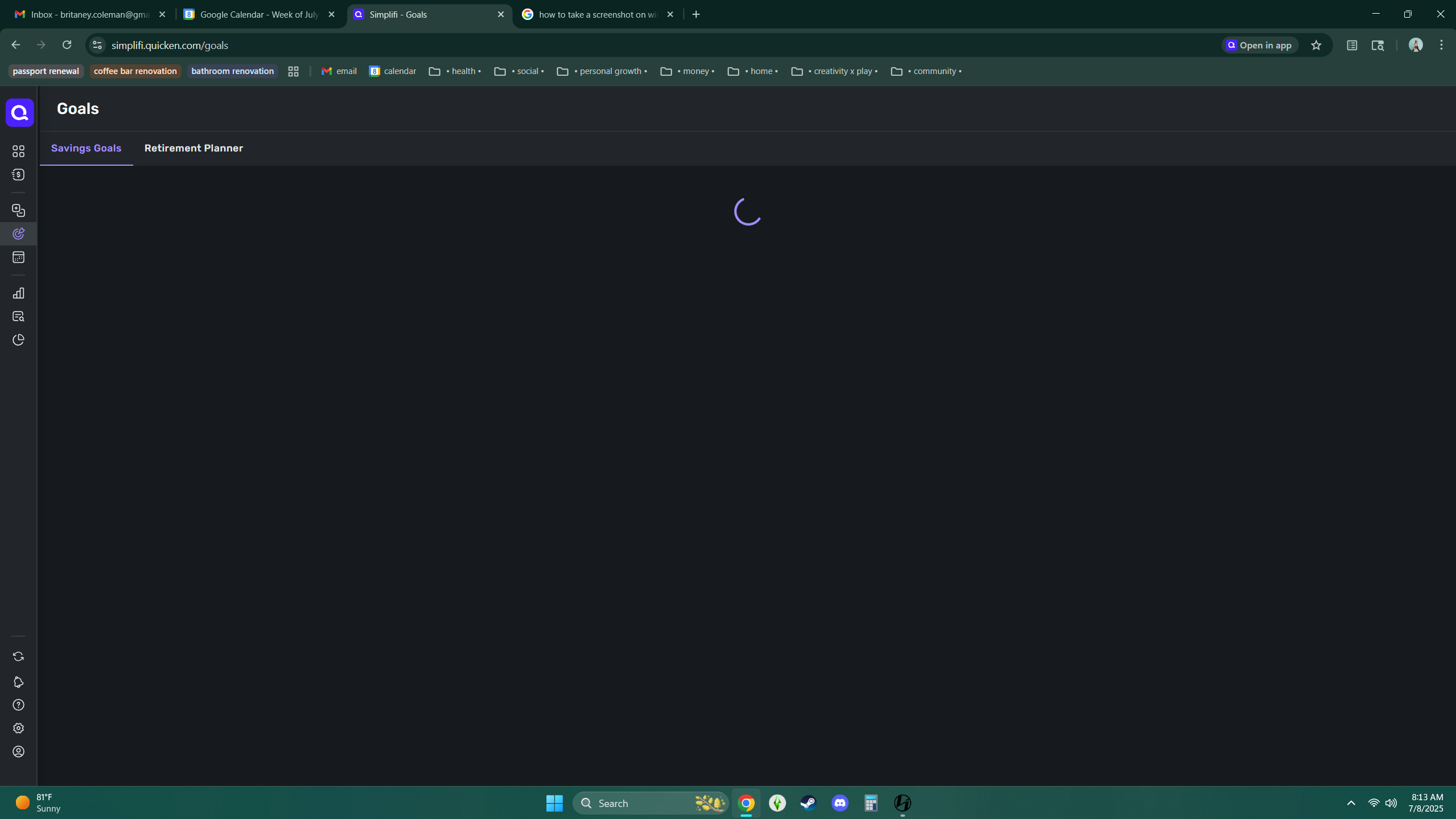
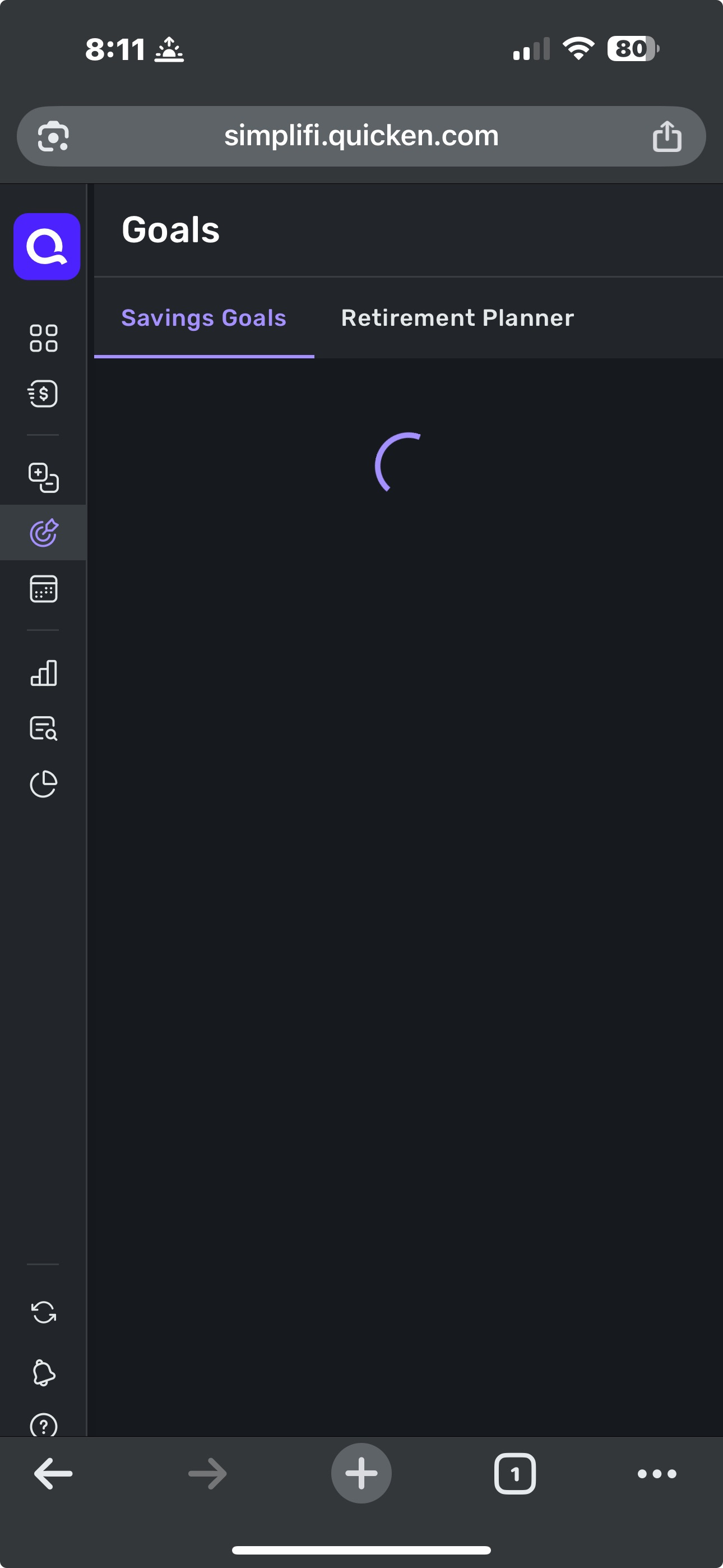
Update: I have tried to open it in Chrome on 4 different devices(an iPhone, PC, laptop, and iMac). The problem persist on 4 different devices with or without extensions and inside or outside of incognito mode. I think the problem may be Chrome itself. I am attaching screenshots of each device below.
Everything else is functional with the exception of Savings Goals and anything Savings Goals impacts.
 0
0 -
Savings Goals are working for me with the same version of Chrome you are using - 138.0.7204.97 (Official Build) (64-bit) running on Windows 11 Pro 24H2 26100.4484.
To determine if Chrome is the problem (and not something about your particular dataset), you could try opening Simplifi in another Windows browser so you can test the Web version.
(EDIT: I'm assuming your use of Safari was on an Apple product.)
DryHeat
-Quicken Classic (1990-2020), CountAbout (2021-2024), Simplifi (2025-…)1 -
Hello @bccoleman,
I can also confirm that Savings Goals are showing up as expected on my side while using the Chrome web browser. You mentioned previously that this feature opened correctly in the Safari web browser. Is that still the case? Does the feature work correctly in the mobile application for you as well?
-Coach Jon
-Coach Jon
0 -
@DryHeat & @Coach Jon Hello! Just gave it a whirl on Firefox and having the same problem. I'm perplexed by this honestly. 😓 Sorry I keep editing this for clarity.
Places it does work:
- mobile app (iPhone)
- Chrome on iMac
Places it does not work:
- Chrome on PC
- Chrome on iPhone
- Firefox on PC
- Safari on iPhone
- Safari on iMac
I can't find the common denominator to save my life.
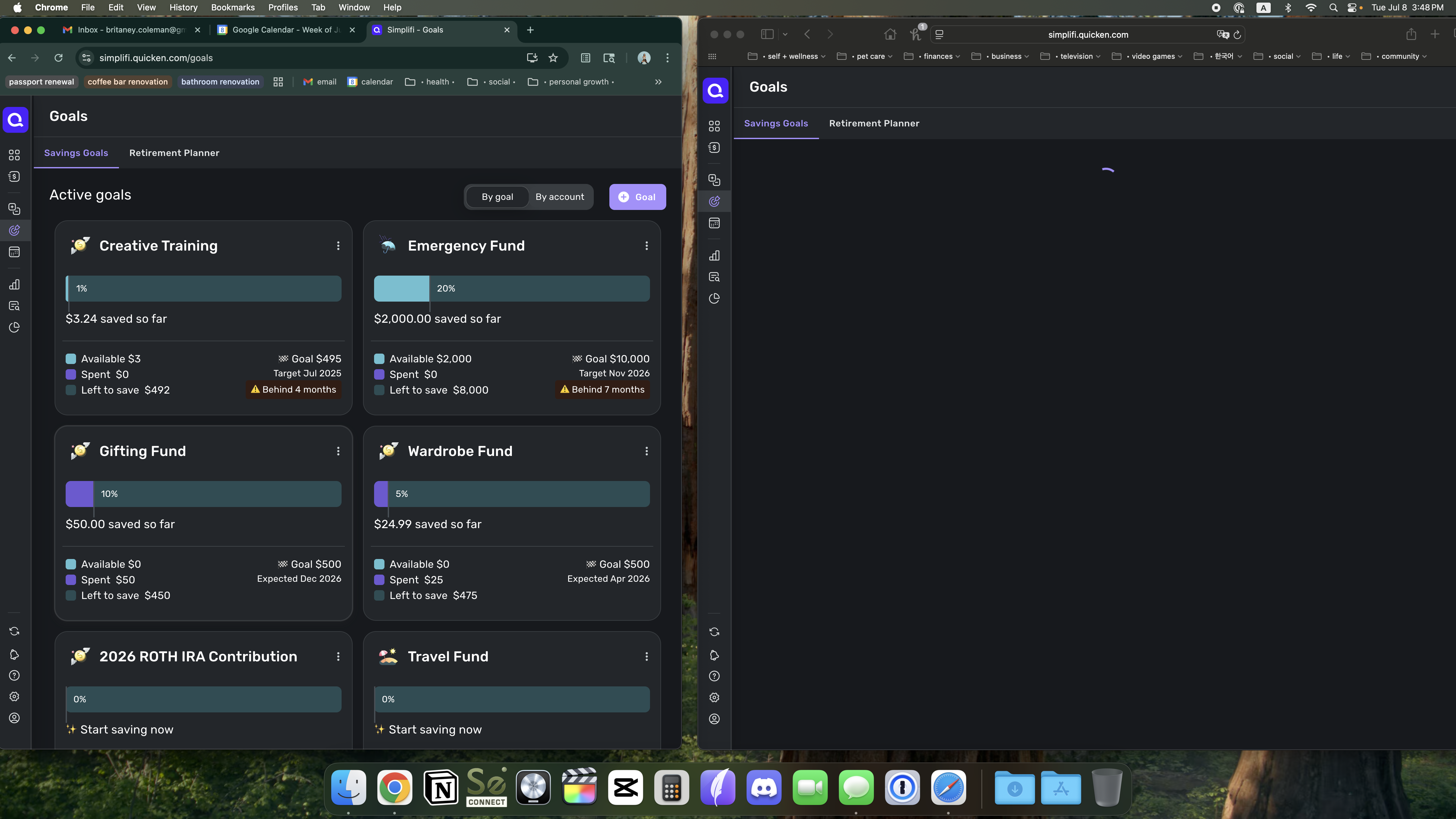
Here's a screenshot of it on my iMac side by side. Working fine on Chrome, not loading on Safari.
 0
0 -
@DryHeat & @Coach Jon Not sure if this is helpful info, but I went into the developer tools in Chrome and there are about 20 status code 500 errors popping up. An example of one is "services.quicken.com/goals?limit=5000:1 Failed to load resource: the server responded with a status of 500 ()"
0 -
Hello @bccoleman,
Thanks for the screenshots. To clarify your previous response, you mentioned earlier that the Savings Goals did load correctly within Safari but not in Google Chrome. But based on your last response, Safari is no longer working at this time, and it is now working in Chrome on iMac, but not in Windows? Did you notice a change that could explain why it is no longer working in the Safari web browser for you, either? This is certainly a strange issue. Let us know!
-Coach Jon
-Coach Jon
0 -
@Coach Jon Hello! Yes, just tested again and here's where things are working and not working.
Places it does work:
- mobile app (iPhone)
- Chrome on iMac
Places it does not work:
- Chrome on PC
- Firefox on PC
- Chrome on iPhone
- Safari on iPhone
- Safari on iMac
- Chrome on Macbook
- Safari on Macbook
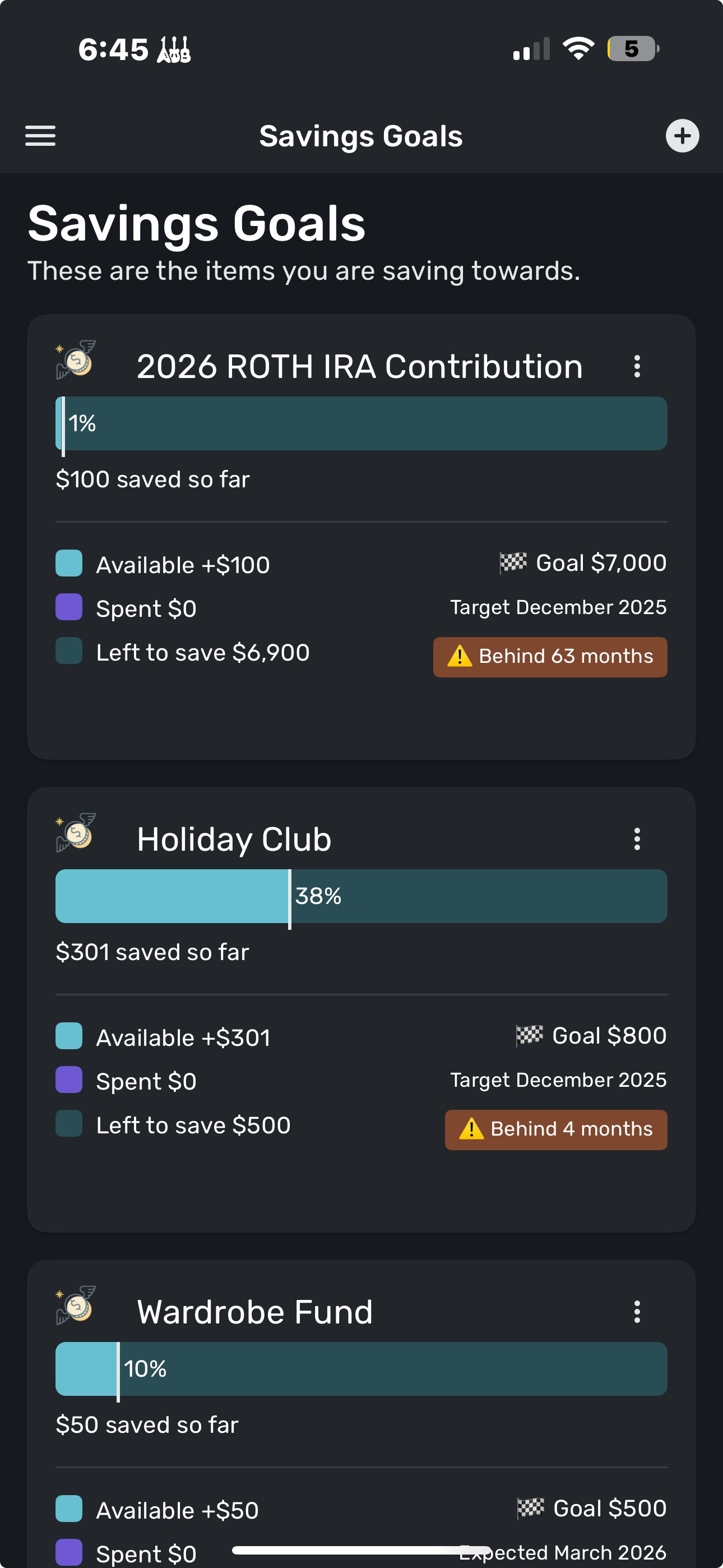
However, as I continue digging - I'm also noticing, in the one browser where Savings Goals does work in the figures are out of date. The only place both loading and showing accurate figures is the mobile app. Posting a screenshot where you can see the differences:
This is the mobile app and is accurate:
This is on Chrome in the iMac and it is in accurate:
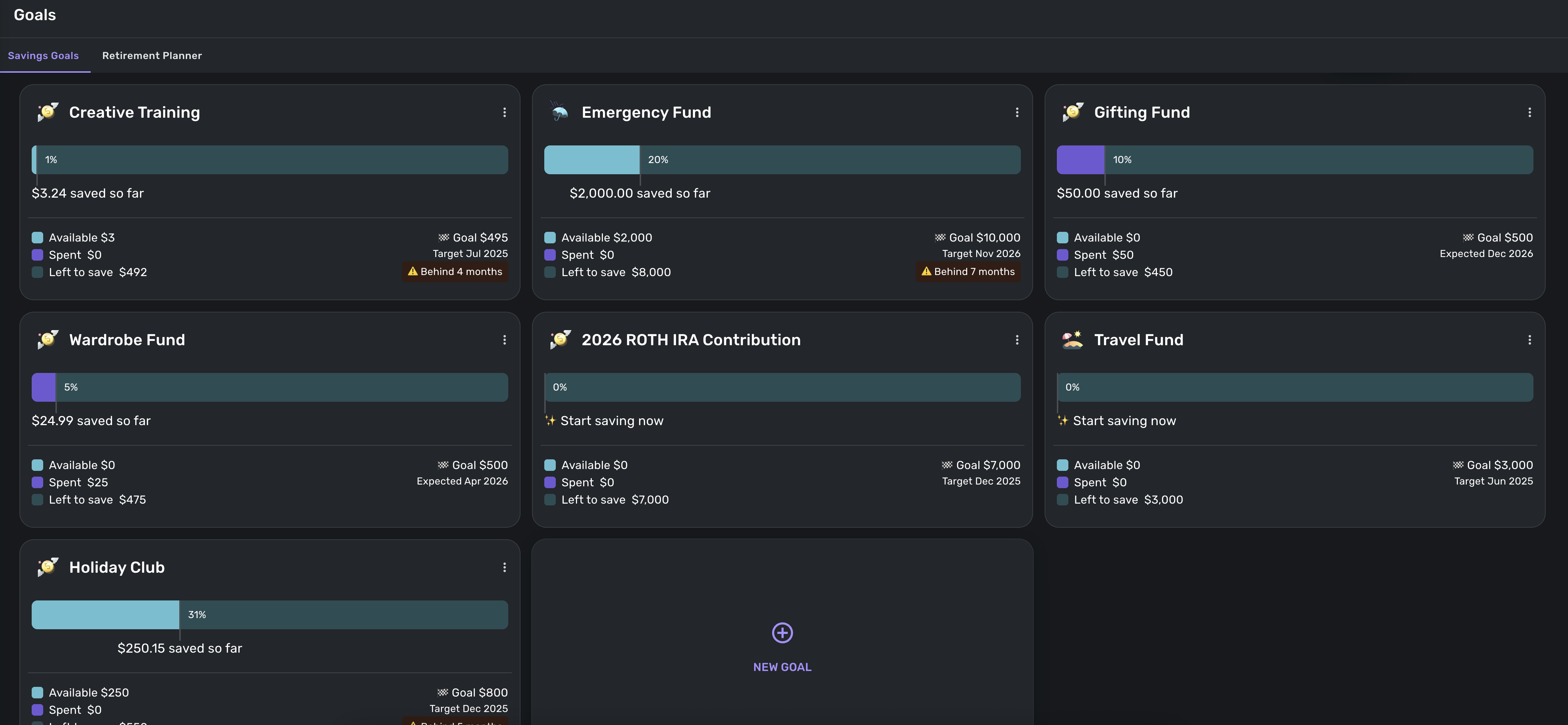
So the total picture is, Savings Goals is not loading on any browser or any device. The one browser/device it does load on is showing outdated figures. The only place both loading and showing updated figures is the mobile app.
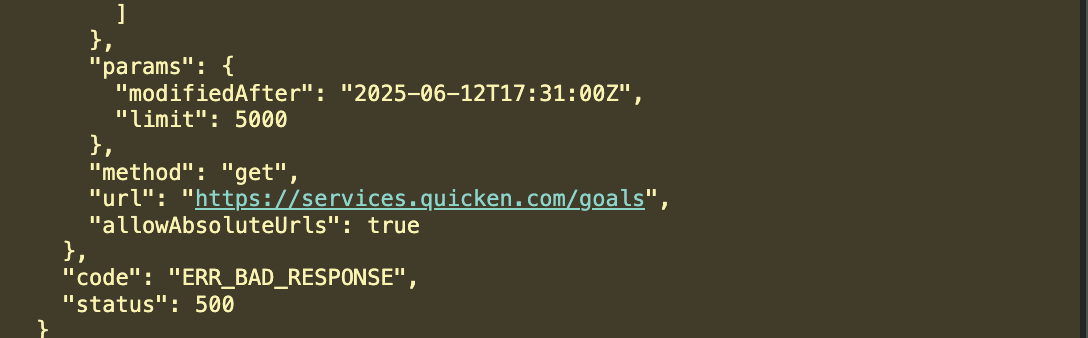
To add, in the developer tools of all browsers on all devices there are error code 500 or ERR_BAD_Response. I don't know much about computers and such, but google is saying that that indicates a server error.
 0
0 -
Hello @bccoleman,
Thank you for all the information. This definitely seems like it may be dataset-specific to you, unfortunately, since we cannot reproduce this behavior. If you can please provide the following information, we can work on investigating this issue further for you.
We will need the web browser, the operating system, and their versions that you normally use. As well as the version and build of Quicken Simplifi that you are using, which can be found at the bottom of the Dashboard page in the program.

We will also need logs to be sent to us, please:
- Log into the Quicken Simplifi Web App.
- Select Profile from the left-hand navigation bar.
- With the Profile menu open, hold down the Option key for Mac or the Alt key for Windows, and then click Send Feedback.
- Leave all boxes checked, add a brief description of the issue, and then click Send.
-Coach Jon
-Coach Jon
0 -
@Coach Jon sounds good!
Web Browser: Google Chrome (version138.0.7204.97)
Operating System/Version: Windows 11 Home 24H2 26100.4652
Quicken Version: 4.65.0 (33116/78a389f03e/v108.7.1-release)
Feedback sent!
0 -
Hello @bccoleman,
Thanks for the requested information! A couple more things to verify. Do you have a VPN on for the devices where the Savings Goals are not working correctly, that may be causing this behavior? If you do, does disabling the VPN resolve the issue? Additionally, is the Savings Goals card available on the Dashboard also not showing up?
-Coach Jon
-Coach Jon
0 -
@Coach Jon Hello! I do not have a VPN but am happy to say the Savings Goals area is now loading! The figures were still messed up, but I ended up just deleting and re-creating all the goals and all seems fine now!
0 -
Hello @bccoleman,
That is good to hear! I am glad everything is working as expected now. Thank you for following up!
-Coach Jon
-Coach Jon
0

