iOS widgets not working

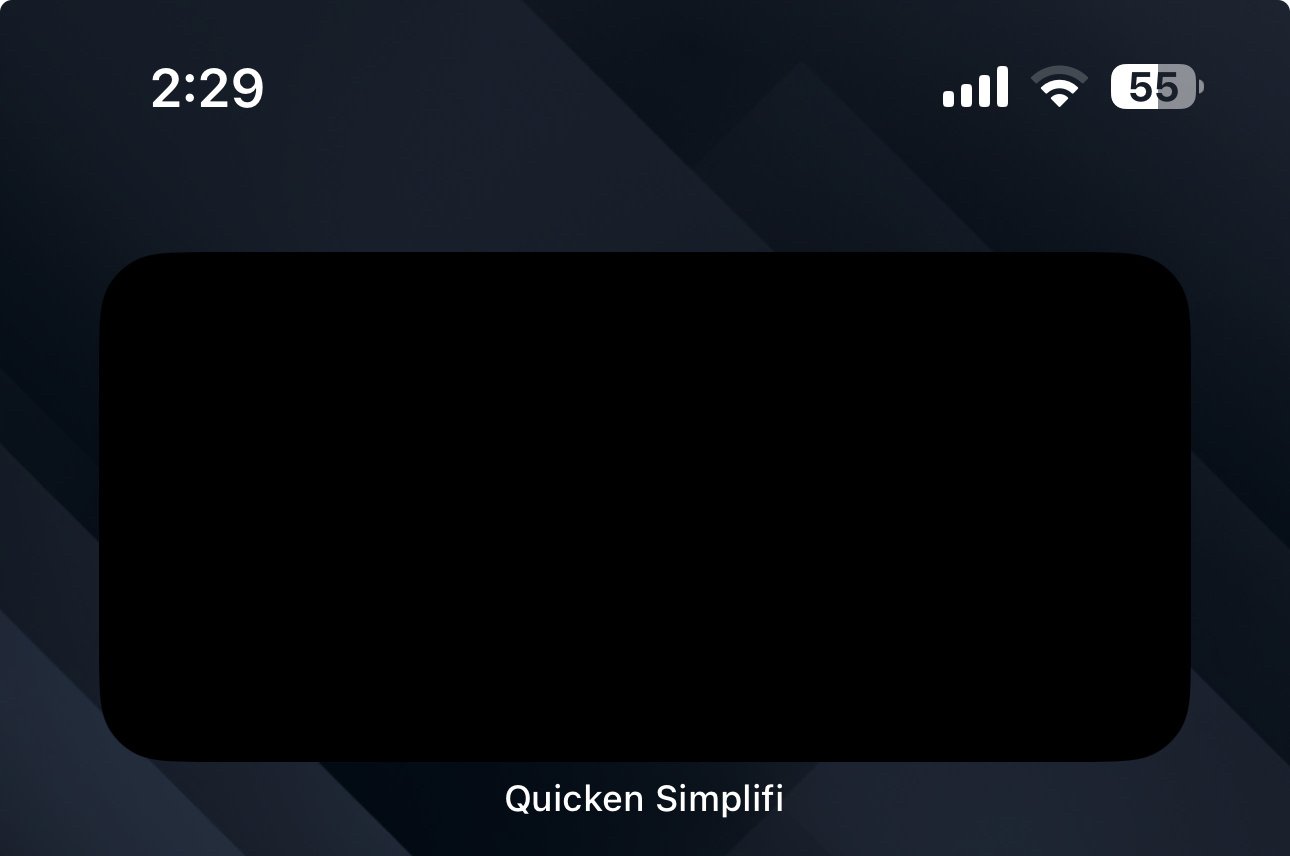
In the last month or two I noticed my iOS widgets aren't working at all. On my iPhone I have removed the widgets and tried adding them back to no avail. I've also logged out and uninstalled and reinstalled the app and they still do not work. The widgets are completely black as well.
On my iPad the avalible to spend widget shows the correct amount but the Investment amount is about $10k higher than what is in the app (which is the correct amount).
Comments
-
Hello @rockchalk89,
Thanks for reaching out! What I would have you try is to delete/clear the application and widget data completely on all devices using them currently. You will want to remove the widgets on your devices and then uninstall the Quicken Simplifi application, navigate to your application storage in settings, and then delete the application data there. Afterward, reinstall the Quicken Simplifi application, and refresh your data. Then re-add the widget to see if it now works correctly.
Let us know if this works!
-Coach Jon
-Coach Jon
0 -
That fixed it! Thanks!
1
