Stuck at Roundpoint's 2FA (edited)

Hi all, has anyone been able to use Finicity to link to Roundpoint?
I get stuck at Roundpoint's 2FA and am wondering if the 'go paperless' nag screen is throwing off the screen scraper. Or perhaps it has something to do with the rpmservicing.com URL vs loansphereservicingdigital.bkiconnect.com.
Thanks
Comments
-
Hello @Dognose,
Thank you for reaching out to the Community. To help troubleshoot, please provide more information. You mentioned you get stuck at the 2FA. How are you getting stuck? For instance, is the code not arriving? Is it arriving, but there's no place to enter the code? Are you receiving any error messages/codes? If so, what are you seeing?
I look forward to your response!
-Coach Kristina
0 -
Also stuck in a loop of 2FA with RoundPoint. Finicity will ask for login, then ask for which 2FA to use (seeing proper options, so login appears to be working) then get stuck in a loop of putting in the 2FA from text or email on finicity.
0 -
@Coach Kristina, to anwer your questions:
The 2FA is arriving and there is a place to put the code in. After putting in the code, it spins and say working on it then reopens asking for the 2FA again.
I am not recieving any error messages, just going in a loop for 2FA. Thanks!
0 -
Hello @TaWa,
Thanks for the information! Have you tried using another web browser/incognito mode to see if you are able to connect there? Additionally, are you trying to update an existing account within Quicken Simplifi or add a new account into the program? If you could supply screenshots showing the problem, this would also be helpful!
-Coach Jon
-Coach Jon
0 -
@Coach Jon Sure! I only tried adding a new connection as RoundPoint was never an option before on Simplifi (for me at least).
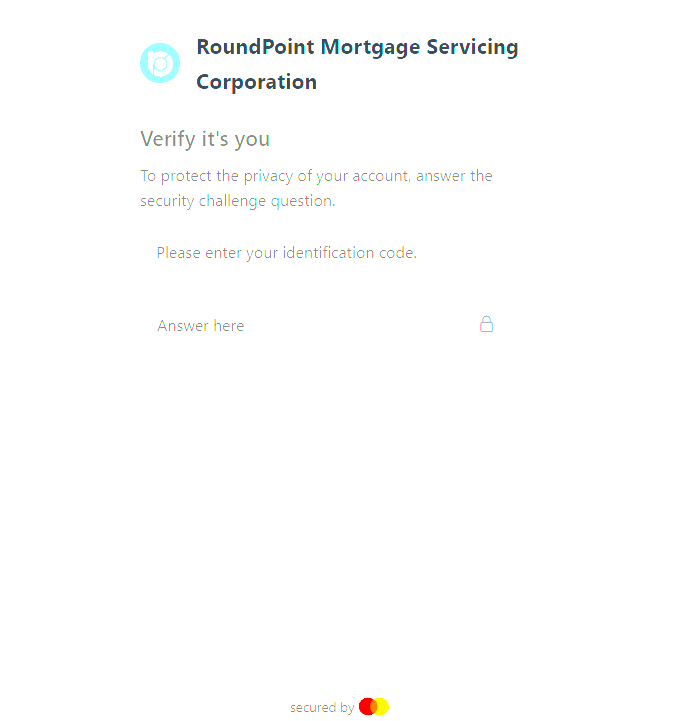
I tried through the Simplifi app on both phone and computer and also through the web interface on Chrome and an incognito Chrome tab. Same results on all instances with the below screens:
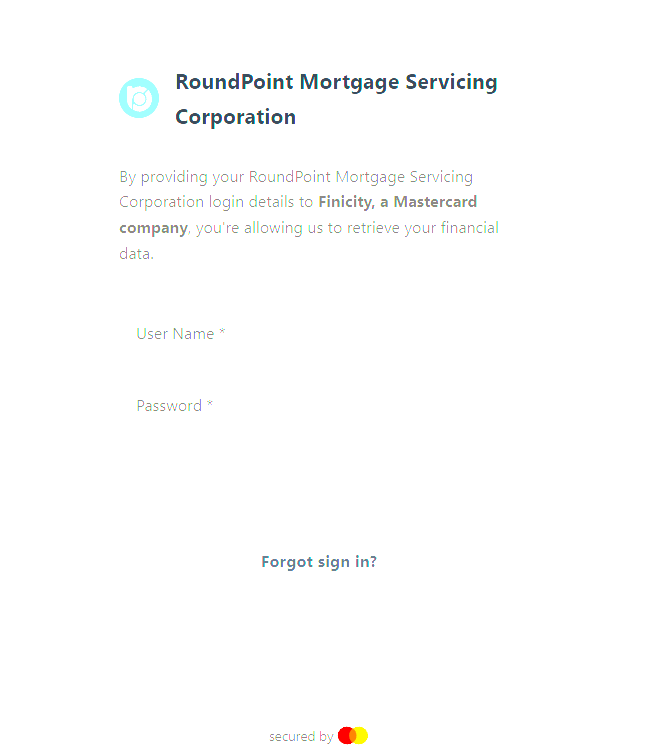
Login Screen:
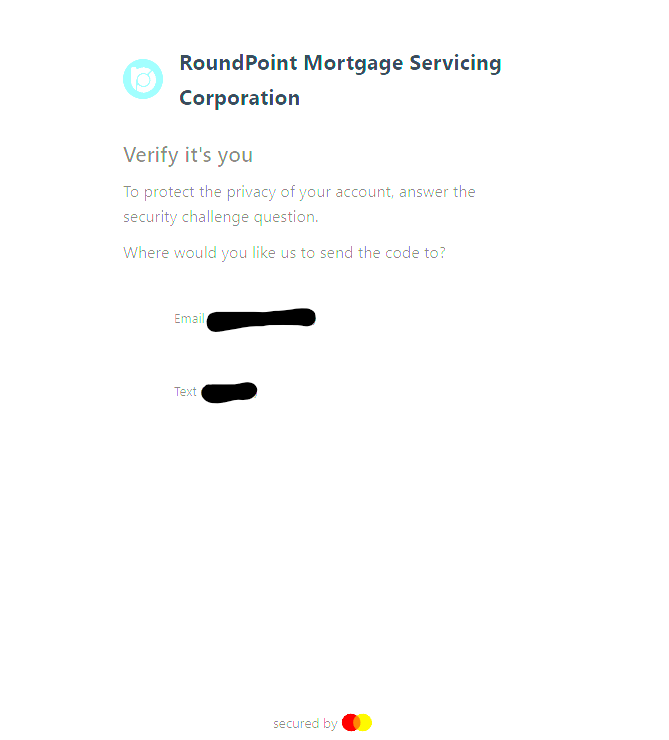
2FA Options:
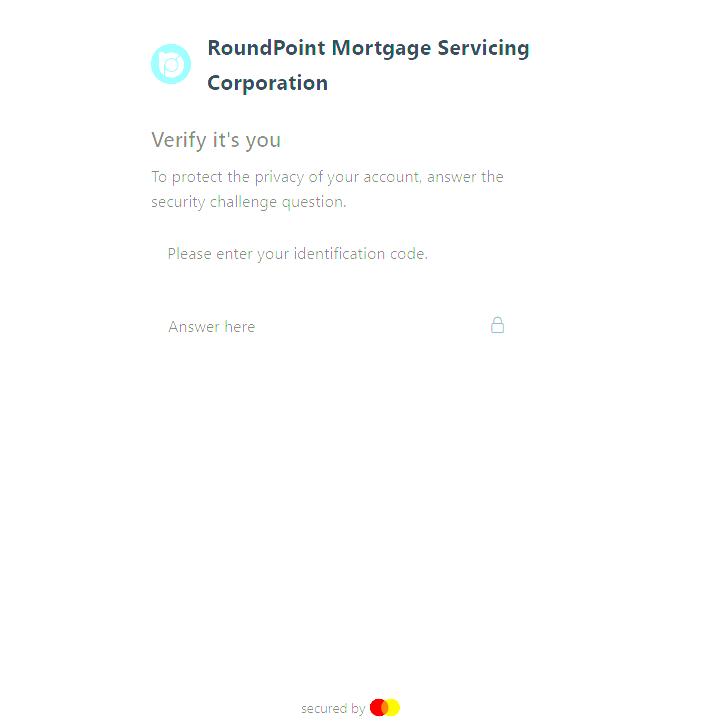
Screen to put in 2FA (I recieve the text or email and put it in):
Working:
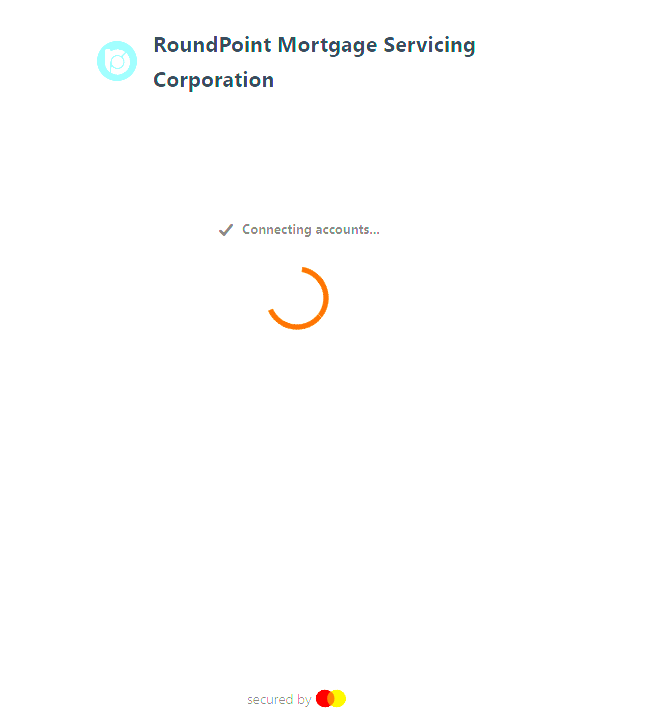
Back to previous screen again:
 0
0 -
Hello @TaWa,
Thanks for the additional information! It is certainly strange that the multi-factor authentication process does not continue once you receive your code. If you sign in to the Roundpoint website, does it require you to enter an MFA code there as well? As the previous user mentioned, is there some sort of pop-up window that appears during this process?
-Coach Jon
-Coach Jon
0 -
@Coach Jon, When I sign in (using incognito to ensure it is a fresh session) it does not request a 2FA on the RoundPoint website for me. Just username and password then logs in.
For the pop up are you refencing the go paperless option? If so, I already cleared that pop up so it doesn't show up now when I login to the website prior to testing. Thanks!
0 -
Hello @TaWa,
Thanks for the reply. Is there possibly a security setting on the bank's website that could be affecting the multi-factor authentication prompt within Quicken Simplifi? If there is not, can you please supply the following information?
- Has the bank made any recent changes to its website or sign-in process?
- What is the exact URL you use to log in to your account on the bank's website?
- How do you receive the MFA code? Does using another option work?
- A screenshot of the Accounts Summary page from the bank's website (the page that lists all accounts and balances - feel free to redact any private info) that has a wide enough scope to show the page URL (this must be taken from a web browser and not a mobile browser).
We will also need logs to be supplied:
- Log into the Quicken Simplifi Web App.
- Select Profile from the left-hand navigation bar.
- With the Profile menu open, hold down the Option key for Mac or the Alt key for Windows, and then click Send Feedback.
- Leave all boxes checked, add a brief description of the issue, and then click Send.
-Coach Jon
-Coach Jon
0 -
Hey @Coach Jon, thanks for all the help so far!
- The login process has not changed for awhile as far as I can tell.
- I tried both text and email. Those were the only options available.
- Am I able to send the screenshot directly?
Sent the logs!
0 -
Coaches, I had the same behavior as TaWa, and it's fixed now!
Thank you to @TaWa for picking up the ball, and all of the Simplifi folks for getting this link working. 🙂
2 -
Working for me as well now. Thanks @Coach Jon and @Coach Kristina for the support! Thanks @Dognose for opening the thread!
2

