Banco Popular Puerto Rico FDP-185/FDP-102 error

This discussion was created from comments split from:
Comments
-
I can add the bank again but when it finished it will not display the información and always stay on Account need attention.
And yes it ask for two-factor authentication two times. If I try again it will stay in the same loop.Care:FDP-185
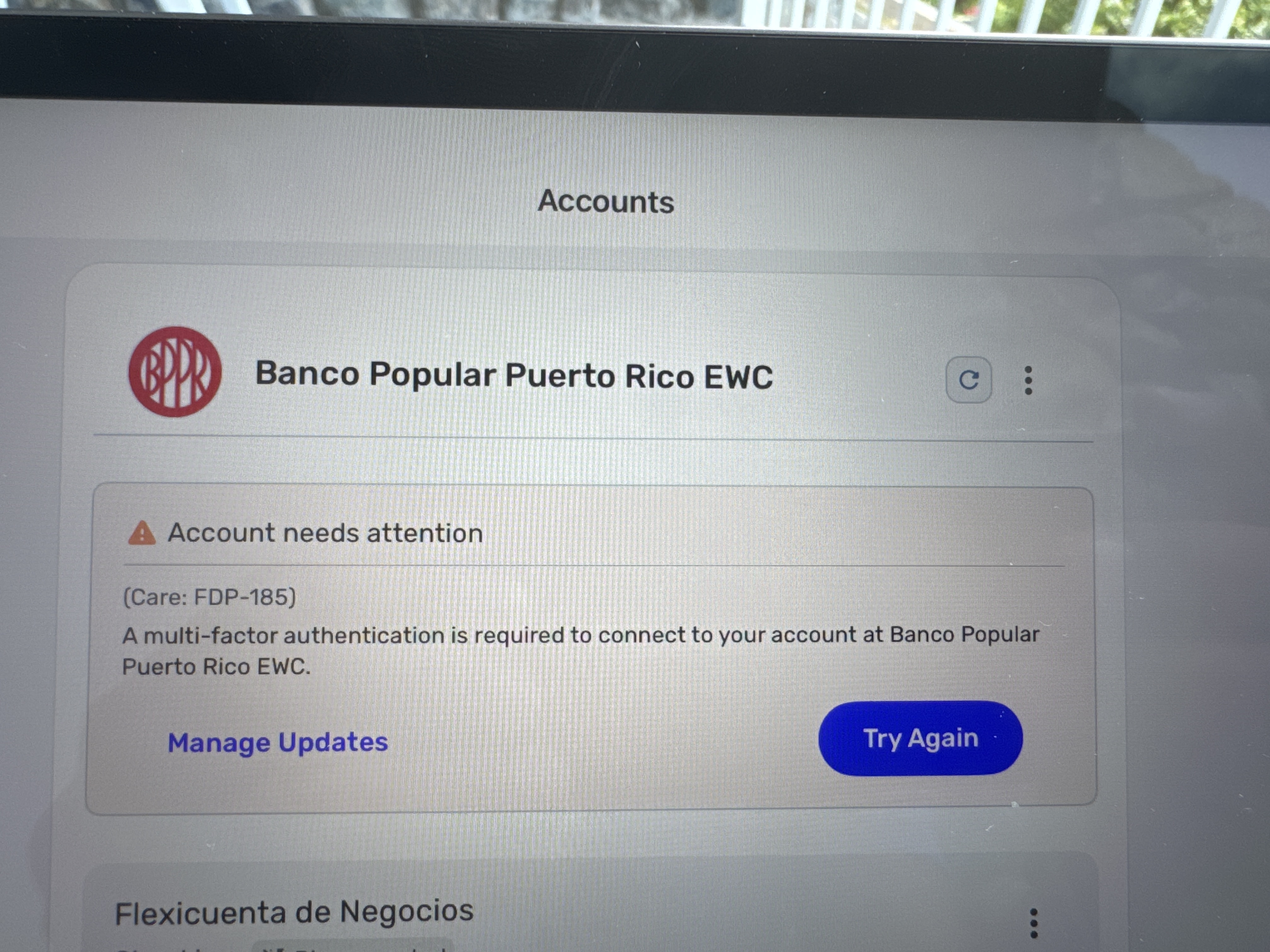
then it will come with Care:FDP-102
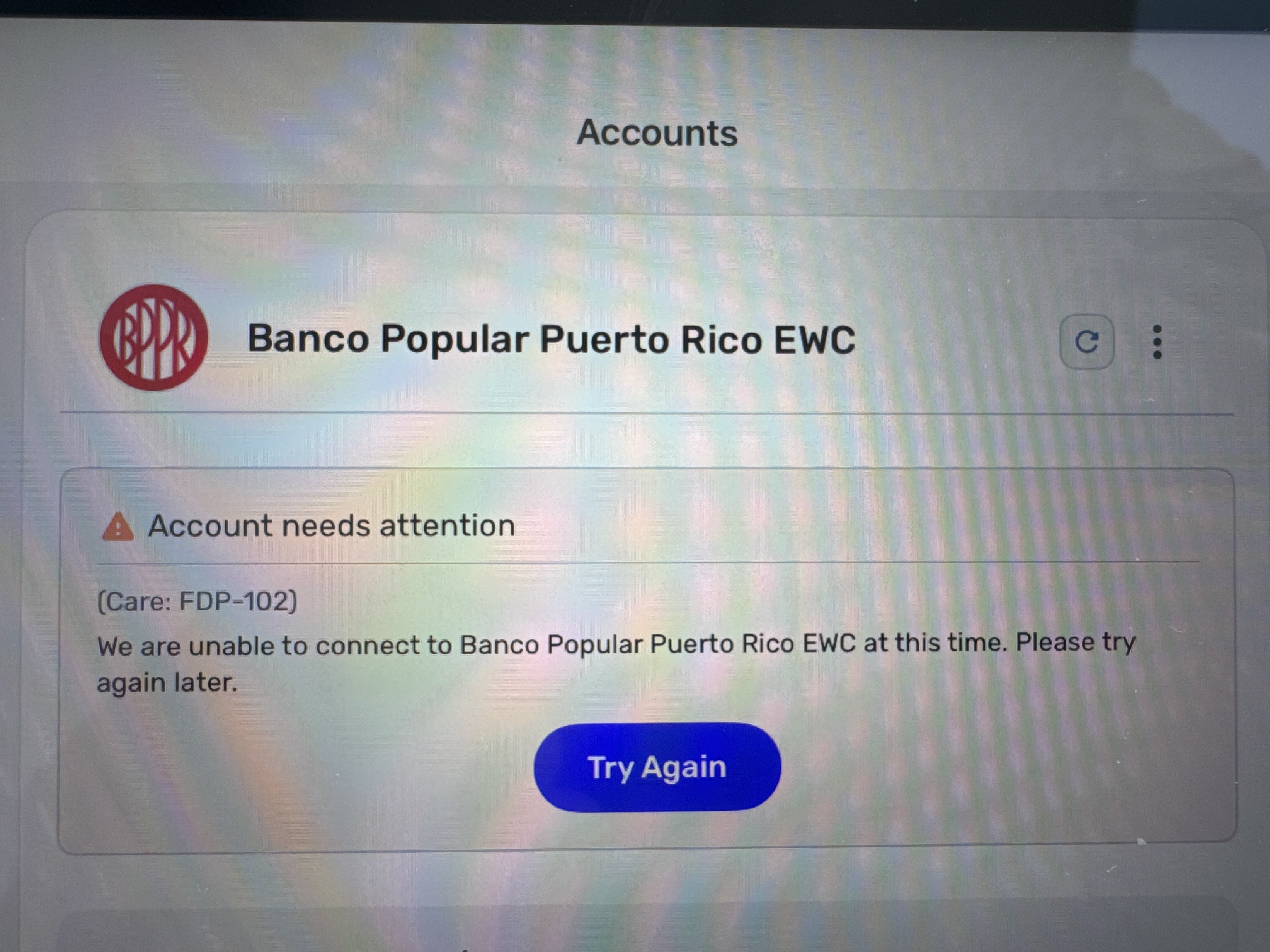 0
0 -
Hello @cvh1921,
Thanks for reaching out! I can see you are receiving an FDP-102 error from our side. Generally, this error resolves itself within 24-48 hours. Can you let us know if you are trying to add an account for the first time into Quicken Simplifi, or are you trying to update an existing account?
I would have you try establishing a fresh connection by making the account manual and re-linking to see if that fixes the current issue. The instructions to do that are:
- Make all of the accounts with the bank manual by following the steps here.
- Once you see the account(s) listed in the Manual Accounts section under Settings > Accounts, go back through the Add Account flow to reconnect to the bank.
- If the connection is successful, carefully link the account(s) found to your existing Quicken Simplifi account(s) by following the steps here.
Let us know!
-Coach Jon
-Coach Jon
0 -
HI Jon, I tried that and the same issue.

Not working for me. When I add the bank, it will ask for 2FA and pull the accounts. Then, it will ask for 2FA again and finish. However, when verifying the account, no information is populated, and it prompts me to try again. It still stays on a loop and always mentions the FDP-185 error.
Please help, as I need to close July and am unable to connect to the bank to retrieve the data.
0 -
Thank you for your reply,
So that we can further investigate this, please provide additional information. Are you receiving the box to put in the code both times that it prompts you for 2FA? If you try again, does the same process you described happen all over again, or does something else happen?
What are the names of the affected accounts, as they show in your Quicken Simplifi? What are the names of the affected accounts, as they show on the financial institution website? If you are not comfortable posting this information in this discussion, it is okay to send it via DM.
Please send logs. You can do that by following these steps:
- Log into the Quicken Simplifi Web App.
- Select Profile from the left-hand navigation bar.
- With the Profile menu open, hold down the Option key for Mac or the Alt key for Windows, and then click Send Feedback.
- Leave all boxes checked, add a brief description of the issue, and then click Send.
Thank you!
-Coach Kristina
0 -
Hello @cvh1921,
Thank you for the reply. I did get this escalated and will be sure to report back here with any status updates!
In the meantime, you can track the account manually by adding manual transactions, which will keep your records up-to-date. Here are the steps to do so: Managing Transactions in Quicken Simplifi | Quicken Simplifi Help Center
-Coach Jon
EWC - 11890137
-Coach Jon
0 -
Ok, thanks. Please keep in mind that it is impacting my financial documentation and is essential to have it working properly.
0 -
It is frustrating that I am paying for a product that is not working. I try, but it still doesn't work. I even delete everything and link the account again, and the same issue persists.
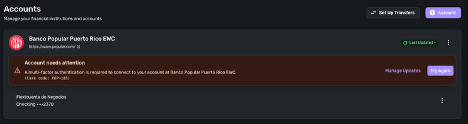
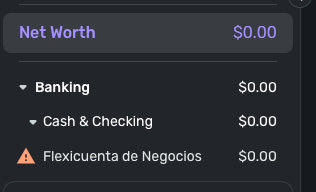
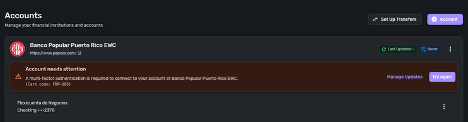

Please help, this issue is impacting my account monitoring.
Also, do you have a contact number I can call for technical support? Because this format isn't working, and we need to perform live support troubleshooting.
Here are the support logs for the account's re-entry.report created - reference id 498023808439729155
0 -
Hello @cvh1921,
Thanks for the reply! I can certainly understand your frustration. I can resubmit the escalation since the issue is still occurring, but if you do want to contact support instead, you can either request a call back from the Help Center or reach out to Chat Support.
Let us know!
-Coach Jon
-Coach Jon
0 -
ok, thanks for the information. Please escalate again and I will request a call if the issue is not fixed
0 -
Hi Jon, any update?
0 -
Hi Coach Jon, the issue still continues. Sorry for the delay, I was out sick.
0 -
Hello @cvh1921,
Thank you for following up. We can re-escalate this issue, but before we do, can you please try updating your credentials on your bank's website and then attempt to connect again in Quicken Simplifi?
We will also need new logs:
- Log into the Quicken Simplifi Web App.
- Select Profile from the left-hand navigation bar.
- With the Profile menu open, hold down the Option key for Mac or the Alt key for Windows, and then click Send Feedback.
- Leave all boxes checked, add a brief description of the issue, and then click Send.
-Coach Jon
-Coach Jon
0 -
Still having the same issue even with the password change.
report created - reference id 5002364653274368010 -
[rant redacted]
0 -
@cvh1921, thanks for giving the steps a try and providing new logs!
When viewing the previous escalation for this issue, I see that it was for an FDP-102 error, as you were ultimately receiving that error at that time. However, when viewing your latest connection attempts, I don't see an FDP-102 error at all recently. Instead, I just see the FDP-185 error. Does this seem to align with what you're currently seeing? If so, please let us know the following, as things currently stand:
- Is Quicken Simplifi asking you to complete MFA?
- Are you receiving the code?
- What method are you using (SMS, call, etc.)?
- Have you tried changing how you receive your MFA code?
- Have you tried temporarily disabling MFA with the bank directly to see if you can then connect in Quicken Simplifi? You can re-enable MFA when you're done.
Please let us know!
-Coach Natalie
0 -
I am receving the MFA and receiving it via sms from my bank. When I put it on the simplify system ti will try to connect put it will not pull any data.
I fI try to do a new connection from 0 it will get my accounts and ask two time for the MFA but after that nothing is added to the system.
Disable MFA on my bank is not and option as it is mandatory.0 -
I disabled 2FA, and the issue persists. It still connects, but the transaction and money are not displayed.
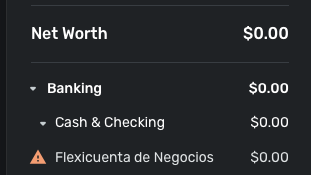

report created - reference id 500504721854428161
0 -
@cvh1921, thanks for the additional information!
I was able to confirm the FDP-102 error from our end again and have resubmitted the original ticket. @Coach Jon will be back in touch as soon as there's an update!
EWC-11890137
-Coach Natalie
0 -
@cvh1921, we've received an update on your escalation! Our service provider would like you to give the connection another try.
Let us know how it goes!
-Coach Natalie
0 -
Same issue. The system will connect to the bank, pull all the accounts, and finish the sync process. But it will not display any transactions or account balance.
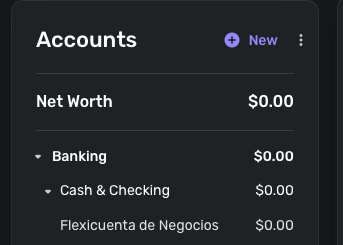

I believe I am in a situation where I can no longer continue waiting for support to resolve the issue I’ve been experiencing. During this process, I have tested alternative products that work without any problem.It is disappointing, as I had been using your product for over a year without issues, and it had truly simplified my work. Unfortunately, the product is no longer providing me with the solutions I need.
Given these circumstances, I would like to kindly request a refund for the services I paid for over the past year, since I have not been able to benefit from the product as expected.
I look forward to your guidance on how this refund request can be processed.
0 -
Hello @cvh1921,
We can certainly understand your frustration regarding troubleshooting this issue. We can continue to work on a resolution from our side, but if you do not wish to continue and still want to pursue a refund, you will need to reach out to our support team via chat/phone to discuss a refund.
Let us know!
-Coach Jon
-Coach Jon
0



