Applying rules to past transactions is not working (edited)

Created a new rule, Simplifi finds the matching transactions in the new preview screen, when I apply the rule, it doesn't change the transaction name.
Comments
-
Hello @housetr,
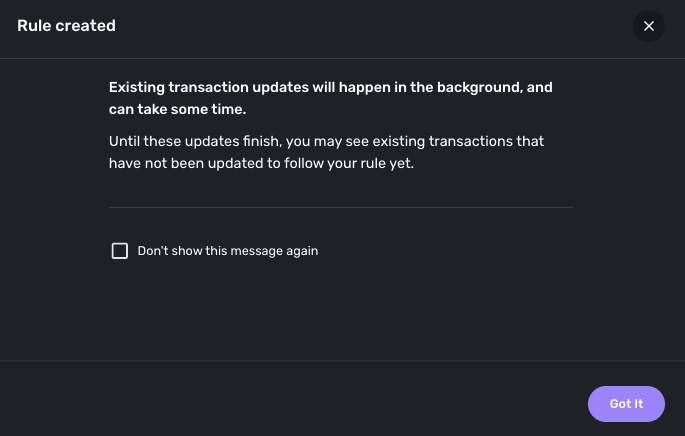
Thanks for reporting this issue. I was unable to reproduce this issue from our side, unfortunately. I do know that sometimes the rule change can take some time for existing transactions, however.
How recently did you create the rule? Have you checked to see if signing out and back in or trying from another web browser works? Let us know!
-Coach Jon
-Coach Jon
1 -
Yes, I created the rule last week. I signed in/out and no change.
0 -
yes, tried both — no luck
0 -
Just PM’d you screenshots.
0 -
Hello @housetr,
Thank you for the screenshots! Have you tried creating this rule in the Quicken Simplifi web application to see if it works this way? I would also see if changing from Original Statement Name to Quicken Name works better in this case.
Additionally, I would see if "Capital One Mobile Payment" works for this Payee name, possibly. Let us know!
-Coach Jon
-Coach Jon
0 -
i’ve tried all of those things. Nothing works.
0 -
Hello @housetr,
We are not seeing any other reported cases of this issue at this time, so this is most likely specific to you. Can you provide the same screenshots as shown from the web application, as well as showing a screenshot of the rule done with the Quicken Name instead?
-Coach Jon
-Coach Jon
0 -
Just PM'd them to you.
0 -
Hello @housetr,
Thank you for the requested information. I can see that the created rule is locating the existing transactions, as you stated. If the existing transactions are not updating based on the created rule, even after waiting, then I can definitely see why this is an issue. Can you please provide the following information:
- The version and build of Quicken Simplifi you are on.
- The web browser and its version that you use.
- The operating system and its version that you use.
- Have you noticed this behavior with any other rule being created?
We will also need logs, please:
- Log into the Quicken Simplifi Web App.
- Select Profile from the left-hand navigation bar.
- With the Profile menu open, hold down the Option key for Mac or the Alt key for Windows, and then click Send Feedback.
- Leave all boxes checked, add a brief description of the issue, and then click Send.
-Coach Jon
-Coach Jon
0 -
Hello @housetr,
Thank you for the information provided in the DM. After researching this issue, I found an open ticket being worked on by our product team (SIMPL-28026) regarding this matter. It appears that transaction rules cannot be applied to Transfer categories at this time. They are currently looking into a solution for this issue, so in the meantime, I would avoid setting up rules for these types of transactions.
I apologize for not having a better answer at this time.
-Coach Jon
-Coach Jon
0
