Account Adding and Changing Manual to Online (edited)

I can’t find the answer to this situation. I have four accounts with Capital One – Checking, Savings, Credit Card Savor and Kohl’s Credit Card. Prior to creating the Checking and Savings, the Savor Credit Card was set up in Simplifi with Capital One Credit Card Services and the Kohl’s Credit Card was treating as a manual account. The Savor account has transactions while the Kohl’s account does not have any transactions. When I try to create the Capital One account (for all four accounts), I get the Checking, Savings and a new Savor Credit Card and new Kohl’s account that Simplifi wants to create. So, how can I merge the new Savor and Kohl’s accounts with the exiting Savor and the manual Koh’s account. I thought that it would be like linking for these two accounts (Savor and Kohl’s) but I don’t seem to see where I can do the linking to the two existing accounts.
My end state is to have all four accounts to be able to have transactions downloaded and only have one account for the Savor card and the Kohl’s card. So, is there any steps to do to achieve this end state. Thanks in advance.
P.S I don't have a problem in deleting the Kohl's account and then bring it down as an online account as there are no transactions to be concerned with.
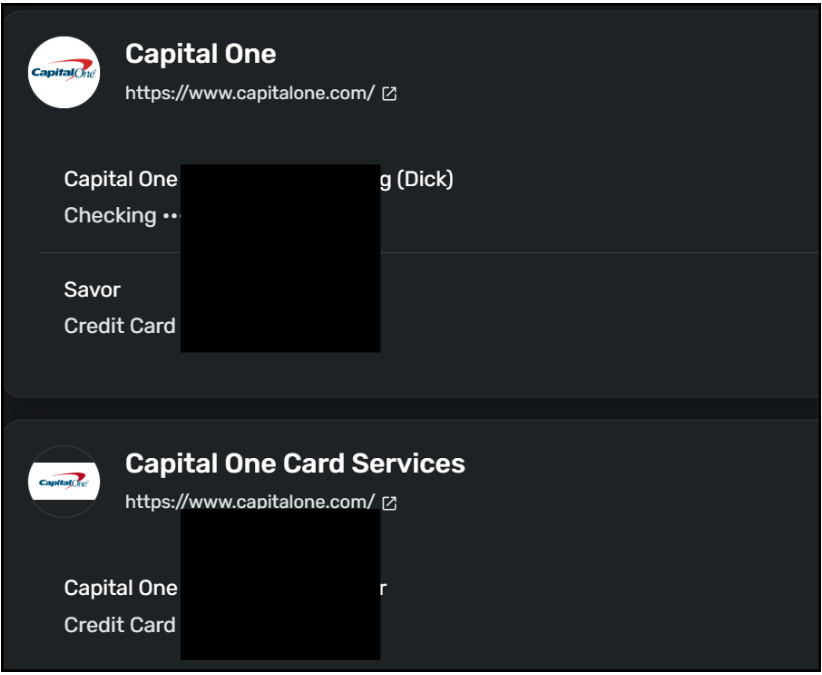
[Edit - Removed partial account numbers]
Dick Davis
Wanting to Migrate from Quicken Classic Premier to Simplifi
Comments
-
When you connect the accounts, you have to link the new Savor and Kohl's to the manual accounts you already have. Since Savor is already connected, you need to make that account manual before connecting it again.
The above guidance should help. Good luck.
Steve
Quicken Simplifi (Safari & iOS) Since 2021
Quicken Classic (MacOS) Since 2009
MS Money (1991-2009) and Dollars & Sense (1987-1991)2 -
@SRC54, Thank you. With the information you provided, then I was able to get this down with ease. Thank you again.
Dick Davis
Wanting to Migrate from Quicken Classic Premier to Simplifi
1
