Spending Plan - No Budgeting Bills?

How do you set aside or budget money for upcoming bills? Say you have a $500 Electric Bill and a $300 Phone Bill due in the same week or pay period, how do you “plan” for those bills? As the way the Spending Plan is currently designed, you would have to create a budget item under “Planned Spend” and not use the Bills area. This seems broken. It would also be nice to group multiple categories under the Spending Plan. Am i missing something?
Comments
-
Well, what I do is to put it in Bills. I know I will have a Power bill and a telephone bill each month. The phone bill is pretty static so I have it set to about $90 per month. The power bill is on the budget plan, which right now is $159 per month. Before I did the budget plan, I would plan on about $250 in the summer and $100 each month from October to April.
So I edit the series in May to change Alabama Power to $250 and re-edit the series in October to go back to $100.
When I say I put it in Bills, I make a recurring reminder. I actually put these in subscriptions but regular bill is fine too.
If you don't understand what I mean, please reply. You'll get the hang of the Spending Plan after a while.
Steve
Quicken Simplifi (Safari & iOS) Since 2021
Quicken Classic (MacOS) Since 2009
MS Money (1991-2009) and Dollars & Sense (1987-1991)0 -
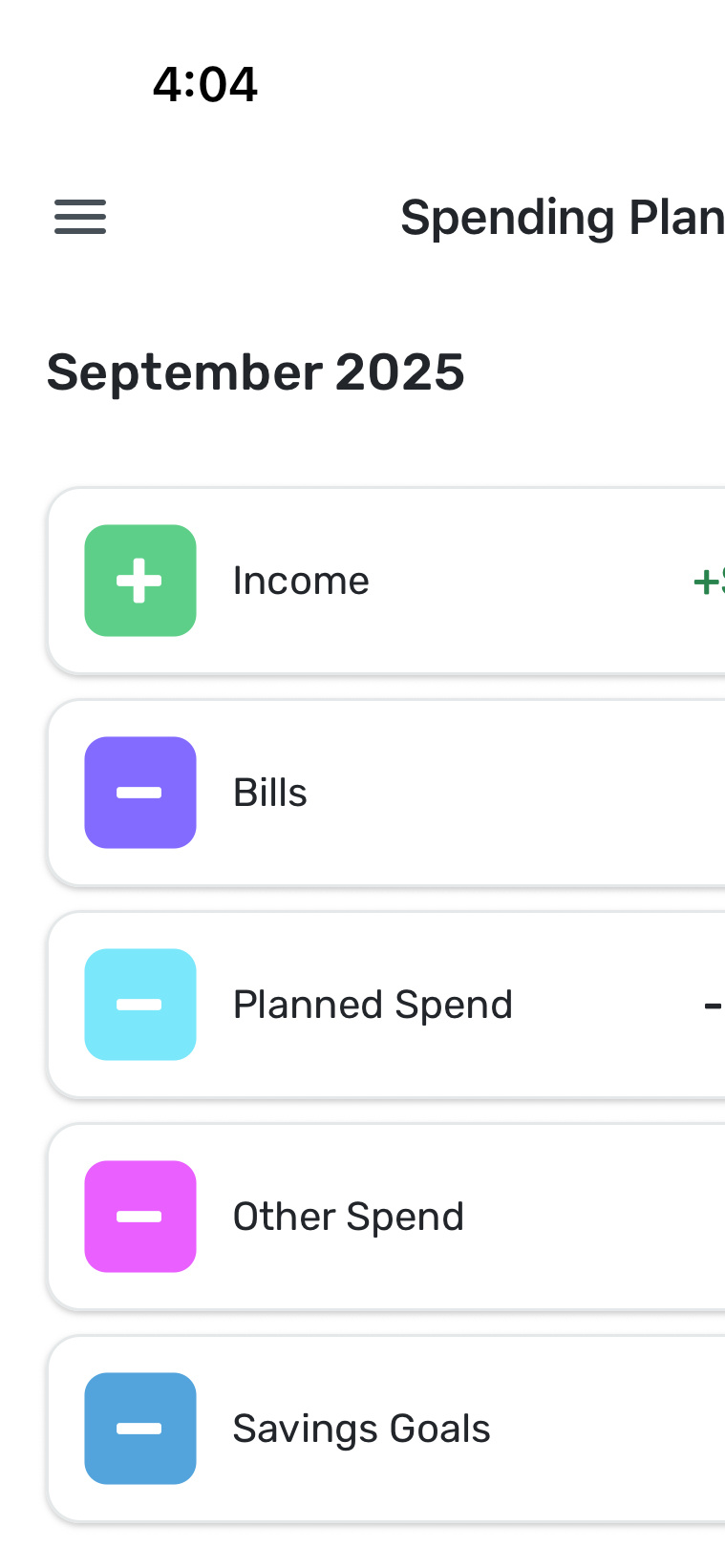
So do you have the electric bill under Planned Spend as shown in this screenshot.
 0
0 -
@c2clear, I personally have my electric bill as a Recurring Bill for $100 a month. Sometimes it is over $100, sometimes it is under $100, but $100 is what I budget. Setting up the Recurring Bill with the "budgeted amount" is how you can budget for these types of items in the Spending Plan.
Another way to budget for certain categories, or rather track the spending that takes place in that category, is Watchlists!
@SRC54 may have a response for you as well, but I just wanted to chime in with how I handle this!
-Coach Natalie
1 -
@c2clear I do the same as @Coach Natalie and have a recurring reminder in the Bills section. Regular Bills, I think, what this is for. I do this for all my bills, eg., telephone, gas, water, garbage, Internet, whatever.
I used to guesstimate based on the season but I switched to budget billing with Alabama Power so that they charge me the same each month. I never had any problem though with Simplifi matching the transaction with the bill.
Of course, your way works as well, which is to budget using the Planned Spending category of Utilities or whatever category you use. I save the budget categories for things that are more often than once per month, e.g., groceries, gasoline, sundries.
Hope this helps.
Steve
Quicken Simplifi (Safari & iOS) Since 2021
Quicken Classic (MacOS) Since 2009
MS Money (1991-2009) and Dollars & Sense (1987-1991)0 -
Hi @c2clear Do you have your income set up as recurring yet? Once you do you will see in the Spending Plan/Income your total income for the month. After that your fixed expenses (recurring Bills and Subscriptions) will be totaled up and subtracted leaving you with what you have available for your flexible expenses (Planned Spending) such as groceries, recreation, transportation, etc.
As @SRC54 and @Coach Natalie suggest there are a couple of ways to handle your variable fixed expenses like you electric bill. You can average out your annual cost and make that your monthly estimated amount; you can log into your account at your electric utility, navigate to your payments for the past 12 months and enter those amounts in the corresponding month's Spending Plan. If you haven't already, you can also try to set up bill connect with you utility and if it works your monthly amount due will update based on the most recent bill.
AS you have noticed, QS is not set up like the traditional category-based budget system. One way to make the shift to the QS is to think of the Spending Plan along the lines of a fixed/flexible budgeting model as distinct from a category-based budgeting system. This is explained pretty clearly in this support article: Understanding Your Spending Plan
Don't hesitate to take advantage of this forum for help along the way.
Danny
Simplifi user since 01/22
”Budget: a mathematical confirmation of your suspicions.” ~A.A. Latimer1 -
Thanks @SRC54, @Coach Natalie, @DannyB for your detailed responses! It makes more sense now.
3


