Ascensus FDP-102 error

This discussion was created from comments split from:
Comments
-
I saw this marked as resolved today but I'm still unable to get this to work. As others pointed out the url is https://secure.ascensus.com/login/participant but I don't see that option in accounts to add.
0 -
@Btbkilla, thanks for posting to the Community!
When viewing your connection attempts from our end, I see an FDP-102 error with Ascensus version of Vanguard Plans and Ascensus - RPLink, which is different from the FDP-103 error reported in the other thread. With that, your comment has been split into a new discussion.
An FDP-102 error indicates that the bank is throttling connection traffic, meaning they are limiting the number of successful connections. For this particular error, we do recommend allowing at least 48 hours for the issue to self-resolve. For this particular bank, I would also recommend trying outside of peak hours, such as in the evening or over the weekend.
Additionally, to clarify, the URL displayed for a financial institution within Quicken Simplifi is not always the same URL used to connect from the backend. The Ascensus options in Quicken Simplifi should allow you to connect your Vanguard Ascensus account.
Let us know how it goes!
-Coach Natalie
0 -
Hey Coach Natalie! It's still not going great. Additionally, to clarify, I was referring to this post below that you marked resolved which states the FDP-102 and FDP-103 errors have been resolved. As I can't post on that particular page I posted on the one where you had linked it as the ongoing issue for users to track.
There are currently 4 options when you type in Ascensus. I'm still getting FDP-102 errors when trying either of the 2 you mentioned seeing activity on. Based on the URL I've provided, which one should I be using? Any help here would be much appreciated. I have this plan through my employer and all of the funds to choose from were Vanguard funds, but again, there are 2 different options for Ascensus that mention Vanguard in the name and both of the same URL listed.
0 -
Curious if you already had it linked before or are setting it up for the first time? I also had the same issue. I got 102 when viewing the account and 103 trying to update credentials with the same credentials used on ascensus’ website.
i also found two ascensus in the add account flow. One of them is called Ascensus version of vanguard plans. As mentioned it is probably is the one you want.The other was vanguard ascensus retirement, that looks like it’s for the old website auth flow, ascensus updated its site including the auth flow recently.
I already had it linked before all the issues so The fix for me was to reset the connection. I suspect the issue is from the recent ascensus website redesign including authentication flow and wont resolved on its own even with new credentials so the update credentials button simplifi gives just doesn’t work.
if you already had it linked and are trying to fix it, Try Goto to settings>accounts the find the 3 vertical dots on the ascensus entry and choose reset. Follow the prompts.0 -
I have been following the situation with linking to Ascensus and see that for most folks I suppose it's been resolved (Sept. 3, coach Jon.) But it doesn't work for me. My login for my retirement plan is: https://secure.ascensus.com/login/participant
Is there any way for this to be set up so that I may integrate it into my Simplifi?
Thanks,
Tim
0 -
@Btbkilla, thank you for the reply!
To clarify, the issue that the Alert was for, which was caused by the recent website change, has been resolved. As for which option to use, I think both the Ascensus version of Vanguard Plans and the Ascensus - RPLink options should work; when I click the URL displayed for both in Quicken Simplifi, I get the same website of
Is this the website you sign into to see your accounts?
I would also recommend establishing a fresh connection with the bank. I'd suggest giving these steps a try outside of peak hours, such as this weekend:
- Make your Ascensus account manual by following the steps here.
- Once you see the account(s) listed in the Manual Accounts section under Settings > Accounts, go back through the Add Account flow to reconnect to the bank.
- If the connection is successful, carefully link the account(s) found to your existing Quicken Simplifi account(s) by following the steps here.
@tragicview, it looks like you are experiencing the same issue, so I merged your post with this ongoing thread. I would suggest giving the same steps mentioned above a try!
Let us know how things go!
-Coach Natalie
0 -
@Coach Natalie im working now, i had to do a reset of the connection. I didn’t want to delete it entirely and start fresh because it screws up historical views. So thankfully doing the Reset Connection flow on it forced it to ise the updated flow. I am suspicious that it was still trying to use the old authentication flow even after you all fixed it and a reset cleaned that up.
2 -
I've never had it added before I am only trying to add it for the first time and none of these options will work for me. Still getting Care Code: FDP-102
0 -
@Btbkilla, thank you for the reply!
When viewing your connection attempts from our end, I am only seeing attempts during the middle of the day. Since Ascensus is part of Vanguard, and Vanguard blocks during the workday, you will want to try outside of peak hours, such as over the weekend. This is mentioned in our support article here as well:
- For Vanguard users: We currently have a known issue with Vanguard blocking connection traffic during peak hours.
- Our team is actively working to alleviate the downtime. In the meantime, we suggest trying to add/update your account(s) outside of peak hours or over the weekend.
Let us know how things go for you this weekend!
-Coach Natalie
0 - For Vanguard users: We currently have a known issue with Vanguard blocking connection traffic during peak hours.
-
I tried a handful of times over the weekend and received the same Care Code: FDP-102. Are you able to see anything on your end?
0 -
@Btbkilla, thanks for the update!
I do see the FDP-102 error from our end over the weekend for Ascensus version of Vanguard Plans and Vanguard Ascensus Retirement. I don't see that you've tried the Ascensus - RPLink option. Just to ensure we are covering our bases, can you give that one a try this evening outside of market trading hours?
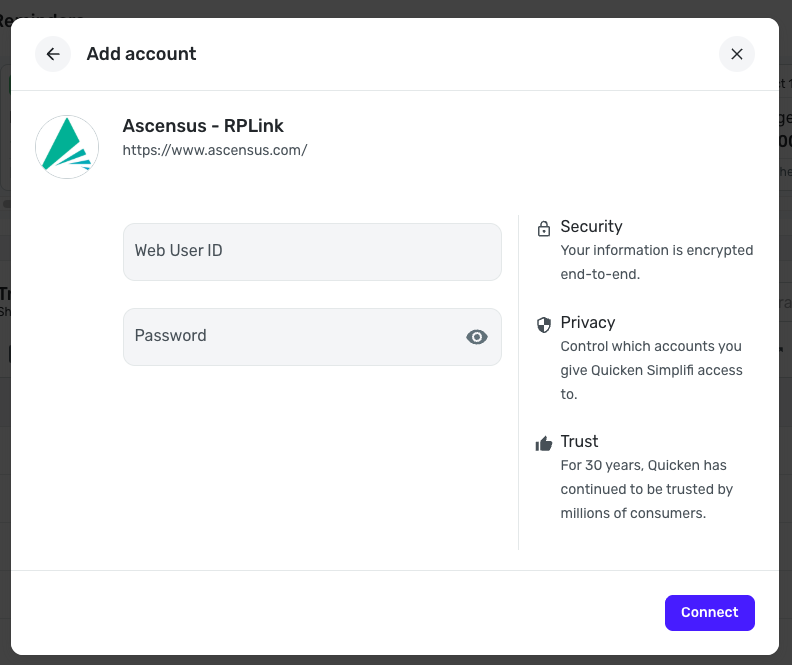
Let us know if this bank option works for you!
-Coach Natalie
0 -
Hi,
I've tried the RPLink option a few times outside of trading hours as well as a few times over the weekends and still receive the same error.
0 -
@Btbkilla, thank you for giving that bank option a try as well!
I have escalated this issue to our service provider and will post back here with updates.
EWC-11975053
-Coach Natalie
0 -
@Btbkilla, thank you for your patience as this issue is being researched!
We received an update from our service provider, and they'd like you to connect your Ascensus account using the Plan Administrators, Inc bank option in Quicken Simplifi.
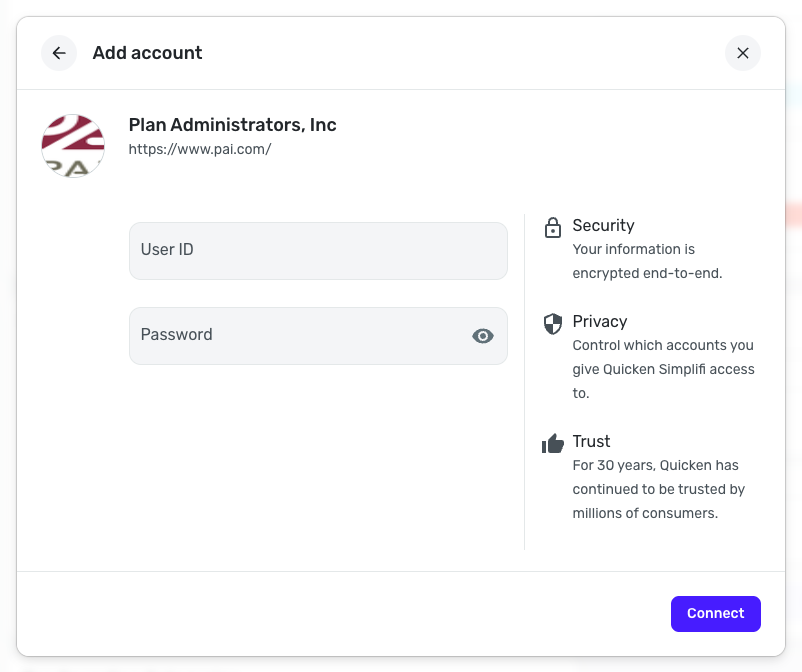
Let us know if this works for you!
-Coach Natalie
0 -
@Btbkilla, hello again!
Have you been able to try the bank option posted in my latest response, by chance?
Please let us know!
-Coach Natalie
0 -
@Coach Natalie sorry for the delay. This connection worked! Thank you so much for help on this.
1 -

