Issue with searching transactions (edited)

When in the Transaction list, a bug is present in the filter. For example, When the word “to “ (with a space is entered) there is when it matches but most of time not a match. See the attachments for further understanding.
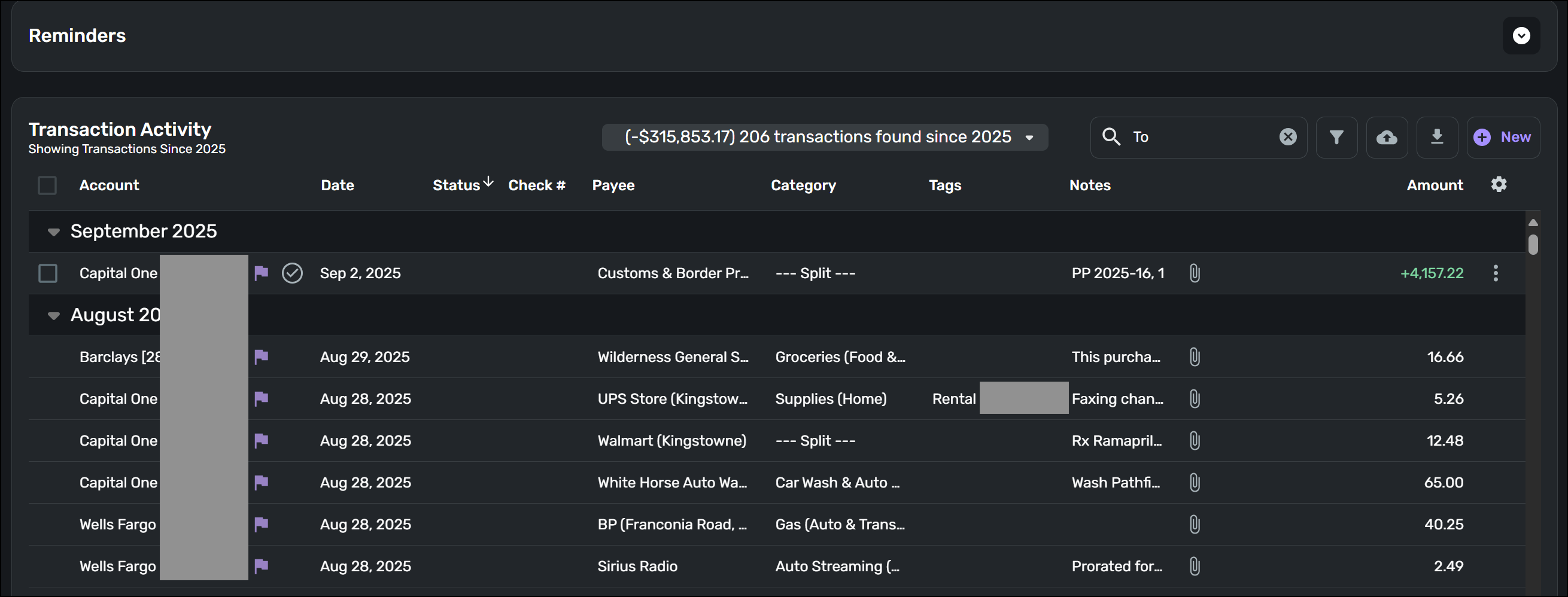
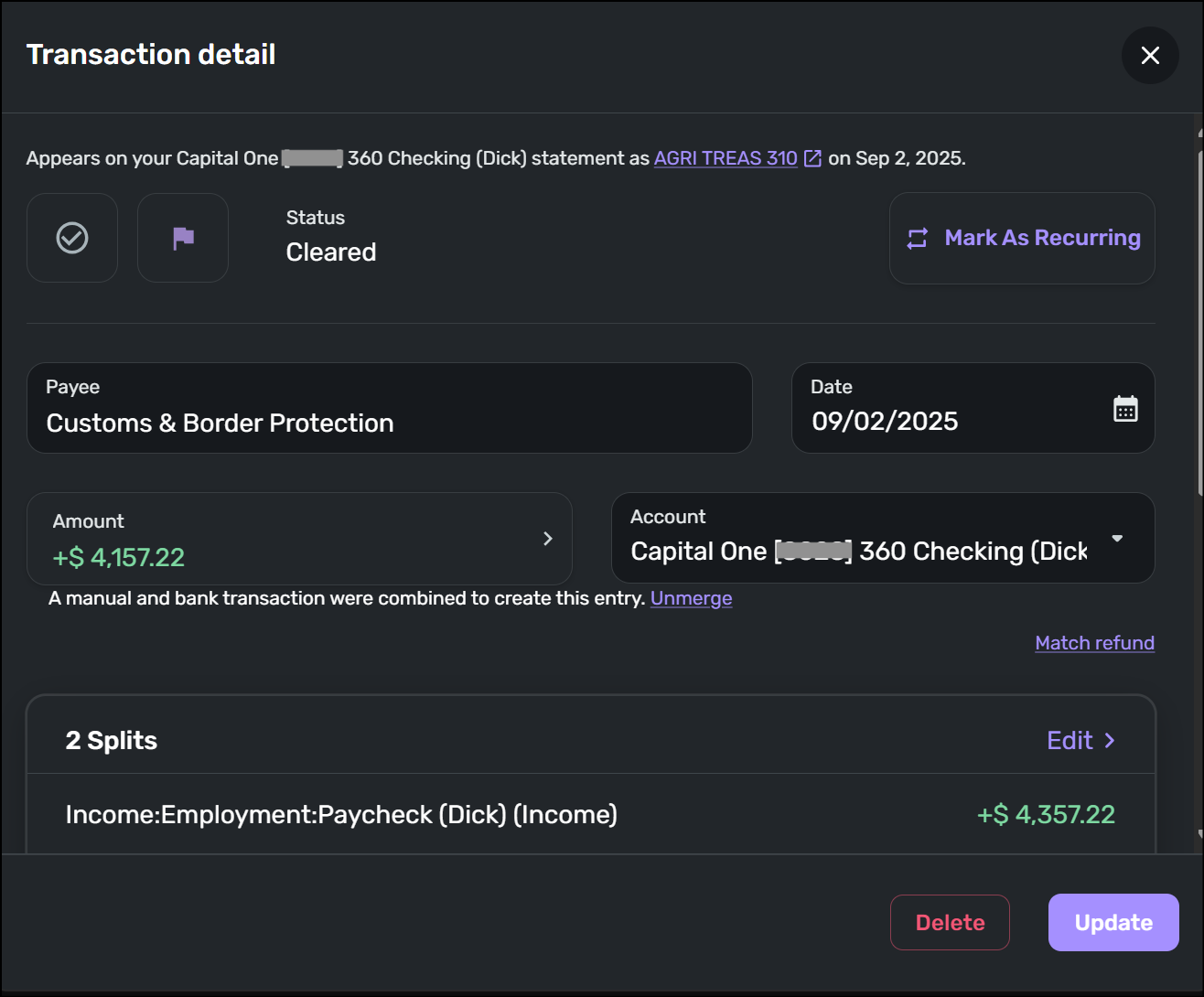
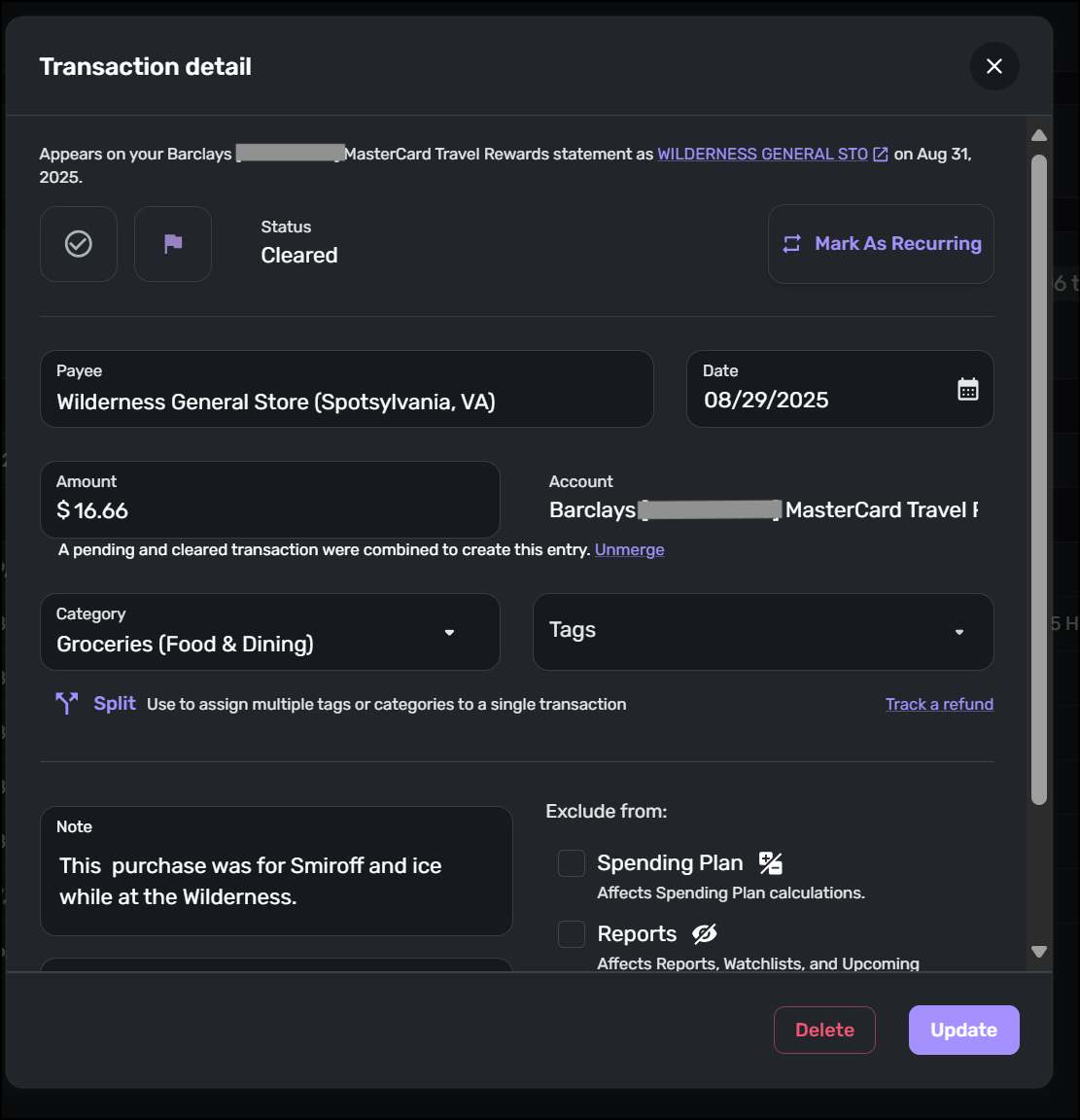
[edited images for privacy]
Dick Davis
Wanting to Migrate from Quicken Classic Premier to Simplifi
Comments
-
Hello @Dick_Davis,
Thanks for reaching out! I believe the word "To" is probably too much of a broad and general term when trying to search for a specific transaction in Quicken Simplifi. I would see if adding more detail when searching would work better in trying to locate the transactions you're looking for.
-Coach Jon
-Coach Jon
0 -
@Coach Jon, your point is well taken, but the searching should be use to search the words entered. Such as "Wilderness Resoort" a one worked or "wilderness, resort" as the search for any of these words. Also, does these searches peform an exact match or a just match the word with with all small leters, all capital letters, or a mixture of letters. This is pretty much standard within any app. Also, since this is Quicken product, the logic and most likely the program flow is already defined in Quicken.
Dick Davis
Wanting to Migrate from Quicken Classic Premier to Simplifi
0 -
Hello @Dick_Davis,
Thanks for the reply! I understand where you are coming from. I believe these idea posts are something you would be interested in voting for regarding this topic:
I hope this helps!
-Coach Jon
-Coach Jon
1 -
-
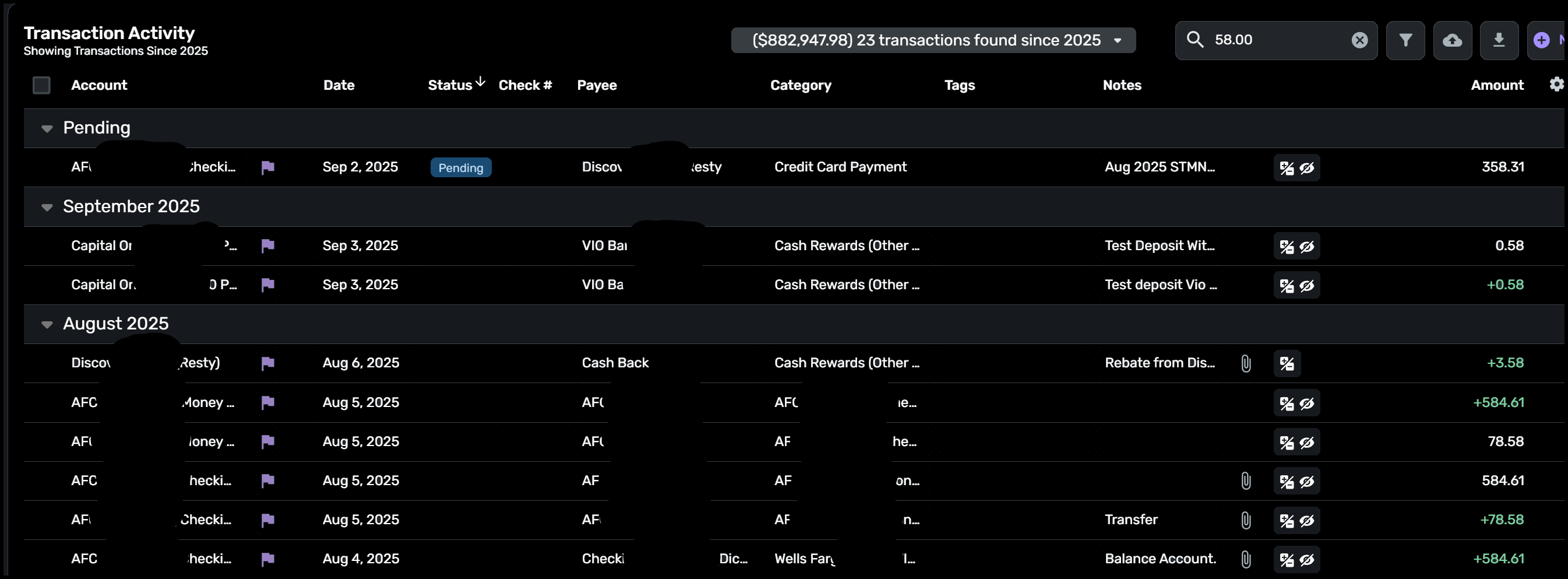
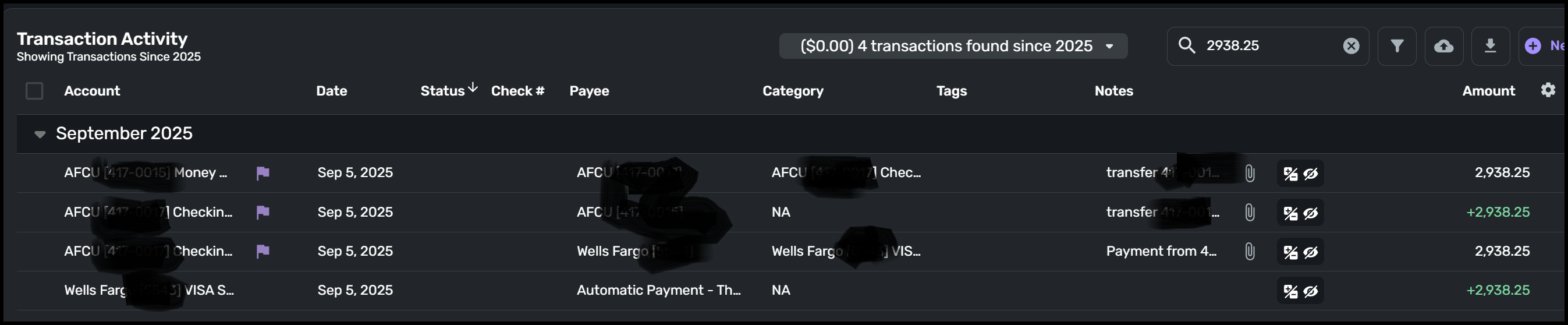
@Coach John, here is an example of what I was referencing and screen images attached. The filter was set for 58.00 and the results were 23 transactions that had any form of "58" as shown. That was not the filter. I can possibly understand any tranaction that was "58.00", but the majority of these transactions are incorrect results from the filter. Also, I have attached a correct filter.
If this was my error, please point out the error in filter item. Thank you.
Dick Davis
Wanting to Migrate from Quicken Classic Premier to Simplifi
0 -
Hello @Dick_Davis,
Thanks for the reply! If you add a "$" symbol before the amount, it should return search results for the exact amount you are looking for. In this case, $58.00. I hope this helps!
-Coach Jon
-Coach Jon
1 -
@Coach Jon, Thank you for the recommendation. I have tried this and it does as expected. Thank you again.
Dick Davis
Wanting to Migrate from Quicken Classic Premier to Simplifi
2
