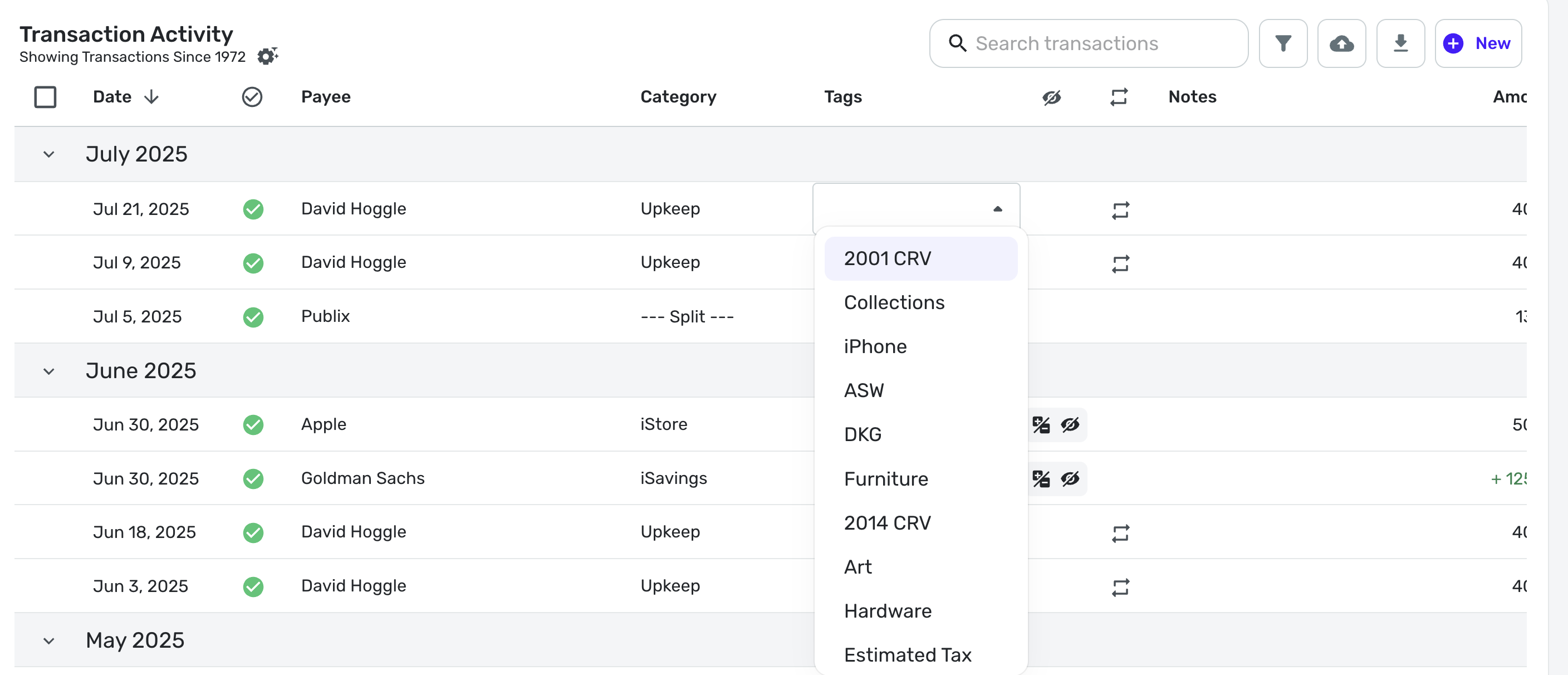
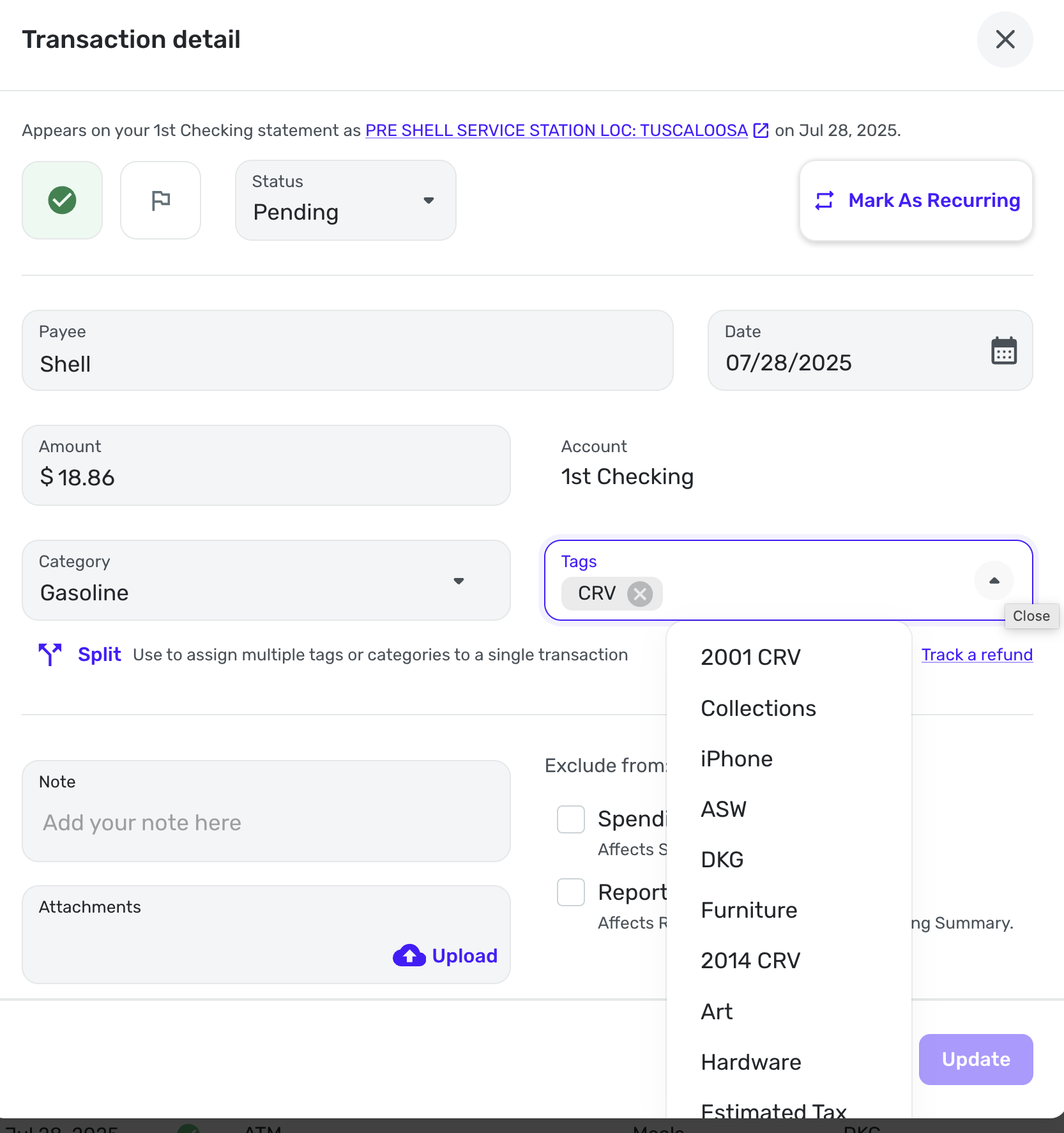
Tags list in a transaction in the Spending Plan not in alphabetical order

When I'm looking at transactions in my Spending Plan and click on the Tag drop-down, the list appears in random order and not in alphabetical order.
It appears in alphabetical order in the regular Transactions page.
Comments
-
So you mean when you want to add a tag and you do the drop down menu, they seem random.
I see what you mean. It seems to me this may be a known issue. I wonder if it is in order of the date of creation, but it is disconcerting.
For me the dropdown is not in alphabetical order in the transactions registers or in the dropdown in the Edit Transaction dialog box.
Steve
Quicken Simplifi (Safari & iOS) Since 2021
Quicken Classic (MacOS) Since 2009
Dollars & Sense (DOS) and MS Money (Windows) 1987-20090 -
Hello @MishaM,
Thanks for reporting this behavior! I can see the same from our side. I do not know if they are random or in some kind of order, but I can see that they do appear alphabetical in the transactions register.
@SRC54, You mentioned you do not see the tags list in alphabetical order within the transactions register. Is the drop-down list also random for you there? Can you provide a screenshot? I also see that the drop-down list is random in the Transaction detail window, as you reported, as well.
-Coach Jon
-Coach Jon
0 -
Steve
Quicken Simplifi (Safari & iOS) Since 2021
Quicken Classic (MacOS) Since 2009
Dollars & Sense (DOS) and MS Money (Windows) 1987-20090 -
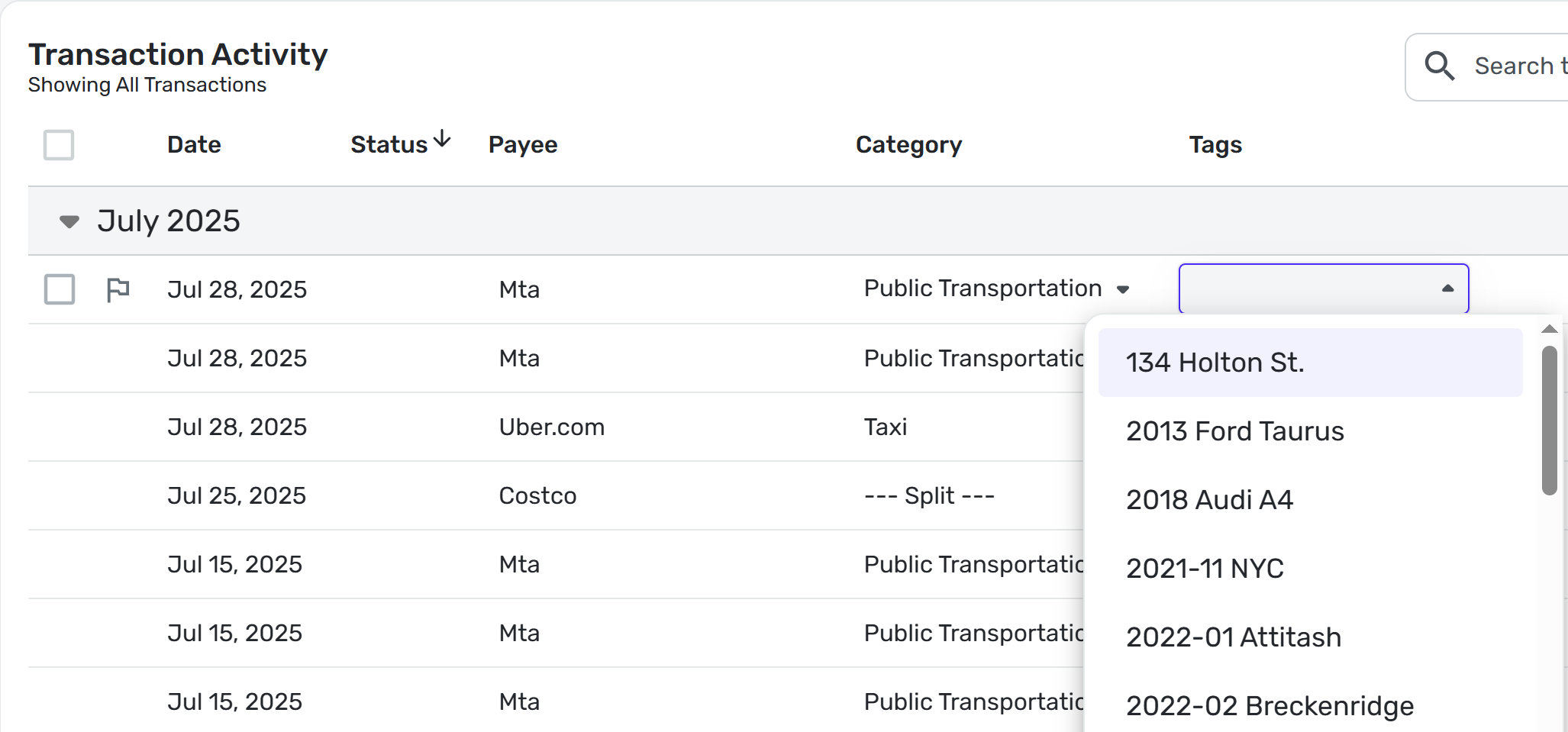
Interestingly, mine appear in alphabetical order in the Transactions Activity:
But not anywhere else:
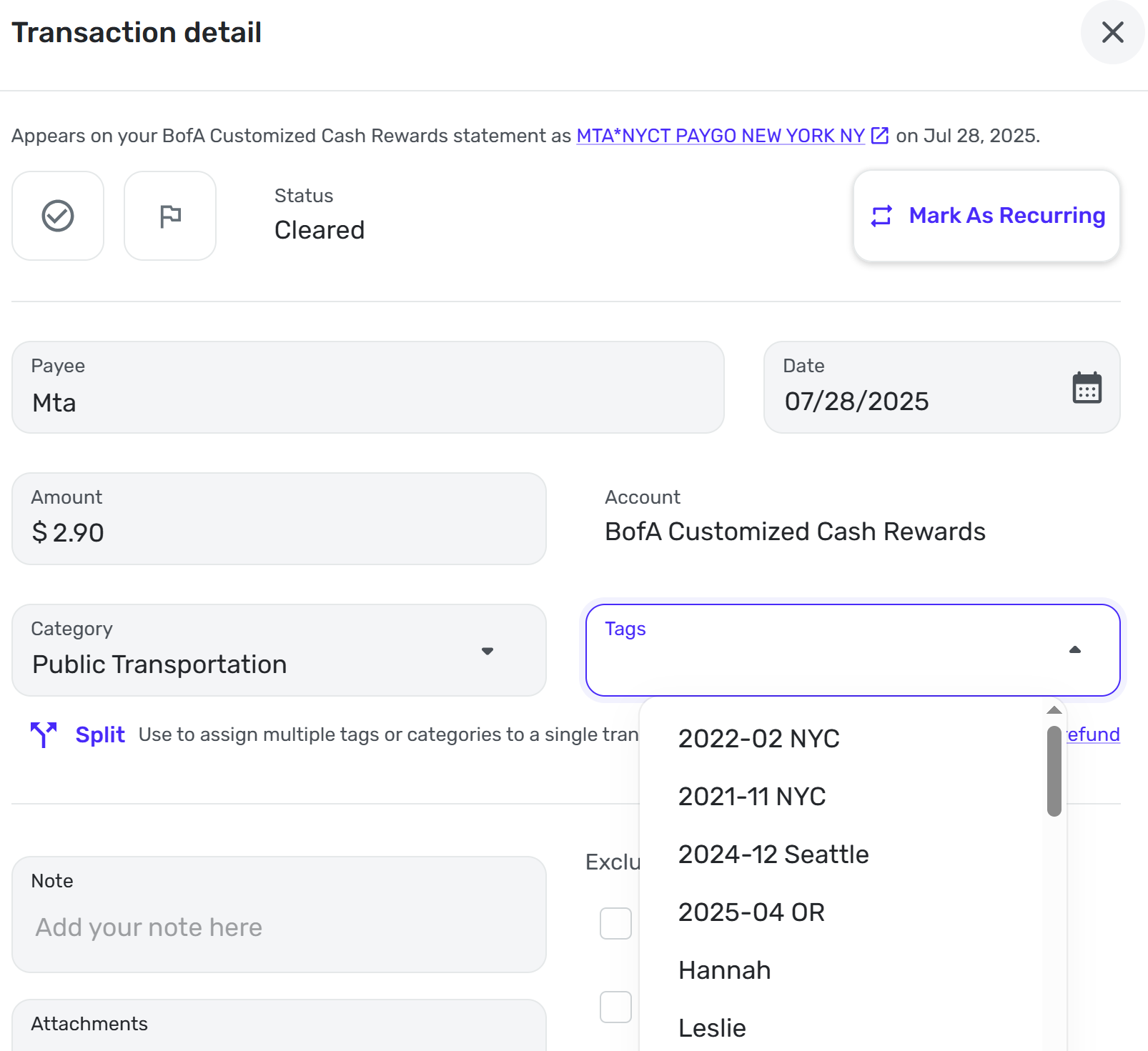
Hopefully it's a simple fix by just ordering the list whenever it's called.0 -
My tags list is random in both the register and transaction detail:
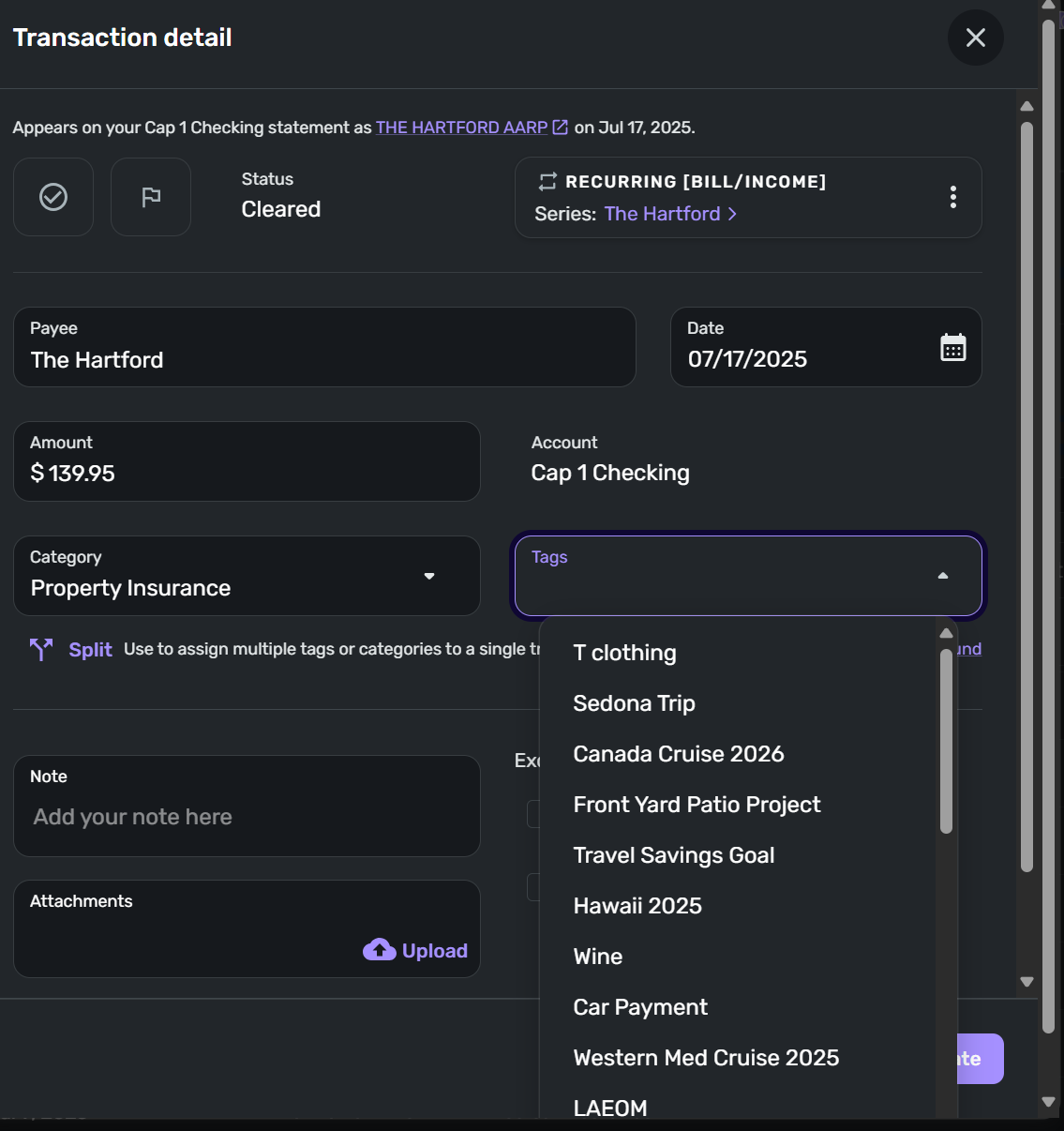
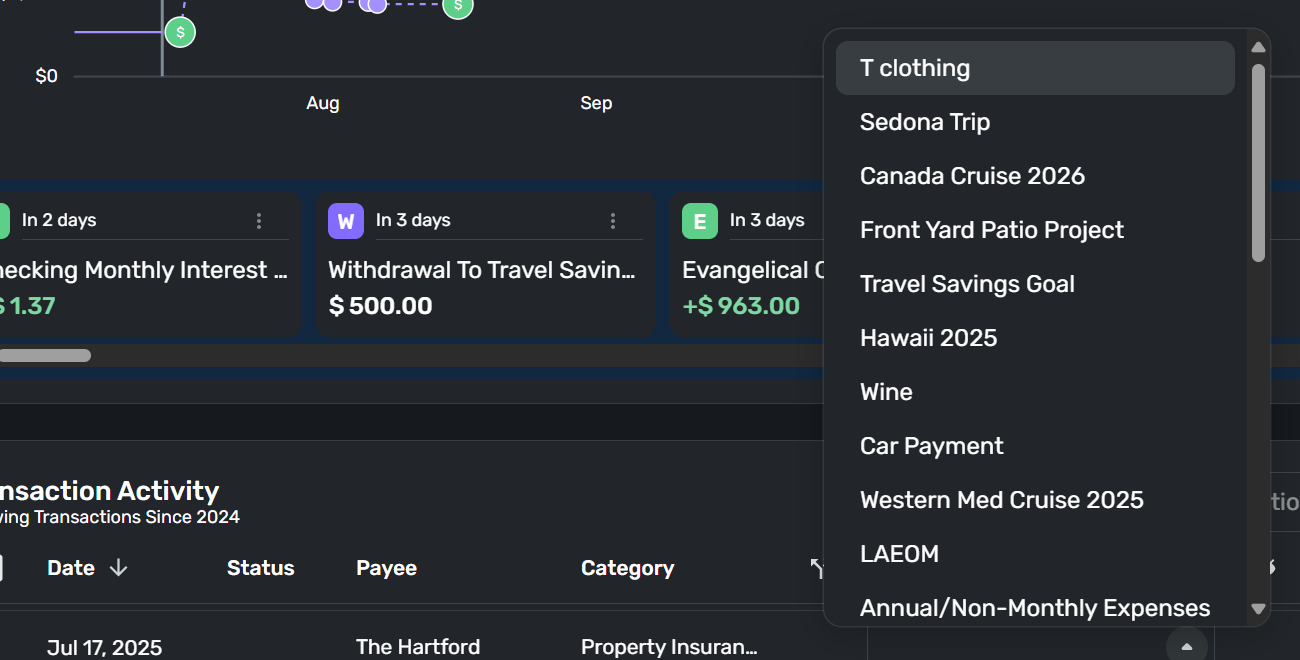
As far as I can remember this has always been the case. I don't have a huge number of tags, and I don't use them widely, but I have enough that it's a bit of a pain having to look through an apparently randomized list to find the tag I want/need.
Danny
Simplifi user since 01/22
”Budget: a mathematical confirmation of your suspicions.” ~A.A. Latimer0 -
Hello everyone,
Our product team has created a fix for this issue that should be released with the Quicken Simplifi Web version 4.81.0 update. Be sure to let us know once that version rolls out, whether you still see the issue.
-Coach Jon
-Coach Jon
1 -
Thanks Jon - when is 4.81.0 expected to be released for Early Access participants?
0 -
Hello everyone,
With the release of Quicken Simplifi Web version 4.81.0, this issue should now be fixed. Be sure to let us know if you still see this issue once you have updated to that version.
-Coach Jon
-Coach Jon
2 -
Yahoo… this is so much better having an alphabetically sorted list of tags!!!
Danny
Simplifi user since 01/22
”Budget: a mathematical confirmation of your suspicions.” ~A.A. Latimer3