Auto-release planned spend did not auto-release

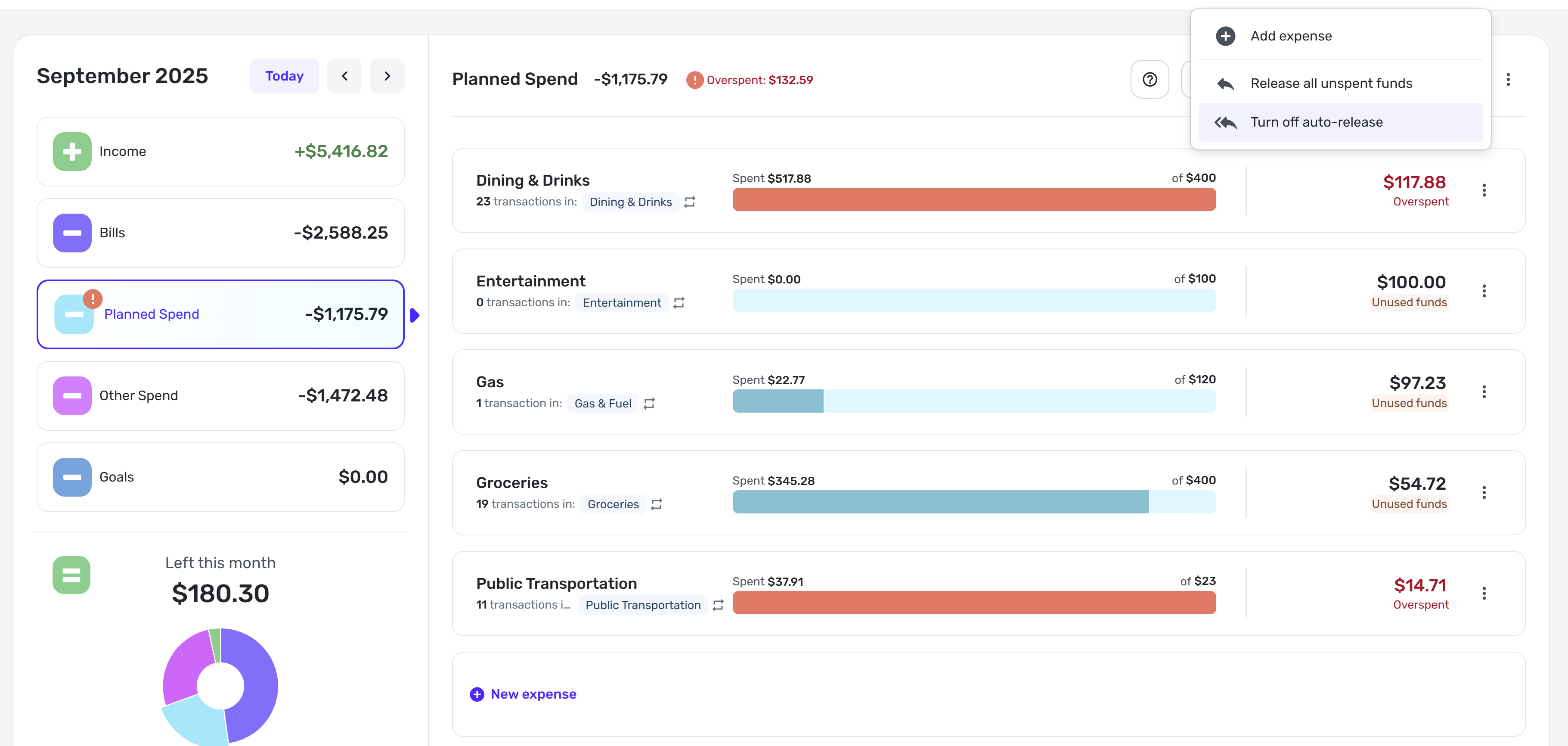
Screenshot taken morning of 10/1. September planned spending was not auto-released.
Comments
-
Hello @MishaM,
Thanks for reaching out! Since your auto-release option is currently on, I would see if you can release all unspent funds manually from the option available in the 3-dot menu in the top right. Once the last day of October rolls around, be sure to let us know if the auto-release is still not working correctly for you. This way, we can establish a pattern for this issue and make sure it's not just a one-time thing.
-Coach Jon
-Coach Jon
0 -
Manual release works. I'll follow up Nov 1st.
1 -
Follow-up to this discussion: [removed link to merged thread]
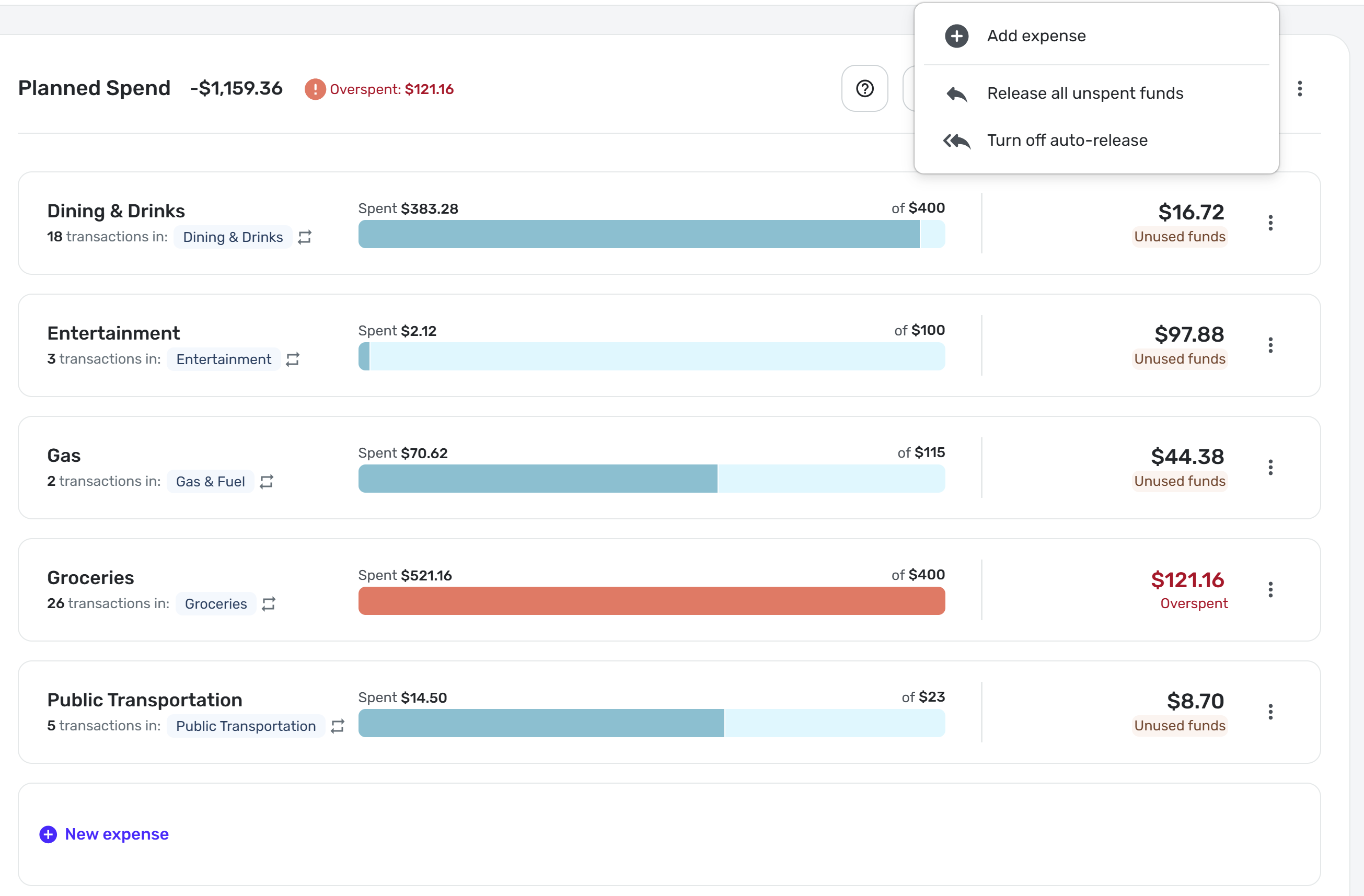
Auto-release did not in fact auto release again at the end of October:
 0
0 -
-
@MishaM, thanks for following up on this issue!
I don't personally use auto-release in Planned Spend, so I don't have any way to test this in my own Quicken Simplifi. When @Coach Jon returns, he may have some other suggestions for you to try, but for now, I would recommend deleting and recreating your Planned Spend expenses to see if doing so clears things up at the end of this month. You can do so in the current month, which won't impact past months. I'm wondering if there may be something within the expenses themselves that is preventing the auto-release from occurring.
Let us know how things go!
-Coach Natalie
0 -
Following up to this - I think a defect should be opened.
0 -
Hello @MishaM,
Thank you for the reply! To confirm, did you try Coach Natalie's recommendation to delete and recreate the Planned Spend expenses to see if this would clear things up for you? If not, I would still suggest this as the next step, since doing so would allow us to verify if the expenses themselves are possibly causing this issue.
-Coach Jon
-Coach Jon
0

