Transactions in accounts setup to include in Reports are being excluded

Even though my primary accounts are configured to show transactions in both Reports and Spending Plan, they are being excluded. I have verified in the Settings - Accounts that each of these is configured to include transactions in Reports. Until October, I was able to view spending and income for each month and multiple months without issue - now these months are blank in Reports. Thanks for your assistance.
Comments
-
Hello @ThadW,
Thank you for letting us know you're seeing this issue. To help troubleshoot, please provide more information. Were the accounts reflecting in the Spending Plan and Reports until October? Are you seeing this happen in the web app, the mobile app, or both? What kind of accounts are your primary accounts (Checking, Savings, Investment, etc.)? Which financial institution are these accounts with? Do you have the accounts connected for automatic updates, or do you manually update the accounts?
If you haven't already done so, please try logging out of Quicken Simplifi, then logging back in.
I look forward to your reply!
-Coach Kristina
0 -
Hi, thanks for the quick reply. Here are answers to your questions:
+ Accounts were reflected in the Spending Plan and Reports until October
+ Excluding account transactions is happening in both web and mobile apps.
+ Affecting my checking and credit card accounts at different institutions, which are updated automatically.
Also, have logged out / in but nothing's changed.
1 -
Hello @ThadW,
Thanks for the information! This is certainly strange. Have you verified if checking in another web browser/incognito mode works? Can you also please supply screenshots showing the settings for the accounts in question, as well as show the transactions that are being excluded from the reports? This will help us verify specifically what is occurring here.
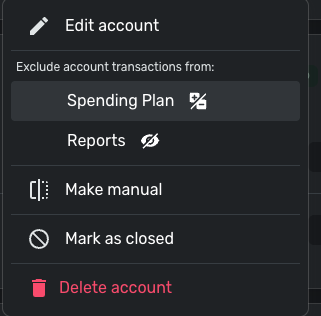
Let us know!
-Coach Jon
-Coach Jon
0 -
Hi, I've tried using both Safari and Chrome browsers with same result. It appears to be a hard setting on Simplifi's side - here are screen shots showing my checking and credit card accounts that are setup not to exclude from Reports and then one showing how transactions for each are being excluded in Reports.
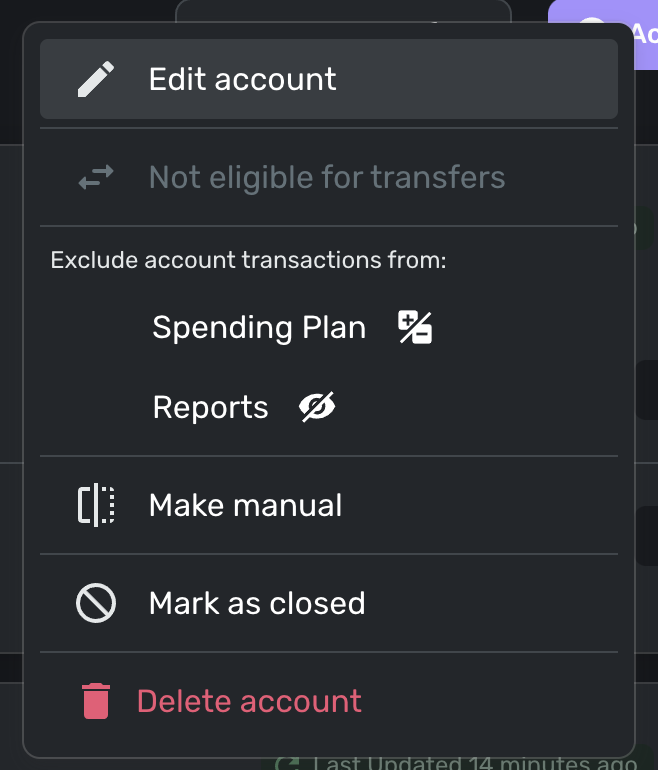
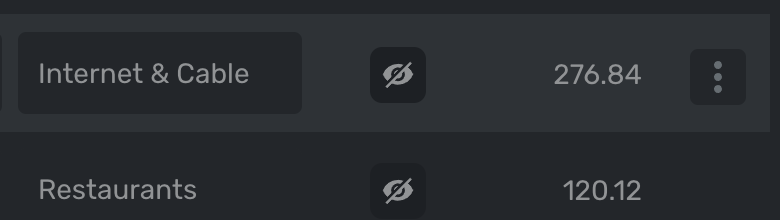
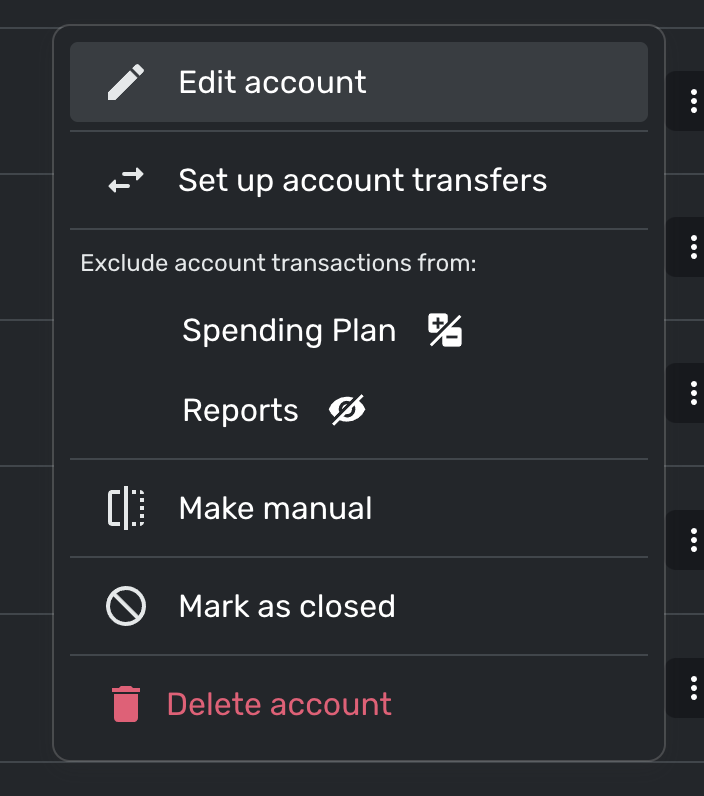 0
0 -
Hello @ThadW,
Thank you for the requested screenshots. To clarify, is this affecting all of your checking and credit card accounts, or only some of them? Could you please open the Transaction Details for one of the excluded transactions and provide a screenshot for our review? Please also provide a list of all the accounts being excluded that would not usually be, if possible. Feel free to DM that information to me personally if you prefer.
If you can also send logs, this would be helpful!
- Log in to the Quicken Simplifi Web App.
- Select Profile from the left-hand navigation bar.
- With the Profile menu open, hold down the Option key for Mac or the Alt key for Windows, and then click Send Feedback.
- Leave all boxes checked, add a brief description of the issue, and then click Send.
-Coach Jon
-Coach Jon
0 -
It's affecting all of my bank and credit card accounts. Will DM you a screenshot and send logs. Thanks for your help.
0 -
Hello @ThadW,
Thanks for the requested screenshots! I can see that within the transaction detail window, they are showing as excluded from reports, even though the accounts are set up not to be excluded.
We will still need the list of accounts that are being affected by this issue that we requested previously. If you can provide us with that information, we would appreciate it!
Additionally, if this is occurring with just one or two accounts, I would see if establishing a fresh connection by making the accounts manual and re-linking works to resolve the issue. The instructions to do that are:
- Make all of the accounts with the bank manual by following the steps here.
- Once you see the account(s) listed in the Manual Accounts section under Settings > Accounts, go back through the Add Account flow to reconnect to the bank.
- If the connection is successful, carefully link the account(s) found to your existing Quicken Simplifi account(s) by following the steps here.
Let us know!
-Coach Jon
-Coach Jon
0

