Issues connecting to Citi Cards (edited)

Hi
We have two separate logins (different userids) into Citi which are linked to total three different Citi cards.
Each time i refresh Simplify, i get the this screen for all cards.

I reconnect to citi (once for each login), and get this screen
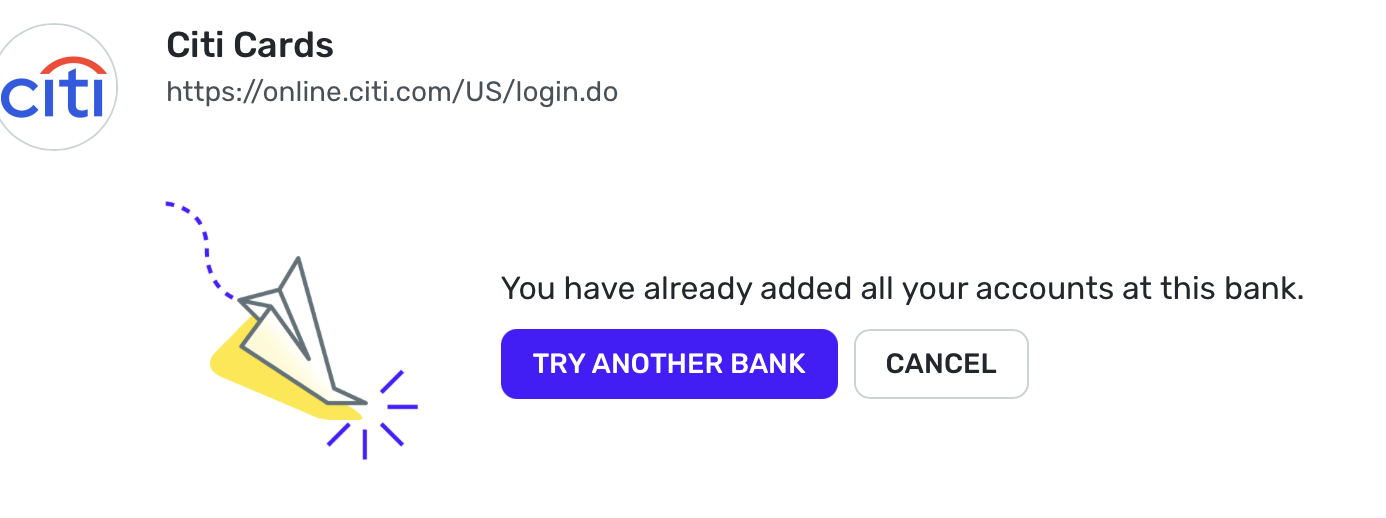
This pulls the latest credit card txns and then the Simplify message for the chosen account becomes

Eventually i see the following message

For the next refresh, i have to follow this process again.
Anyone else facing this issue?
Comments
-
Hello @Mango2024,
Thank you for reaching out! This may be due to your user token having expired. This can happen after having the accounts connected for more than 90 days.
- To gain a new token, you will have to revoke Quicken from accessing your bank's website, then reconnect your accounts.
- Navigate to the bank's website, sign in, and then remove Quicken's access from the bank's third-party linked apps.
- Make all of the accounts with the bank manual by following the steps here.
- Once you see the account(s) listed in the Manual Accounts section under Settings > Accounts, go back through the Add Account flow to reconnect to the bank.
- If the connection is successful, carefully link the account(s) found to your existing Quicken Simplifi account(s) by following the steps here.
If the above steps do not work, the issue may be due to you using more than one set of login credentials for the same instance, in this case, Citi Cards. Are you able to try using a different instance for your secondary credentials, like the Citibank instance?
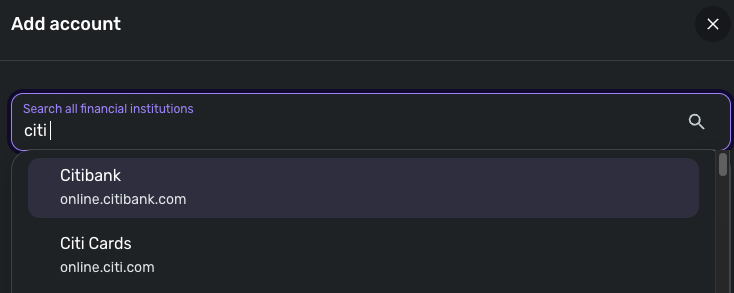
Let us know!
-Coach Jon
-Coach Jon
0 - To gain a new token, you will have to revoke Quicken from accessing your bank's website, then reconnect your accounts.
-
Hi Jon, thanks for your response.
This suggestion appears to have solved the problem 😀
"If the above steps do not work, the issue may be due to you using more than one set of login credentials for the same instance, in this case, Citi Cards. Are you able to try using a different instance for your secondary credentials, like the Citibank instance?"
I am now using one set of credentials on citibank.com, and using the other with citi.com. I had to also make these accounts manual and re-link them. So far no issues.
Will update if i run into further issues.
1 -
Hi Coach Jon
The accounts seem to be refreshing, however i now see this account in my accounts list

Hovering over the icon shows "Service is currently unavailable ". Should i ignore that?
0 -
I believe this is a known issue, i will quickly search the forum:
Well every one of the 3 previous posts on the topic was closed (still available to read) so you'd think they were resolved.
But rest assured, you are not the only citi customer seeing this cloud with a slash icon while the account otherwise works fine
Here's mine:
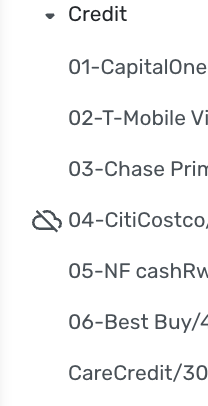
—
Rob Wilkens
0

