Guideline - Care Code: 324/FDP-4000 after being acquired by Accrue

Probably won't sign up unless it's integrated
it used to be called guideline - it manages 401k plans
Thanks!
Comments
-
Hello @alexthechoi,
Thanks for reaching out! Is Accrue a financial institution you are looking to be added to Quicken Simplifi? If so, I am not seeing it as an available instance at this time. If you provide the URL you use to sign in to the bank's website, we can get this post converted into a missing financial institution post that other users may vote for and follow for updates. Let us know!
-Coach Jon
-Coach Jon
0 -
https://www.accrue401k.com/
0 -
@Coach Jon as an FYI Guideline (which was supported by Simplify) was recently acquired by Accrue. It seems that since that the Guideline integration with Simplifi no longer works. So I don't know if Accrue as an institution needs to be added to resolve this, or if there's just some backend work to help resolve this issue.
0 -
Hello @tenaciousdlg,
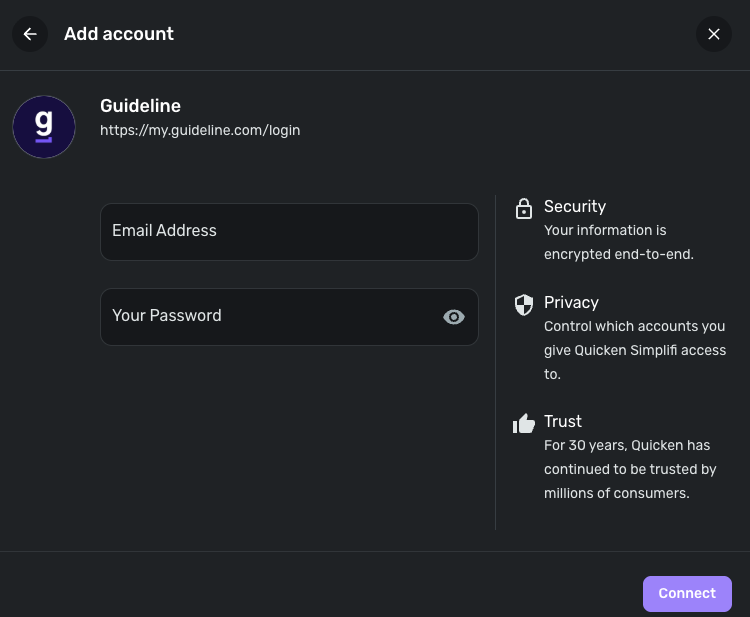
Thank you for the URL we requested! Can you, @rmarcus88, and @alexthechoi let us know if you're able to still connect using the Guideline instance in Quicken Simplifi? Does an error occur if you try? Let us know!
-Coach Jon
-Coach Jon
0 -
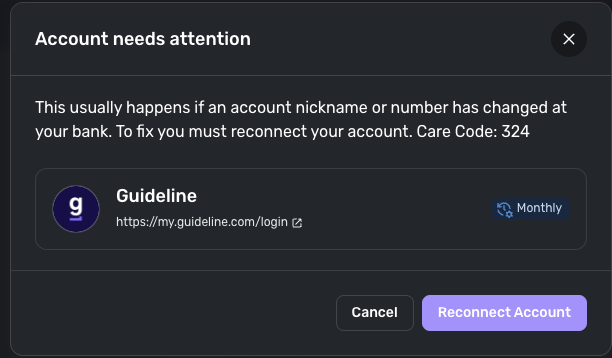
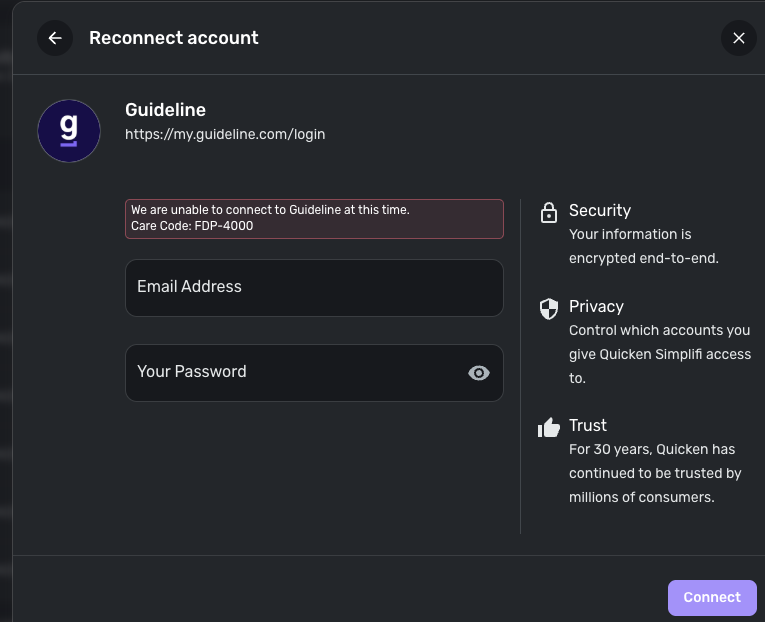
Just tried with the Guideline connection and it times out. Looks like we'll need a new one for Accrue.
0 -
Hello @tenaciousdlg,
Thanks for the reply! Can you clarify what you mean by timeout? Are you receiving a specific error, or does the connecting process eventually just stop/end? Providing a screenshot or screen recording showing the issue from your side could be helpful here as well!
-Coach Jon
-Coach Jon
0 -
Specific error code is Care Code: FDP-4000
 0
0 -
Hello @tenaciousdlg,
Thanks for the information! I would have you try the following steps to see if they help resolve the issue by making the account manual and re-linking:
- Make all of the accounts with the bank manual by following the steps here.
- Once you see the account(s) listed in the Manual Accounts section under Settings > Accounts, go back through the Add Account flow to reconnect to the bank.
- If the connection is successful, carefully link the account(s) found to your existing Quicken Simplifi account(s) by following the steps here.
Let us know how this goes! If it still does not work to resolve the issue, can you please supply logs as well as a screenshot of the Accounts Summary page from the bank's website that has a wide enough scope to show the full page URL? This is the landing page after signing in, and typically lists all accounts and balances. You will want to take this from a web browser and not a mobile browser, as well as redact any private info such as account numbers.
- Log in to the Quicken Simplifi Web App.
- Select Profile from the left-hand navigation bar.
- With the Profile menu open, hold down the Option key for Mac or the Alt key for Windows, and then click Send Feedback.
- Leave all boxes checked, add a brief description of the issue, and then click Send.
-Coach Jon
-Coach Jon
0 -
Following the steps worked out. Do you happen to know if this is temporary and may change if Accrue changes their auth?
1 -
Hello @tenaciousdlg,
Thanks for the reply! I’m glad it’s now working correctly for you! I cannot tell if this will be temporary. However, if you encounter further issues, please let us know so we can continue troubleshooting.
-Coach Jon
-Coach Jon
0 -
appeared to have worked for me as well. thanks!
1
