Cannot get rid of all business categories after downgrading to basic Simplifi (edited)

I tried the business version of quicken Simplifi for a bit to see what it was about. I didn’t classify any transactions under the business category. When I reverted back to personal subscription only, I’m still seeing the business category suggestions. It’s a pain because now I have to scroll past all the business categories and see them even though I don’t use them. And I no longer have the business subscription. How can I get rid id seeing these? It’s becoming a BIG pain for me and if nothing can be done, I may have to try another service provider.
Comments
-
It may be helpful to you to review this conversation from earlier this year. I don't know if anything has changed, which, of course, it may have done.
Steve
Quicken Simplifi (Safari & iOS) Since 2021
Quicken Classic (MacOS) Since 2009
MS Money (1991-2009) and Dollars & Sense (1987-1991)0 -
The best I was able to achieve was reducing the business categories to those that are required.
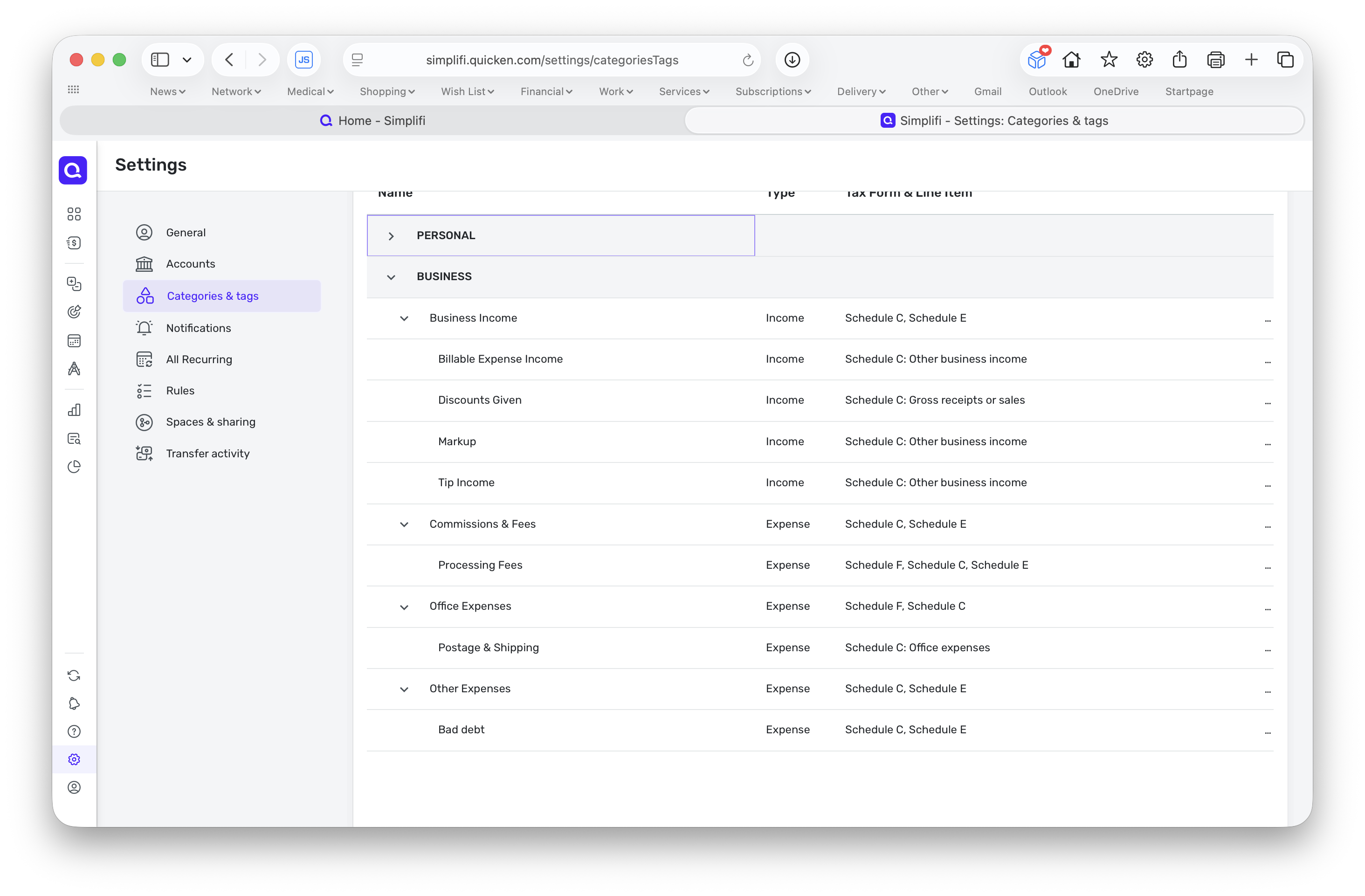 1
1 -
This is also a problem if you have one Space where you do personal stuff and another Space where you do business stuff.
Both sets of Categories show up in both Spaces, leading to a lot of scrolling, conflict, and confusion of names.
DryHeat
-Quicken Classic (1990-2020), CountAbout (2021-2024), Simplifi (2025-…)1 -
@RickS I am glad you posted that picture because it explains why in Simplifi Beta reports, my Personal category gets capitalized inexplicably to PERSONAL. It's because PERSONAL and BUSINESS are used to divide the categories in QBP!
I can change the word to anything but Business and Personal and it will show up correctly capitalized in the Spending and Income and Spending Beta Reports.
Steve
Quicken Simplifi (Safari & iOS) Since 2021
Quicken Classic (MacOS) Since 2009
MS Money (1991-2009) and Dollars & Sense (1987-1991)0 -
Hello @Truthsayer and everyone,
Thank you for reaching out and providing your valuable feedback! We have confirmed with our product team that this behavior is currently intended. However, they appreciate your input and are working on making improvements.
Additionally, we have a related idea post where you can vote and share more feedback. You can find it here:-Coach Jon
-Coach Jon
1


