Dashboard customizations are not saving on iPad (edited)

This discussion was created from comments split from:
Comments
-
Was excited when I saw your email this morning announcing the customization to the dashboard is now live to all users, however it’s not working at my end.
I see the new functionality but the changes I make to the dashboard layout do not ‘stick’, with the exception of moving the net worth card. I’ve moved it to the far left and it is staying there. But none of the other changes to the placement of the cards stick.
I’m using this on my iPad (iPad OS26). I checked to make sure I have the latest version of the app. I also restarted my iPad and re-launched the app but no fix.
0 -
@donnajean Try clicking on the pencil icon by your name, then hit Manage Cards to see if that will let you move the cards up and down.
I thought maybe you were trying to move them by hand, but I may have it wrong.
Edit: I will say that I haven't rearranged until now on the iPad, and it is much easier and cleaner on the iPhone where they are stacked, but they don't work so well side by side on the iPad. In fact, once you get to the bottom, all the cards are on the right hand side and leave spaces to the left where cards could fit.
So I am glad I saw this post. Because the design for the iPhone doesn't work quite so well on the iPad.
Steve
Quicken Simplifi (Safari & iOS) Since 2021
Quicken Classic (MacOS) Since 2009
MS Money (1991-2009) and Dollars & Sense (1987-1991)0 -
Hello @donnajean,
Thanks for reaching out and letting us know! Can you please provide a screen recording showing the Dashboard tiles not sticking correctly? This will help us determine what may be causing the issue here.
@SRC54, If the same issue is affecting you as well, then feel free to send a screen recording too! And thank you for letting us know it is working well for iPhone!
-Coach Jon
-Coach Jon
0 -
@Coach Jon It works great in the iPhone. I can arrange as I like.
On the iPad, I can arrange them and they stick, but they don't align so well.
Edit: Per your suggestion below, I have removed my comments and moved them elsewhere.
Steve
Quicken Simplifi (Safari & iOS) Since 2021
Quicken Classic (MacOS) Since 2009
MS Money (1991-2009) and Dollars & Sense (1987-1991)1 -
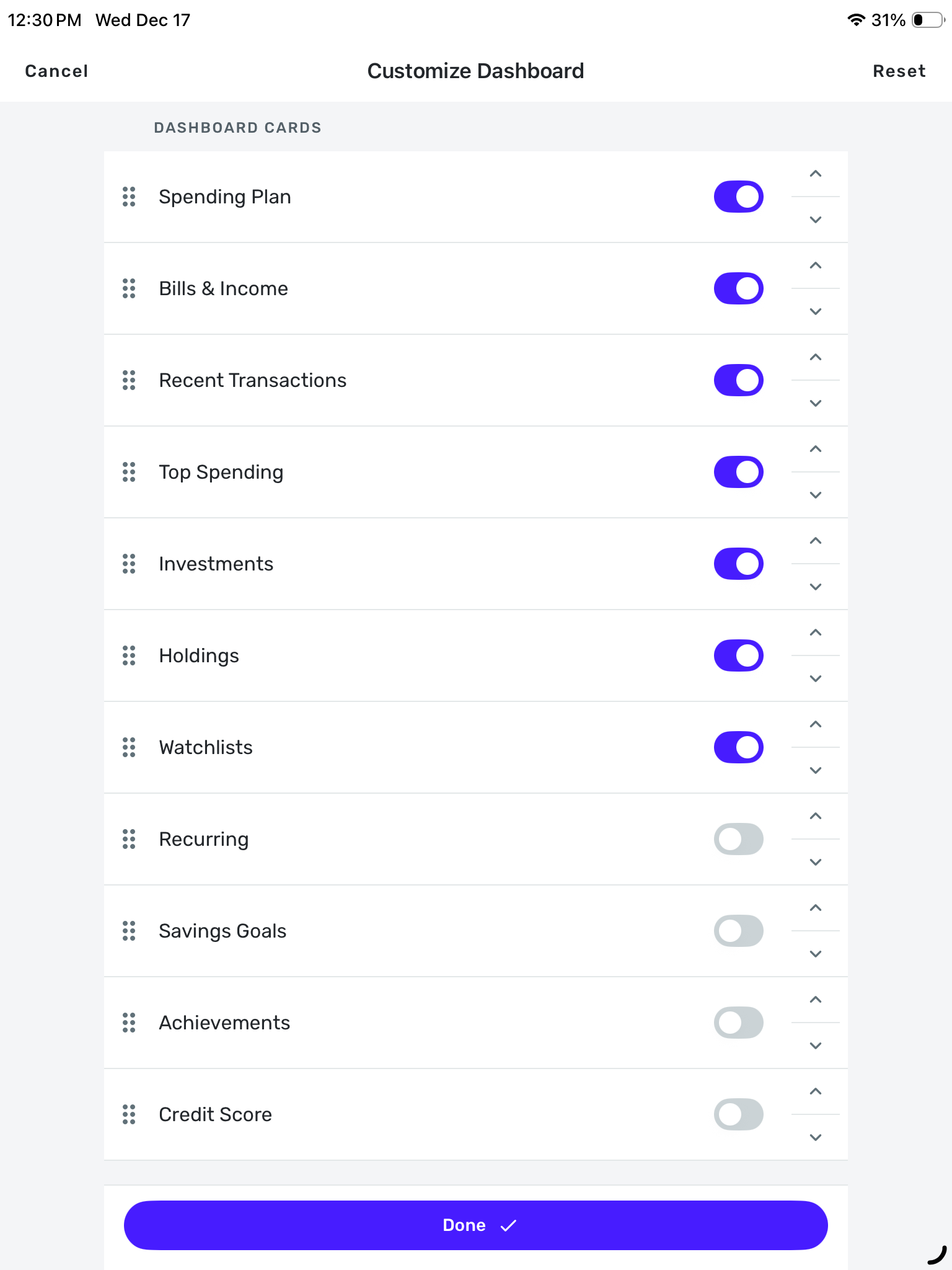
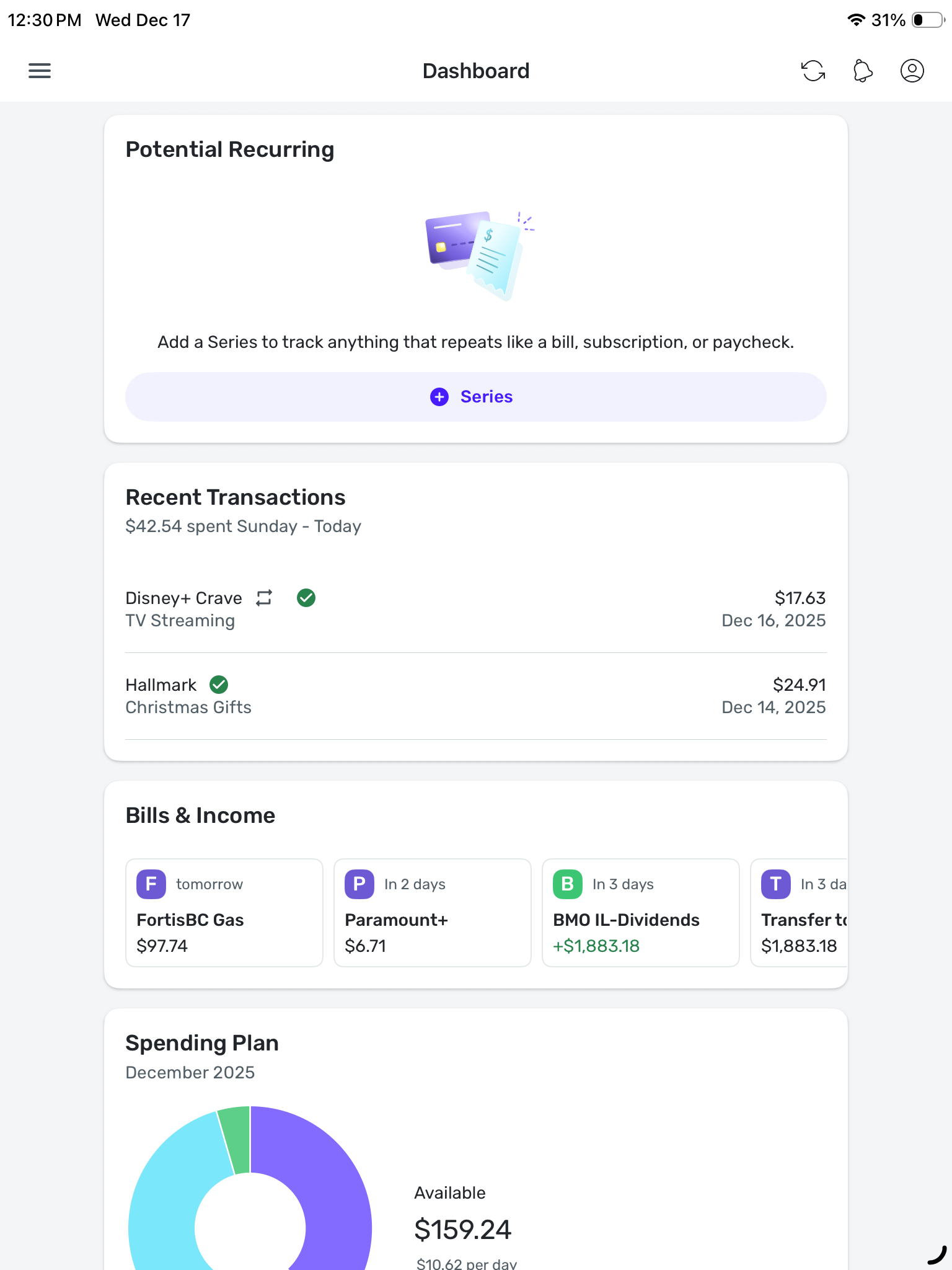
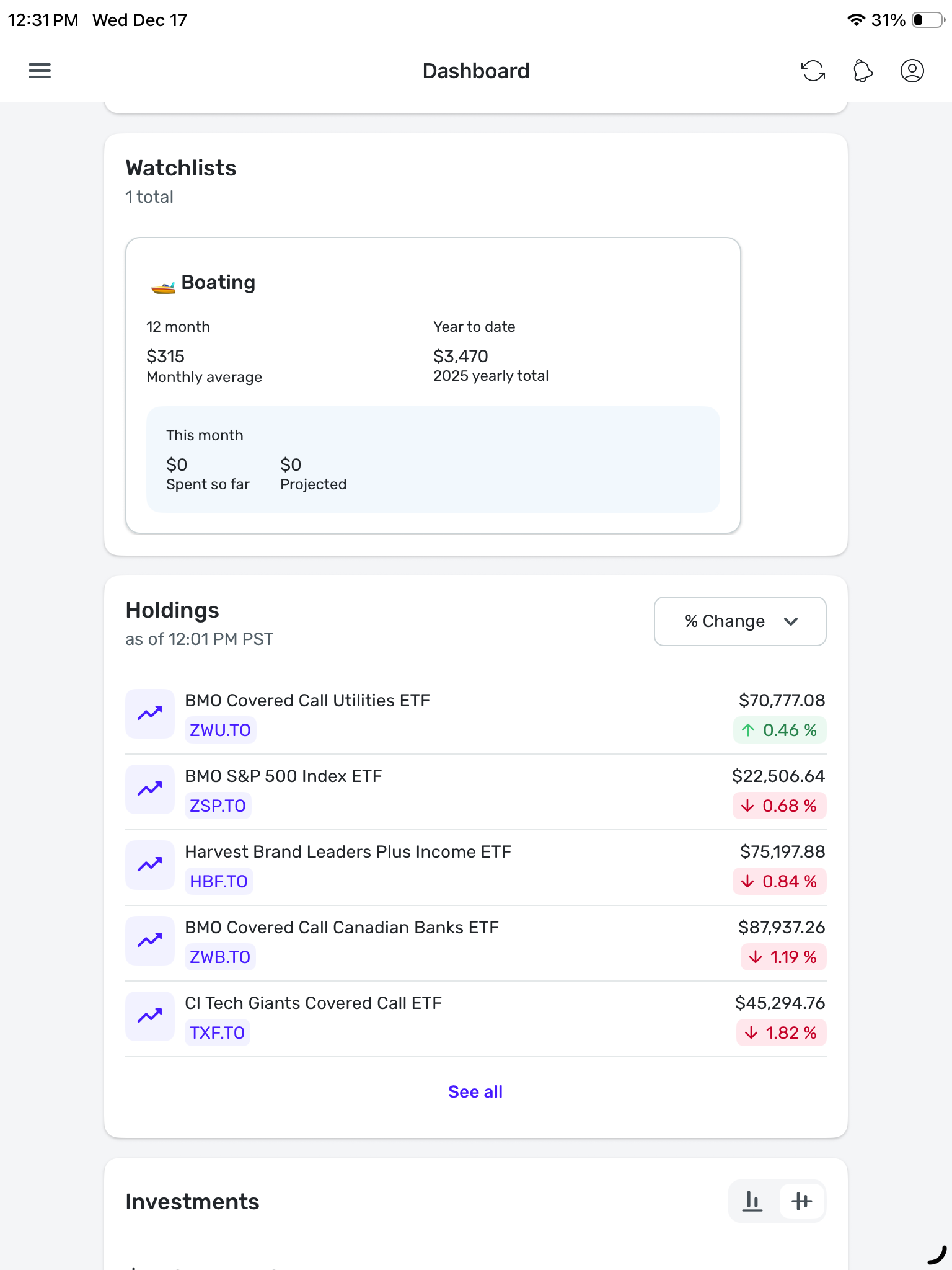
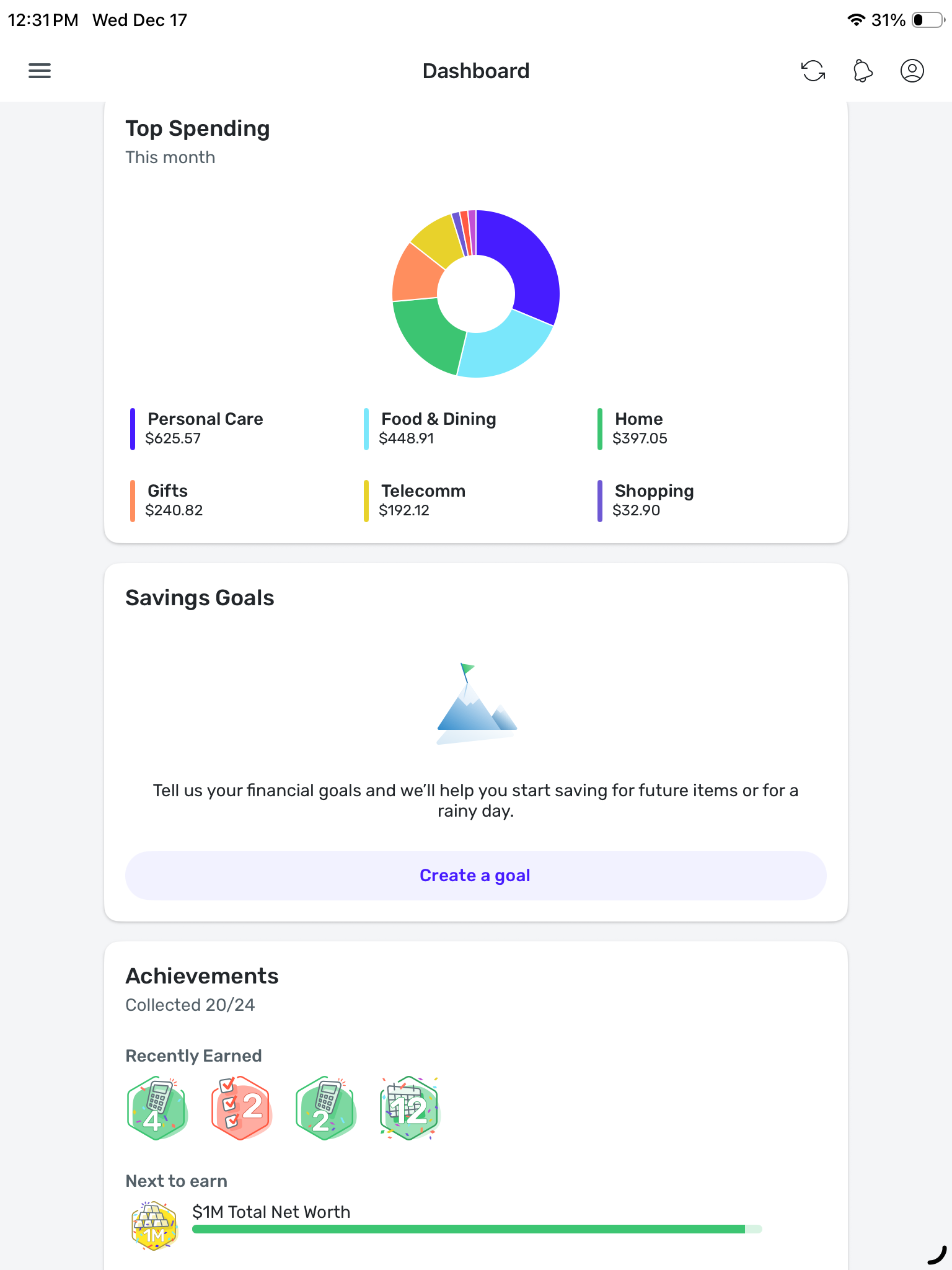
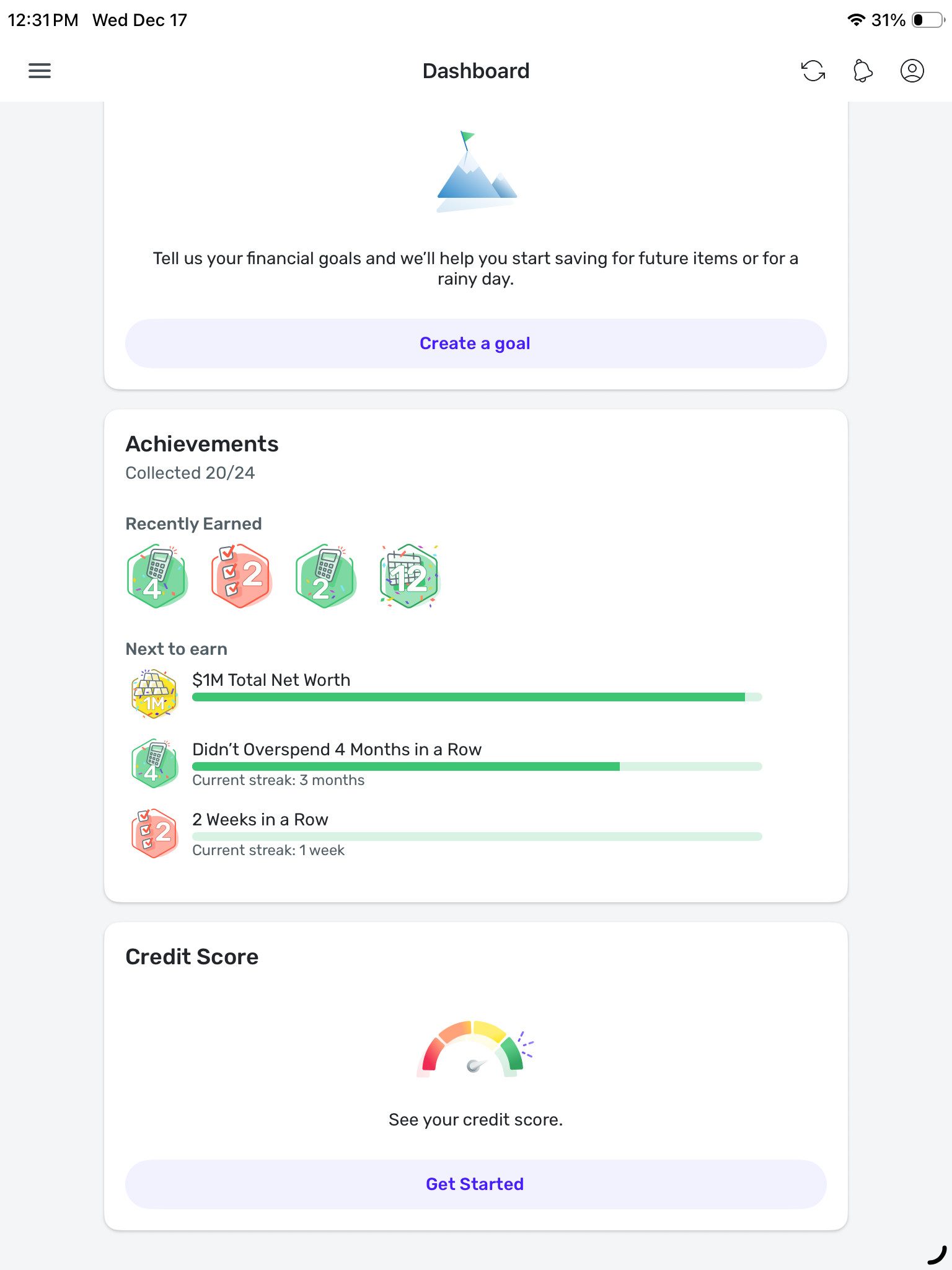
Attached are screenshots from my iPad. The first shows how I have re-ordered the cards (after which I clicked ‘Done’). The remaining screenshots show the cards still displaying in the original order along with the ones I have turned off.
 0
0 -
Hello @donnajean,
Thank you for the requested screenshots. I know you stated that you have already tried restarting your iPad, but I would see if uninstalling the application, clearing the application data, and then reinstalling the application helps resolve the issue you are seeing with the Dashboard tiles not sticking. Let us know!
-Coach Jon
-Coach Jon
0 -
I have uninstalled the app, re-started the iPad, then re-installed the app, however that did not resolve the issue. How do I clear the application data?
Thanks,
Donna
0 -
Hello @donnajean,
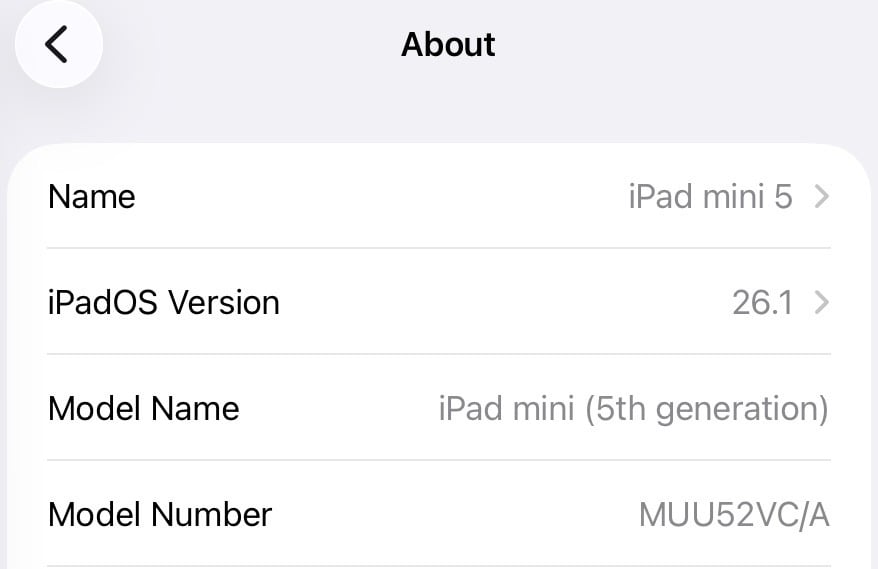
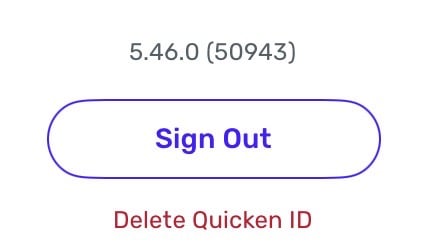
Uninstalling would have removed any application data from the device. If the issue is still occurring, then this issue may be specific to you, unfortunately. Can you please provide the device specifications of the iPad you're using, as well as the version and build of Quicken Simplifi that you have installed?
We will also need logs to be submitted:
- Log in to the Quicken Simplifi Web App.
- Select Profile from the left-hand navigation bar.
- With the Profile menu open, hold down the Option key for Mac or the Alt key for Windows, and then click Send Feedback.
- Leave all boxes checked, add a brief description of the issue, and then click Send.
-Coach Jon
-Coach Jon
0 -
Thank you, I have sent the log details from the web app. Here are my device details:
 0
0 -
Hello @donnajean,
Thanks for the requested information! We should be able to get this reported to our product team for sure! I know you already submitted screenshots, but is it possible we could get a screen recording showing the issue in better detail? This would allow our product team to better understand the specific issue. Let us know!
-Coach Jon
-Coach Jon
1 -
screenshot attached. Note: the changes I make to the order off the cards do not ‘stick.’ And the 3 cards at the bottom that I turn off remain On after selecting the ‘Done’ button.
0 -
Hello @donnajean,
Thanks for the screen recording! I did get this issue reported to our product team and will be sure to follow up with any updates here.
-Coach Jon
SIMPL-30966
-Coach Jon
0 -
Hello @donnajean,
I am back with an update from our product team for your reported issue! They have implemented a fix that should release with Simplifi Mobile Version 5.47.0. Let us know if the problem clears up for you once that version releases!
-Coach Jon
-Coach Jon
1 -
Hi. Yes, the problem is cleared up with the new version. Thanks so much!
2


