MasterPlan Retirement Planning - request-body-field error/ FDP-101 (edited)

This is my 401k plan that was connecting and at least updating the total balance although didn’t import and details. I was ok with at least that but it has not been updating or connecting. I tried disconnecting the account altogether but now it won’t even connect.
I also have the same issue with Alaska529plan.
I’m quite frustrated with Simplifi and this ongoing issue.
Comments
-
Hello @Likeak,
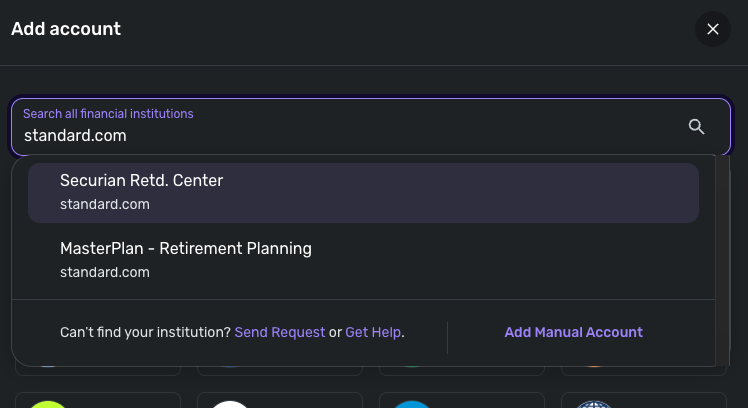
Thanks for reaching out! I do see that error from our side as well for you when you try to connect to MasterPlan. I see another instance in Quicken Simplifi that uses the same URL. Have you tried connecting to the Securian Retd. Center instance to see if that works better for you? Let us know!
-Coach Jon
-Coach Jon
0 -
Unfortunately that didn't work either.
0 -
Hello @Likeak,
Thanks for the reply! Can you see if trying to connect to MasterPlan Retirement Planning from a different web browser/incognito mode works to resolve the issue? If it does not, can you supply the following information for us?
- The name of the account(s), as it appears in Quicken Simplifi.
- The name of the account(s), as it appears on the bank's website.
- A screenshot of the Accounts Summary page from the bank's website that has a wide enough scope to show the full page URL. This is the landing page after signing in, and typically lists all accounts and balances. You will want to take this from a web browser and not a mobile browser, as well as redact any private info such as account numbers.
We will also need logs to be sent!
- Log into the Quicken Simplifi Web App.
- Select Profile from the left-hand navigation bar.
- With the Profile menu open, hold down the Option key for Mac or the Alt key for Windows, and then click Send Feedback.
- Leave all boxes checked, add a brief description of the issue, and then click Send.
-Coach Jon
-Coach Jon
0 -
It was listed as: MasterPlan Retirement planning
I connect through login.standard.com
Let me know if this is what you actually wanted. I did send the Feedback as well.
0 -
As far as I know there is no MasterPlan Retirement Planning site. Last year when I couldn’t connect in Simplifi there was a discussion in this forum and someone posted they connected using this. That’s where I got it.
0 -
Hello @Likeak,
Thanks for the reply. On our end, I haven't seen any other connection attempts for Masterplan Retirement Planning since last Thursday, 12/4/25. Is the error still occurring when you try connecting in Quicken Simplifi? Did you try connecting in another web browser to see if that works? Let us know!
-Coach Jon
-Coach Jon
0 -
I goes all the way through entering the 2FA then I get this screen. This is the same for the last couple of weeks. I had not tried again since I sent you all the info on Friday. I’d assumed you would notify me when it was fixed however, it’s still not connecting.
0 -
Hello @Likeak,
Thanks for all the information. We did get this issue reported to our service provider, and we will be sure to follow up here with any updates as we receive them.
In the meantime, you can track the account manually by adding manual transactions, which will keep your records up-to-date. Here are the steps to do so: Managing Transactions in Quicken Simplifi | Quicken Simplifi Help Center
-Coach Jon
EWC - 12095813
-Coach Jon
1 -
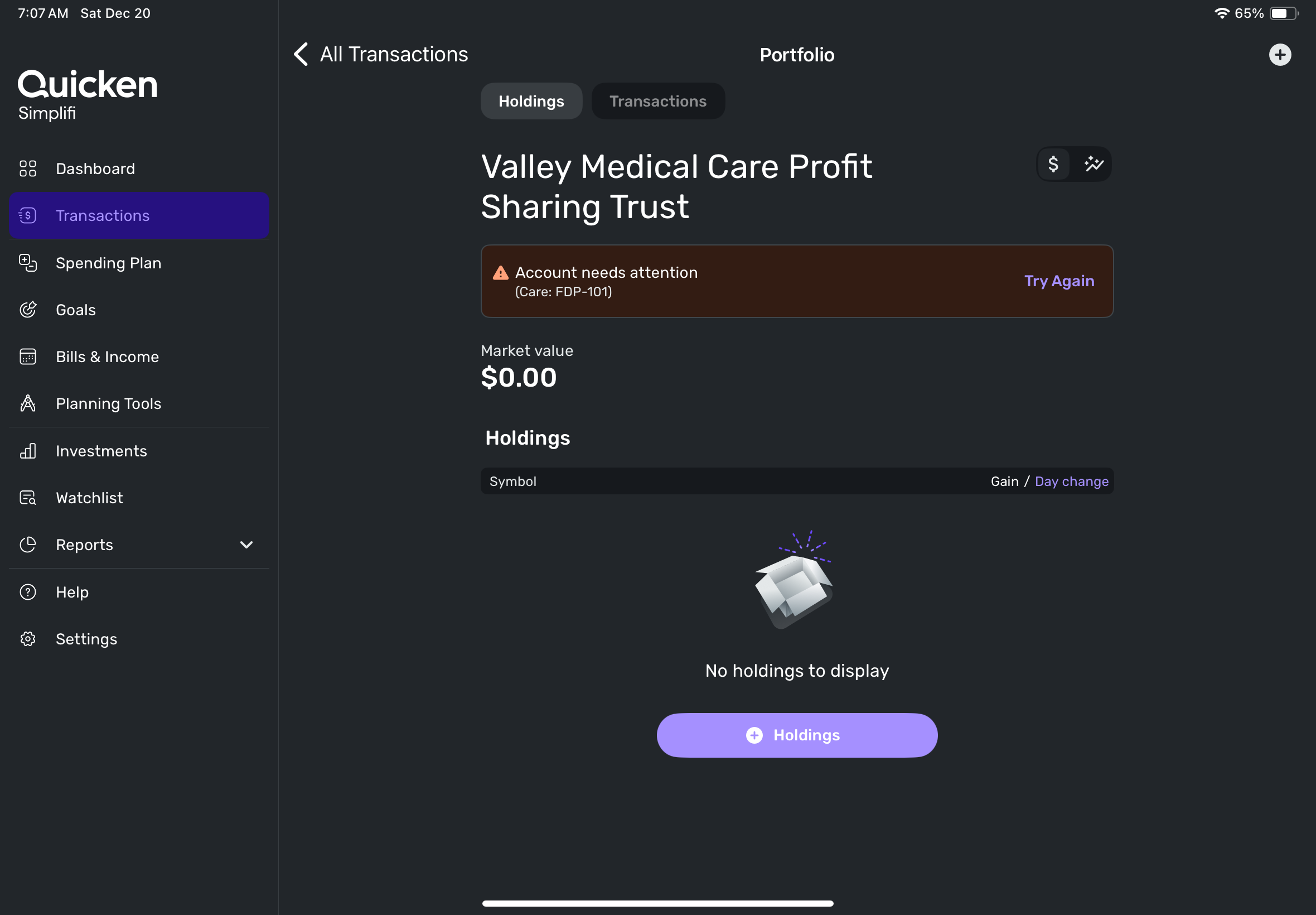
I thought we had success. It connected and added to my accounts except there is no values attached.
 0
0 -
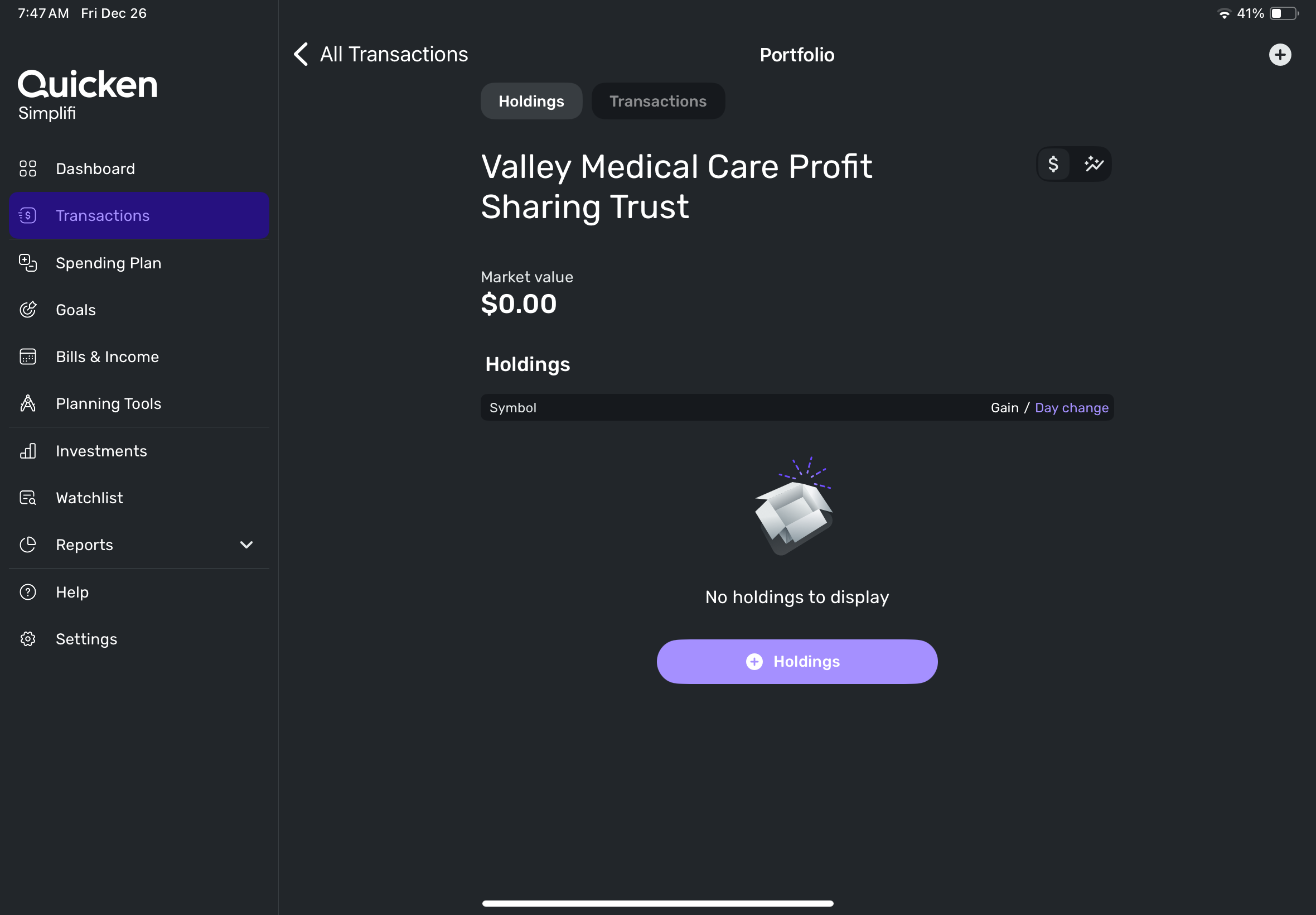
it is now populating the total value of the 401k in the recap of retirement account values and that value is calculated in total value of net worth but when you open the account it shows zero value and no holdings.
 0
0 -
Hello @Likeak,
Thank you for the screenshot! I do not see the FDP-101 error for you anymore when I check via our side. If the balance and holdings are still incorrect, as mentioned prior, then I would see if establishing a fresh connection by making the account manual and re-linking to see if that fixes the issue you are experiencing. The instructions to do that are:
- Make all of the accounts with the bank manual by following the steps here.
- Once you see the account(s) listed in the Manual Accounts section under Settings > Accounts, go back through the Add Account flow to reconnect to the bank.
- If the connection is successful, carefully link the account(s) found to your existing Quicken Simplifi account(s) by following the steps here.
Let us know how this goes!
-Coach Jon
-Coach Jon
0 -
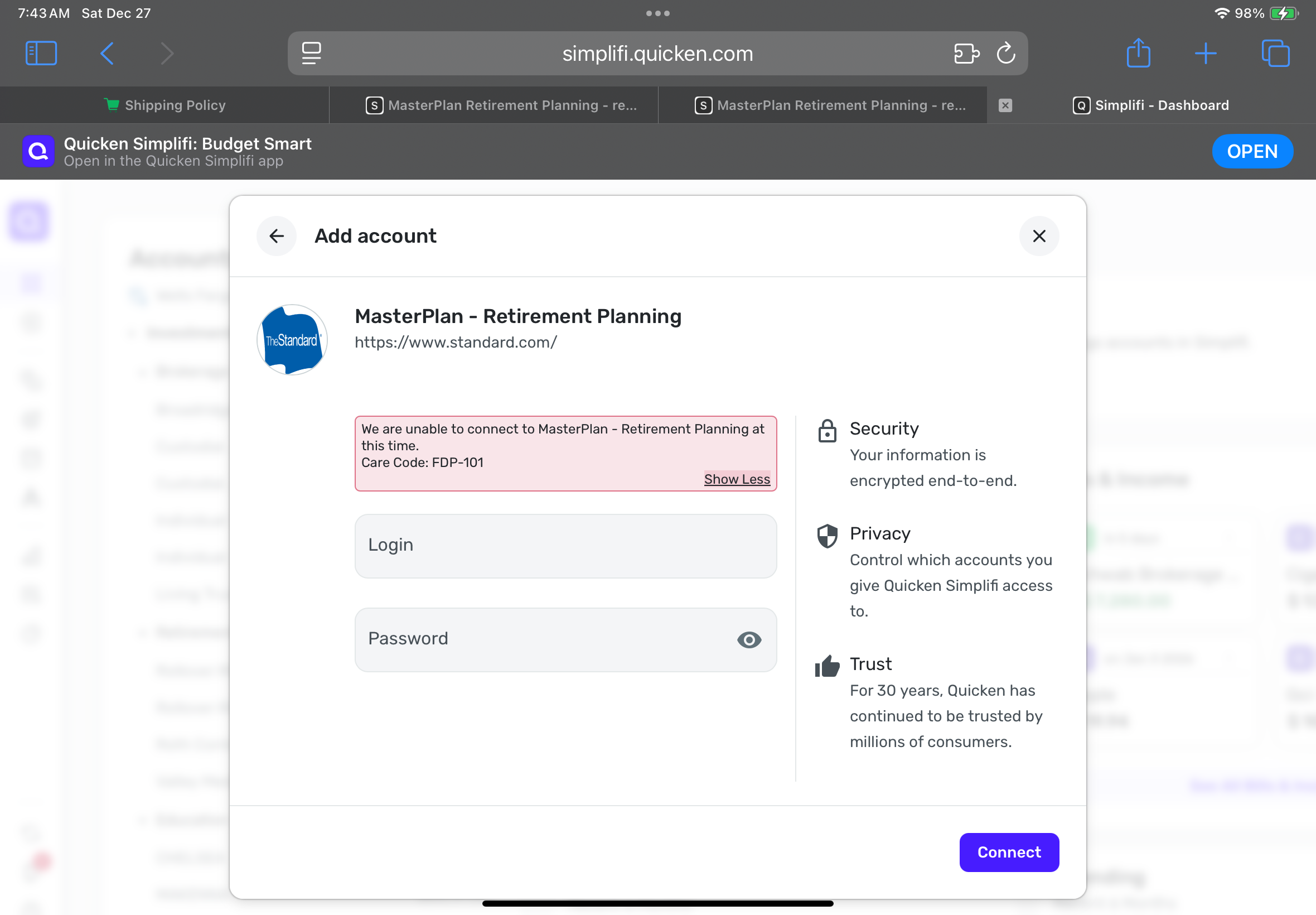
Made manual. Getting FDP-101 error when trying to add.
 0
0 -
Hello @Likeak,
I am back with an update from our product team! They have implemented a fix and would like you to try connecting once again in Quicken Simplifi. You may need to disconnect your current connection and then try connecting again if it does not work right away. Let us know how this goes!
-Coach Jon
0 -
Yippee! Success including my holdings. Thank you so much for resolving this long time issue. I appreciate it.
2



