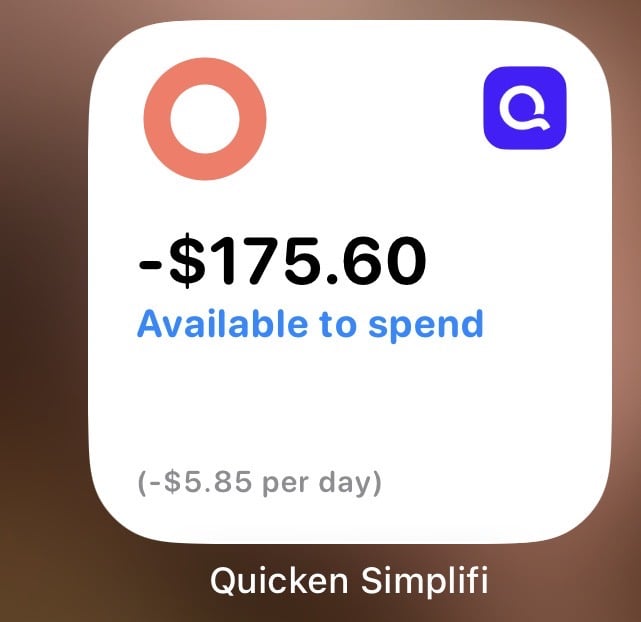
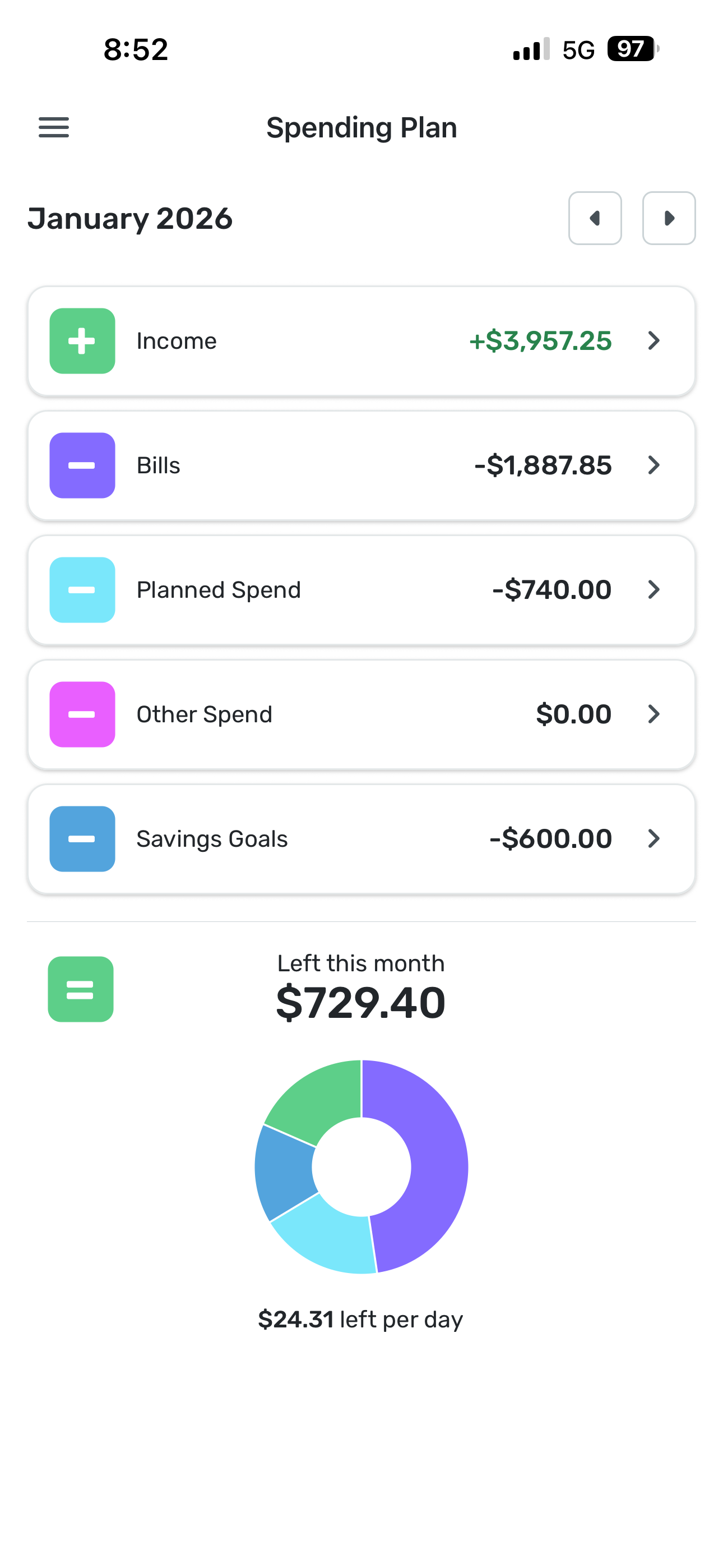
iOS Widget Shows Incorrect “Left to Spend”

peytont
Member
Comments
-
@peytont, thanks for reaching out to the Community with this issue!
I don't personally have an iOS device, so I can't check this particular widget from my end. To troubleshoot the issue, I would recommend doing the following:
- Remove the widget from your phone's widgets
- Clear the app data for the Quicken Simplifi Mobile App
- Uninstall the Quicken Simplifi Mobile App
- Reboot your phone
- Reinstall the Quicken Simplifi Mobile App and sign in
- Re-add the widget
Let us know if this works for you!
-Coach Natalie
0

This discussion has been closed.