Optum FSA Account Transaction Activity does not align with Simplifi/FDP-102/FDP-2001/to.100 (edited)

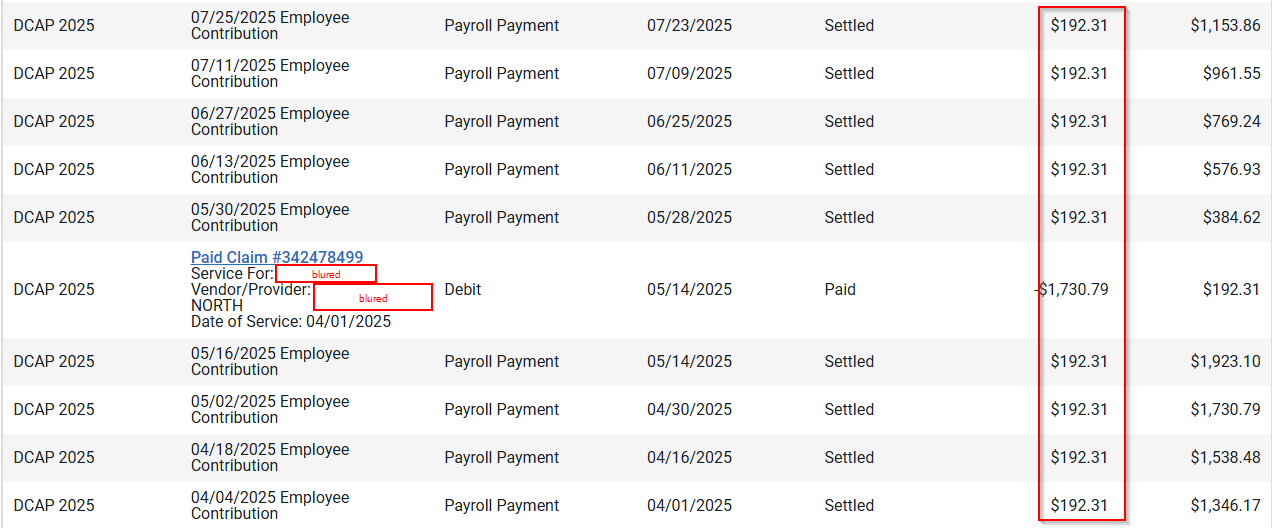
Here are my transactions from my Optum FSA account:
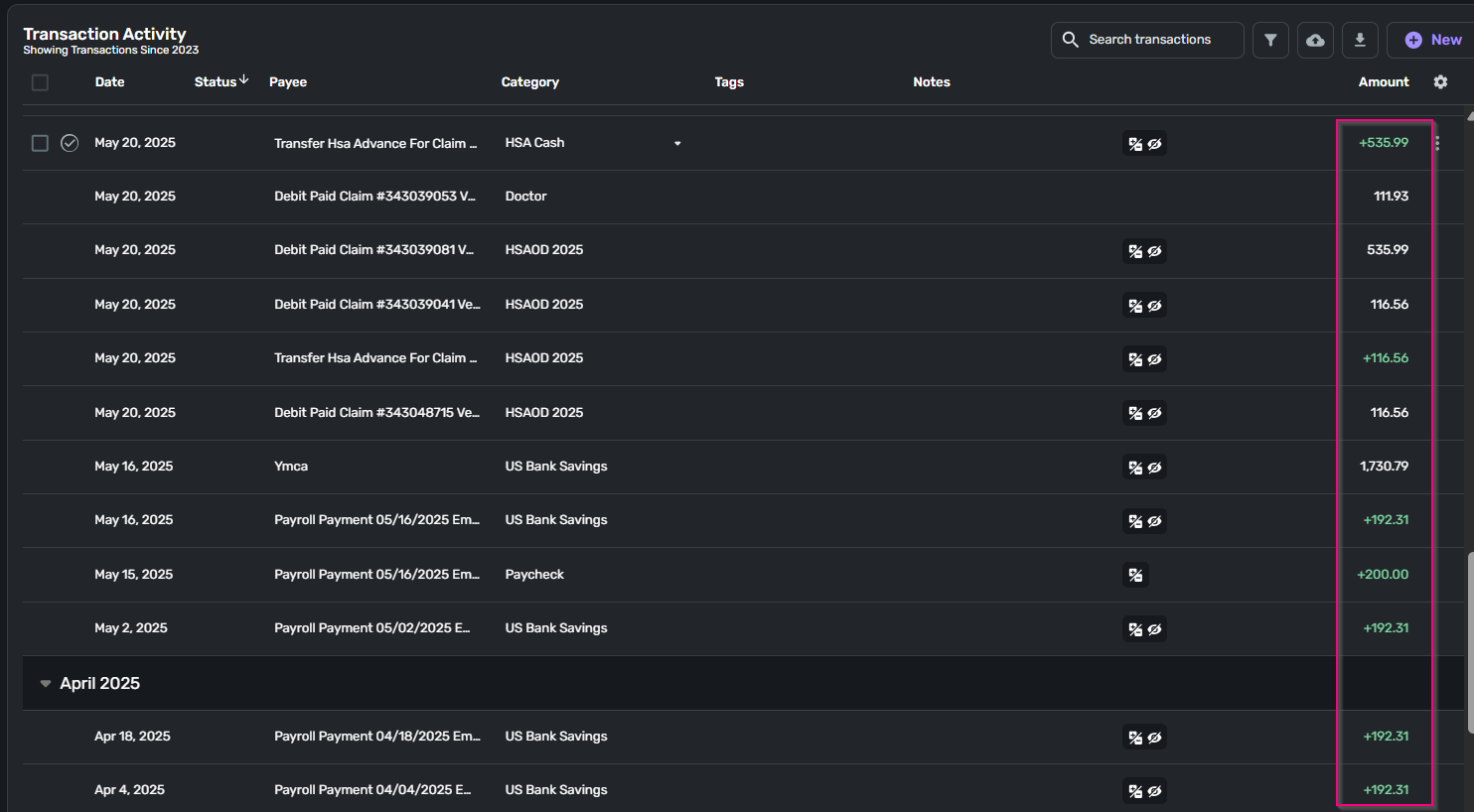
On Simplify, it's only accurate up to 5/2/2025. After that, it's all messed up:
Please help
Comments
-
Hello @jhst,
Thanks for reaching out! From your screenshots, I can definitely see the discrepancies you noticed. It appears that there are missing transactions that never downloaded from your bank. I also noticed that this is from May of 2025. Is this an ongoing issue that is still currently occurring, or was it just during the timeframe shown in the screenshots? Let us know!
If the issue is still occurring, I would see if the following steps work to resolve the issue you are seeing with this account:
- Make all of the accounts with the bank manual by following the steps here.
- Once you see the account(s) listed in the Manual Accounts section under Settings > Accounts, go back through the Add Account flow to reconnect to the bank.
- If the connection is successful, carefully link the account(s) found to your existing Quicken Simplifi account(s) by following the steps here.
If you still have missing transactions afterwards, please provide the following information:
- The name of the account the transactions are missing from, as it appears in Quicken Simplifi.
- The Date, Payee, and Amount of a few example transactions that are currently missing in Quicken Simplifi.
- A screenshot of the example transactions from the bank's website.
- A screenshot of the corresponding register in Quicken Simplifi showing that the transactions are missing.
- Confirm whether the missing transactions are impacting the balance in Quicken Simplifi or not.
-Coach Jon
-Coach Jon
0 -
it happened after may of 2025. after that nothing is accurate.
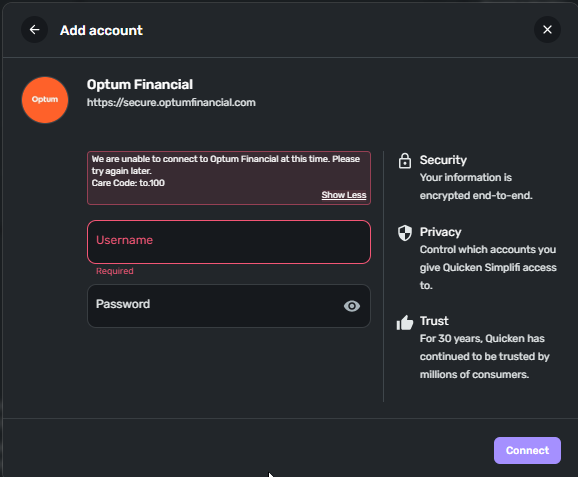
I am not able to relink the account after I have marked them as manual:
 0
0 -
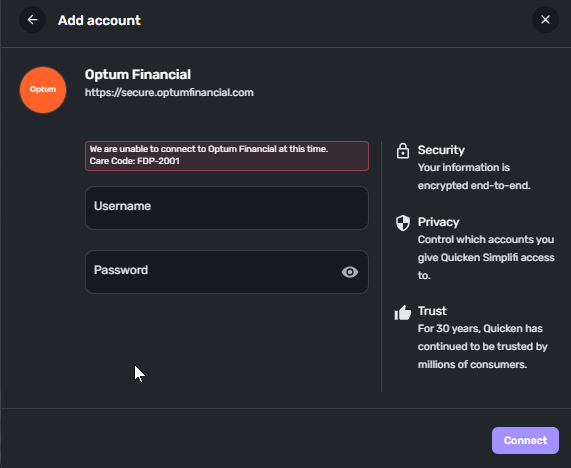
the first time i got Care Code: to.100. The 2nd time I got Care Code: FDP-2001
 0
0 -
Hello @jhst,
Thank you for the update! From our side, I can see that the most recent error you are experiencing with Optum Bank is an FDP-102 error. Are you still receiving an FDP-2001 from your side? Let us know!
Can you also please send logs?
- Log in to the Quicken Simplifi Web App.
- Select Profile from the left-hand navigation bar.
- With the Profile menu open, hold down the Option key for Mac or the Alt key for Windows, and then click Send Feedback.
- Leave all boxes checked, add a brief description of the issue, and then click Send.
-Coach Jon
0 -
I got 100 again
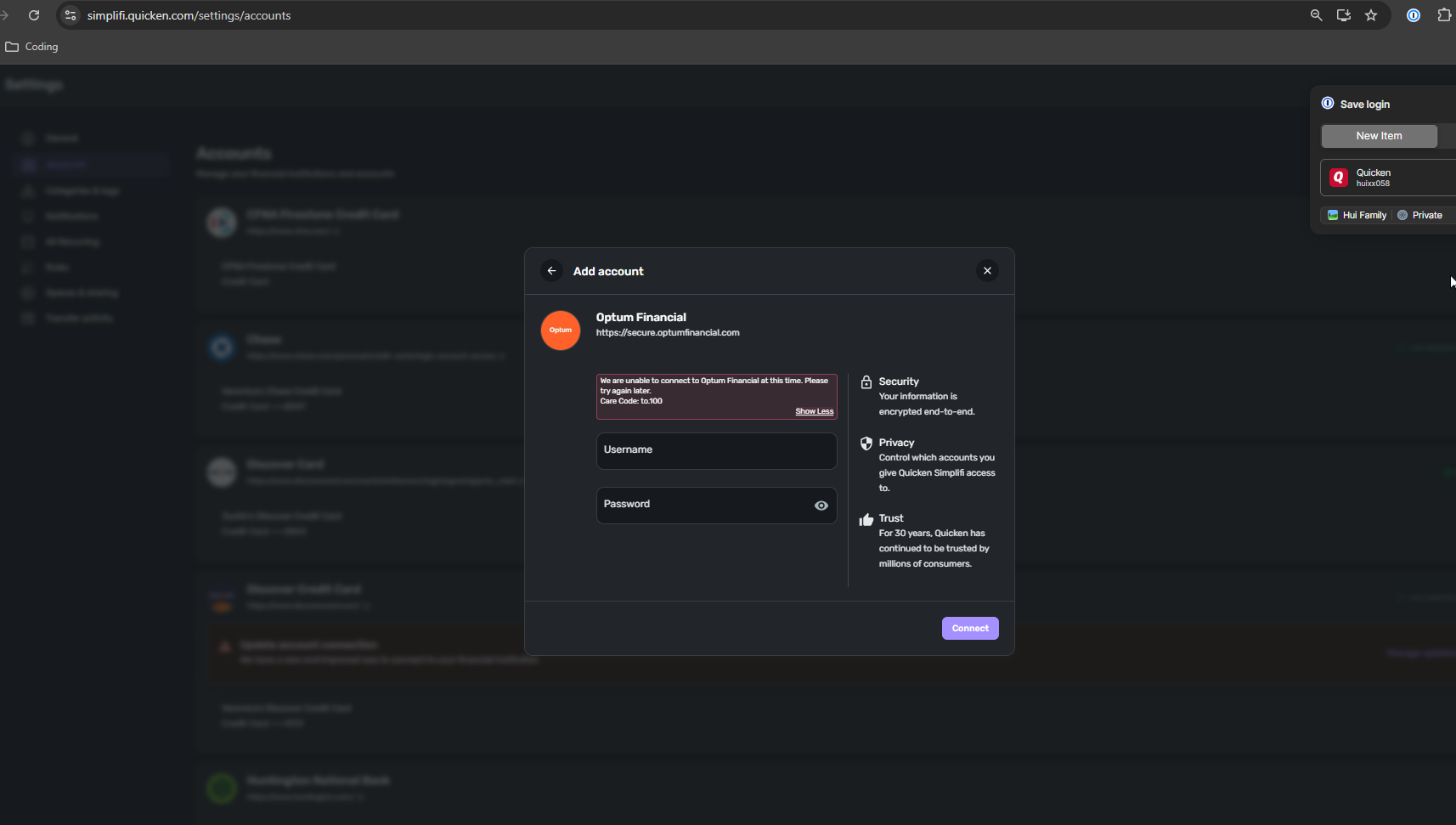
and i sent feedback:
report created - reference id 5222920818361392640 -
Hello @jhst,
Thank you for the requested information! I did get this reported to our service provider and will be sure to follow up with any updates as they work on a resolution to this issue.
In the meantime, you can track the account manually by adding manual transactions, which will keep your records up-to-date. Here are the steps to do so: Managing Transactions in Quicken Simplifi | Quicken Simplifi Help Center
EWC - 12186067
-Coach Jon
0 -
Hello @jhst,
I am back with an update. Are you able to provide a screenshot of the Accounts Summary page from the bank's website that has a wide enough scope to show the full page URL? This is the landing page after signing in, and typically lists all accounts and balances. You will want to take this from a web browser and not a mobile browser, as well as redact any private info such as account numbers.
You may feel free to DM me this information if you prefer!
-Coach Jon
0 -
Hi Coach Jon, I sent you a message:
https://community.simplifimoney.com/messages/1661
0 -
Hello @jhst,
Thank you for the DM! I did get this reported to our product team, and will be sure to follow up with further status updates here going forward.
In the meantime, you can track the account manually by adding manual transactions, which will keep your records up-to-date. Here are the steps to do so: Managing Transactions in Quicken Simplifi | Quicken Simplifi Help Center
CTP-16204
-Coach Jon
0 -
Hi Jon…
Just tried this (for secure.optumfinancial.com) and:
- The initial "Securing connection" took over a minute
- But eventually did get me to the OTP flow to send to my mobile
- This seemed to work and got another "Securing connection" message that lasted over a minute.
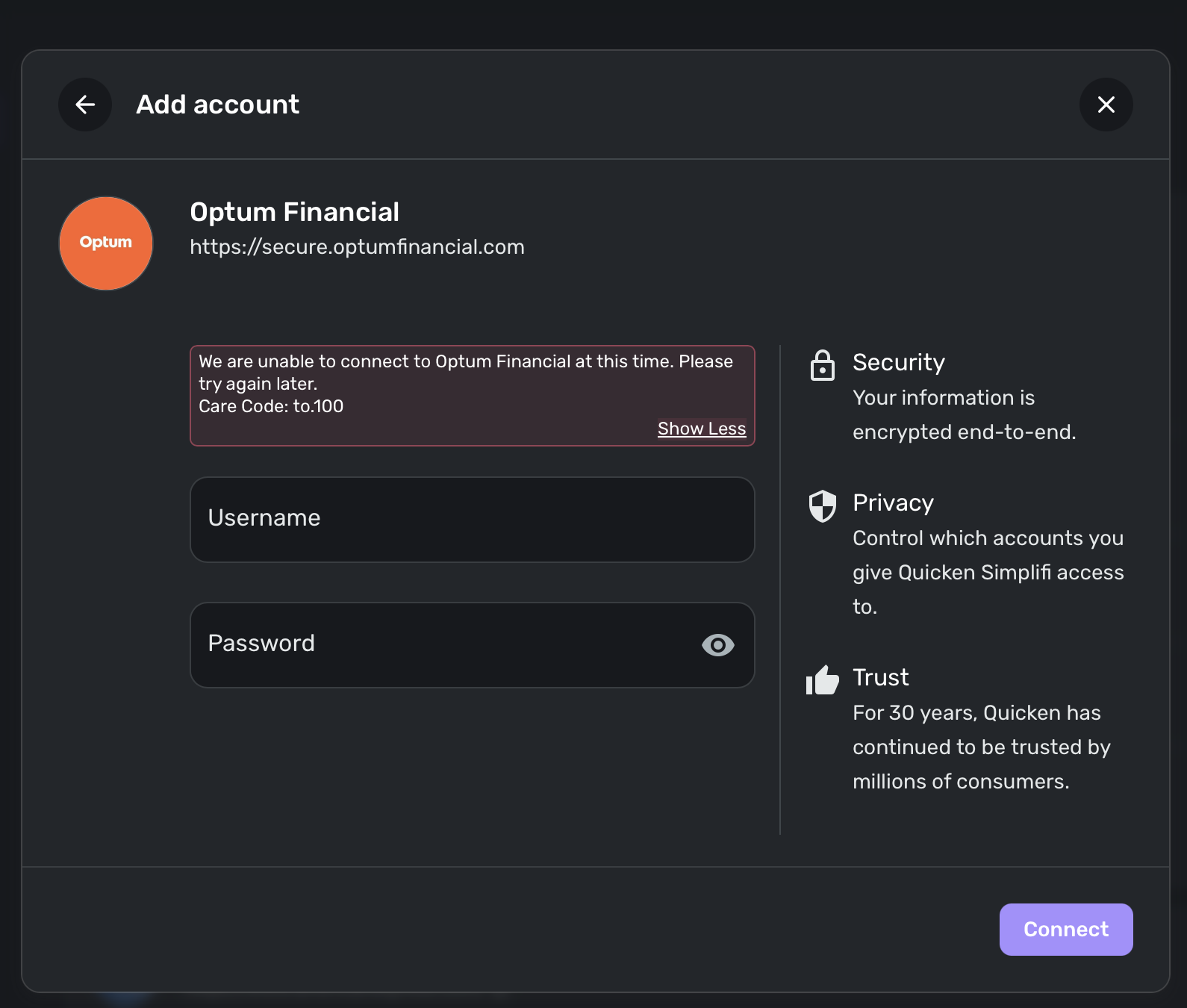
- Then it failed with a 'Care code: to.100
I've attached the screenshot below…
Jay
 0
0 -
Hello @jbaker5400,
Thanks for the update! Could you please provide new logs so I can report this to my product team?
- Log in to the Quicken Simplifi Web App.
- Select Profile from the left-hand navigation bar.
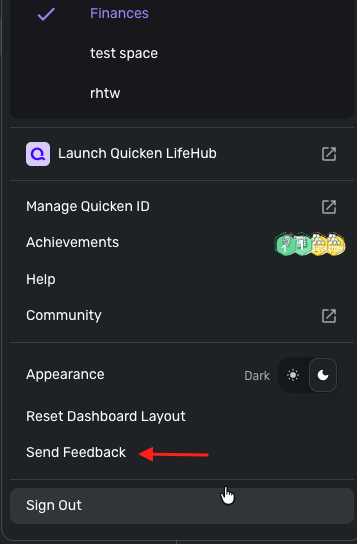
- With the Profile menu open, hold down the Option key for Mac or the Alt key for Windows, and then click Send Feedback.
- Leave all boxes checked, add a brief description of the issue, and then click Send.
-Coach Jon
0 -
Just did…
0 -
Hello @jbaker5400,
Thank you! I did report this information to our product team and will follow up again once we receive any updates on the issue.
-Coach Jon
0 -
Hello @jbaker5400,
I am back with another update from our product team on this issue. After reviewing the recent data, they stated that this error could be due to a dataset-sharing issue. Can you please verify if you are the owner of the dataset? Additionally, are you sharing your dataset with anyone who is trying to add the bank from their own Quicken account? Let us know!
We would also like you to try connecting again to see if you are still experiencing the error you reported. Please provide further logs if the issue persists.
Thank you!
-Coach Jon
0 -
I tried again this morning and consistently get a FDP.101.
As for the dataset, I am the owner. I have shared with my wife, but she doesn't do anything other than look at the budget stuff (no account adding.)
I sent a new set of logs this morning also.
Jay
1 -
Thank you for the follow-up,
FDP-101 errors are often caused by a temporary issue. If you see the error message persist for more than 48 hours, please let us know.
Thank you!
-Coach Kristina
0 -
Tried again this afternoon…. after getting past the OTP, I again getting the "Care Code: to.100" message.
I've resent the newest logs…
1 -
Hello @jbaker5400,
Thank you for the new logs! We sent that over to our product team and will follow up once we hear anything further!
-Coach Jon
0 -
Hello @jbaker5400,
I am back with an update from our team. They would like you to make all accounts associated with that bank manual. Once the accounts are manual, please go to Settings > Accounts, and select the 3-dot menu next to the institution name. Within the menu, select "Delete Institution".
After that, please go back through the Add Account flow to reconnect to the bank. If the connection is successful, carefully link the account(s) found to your existing Quicken Simplifi account(s) by following the steps here.
Please let us know if any errors appear!
-Coach Jon
0 -
Not this helps any… The account was already manual so there's no 'Delete Institution' choice for me. it's only 1 account from that bank that I have in Simplifi. So I deleted the already-manual account entirely and started over with adding an account with Optum. After about 3 minutes, I get error 'to.100'…
0 -
Hello @jbaker5400,
Thank you for the reply. I passed this information over to our product team and will follow up once I hear back!
-Coach Jon
0 -
Thanks Jon… hopefully all the info I've sent over can get them what they need to resolve this.
1 -
Any updates? Still consistently getting that weird to.100 error trying to connect to Optum…
0 -
Hello @jbaker5400,
We do not have an update at this time, but I can assure you our team is still working on a resolution for this issue. I will be sure to keep you updated!
Thank you for your patience!
-Coach Jon
0


