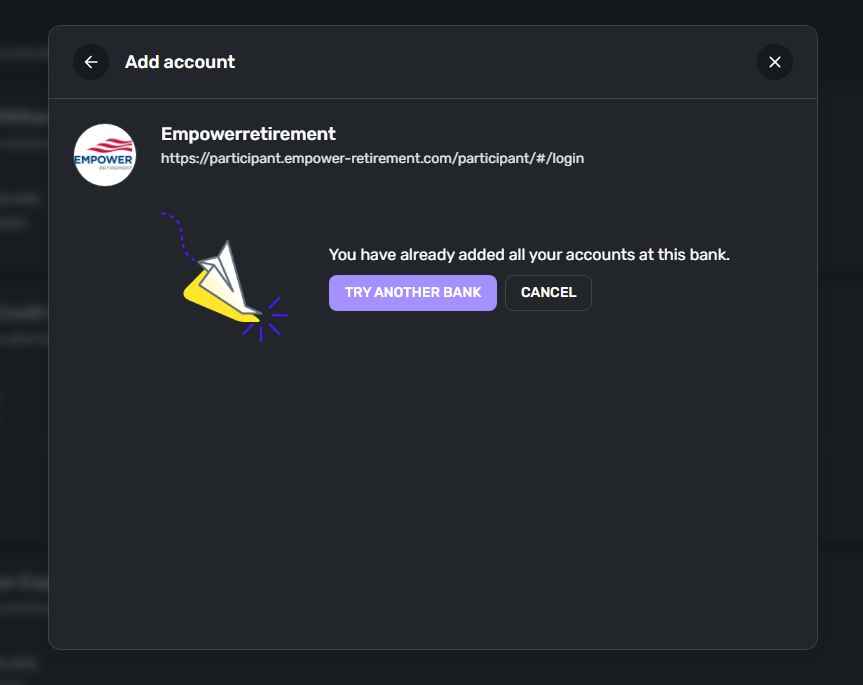
Care Code 417/FDP-185/325 error with Empower (edited)

This discussion was created from comments split from:
Comments
-
I'm not sure if I have the same issue. I'm getting a Care Code 417 we are unable to connect to Empower Retirement at this time. I get all the way to the screens where I decide which accounts to connect to Simplify by checking the boxes and then it comes back with that error and my accounts are 0 out on the main dashboard. The checkbox screen shows the amounts but it will not connect. I did this because I tried resetting my connection to correct my accounts not updating. The amounts were at least 45 days old but I can't get that back now.
0 -
Hello @geewiz2k1,
Thank you for reaching out! From our side, I am seeing a 185 error for you when connecting to Empower Retirement. This error generally means that one of your MFA security questions has expired and needs to be updated. I would check if this is the case for you by visiting the bank's website and updating the security questions there. Then you can try connecting in Quicken Simplifi again. Let us know!
-Coach Jon
0 -
@Coach Jon I do not have any MFA security questions for this site. I logged in to the site there doesn't appear to be anything that I need to update. I tried reconnecting the accounts again and now I'm getting care code 325. I can see the balances on the account if I click into it and look at the balance tabs. They just do not appear on the dashboard and thus is not added into my Net Worth at the top. 😔
0 -
Hello @geewiz2k1,
Thank you for the reply! Let's have you try the following steps to see if they work in resolving the issue:
- Make all of the accounts with the bank manual by following the steps here.
- Once you see the account(s) listed in the Manual Accounts section under Settings > Accounts, go back through the Add Account flow to reconnect to the bank.
- If the connection is successful, carefully link the account(s) found to your existing Quicken Simplifi account(s) by following the steps here.
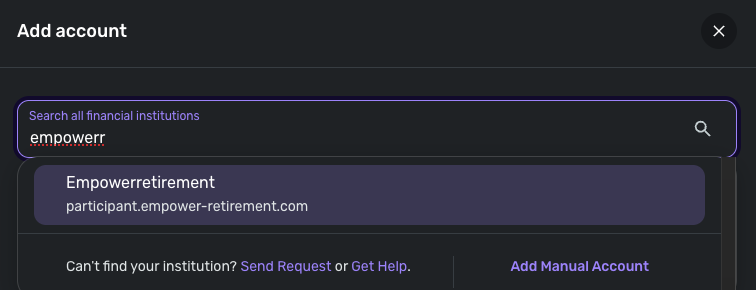
I would also see if using the 'Empowerretirement' instance available in Quicken Simplifi works to resolve the issue as well if the above steps do not work. Just go through the steps again afterward and link to that instance instead.
Let us know how this goes!!
-Coach Jon
0 -
0
-
Hello @geewiz2k1,
Thanks for the reply! Did you try the steps I listed previously before connecting to that new instance? If not, you will want to do those steps first, and when you reach the Add Account step, use the 'Empowerretirement' instance at that time.
I hope this helps!
-Coach Jon
0 -
Yes sir, I followed the instruction exactly as you said. I even waited for the account to disappear from the bottom and only appear in the manual account area.
-Gary W. Brown
0 -
Hello @geewiz2k1,
Thank you for the update. When checking from our side, I can now see that you are receiving a 325 error when trying to connect to Empower Retirement. This error generally means that your account is being aggregated at this time and is currently inaccessible. I would advise waiting until later today and then trying to connect again. Let us know if the error persists once you do try again!
-Coach Jon
0 -
Coach Jon,
Yesterday afternoon the link with the blue icon (as opposed to the one with a white icon that you suggested) finally updated and put the balances on my dashboard. I feel that your suggestion is probably closer to right for me since I'm a former Personal Capital customer folded into the whole Empower take over. The website I use on a daily basis for this site has the white icon even though I can get to my info through either website. Since this is working for now I'll stick with it. The other link you suggested was still giving me the same error as of 1/27/2026, but that may have been fixed for now. It was a struggle and hopefully this one keep updating for now. Thanks for your help with this one.
1 -
Hello @geewiz2k1,
Thank you for letting us know. I am glad to hear it is working for you now!
-Coach Jon
0 -
The problem was fixed by EMpower!!!
1