Stripe Message:The payment * for USD ***.00 requires you to take action in order to complete payment

This may be an issue that has nothing to do with Quicken Simplifi, but I wanted to see if anyone else has had this issue with the Stripe integration.
A client tried to initiate a bank transfer using the Stripe integration which was on the invoice sent through Quicken Simplifi. Upon completing the transfer, they reached out to ask us if we received the payment more than once. When I checked Stripe, I see the following:
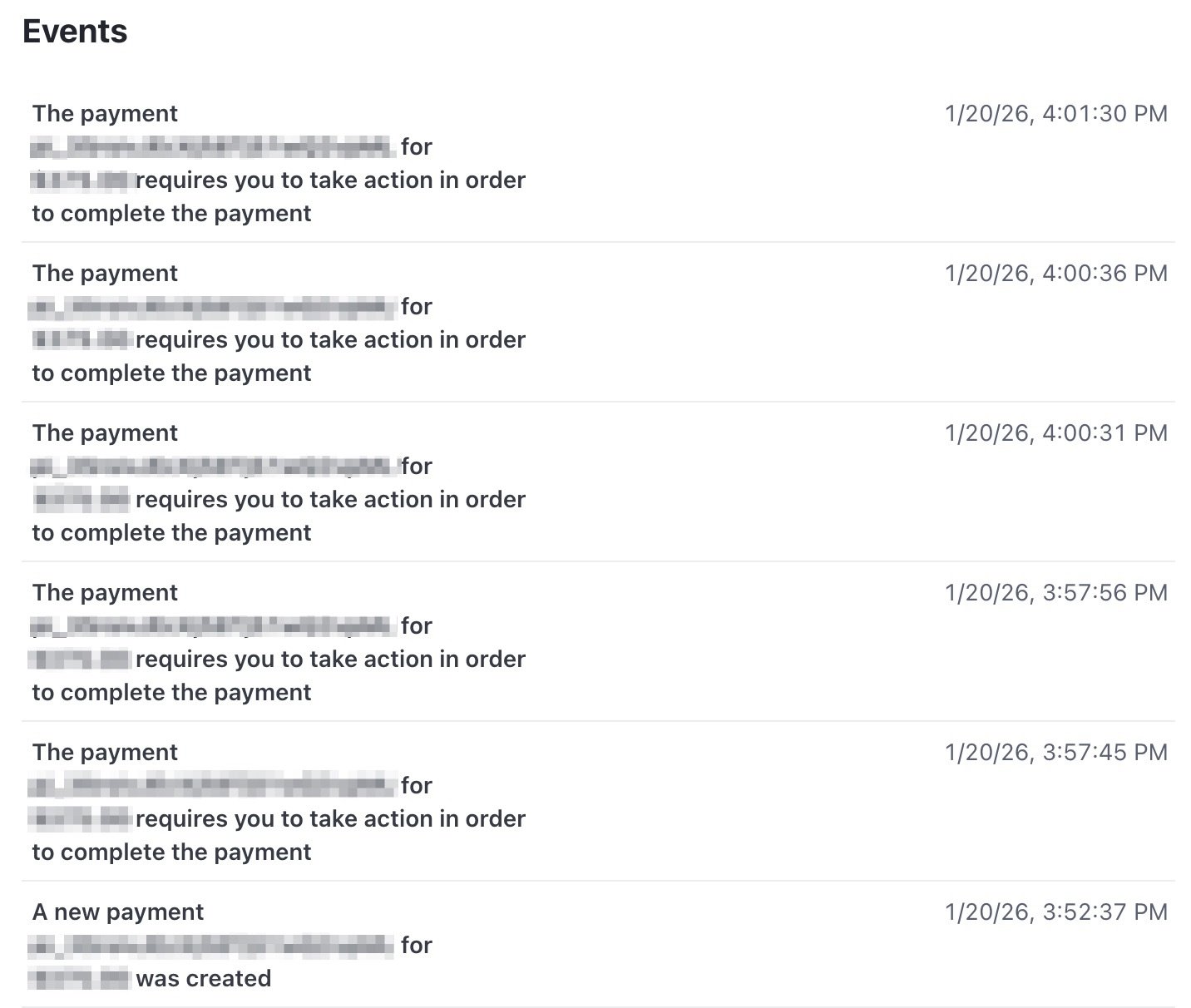
The solutions I see online seem to require coding to the API or JS, which I don't know anything about. Does anyone know if there's anything that can be done within Quicken, or is this a Stripe issue that has nothing to do with QS? Has anyone had a similar issue?
Comments
-
Hello @GuerillaTime68,
Thanks for reaching out! I am not sure specifically what happened here, but it looks like the client may have tried sending the payment more than once. When your clients pay your Stripe payment-enabled account, the payments will automatically show in Quicken Business & Personal, and they will automatically mark the invoice as paid. Was the payment received more than once from your side?
-Coach Jon
0 -
HI @Coach Jon
No payment has been received in my Stripe account. I think I have to figure out how to "take action" before the payment will be processed. Currently the status is "Incomplete".

Thanks!
0 -
Hello @GuerillaTime68,
Thank you for the reply! I am not aware of any action that should be taken from Quicken Simplifi's side. This may be an action that needs to be taken on Stripe's side. Have you verified with Stripe what this action may be?
-Coach Jon
1 -
@Coach Jon Thanks for your reply. I'll report back once I hear from Stripe about this.
1
