Issue Syncing Interactive Brokers (IBKR) Account – Error After Account Selection

Hi Simplifi Team,
I am a new user and I’ve been testing several personal finance apps recently. I really love Simplifi's interface and features, and I’m eager to make it my primary tool. However, I am currently encountering a persistent error when trying to link my Interactive Brokers (IBKR) account.
Here is the step-by-step process I’ve followed:
- I successfully located "Interactive Brokers" in the Simplifi search bar.
- I have already enabled "Third-Party Reporting" within my IBKR account settings.
- I generated and applied the Token and Query ID correctly.
- Simplifi was able to recognize and display my specific IBKR account(s) after I entered the credentials.
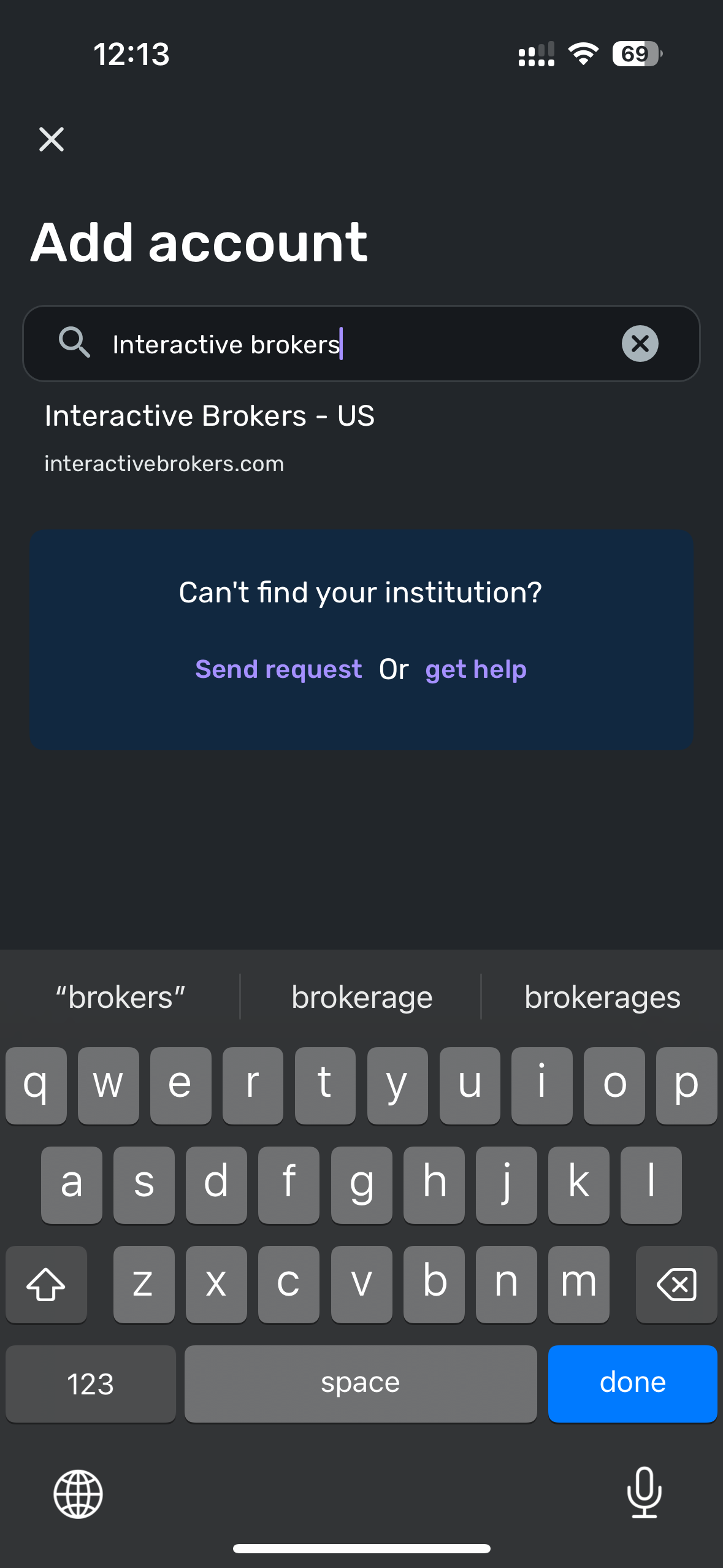
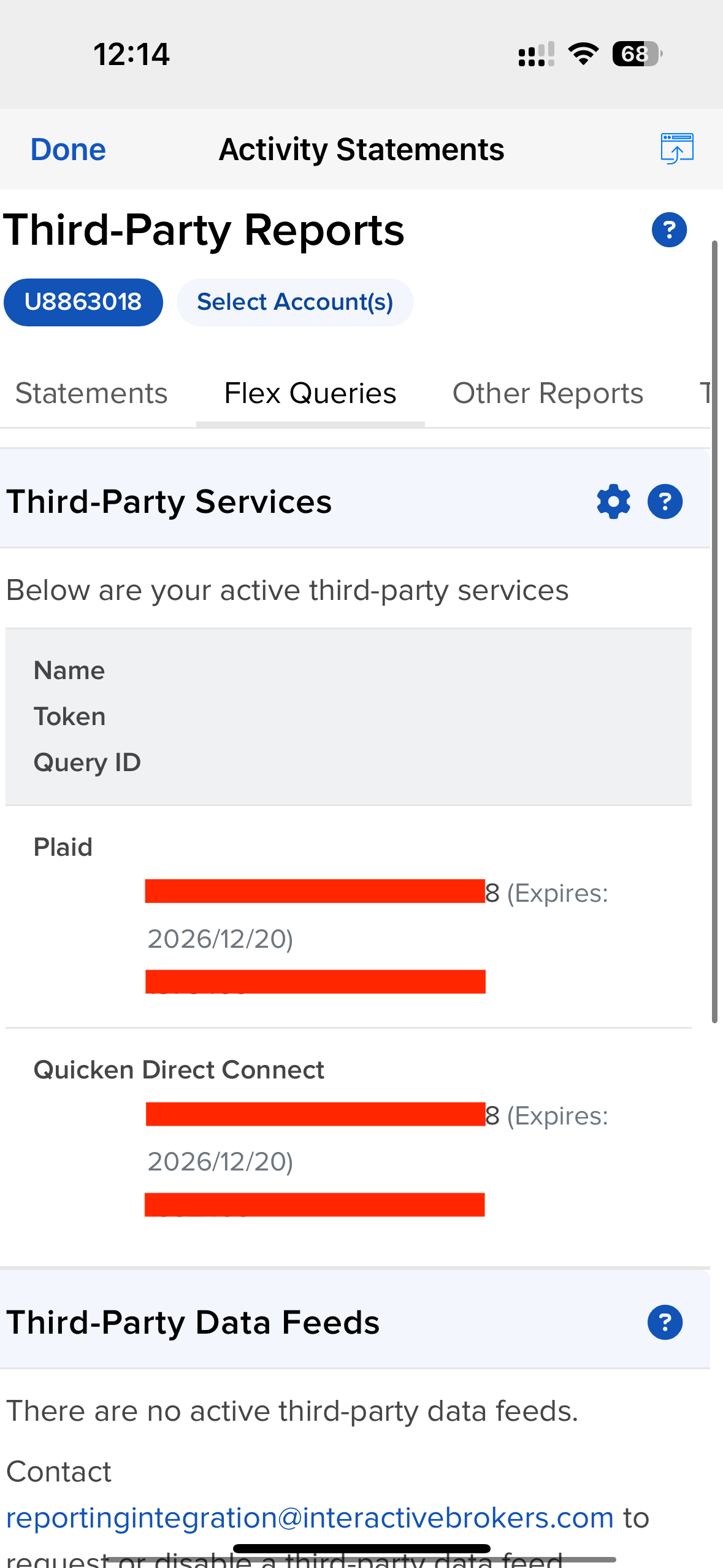
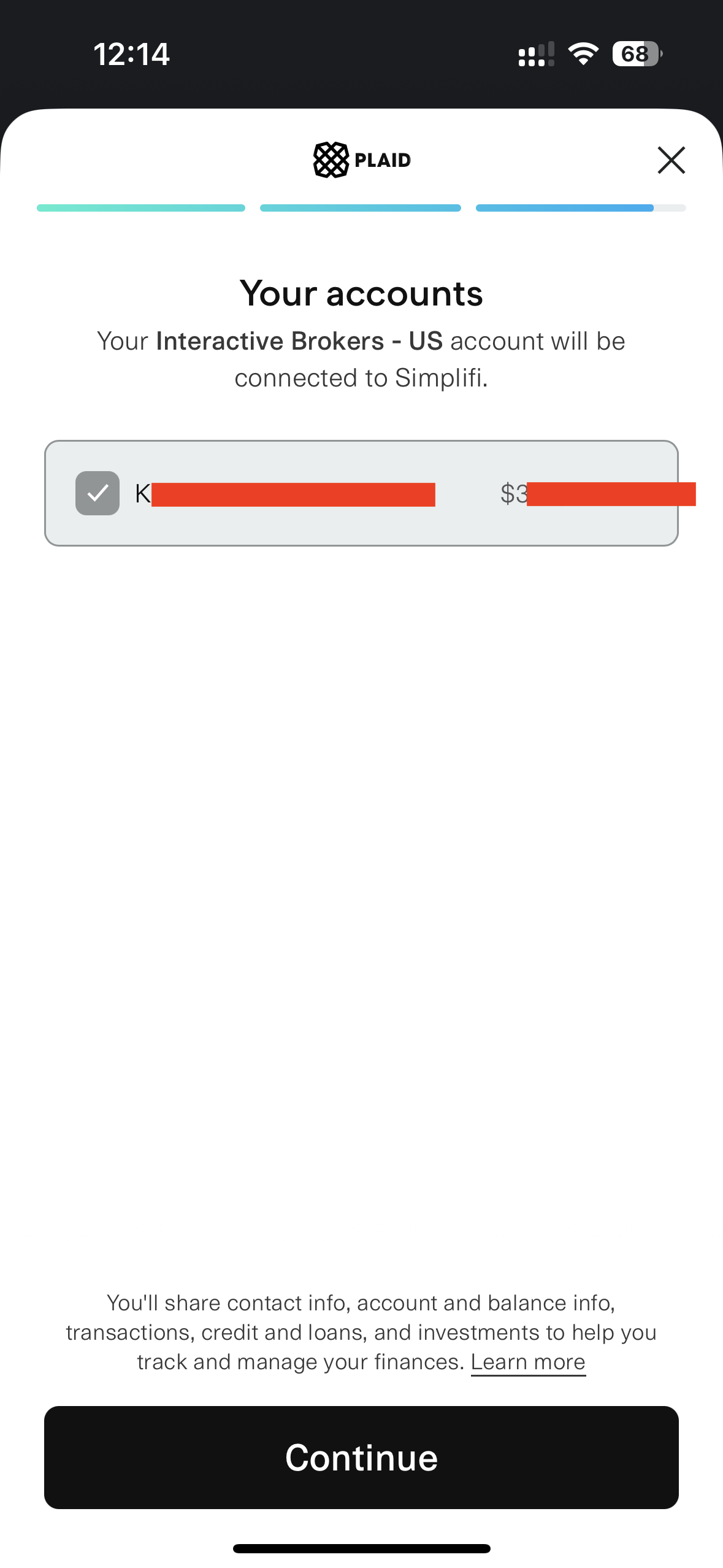
The Problem:Immediately after I select the account and click the "Continue" button, I receive the following error message:
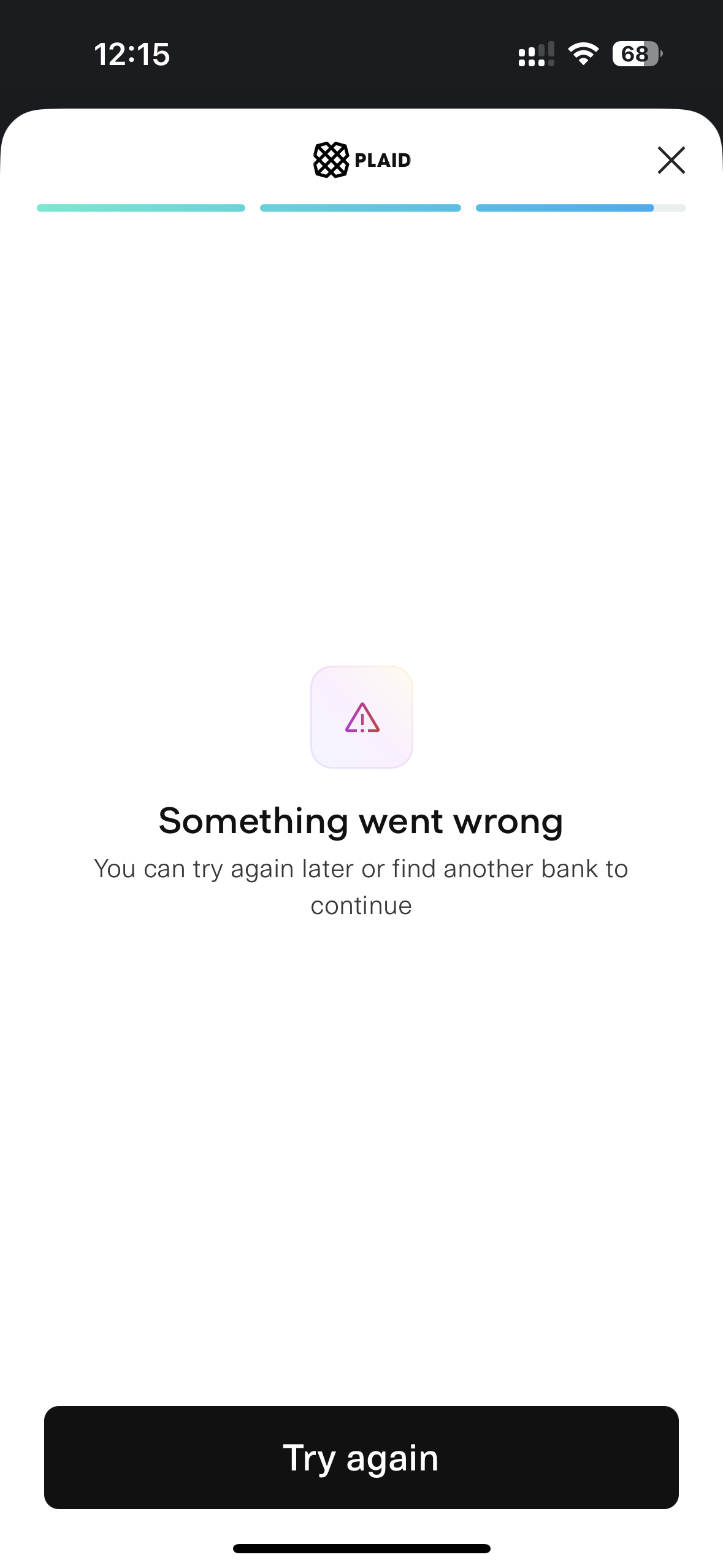
Is there a known issue with the IBKR integration, or are there specific settings I might have missed? Since I really want to commit to Simplifi, I would appreciate any guidance or a fix for this sync issue.
Looking forward to your help!
Best regards
Gavin
Comments
-
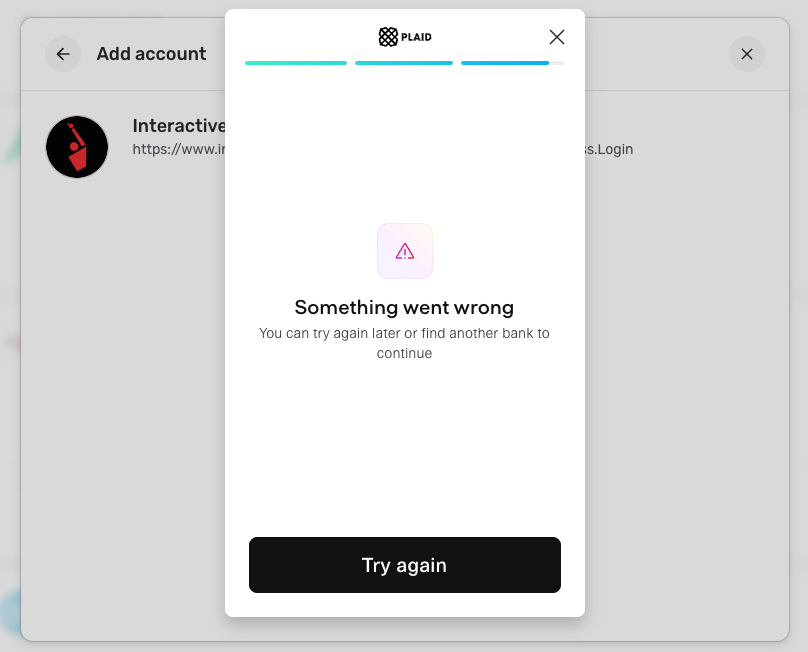
@Coach Jon web version still doesn't work. Using chrome.
FYI, if i use "Quicken Direct Connect" one, it can connect (using iOS app)
But the value is $0.
Do you have any suggestions?
0 -
Hello @tsananiu,
Thank you for the update! Can you provide the following information to better assist us?
- Has there been any activity in the account in the last 90 days?
- Is the account considered an external account (i.e. are you redirected to a different website when selecting the account on the bank's website)? If so, what URL are you redirected to?
- Is the account a subtype of a different account?
- Has the bank made any recent changes to its website or sign-in process?
- Are you the owner of the account?
- The name of the account, as it appears on the bank's website.
- If the issue is occurring on an existing Quicken Simplifi account, the name of the account as it appears in Quicken Simplifi.
- A screenshot of the Accounts Summary page from the bank's website that has a wide enough scope to show the full page URL. This is the landing page after signing in, and typically lists all accounts and balances. You will want to take this from a web browser and not a mobile browser, as well as redact any private info such as account numbers.
We will also need logs to be sent:
- Log in to the Quicken Simplifi Web App.
- Select Profile from the left-hand navigation bar.
- With the Profile menu open, hold down the Option key for Mac or the Alt key for Windows, and then click Send Feedback.
- Leave all boxes checked, add a brief description of the issue, and then click Send.
-Coach Jon
0 -
Hi Simplifi Support,
Thank you for the detailed follow-up. Here are the answers to your questions based on my Interactive Brokers (IBKR) account:
- Has there been any activity in the ac count in the last 90 days?Yes, there has been fund withdraw and dividend payments in the last 90 days.
- Is the account considered an external account?No, it is a standard brokerage account. I access it directly via
https://portal.interactivebrokers.com/. - Is the account a subtype of a different account?No, this is a standalone individual brokerage account.
- Has the bank made any recent changes to its website or sign-in process?Not that I am aware of.
- Are you the owner of the account?Yes, I am the sole owner.
- The name of the account, as it appears on the bank's website.The account name is KUAN-MING LIAO (as seen in my provided statement/summary).
- If the issue is occurring on an existing Quicken Simplifi account...This is a new account I am trying to add, so it does not have a name in Simplifi yet.
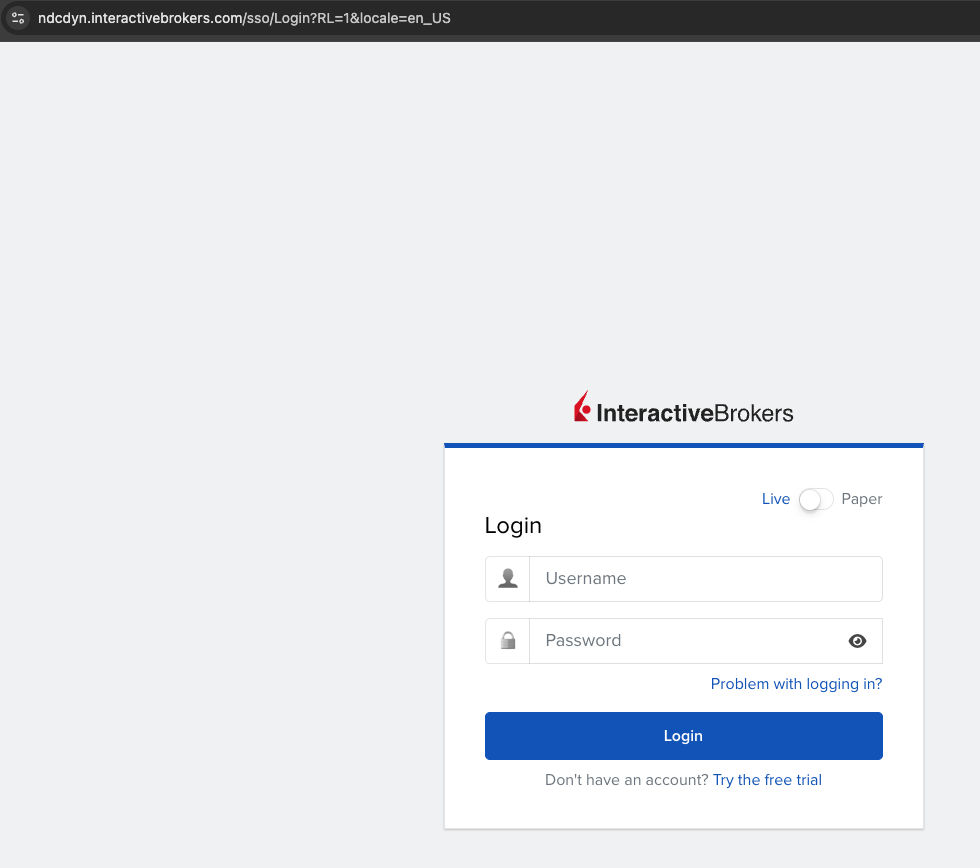
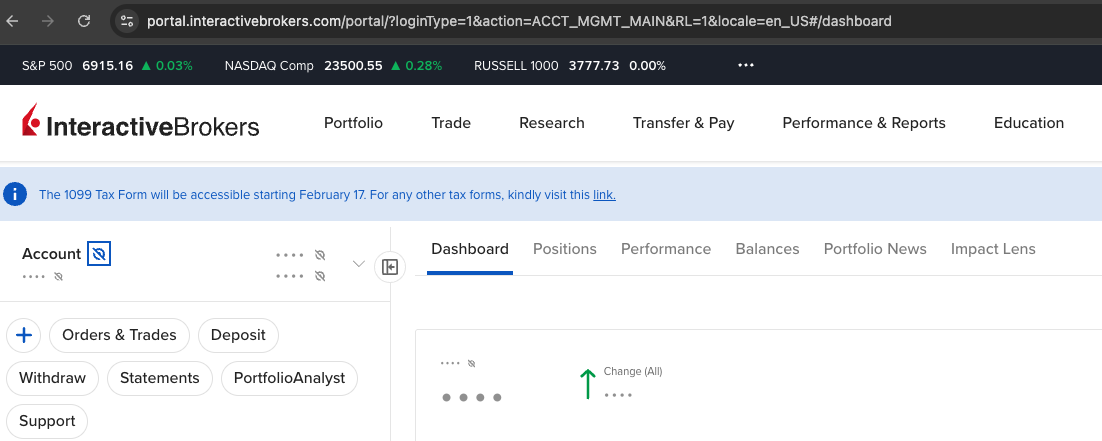
- Screenshot of the Accounts Summary page:I have attached two screenshots:
- One showing the login landing page URL:
ndcdyn.interactivebrokers.com... - One showing the dashboard/summary page URL:
portal.interactivebrokers.com/portal/...
- One showing the login landing page URL:
I have also sent the logs from the web app as requested, following the Alt/Option + Send Feedback method. Please let me know if you need any further information to resolve this sync error.
Best regards,
Gavin
0 -
Hi @Coach Jon, just wanted to let you know that I've tried Rocket Money and Origin. Both seem to use Plaid as well, and they are able to connect to Interactive Brokers without any issues. This suggests the issue might be specific to Simplifi's integration rather than a limitation of the financial institution or Plaid. Thanks. Hope the issue can be fixed soon.
0 -
Hello @tsananiu,
Thanks for the requested information and update! I see that your most recent attempt to connect to Interactive Brokers - US in Quicken Simplifi did not receive an error when viewed from our side. Were you able to connect, or are you still experiencing the same issue? Let us know!
-Coach Jon
0 -
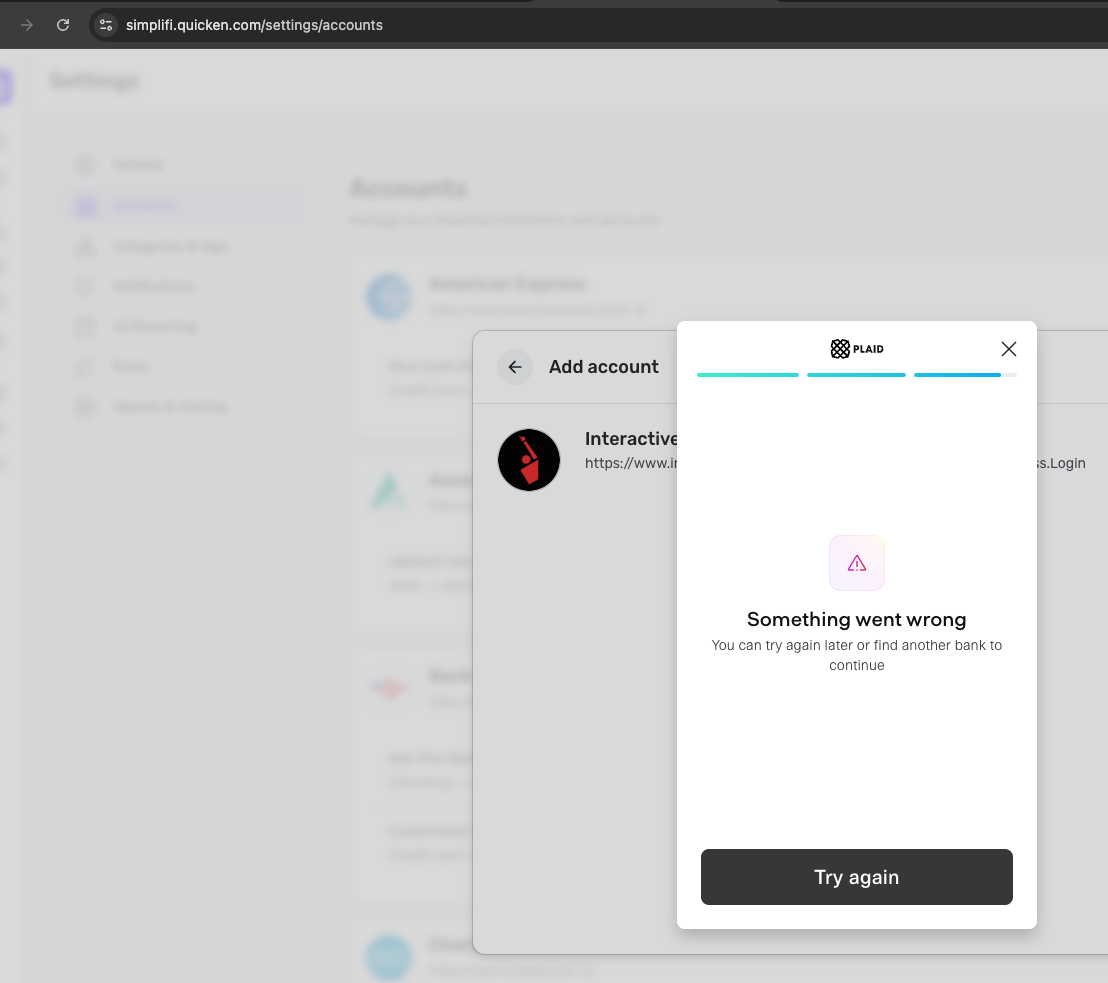
I haven't tried since my last post.
I just gave it another shot after reading your post, but no luck.
0 -
Hello @tsananiu,
Thank you for the additional information. I did get this issue reported to my product team and will follow up when we have further updates!
In the meantime, you can track the account manually by adding manual transactions, which will keep your records up-to-date. Here are the steps to do so: Managing Transactions in Quicken Simplifi | Quicken Simplifi Help Center
If the account is an investment account, the manual tracking steps are a little different:
- Make the account manual so you can add and edit Holdings: How to Make an Account 'Manual' | Quicken Simplifi Help Center
- Add/edit your Holdings to keep accurate records: Tracking Investments in Quicken Simplifi | Quicken Simplifi Help Center and Tracking Investments in Quicken Simplifi | Quicken Simplifi Help Center
CTP-16105
-Coach Jon
0 -
Hi @Coach Jon
I don't think manual entry is a good workaround since the sync issue is still there. Just tell me what you need from me to fix it. I really don't want to switch to another app just because I can't connect to my IBKR account, so let's try to get this resolved.
0 -
Hi @Coach Jon ,
Any updates on your findings so far?
Do you need any additional logs from my side?
Thanks!
0 -
@Coach Jon After updating to the latest iOS APP.
It can connect to IBKR.
Thanks a lot for your team's help!!
2
