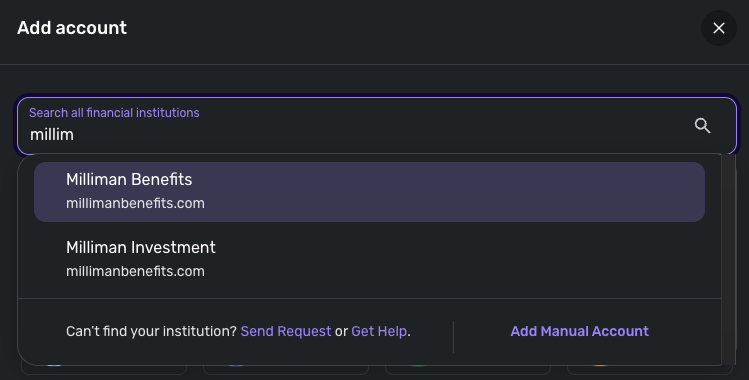
Milliman Benefits Not Connecting - FDP-101 (edited)

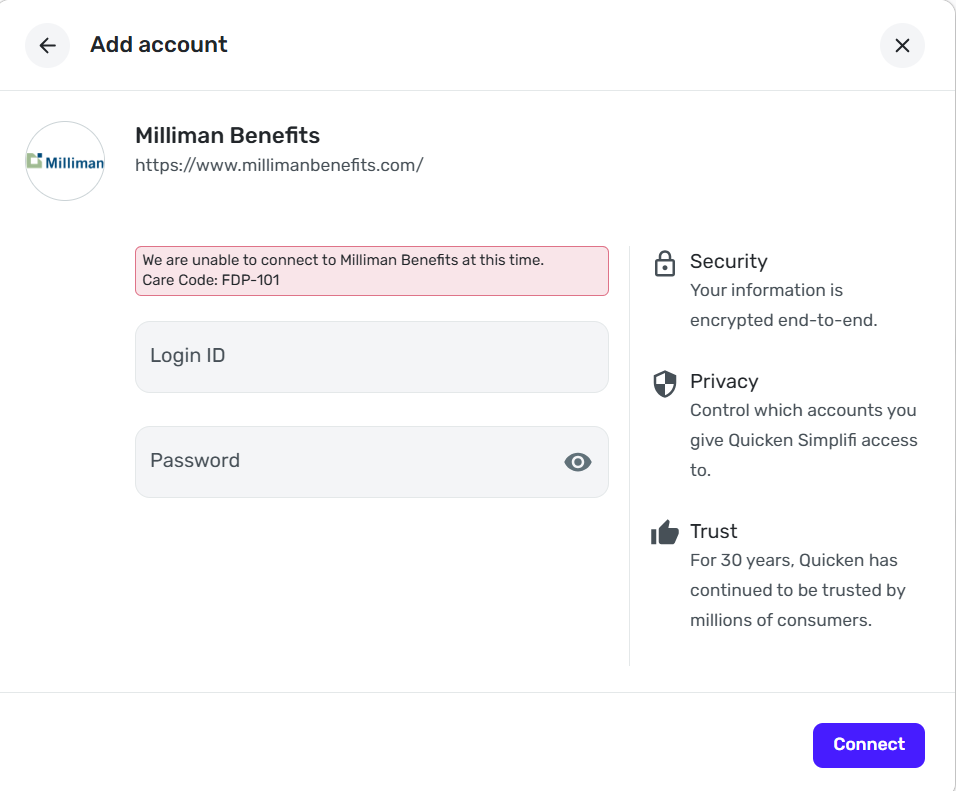
Within the last week, Milliman Benefits has not been connecting. When originally attempting to connect, it will ask which communication method I would like to use to receive a two-factor authentication code. After choosing which method, the box closes and I receive the code. Then, no follow-up box appears and I receive an FDP-101 error message.
Comments
-
Hi Jon,
Unfortunately I get the same error with both Milliman instances. I tried both as recently as today.
Let me know if you need any additional information - thanks!
0 -
Hello @lodenic,
Thanks for the reply! Can you provide a screenshot of the error code from your side, as well as a screenshot of the Accounts Summary page from the bank's website that has a wide enough scope to show the full page URL? This is the landing page after signing in, and typically lists all accounts and balances. You will want to take this from a web browser and not a mobile browser, as well as redact any private info such as account numbers.
We will also need logs to be sent:
- Log in to the Quicken Simplifi Web App.
- Select Profile from the left-hand navigation bar.
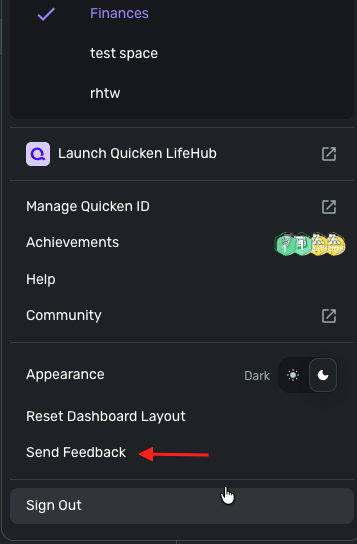
- With the Profile menu open, hold down the Option key for Mac or the Alt key for Windows, and then click Send Feedback.
- Leave all boxes checked, add a brief description of the issue, and then click Send.
-Coach Jon
0 -

I sent the logs as well. Thanks
0 -
Hello @lodenic,
Thank you! I have reported this to our service provider and will follow up with any status updates going forward here.
In the meantime, you can track the account manually by adding manual transactions, which will keep your records up-to-date. Here are the steps to do so: Managing Transactions in Quicken Simplifi | Quicken Simplifi Help Center
EWC-12208600
-Coach Jon
0 -
It works now, thank you!
2