CareCredit Care Code: QCS-0429-2 / FDP-103 (edited)

This discussion was created from comments split from:
Comments
-
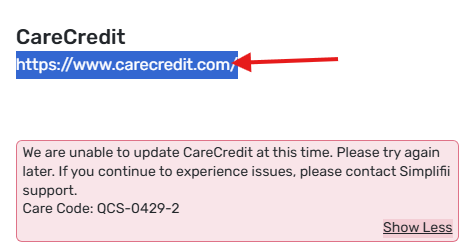
I am not able to connect my Carecredit card account. I am getting this error message:
Care Code: QCS-0429-2
I am able to log in using the same credentials using the link supplied by Quicken … I am also able to log in if i go to a new browser…. I have attempted multiple times today… this morning and this eve.
 0
0 -
I added my CareCredit account either last night or this morning and it worked fine (it's not reporting any errors, i just checked). One thing, I have two separate passwords for Synchrony (care credit) and only one of them (the older one, i think) works with simplifi. If you have two separate passwords saved for the account, try the other one. They recently changed their log in procedure, and not everything is switched over to the new system yet.
—
Rob Wilkens
0 -
Hello @shely6875,
Thanks for reaching out! In addition to @RobWilk's advice, I know that this error is caused when we’ve encountered an issue connecting to your account, or there were too many failed attempts connecting to your bank.
While you receive this error code in Quicken Simplifi, you may be able to log onto the bank's website successfully. Typically, this error resolves itself after 24 hours.
I would suggest waiting 24 hours to connect again from the last failed attempt, and if you continue to receive this error after that time, be sure to let us know!
-Coach Jon
0 -
Still having an issue connecting my Carecredit account. Also, I don't save old passwords. Once it's changed, I update it…. this has been updated for months now so don't even remember the old one.
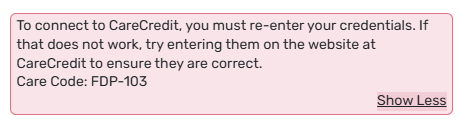
Now getting this error:
 0
0 -
Thank you for the update,
If you haven't already done so, please try following these troubleshooting steps for FDP-103 (invalid credentials) errors:
- Enable the “Show Password” option to confirm no typographical errors.
- If you're using a password manager, try manually typing it in instead, in case the one saved is outdated.
- Depending on how many times you have tried to add your accounts, you may have locked yourself out, so it’s important to ensure you can sign into the bank’s website using the exact same credentials.
- Update your credentials – Try temporarily updating your password at the bank's website and then try again to connect in Quicken Simplifi. We recommend NOT using the following special characters: & < > / \.
Please let me know how it goes!
-Coach Kristina
0 - Enable the “Show Password” option to confirm no typographical errors.
-
[removed - duplicate post]
0 -
I have already done all this and it does not work.
0 -
Thank you for the follow-up,
Our internal tools indicate the last time you attempted to connect to CareCredit was 25 Feb. Please try again to confirm if the issue persists.
If it is still happening, then please provide the following information to help us further investigate:
- Have there been recent changes in your banking website?
- If there are changes, what are they?
- What is the exact URL (web address) you use to log in to your account?
- What type of accounts are you connecting/reconnecting (banking, investment, debt, etc.)?
- Please provide a screenshot of your bank account summary page that includes the full URL. Please remove or obscure any personal information.
- Provide the FORMAT of the your password (DO NOT provide the actual password!). For example, the password of "Quicken123$" would be "Xxxxxxx###$." Document the specific special character(s) in your password (AGAIN, DO NOT provide or document your actual password!).
You can send this information via DM if you are not comfortable posting it in this discussion.
Additionally, please send logs by following these steps:
- Log into the Quicken Simplifi Web App.
- Select Profile from the left-hand navigation bar.
- With the Profile menu open, hold down the Option key for Mac or the Alt key for Windows, and then click Send Feedback.
- Leave all boxes checked, add a brief description of the issue, and then click Send.
Thank you!
-Coach Kristina
0 - Have there been recent changes in your banking website?
-
- No changes to my banking website.
- Carecredit – Synchrony credit card - still having issues
- Incommons Bank – now shows added
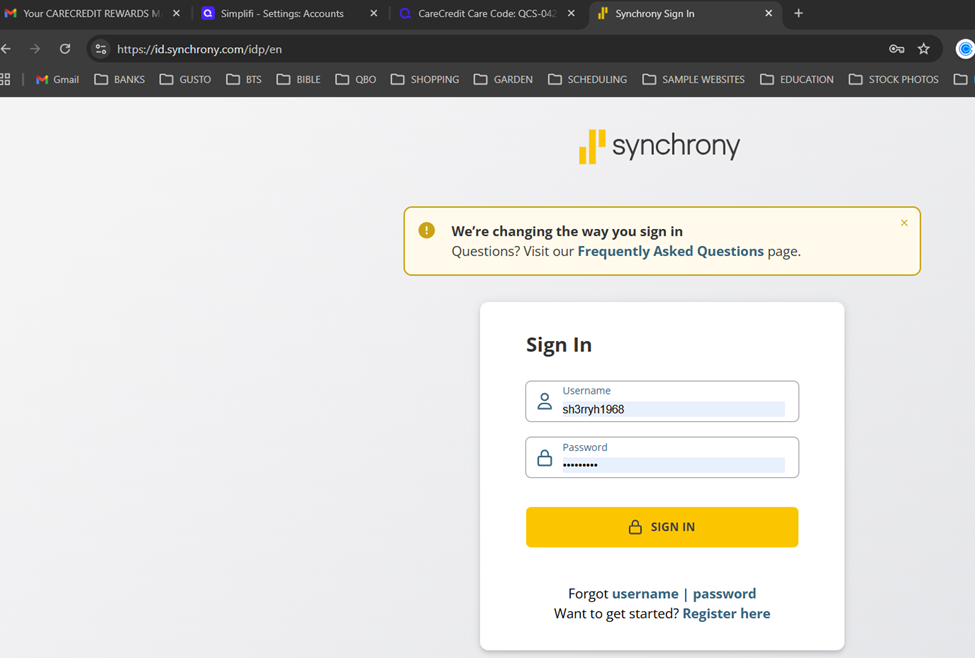
6. Xxxx####! – for carecredit
 0
0 -
Hello @shely6875,
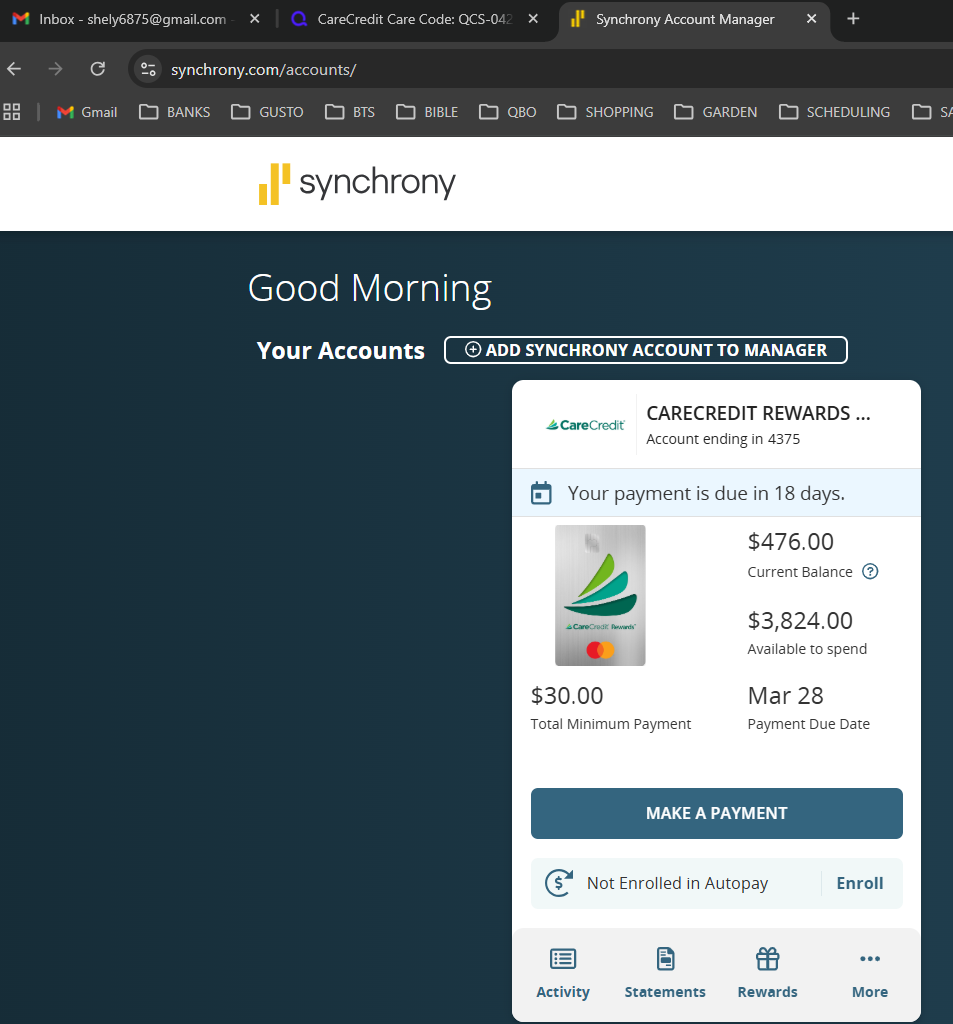
Thanks for the information we requested! It looks like we will still need the logs we requested above, as well as a screenshot of the Accounts Summary page from the bank's website that has a wide enough scope to show the full page URL. This is the landing page after signing in, and typically lists all accounts and balances. You will want to take this from a web browser and not a mobile browser, as well as redact any private info such as account numbers.
Please let us know when those can be provided!
-Coach Jon
0 -
Logs sent:
report created - reference id 529013099442225664
 0
0 -
Hello @shely6875,
Thank you! I escalated this to our service provider and will be sure to follow up here with any updates on the issue.
In the meantime, you can track the account manually by adding manual transactions, which will keep your records up-to-date. Here are the steps to do so: Managing Transactions in Quicken Simplifi | Quicken Simplifi Help Center
EWC - 12282879
-Coach Jon
0 -
Hello @shely6875,
I am back with an update! We are aware of this known issue with Synchrony Bank credit cards, and we do have an alert you can follow here for updates going forward. We will provide updates on the alert as we receive new information while our team investigates a resolution for this issue.
Thank you!
-Coach Jon
0



