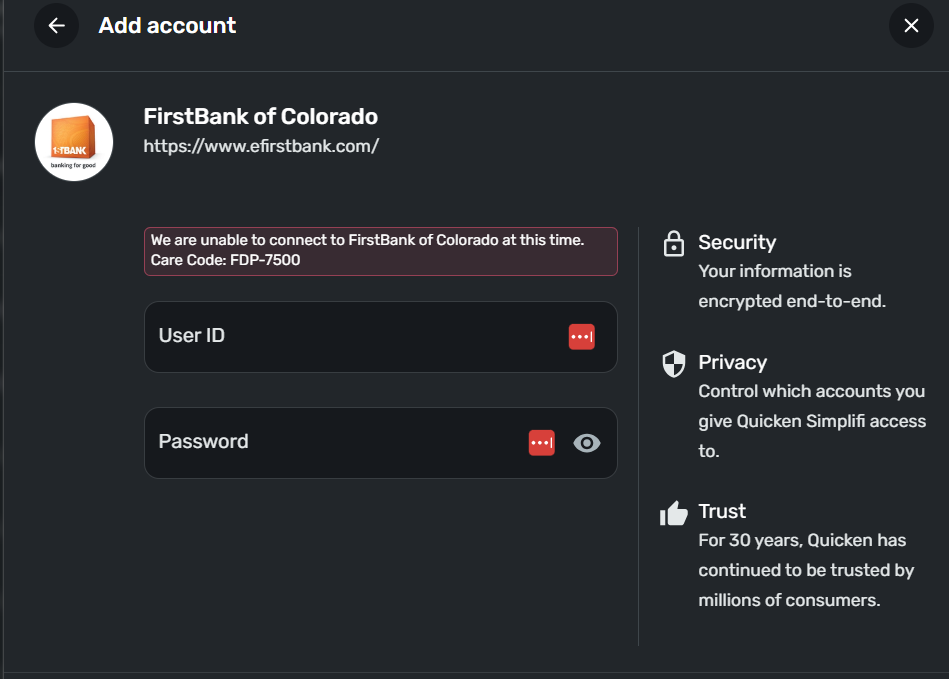
FirstBank of Colorado FDP-7500 error (edited)

This is a terrible experience. Latest screenshot below. Going on for days- different error messages- bank says it is not on their end, Quicken says it is on the bank side… why is this so hard?
Comments
-
Hello @JDB,
Thanks for reaching out! Sorry to hear about your ongoing trouble with FirstBank of Colorado. May we have the following information to further troubleshoot this issue?
- The name of the account(s), as it appears on the bank's website.
- Have there been any recent changes made to the bank's website or its sign-in process?
- What type of account(s) are you attempting to connect in Quicken Simplifi?
- A screenshot of the Accounts Summary page from the bank's website that has a wide enough scope to show the full page URL. This is the landing page after signing in, and typically lists all accounts and balances. You will want to take this from a web browser and not a mobile browser, as well as redact any private info such as account numbers.
We will also need logs to be submitted:
- Log in to the Quicken Simplifi Web App.
- Select Profile from the left-hand navigation bar.
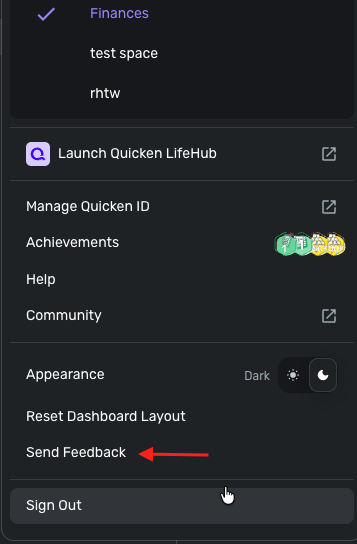
- With the Profile menu open, hold down the Option key for Mac or the Alt key for Windows, and then click Send Feedback.
- Leave all boxes checked, add a brief description of the issue, and then click Send.
-Coach Jon
0 -
Thanks for the reply. I'm not sure what you mean by the "name of the account" as there are multiple accounts that we have at the bank. The single login has access to all of them. Other questions/answers:
Recent changes: None according to the bank
Types of accounts: Multiple (checking, savings, etc.)
Web page:

Feedback: Will do.
0 -
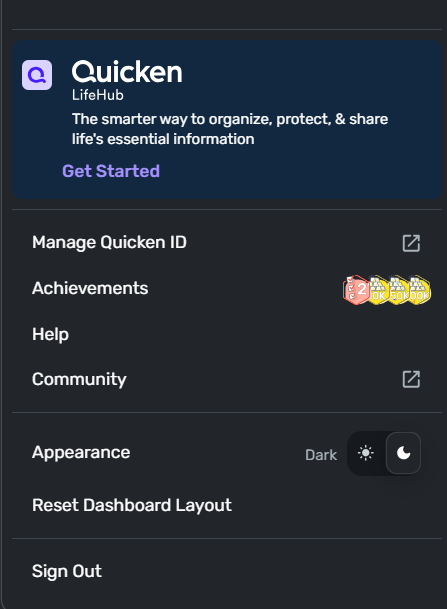
FYI- I don't have feedback in my profile section of the web app.
 0
0 -
Hello @JDB,
Thanks for the information! Are you able to see if the following steps work to resolve the issue you're seeing with your account?
- Make all of the accounts with the bank manual by following the steps here.
- Once you see the account(s) listed in the Manual Accounts section under Settings > Accounts, go back through the Add Account flow to reconnect to the bank.
- If the connection is successful, carefully link the account(s) found to your existing Quicken Simplifi account(s) by following the steps here.
Let us know if this works!
-Coach Jon
0 -
Hello @JDB,
I did go ahead and escalate this issue to our service provider. I will be sure to follow up here with any status updates as they work on a resolution.
In the meantime, you can track the account manually by adding manual transactions, which will keep your records up-to-date. Here are the steps to do so: Managing Transactions in Quicken Simplifi | Quicken Simplifi Help Center
EWC - 12240377
-Coach Jon
0 -
Thanks again. From a process/direction standpoint… the account cannot be connected (process won't finish per the error message above) so there is no way to "make the account manual." Rather, I'll try adding it manually from the start. That being said, adding information manually pretty much defeats the entire purpose of having the software/automation so that is a non-starter and I'd recommend not be offered to any customers as a work-around. I appreciate your willingness to escalate the issue very much.
1 -
Following up again- if I add the bank manually and then try to change it to a linked account I get the same error. Doesn't seem to be any workaround for this.
0 -
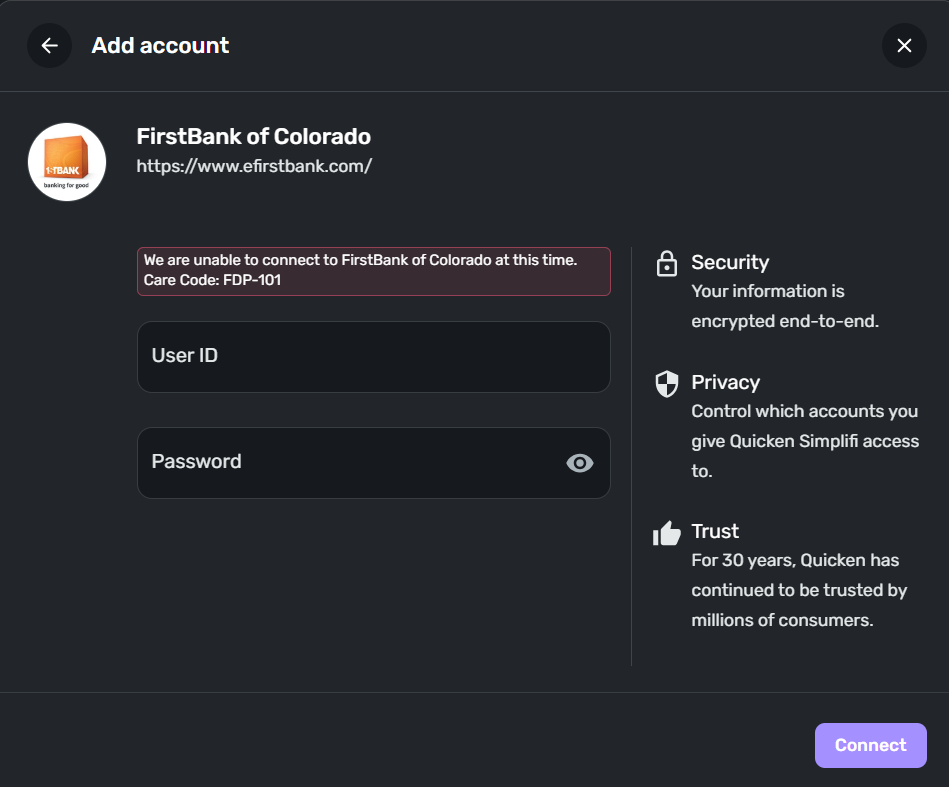
Good morning- another new error… any progress? What is the difference between the FDP-101 error and the FDP-7500 error?
 0
0 -
Hello @JDB,
Thanks for the update. An FDP-101 error is a general error that has many possible causes, but the error typically resolves itself within 24-48 hours. Are you still receiving an FDP-7500 error when connecting? Your escalated ticket is still being worked on for that issue, and we have a new alert you can follow as well if you are:
I will be sure to keep you updated on the status of your escalated ticket. Let us know if you continue to experience the FDP-101 error or if the FDP-7500 continues.
-Coach Jon
0 -
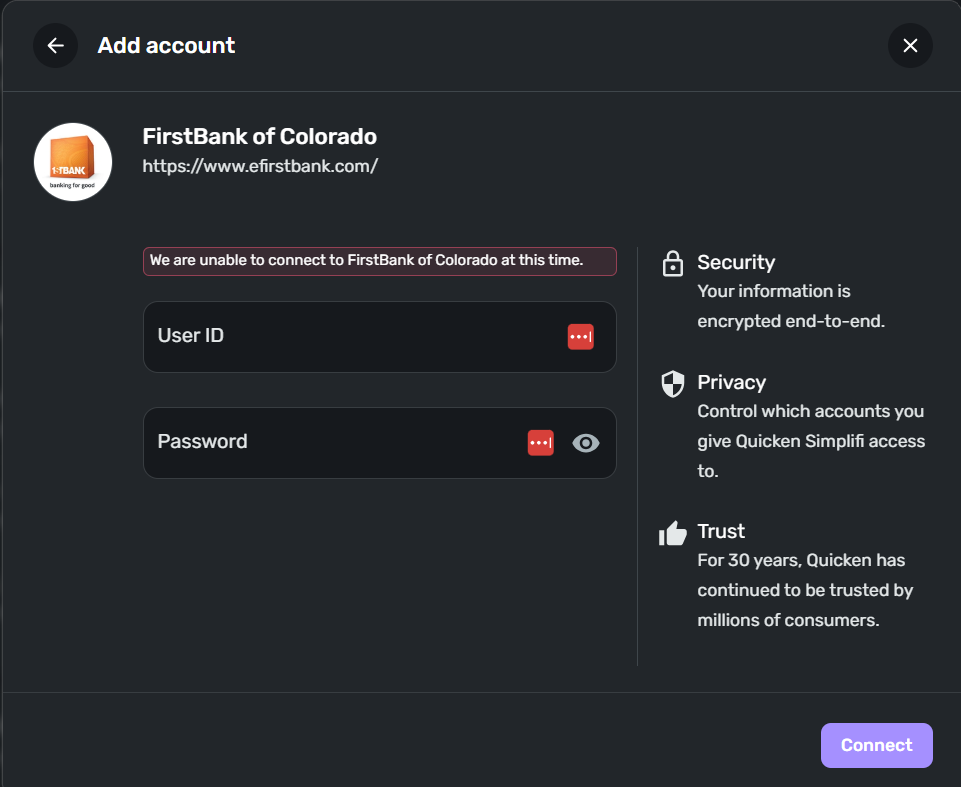
Latest… now I get NO error code. Screen shot below. Just an "unable to connect…"
 0
0 -
Hello @JDB,
Thank you for the reply. This may be due to our team working on a resolution for the issue with FirstBank of Colorado. I would wait for an update from me on your escalated ticket and continue following the alert in the meantime.
Thanks for your patience!
-Coach Jon
0 -
Latest… and now we're back to the FDP-101 error…
 0
0 -
FYI- connection got completed tonight. Thank you very much for your kind support!
2 -
Guess I spoke too soon. After being able to connect for a couple days, the connection is down again with the dreaded FDP-101 error. Sigh…
 0
0 -
I think we'll try another product. Thanks for the opportunity to check this out. Bye for now.
0 -
Hello @JDB,
Thank you for informing us! I apologize that the issue has reoccurred. I completely understand the frustration that can arise from situations like this, which may lead you to explore other options to meet your needs. If you decide to return, we will gladly welcome you back and continue troubleshooting if the issue persists.
-Coach Jon
0
