Credit Score is blank/Verification Link Failed error (edited)

I just set up my Simplifi. I tried to set up the Credit Score. I received the link to start my credit score verification in my text but when I click on it it brings me to this page:

And this is what is displayed on my Simplifi Dashboard:
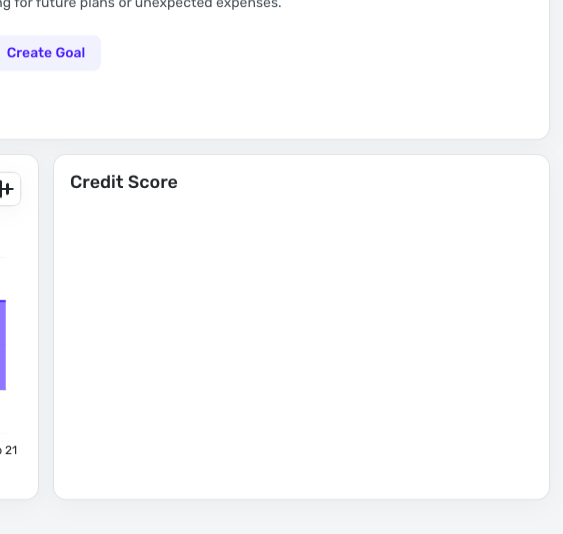
How can I get this to work?
Comments
-
Try going to Simplifi web app and in the Menu Bar, choose Planning Tools. There go to Credit Score.
Or in phone app, choose Planning Tools and it should give you the Credit Score set up page.
See if it will let you enter your information to get your credit score.
Let us know if this works for you.
Here is the support article, if you need it or want to read it:
Steve
Quicken Simplifi (Safari & iOS) Since 2021
Quicken Classic (MacOS) Since 2009
MS Money (1991-2009) and Dollars & Sense (1987-1991)0 -
The mobile app gives me the prompts to enter my information (the web app isn't). But once I enter all of my info it says Verification Failed. I've checked this information several times. I don't know where it could be failing.
0 -
Hmm, I wonder why the web app doesn't? Have you done the usual things? Tried a different browser? Cleared the Cache? Signed in and out? For mobile app, turned off the phone?; reinstalled the app?
This will give you a head start, if you need one of the coaches needs to file a bug report for you.
They'll get it working for you. Good luck!
Steve
Quicken Simplifi (Safari & iOS) Since 2021
Quicken Classic (MacOS) Since 2009
MS Money (1991-2009) and Dollars & Sense (1987-1991)0 -
I tried all those things (Chrome and Safari). The web app just spins when I try to launch in to Credit Score window. And the mobile simply rejects my information which is really strange. And the verification failed message is instantaneous so it doesn't even appear to be submitting and validating to a service somewhere. Is the next step a bug report?
0 -
Yep, I would go ahead and make a bug report either in the bug category here or contact Simplifi Support through the app. I usually submit my problems here.
Steve
Quicken Simplifi (Safari & iOS) Since 2021
Quicken Classic (MacOS) Since 2009
MS Money (1991-2009) and Dollars & Sense (1987-1991)0 -
I get the same result when I log in using the link I was directed.
0 -
Hello @jd_22622,
Thanks for the reply! When entering your information into the form, are you allowing your browser/mobile application to autofill the information, or entering it manually yourself? If it is being autofilled, I would see if manually entering it instead resolves this issue. Additionally, instead of clicking the link directly, you can try copying and pasting the link directly into a web browser to see if this works.
If that does not work, can you provide the web browser you use and the operating system of your computer, as well as their versions?
We will also need logs to be sent:
- Log in to the Quicken Simplifi Web App.
- Select Profile from the left-hand navigation bar.
- With the Profile menu open, hold down the Option key for Mac or the Alt key for Windows, and then click Send Feedback.
- Leave all boxes checked, add a brief description of the issue, and then click Send.
-Coach Jon
0 -
I tried those suggestions and its still a problem. I'm using Chrome and Safari on Apple M2 running Tahoe 26.3. I submitted the log files (report created - reference id 527996711180984832).
0 -
Hello @jd_22622,
Thank you for that information. We will still need the version of the web browser being used. I would also see if signing out and back into Quicken Simplifi in both the web and mobile applications works to resolve the issue.
Have you moved within the last 6 months? If so, we suggest using your old address when registering as well. Let us know!
-Coach Jon
0 -
Chrome Version 145.0.7632.160 (Official Build) (arm64)
Safari Version 26.3.1 (21623.2.7.11.7)
I've signed out of all of them.
0 -
Coach Jon - I DM'd you the screenshot.
0 -
Hello @jd_22622,
Thank you for the screenshot! Can you please confirm the device specifications you are using to sign in to the Quicken Simplifi mobile application?
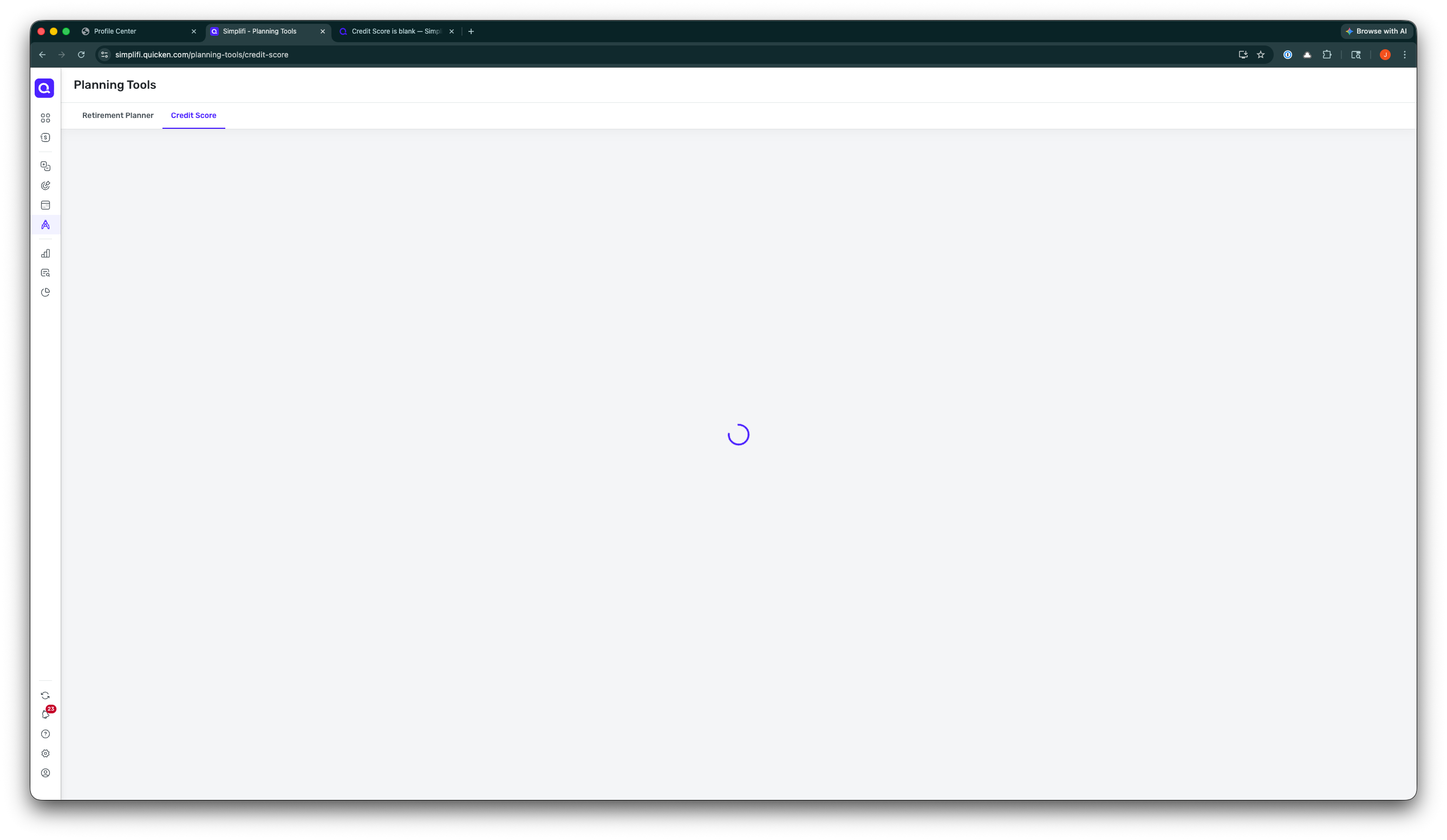
Additionally, I know you mentioned that your credit score is blank within the Dashboard in the web application. If you navigate to Planning Tools > Credit Score, does it show as blank there as well? Can you provide a screenshot showing how this page appears? Does using a different web browser change how this page appears? Let us know!
-Coach Jon
0 -
iPhone 15 Pro running iOS 26.3. Mobile app allows me to enter verification details but instantly fails on submit. I'm certain that it isn't even submitting to a service for verification. This isn't a new development as I mentioned this earlier.
Using different browsers on laptop doesn't make a difference. It just spins.
 0
0


