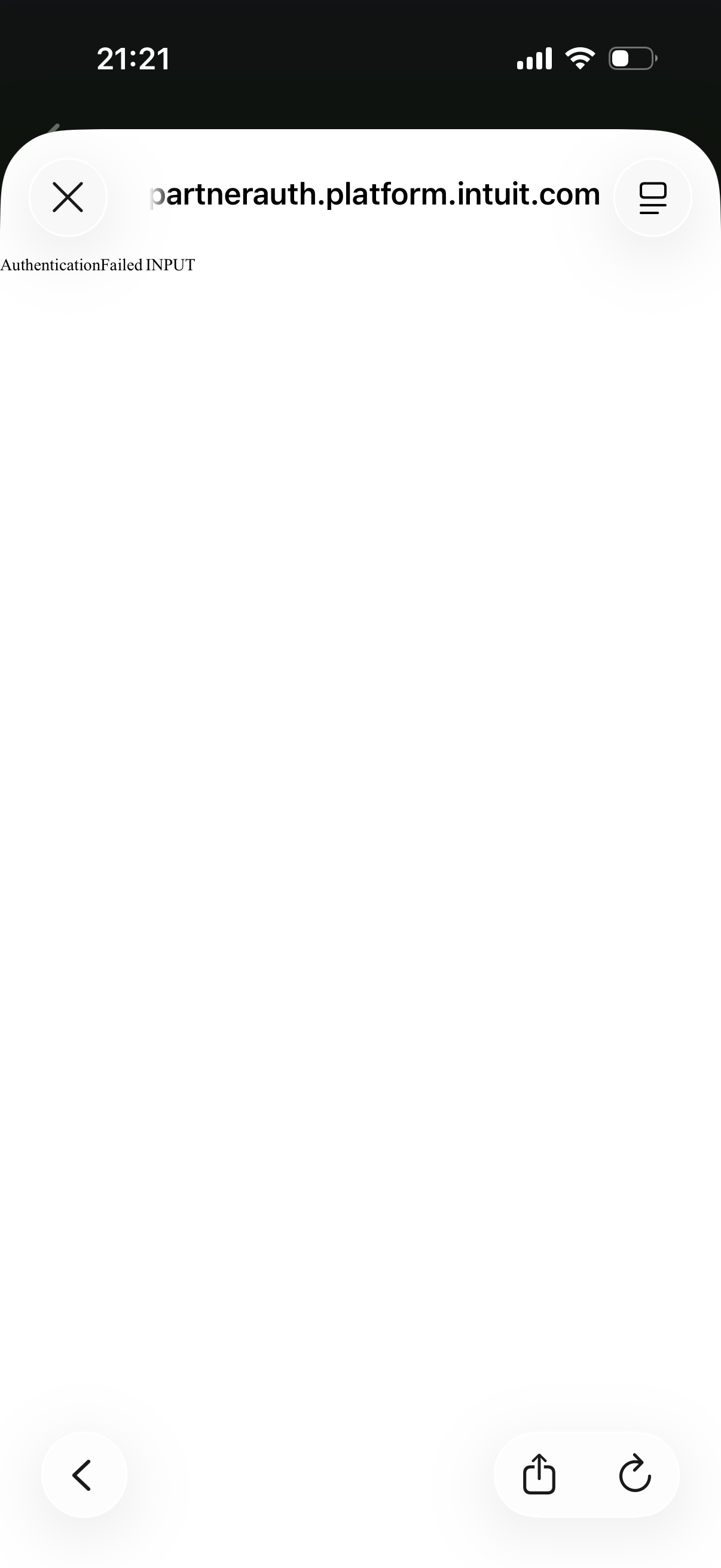
"Authentication failed" with Voya Financial

This discussion was created from comments split from:
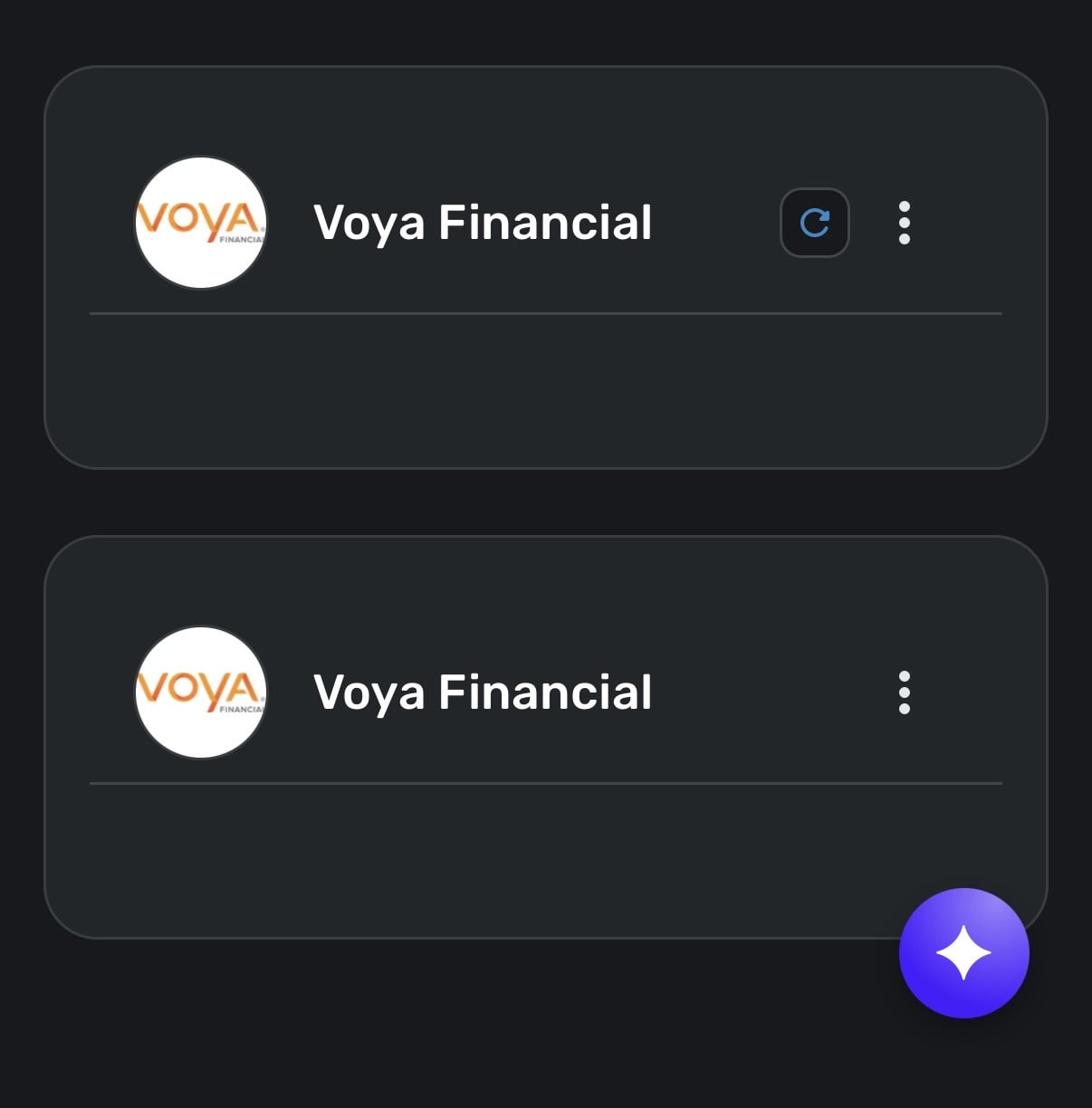
"You have already added all your accounts" message with Voya Financial.
Comments
-
Hi Natalie,
I’m continuing to face these issues. Refer to the screenshots shown below.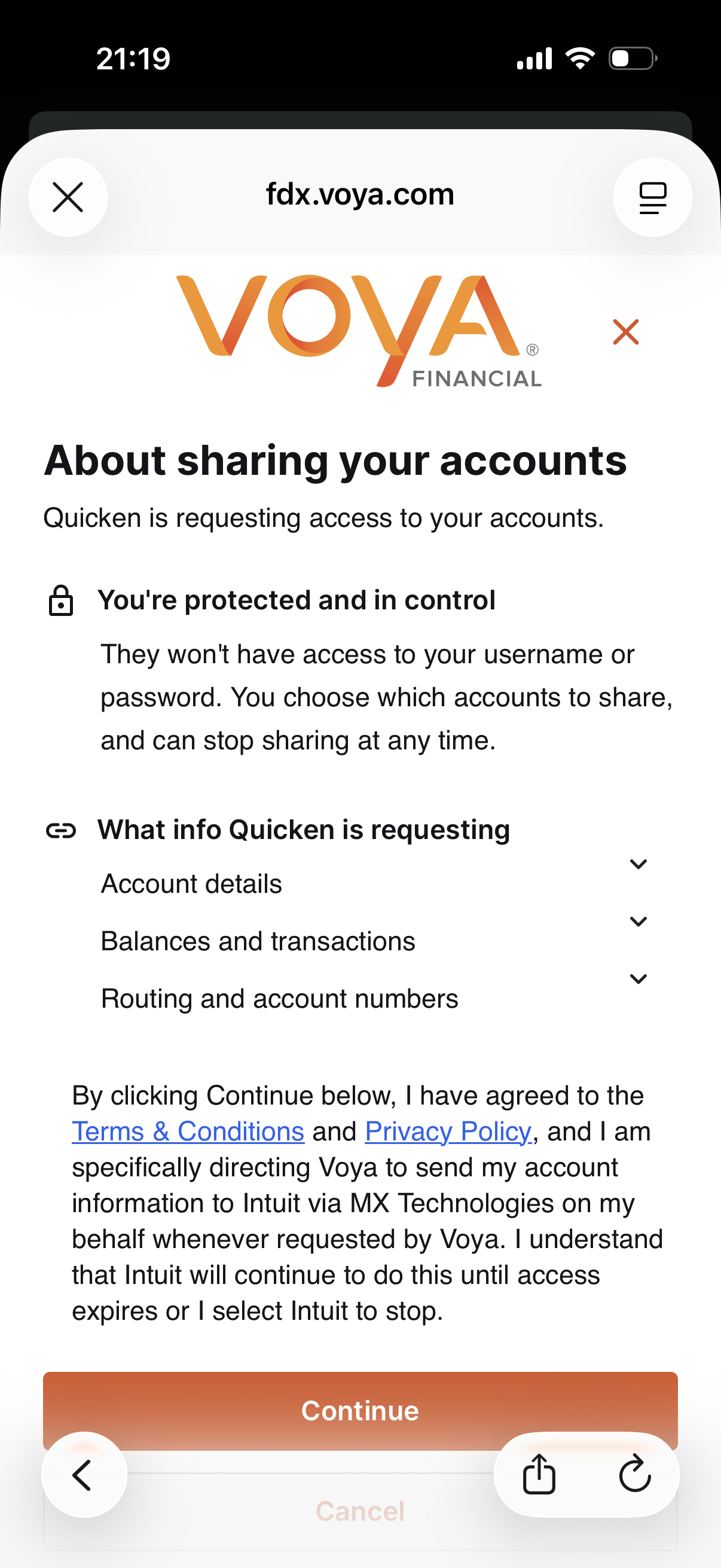
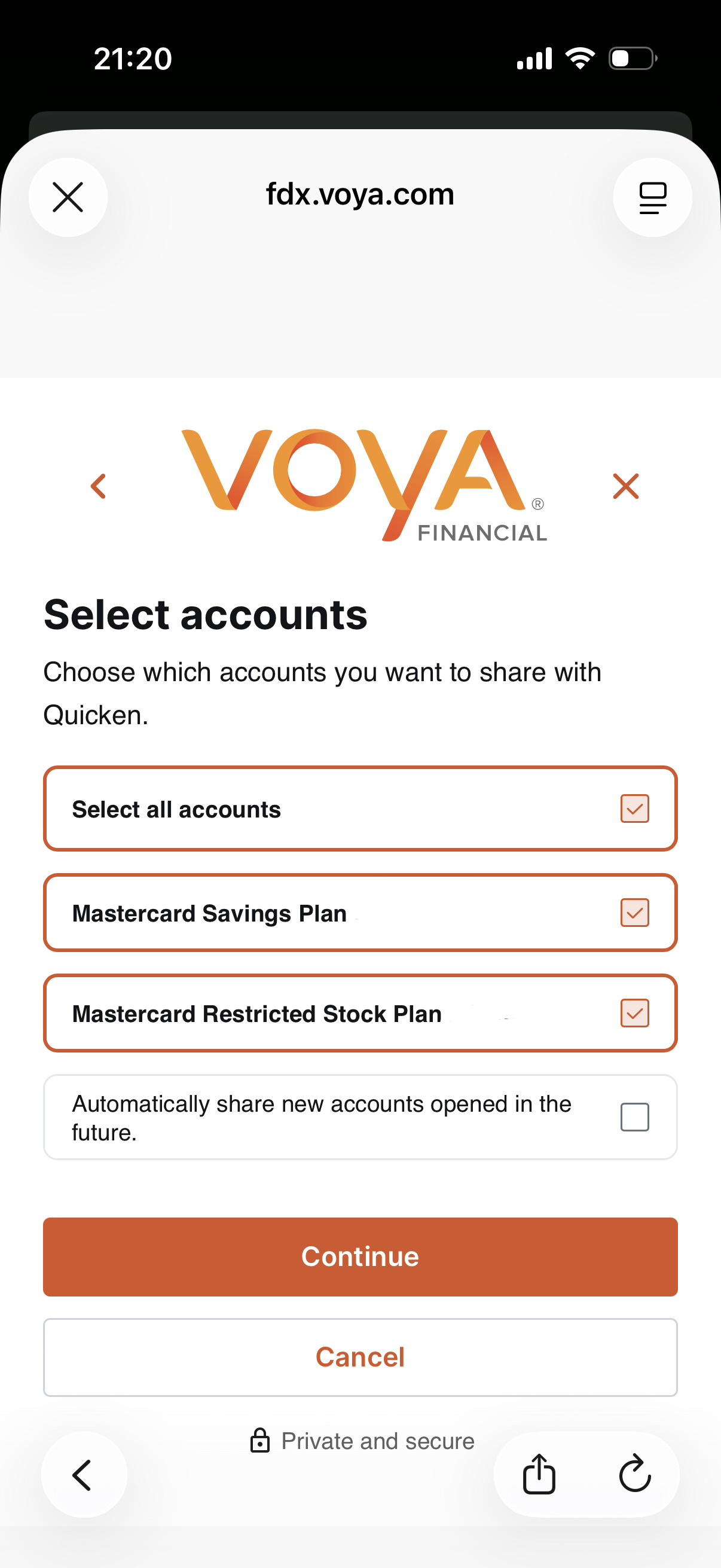
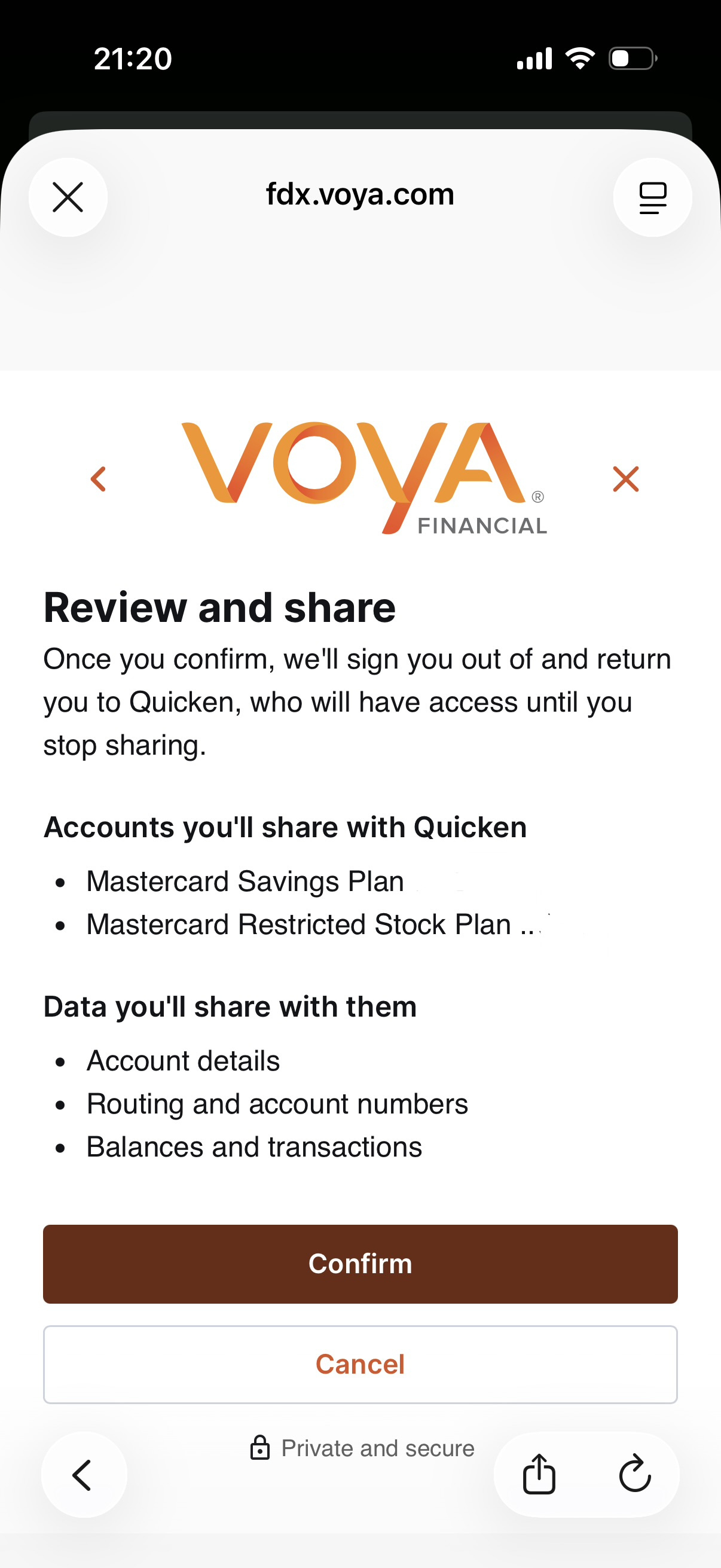
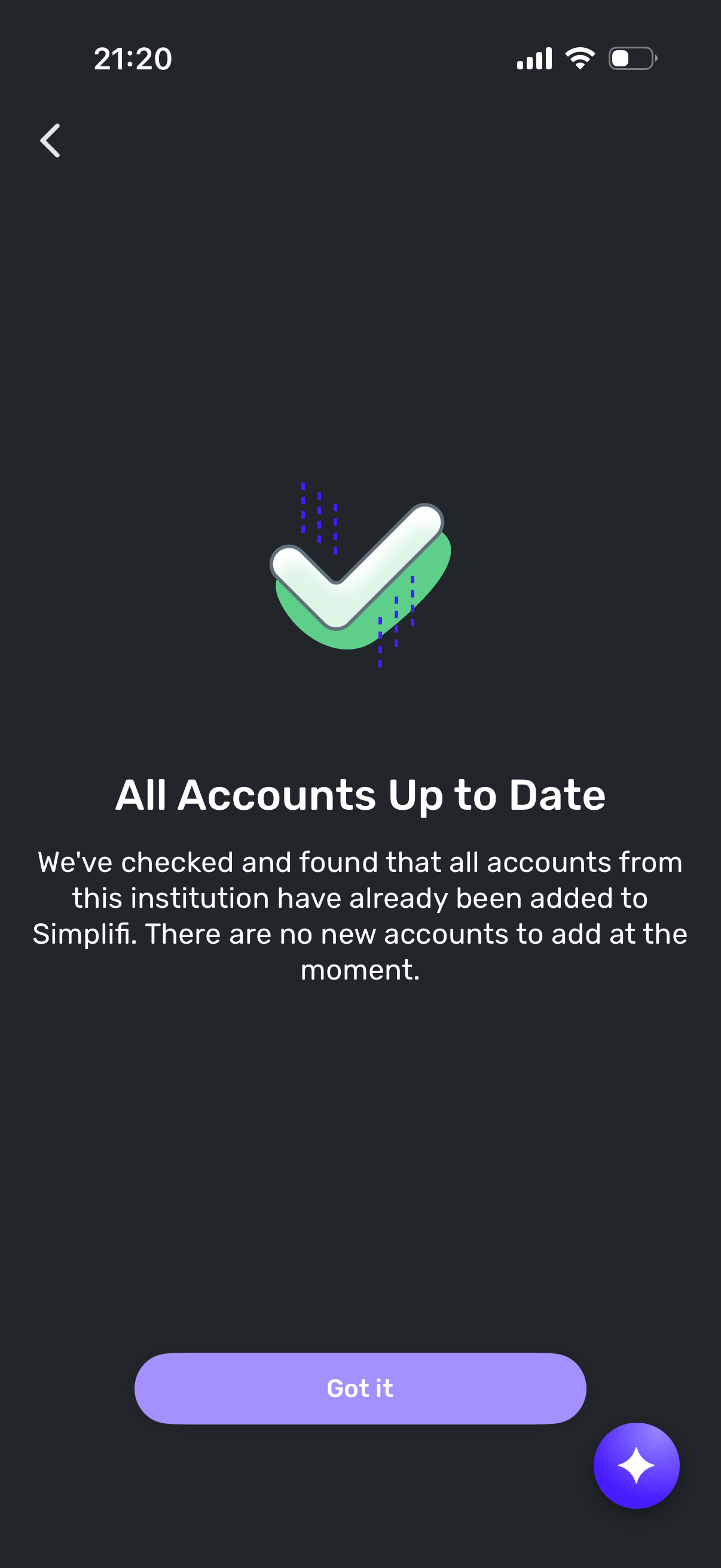
[edited images to reduce size]
0 -
Hello @alamantia87,
Thanks for reaching out! From your screenshot, I can see that you already have two Voya Financial instances in Quicken Simplifi. To further clarify, have you been able to successfully add your Voya accounts into Quicken Simplifi previously, or have you never been able to due to the issues reported here?
For the latter, I would see if deleting the two instances in Settings > Accounts and then connecting works to resolve the issue. You can also try the following steps to verify if they resolve the issue:
- Navigate to the bank's website, sign in, and then remove Quicken's access from the bank's third-party linked apps.
- Navigate back to Quicken Simplifi, and make all of the accounts with the bank manual by following the steps here.
- Once you see the account(s) listed in the Manual Accounts section under Settings > Accounts, go back through the Add Account flow to reconnect to the bank.
- If the connection is successful, carefully link the account(s) found to your existing Quicken Simplifi account(s) by following the steps here.
Let us know how this goes!
-Coach Jon
0

