Show a last sync day/time for all accounts in the Accounts List (edited)

At the top of the list when looking at one account, it will tell you the last day/time it was updated. I would suggest that when looking at All Accounts, it should show me the last time all accounts were updated (ie: the last time/date of a full refresh).
I would also want the same date/time to show if just looking at "Banking" accounts or the other sub-headers.
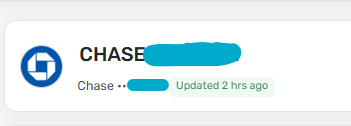
Here are a couple of screenshots illustrating my idea:

Comments
-
I set the accounts that don't change much to refresh "Daily." But the ones I do use refresh as often as allowed.
So I think the "last full refresh" time you suggest would — in my case — usually show something like "23 hours ago." It wouldn't hurt anything, but it wouldn't help me much either.
DryHeat
-Quicken Classic (1990-2020), CountAbout (2021-2024), Simplifi (2025-…)1 -
I hear! I like to click the refresh button when looking at my accounts but sometimes it doesn't actually refresh because it ran too recently. So I like to know when that was.
0 -
No, they might not want to do this, but my idea instead is to offer a "How much time remains until next full refresh is avialable" - I know they probably don't want to advertise that info, though, because each refresh uses some of the cloud processing and network which costs money - people might abuse it - whether it be intentional abuse or just a neurotic financial geek.
—
Rob Wilkens
0 -
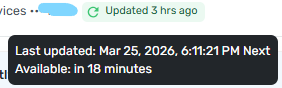
When looking at one account, you can hover over the 'refresh' button and it'll tell you.
 0
0 -
Simplifi already shows a lot more information than Classic so I am satisfied. I fear making everything a bit too busy. If I hit the refresh button and it spins and stops immediately, I know it's too soon. It will refresh every 3-4 hours. Banks only clear transactions every 24 hours.
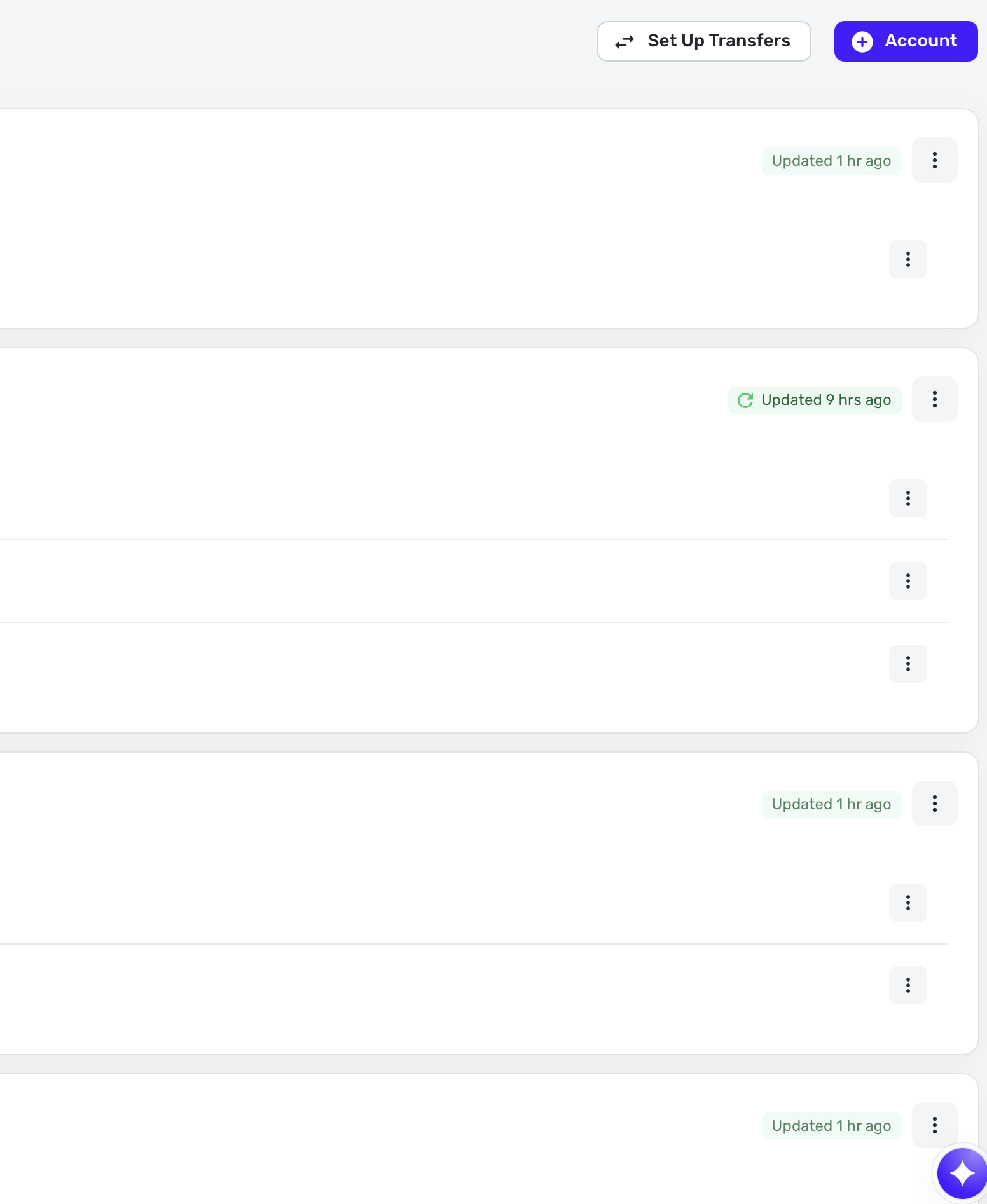
Also in Settings:Accounts, you can see this information very clearly. So I can easily see that I updated all accounts 1 hour ago.
With that said, I am for everything being consistent and clean across the apps.
Steve
Quicken Simplifi (Safari & iOS) Since 2021
Quicken Classic (MacOS) Since 2009
MS Money (1991-2009) and Dollars & Sense (1987-1991)0 -
When looking at the transactions for one account, it already shows when the last sync was. My proposal was to show the last general sync when looking at All Accounts, in the same spot.
0 -
-
I'm not sure how that would work having one general sync at the top of "All Account" like in your screenshot. It seems like as soon as you have two separate banks on two different schedules, that would get confused. Though I don't know the details of how Simplifi does it (different schedules for different banks or all at once).
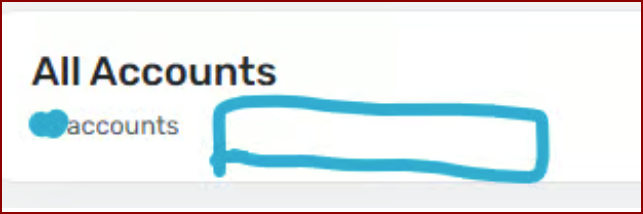
If they're all done on different schedules, I'd only vote for this if the information were located in a pop-up like is currently done for the "Max Update Interval". Maybe that pop-up could be made to do double duty?
The "All Account" list on the Dashboard offers precious little real estate as is. I've have a, seemingly, never-ending project of finding the most efficient way to name my accounts to get rid of unnecessary spaces to make the entire name fit without being cut off. I've tried every variation under the sun and don't want anything to make that area smaller.
Personally, I'd love it Simplifi made that window expandable side to side.
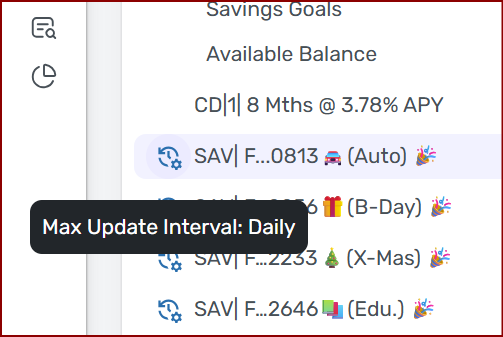
One lovely thing about Simplifi is they work to keep things simple.
Chris
Quicken Simplifi user since 2021.
Quicken Desktop user since 2014.
Spreadsheet user since forever.0 -
I'd want it to say the last time a full refresh was run, which is all the accounts that refresh when clicking the refresh button.
0 -
I'd want it to say the last time a full refresh was run, which is all the accounts that refresh when clicking the refresh button.
This is slightly different from the way I understood your original suggestion (which is likely my error). But it is different in a way that I think could make it simpler to implement.
If I have it right this time, you are suggesting something like: "Last sync attempt: 2.5 hours ago"
This would mean QS (or QBP) fired off a sync attempt 2.5 hours ago. But it would not mean that all accounts necessarily synced at that time. Some may have failed to sync. Or some may not have been "ripe" for syncing.
I'm not sure how useful that would be to me personally. But others might find it worthwhile.
(BTW, I don't know exactly how QS triggers syncing. I know it won't try to sync an account before its time. I assume hitting the refresh icon in the navigation bar will trigger all eligible accounts. But I don't know if hitting the icon on an individual account does that.)
DryHeat
-Quicken Classic (1990-2020), CountAbout (2021-2024), Simplifi (2025-…)0 -
-
As long as you are making changes.
Here's my ever-cheerful take on this:
(1) I'm not making any changes. It seems that what I lack in access I make up for in incompetence. 😁
(2) Sadly, I think even the simple change @EL1234 suggested is pretty unlikely to get on the to-do list. 😞
DryHeat
-Quicken Classic (1990-2020), CountAbout (2021-2024), Simplifi (2025-…)0