Spending Plan forced Bill connect
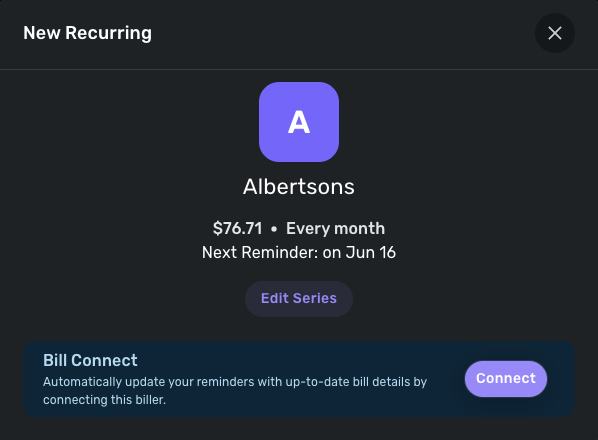
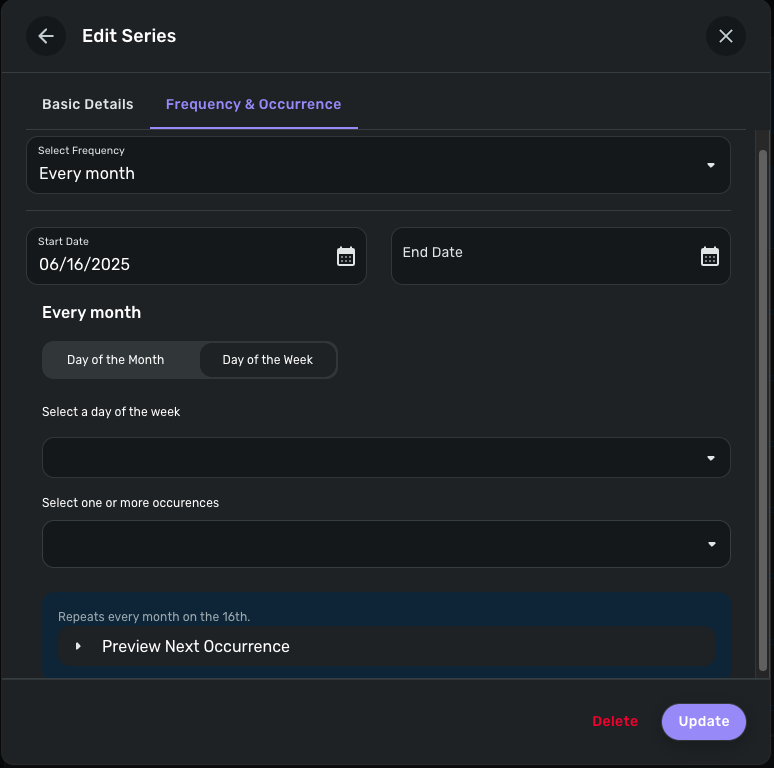
I attempt to add a recurring expense or subscription item to Spending Plan, it attempts to force me to link it to the vendor after prepping the item in edit series, it updates series I suppose, but when I opt to not connect to vendor to automatically get bills transaction fails to be committed to Spending Plan data.
[Removed - Speculation]
Comments
-
I haven't connected any of my recurring bills to vendors, but they all show up in Spending Plan anyway.
Maybe something else is fouled up in the recurring expenses you have set up.
DryHeat
-Quicken Classic (1990-2020), CountAbout (2021-2024), Simplifi (2025-…)0 -
Hello @marksomebody,
Thank you for letting us know you're encountering this issue. Could you please provide more details about what is happening when you try to add a bill or subscription to your Spending Plan? Where in the process are you being forced to connect?
I tried to replicate the issue you described, but could not. Here is what I saw when I tried adding a recurring bill through the Spending Plan:
I tested adding a bill by clicking the + Add Bill link.
It let me choose from a list of transactions or select manual. I selected a transaction.
Since I didn't want to connect the bill to an online biller, I clicked Edit Series, adjusted the details as desired, then clicked the Update button to save the changes.
That process allowed me to add the new recurring series without connecting to an online biller.
I hope this helps!
-Coach Kristina
0