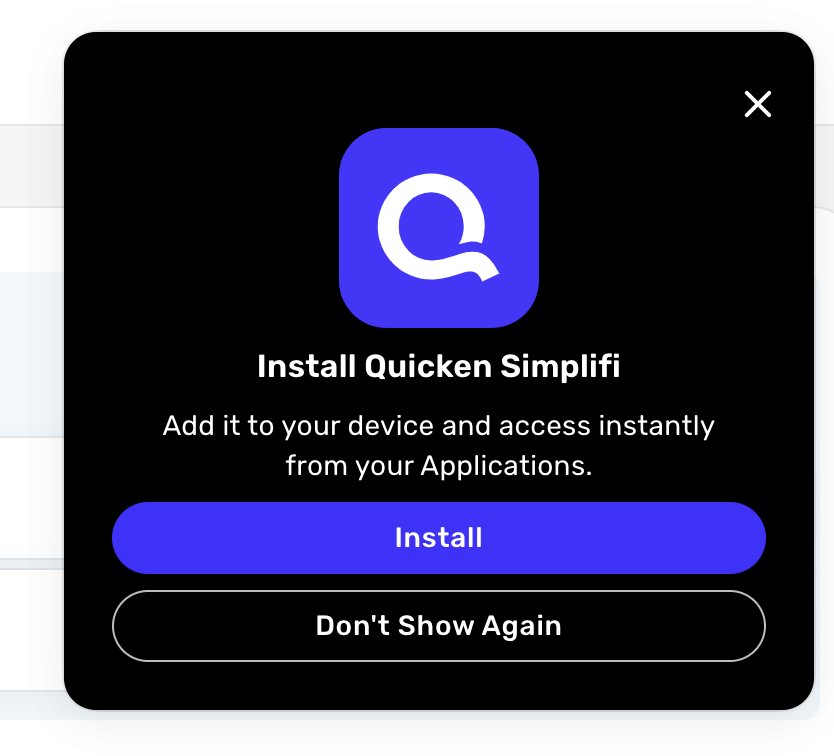
Clicking "Don't show again" on the 'Install Quicken Simplifi' prompt doesn't work (edited)
Every time I login to the website I see this add to all applications message. Everytime I click "Don't show again". If I come back to the tab, it shows again. If I'm in the app for longer then 5 minutes, it shows again. As a product designer, I know this is something that should not be happening and it is annoying. It also covers up a critical part of the screen which is even more aggravating.
Comments
-
Hello @agrayr,
Thanks for reaching out! It may be that something in your browser isn't saving your choice selection. Have you tried clearing the cache and cookies of the Quicken Simplifi website or anything along those lines? I would also see if trying from another web browser/incognito mode works here as well.
Please let us know so we can best assist!
-Coach Jon
0

