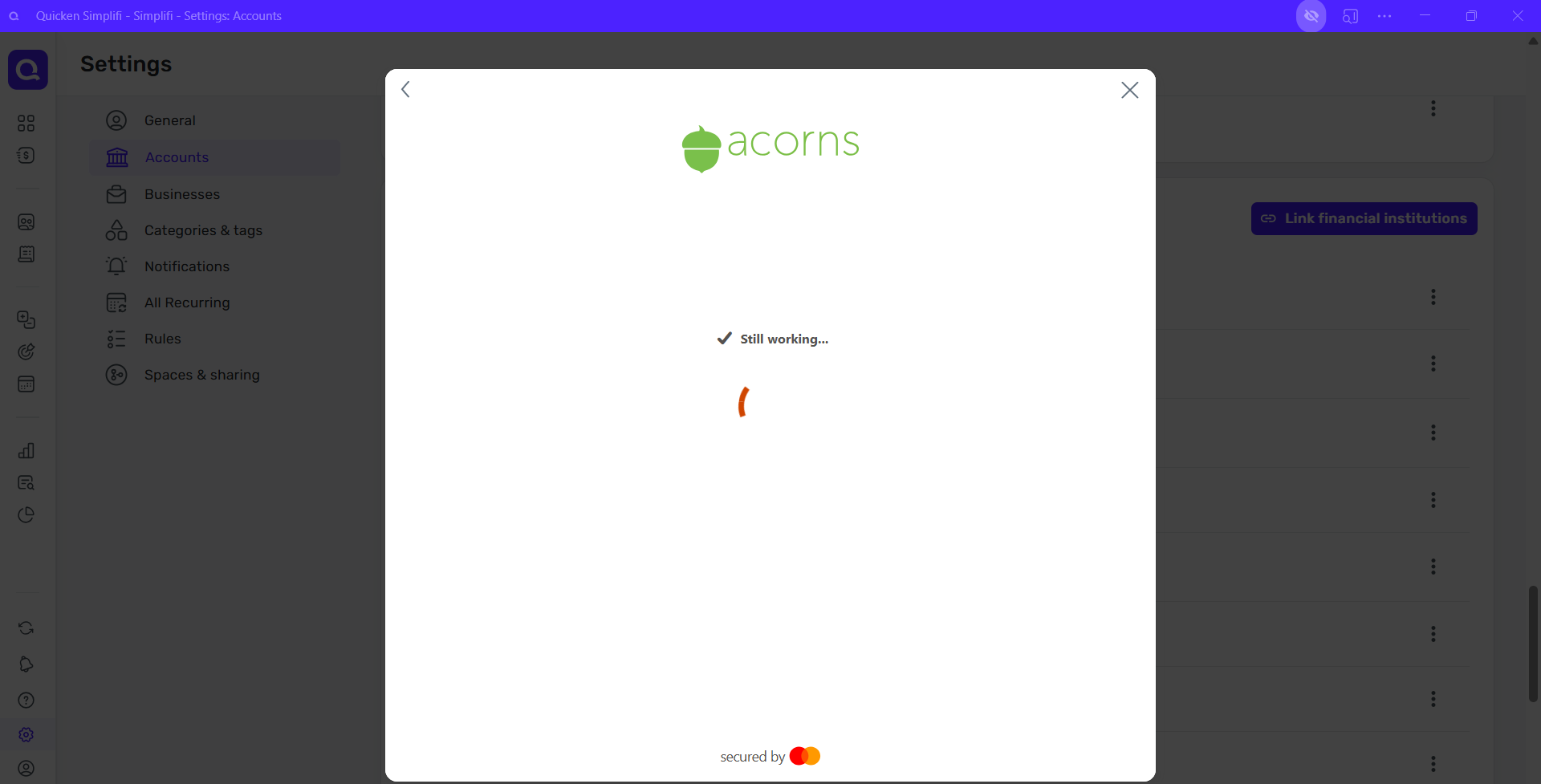
I have had no luck trying to resync Acorns to Quicken Simplifi. I have done everything I did in the past, but all I get is the "Still Working" screen once I log in and it never stops or connects.
Any suggestions?
Hello @B_H,
Thanks for reaching out! To better assist us, can you please provide a screenshot showing the error you are receiving when trying to connect in Quicken Simplifi? This will help us determine what is occurring here.
-Coach Jon
Hello,
I am not getting an error; I am just consistently getting this screen:
It never connects.
Thanks!
Thanks for the reply. That is certainly strange. Can you please try connecting from another web browser/incognito mode to see if it works this way? Additionally, I would verify if you have a VPN or third-party program/extension currently set up that may be blocking the connection for some reason. Let us know!
Hello again,
I did try using Chrome instead of Edge, but no luck. I also disabled my pop-up blocker, cleared my cache, and even tried in private mode… no luck. All I get is the same screen for at least 5 minutes or more.
I am able to log into my Acorns account through their site with the information I am using in Quicken, so I don't believe it is their site.
Thanks for verifying. I am still not seeing an error of any type for you from our side for Acorns. Are you able to connect to Acorns via the Quicken Simplifi mobile application?
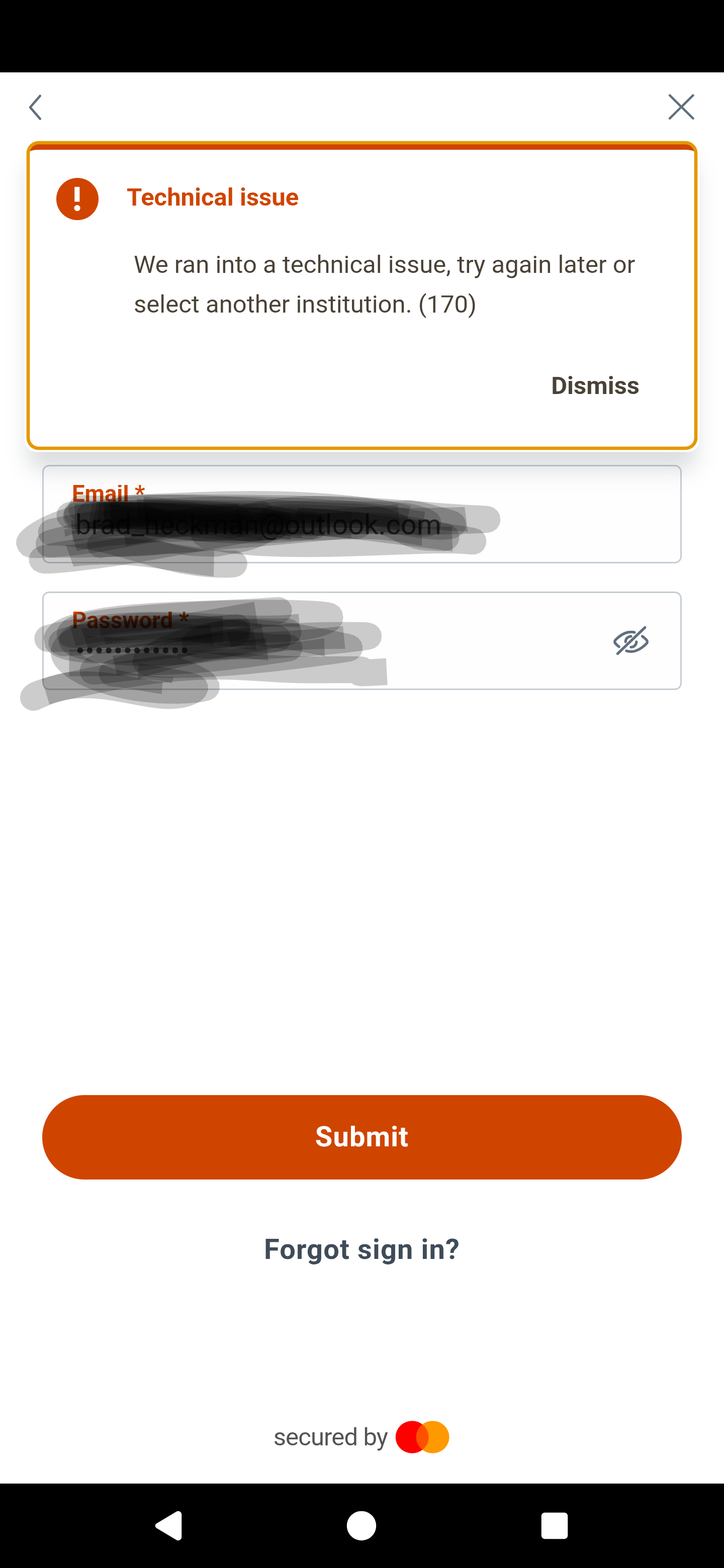
Here is what I am getting returned from my phone when I try to login :
Thanks for providing this screenshot. Can you also provide the following information when you can? Feel free to DM this information if you prefer.
We will also need logs.