Security Federal Savings Bank - IN - FDP-390 (edited)
Security Federal Savings Bank - IN
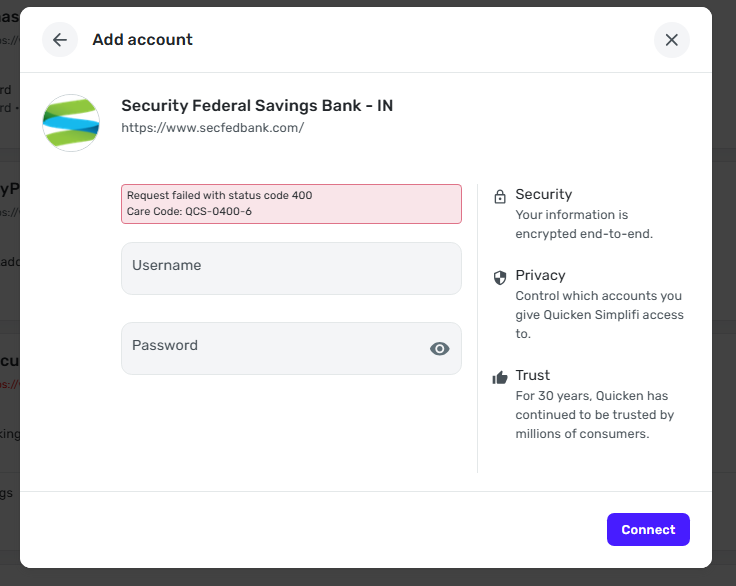
This bank changed it's system recently. The login page is now different than what the Simplifi system currently has. When I enter my username and password for my bank, I get this:
Request failed with status code 400
Care Code: QCS-0400-6
This is the bank info I see in Simplifi:
Security Federal Savings Bank - IN
secfedbank.com
The new website address is https://www.secfed.bank/
Also, when I reconnect accounts, will I get double entries?
Thank you
Comments
-
Hello @wyattladd,
Thank you for letting us know you're encountering this issue. Are you seeing this error message in the mobile app, the web app, or both? If you're willing, would you please share a screenshot of the error message, with any personal information redacted? When I check our internal tools, the error shows as a FDP-390 error.
To troubleshoot this issue, please start by making the affected accounts manual (for instructions, click here), then adding the accounts (for instructions, click here), and carefully linking them to the existing accounts (for instructions, click here) in your Quicken Simplifi.
Please let me know how it goes!
-Coach Kristina
0 -
I am seeing all of this in the web app.
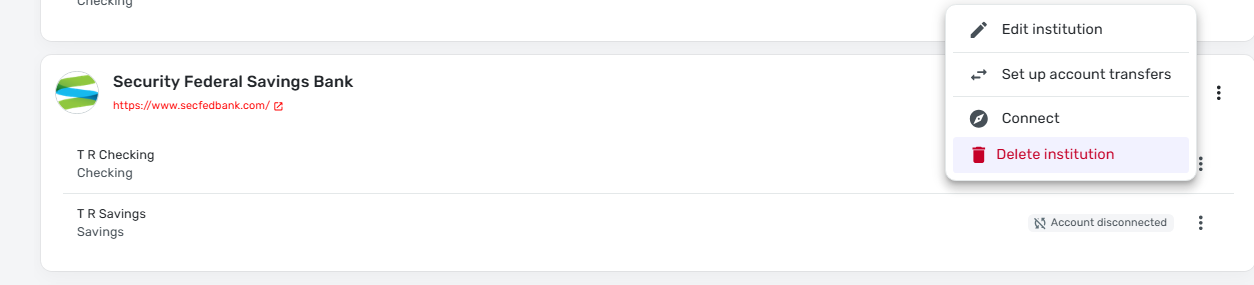
I think I've made my account manual?:
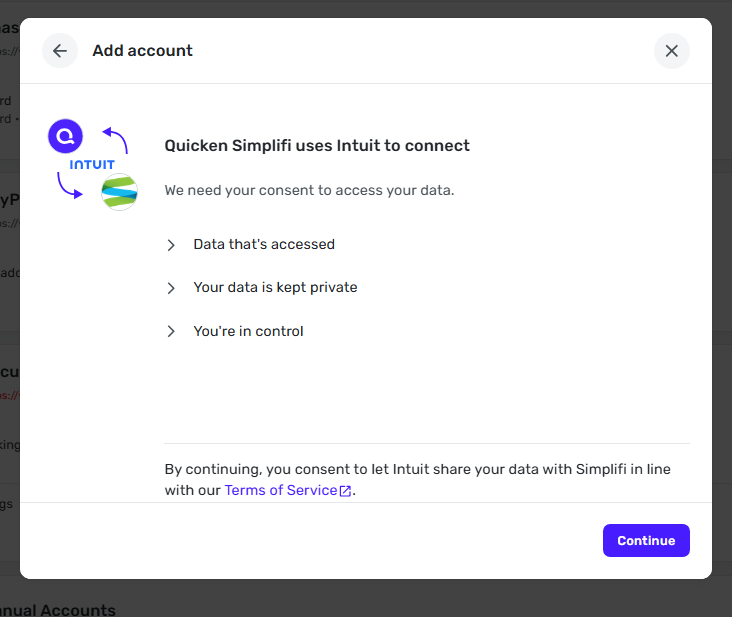
This is what I see when I click "Connect":
And when I click "Continue" and enter my password info, I see this:
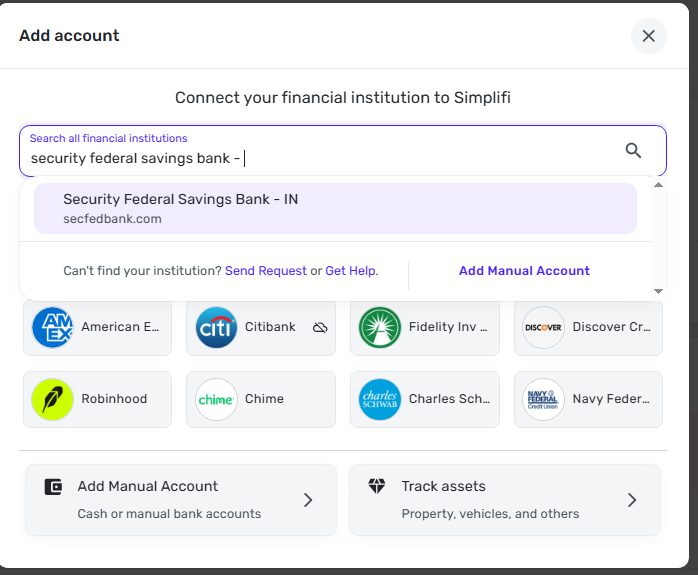
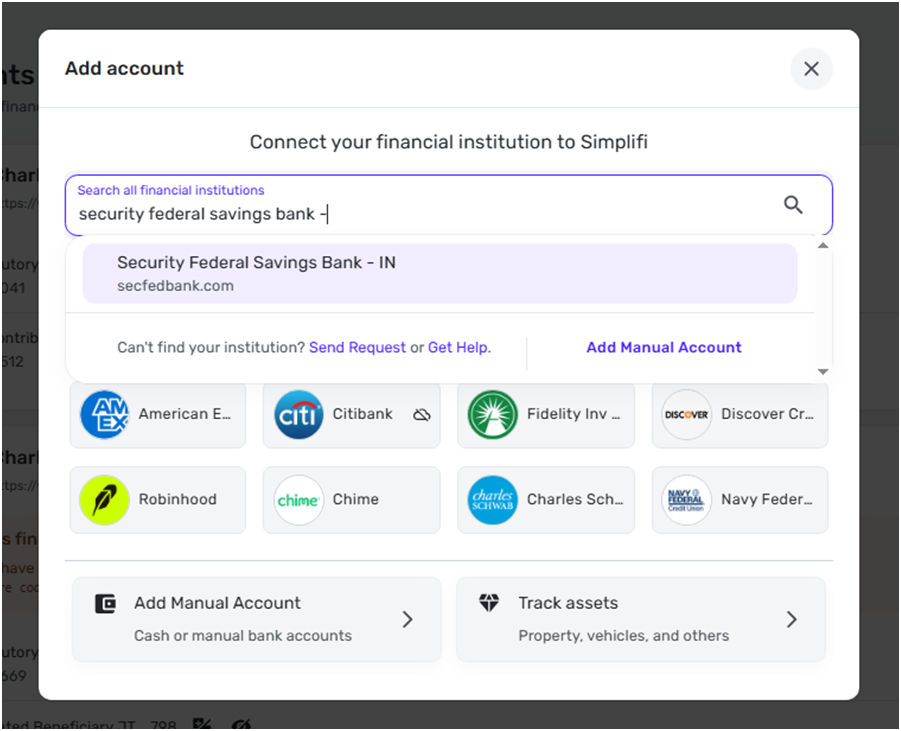
When I go to "Add Account", this is what I see:
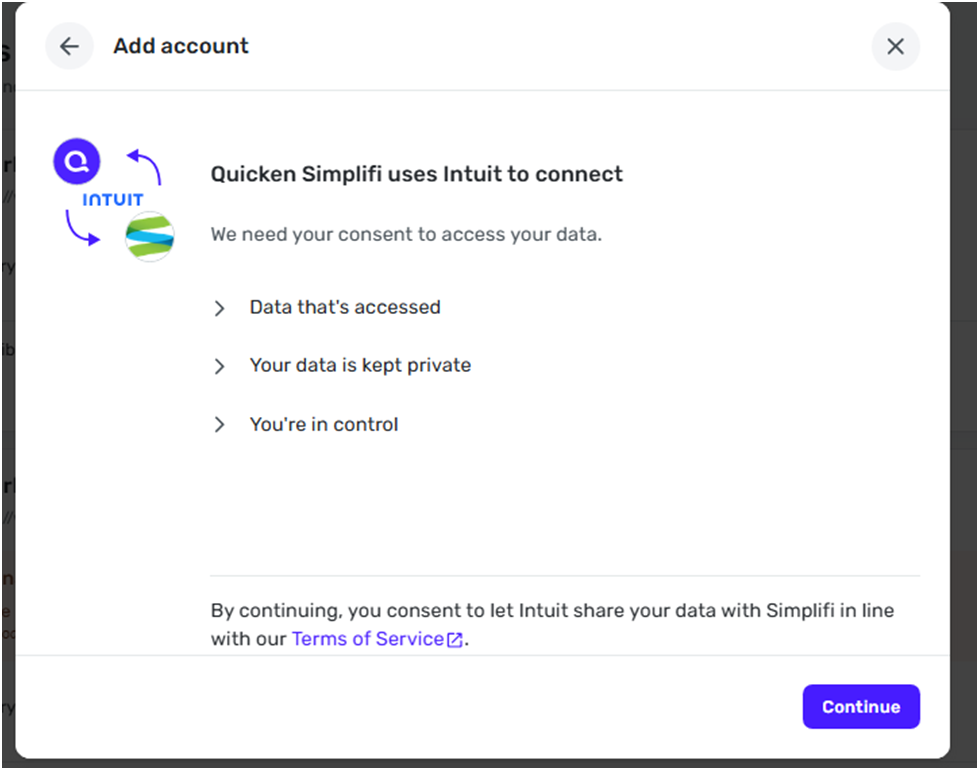
When I select that bank as shown above, it takes me to the 2nd picture posted.
The new bank website address is this:
The new bank website address is this: www.secfed.bank/
That is the online site where I can login and get to my bank information.
If someone uses "secfedbank.com" in a web browser, it auto directs to the new site name. However, it doesn't seem to be doing that in the Simplifi app.
Thank you.
0 -
Thank you for your reply,
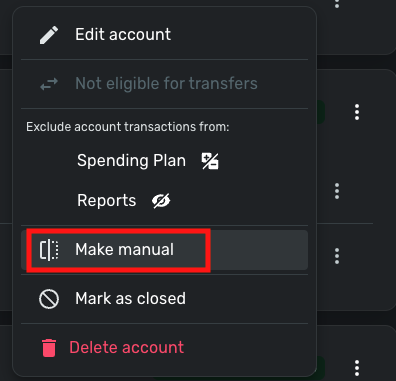
Based on the first screenshot you provided, you have not made the affected accounts manual. Instead of clicking the 3 dots next to the financial institution, please click the 3 dots next to each affected account. When you click the 3 dots next to an account, you will see an option to make it manual.
I hope this helps!
-Coach Kristina
1 -
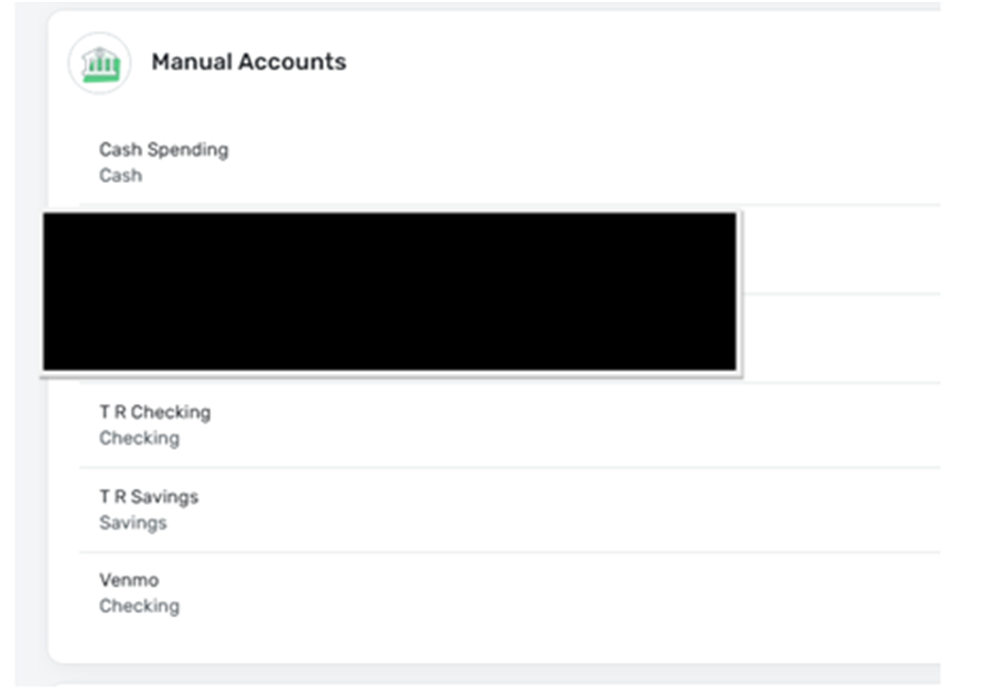
Thank you for your reply. My accounts are now manual:
I clicked to add an account and this is what I saw. Same info posted previously. Wrong website name again.
I continued and this is the next screen:
I continued and entered my user name and password and this is what I saw.
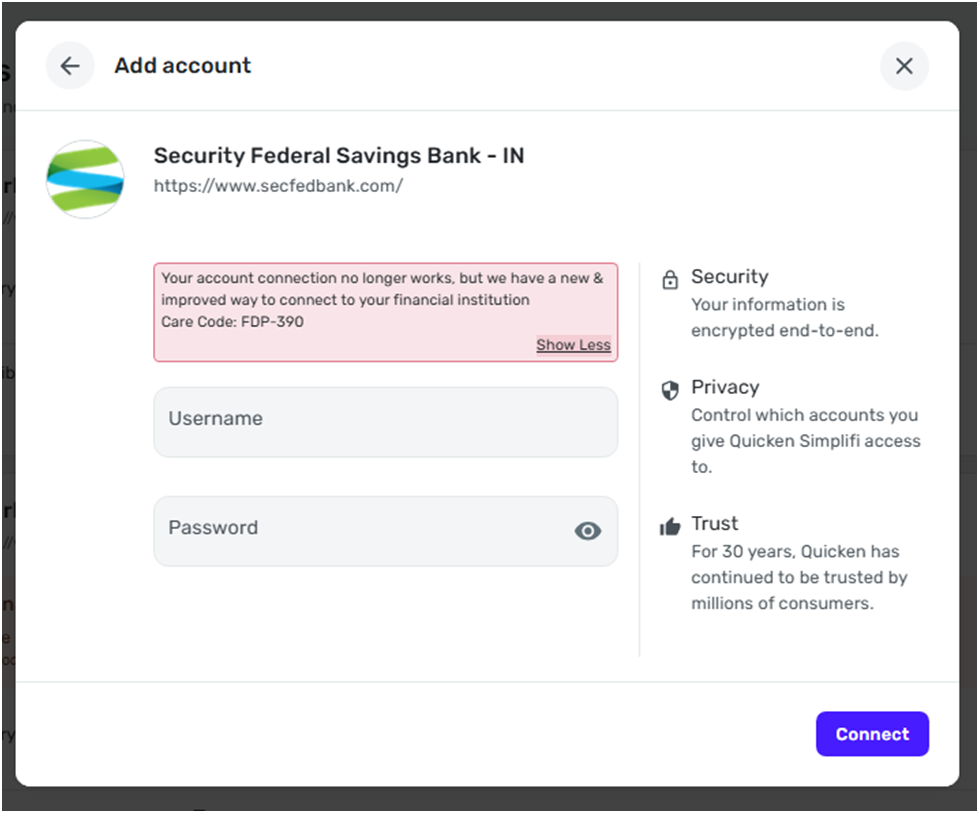
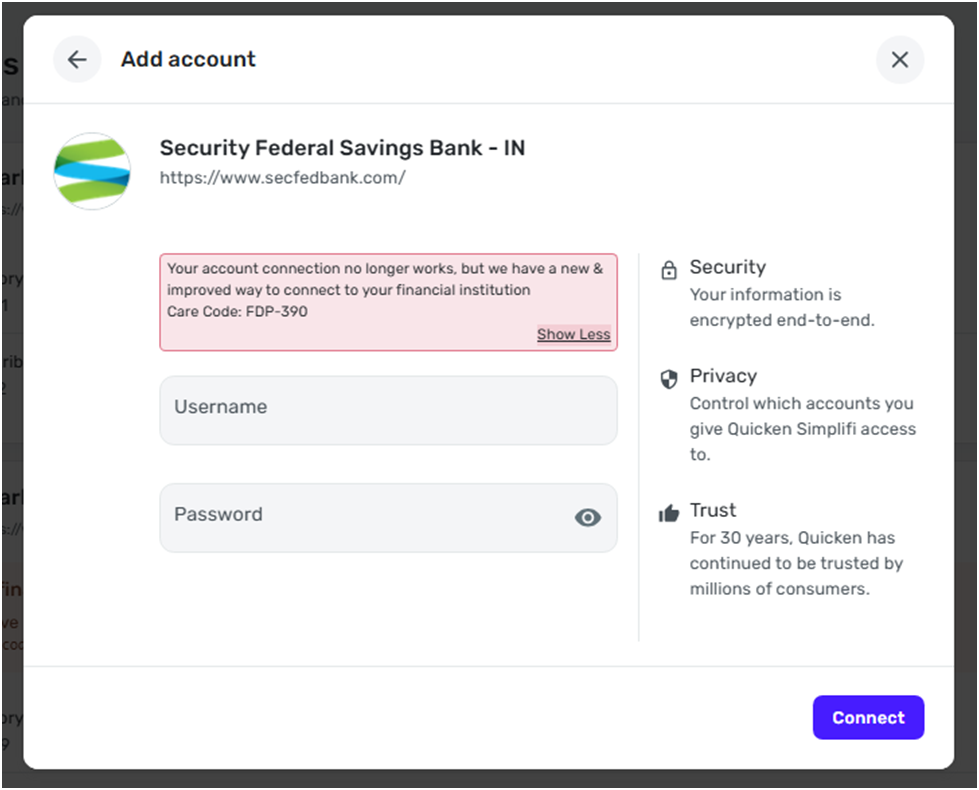
Now my error code matches what you see in the system. I reentered the username/password just in case the "new and improved way to connect" meant something important. Here is what I saw. Same screen:
I cannot get to the point to make the manual accounts linked to my bank accounts.
Question: If you can see an error code on your end, and I'm now seeing the same error code, is anybody checking into this to see if it's an issue with how the bank interfaces with Simplifi?
See previous posts for the new bank website name.
Thank you.
0 -
Hello @wyattladd,
Thanks for the replies and for providing that information. I can also see the FDP-390 error that you are receiving from our side. We can certainly see about getting this issue escalated. We will just need you to first submit logs in order to assist us with our investigation:
- Log into the Quicken Simplifi Web App.
- Select Profile from the left-hand navigation bar.
- With the Profile menu open, hold down the Option key for Mac or the Alt key for Windows, and then click Send Feedback.
- Leave all boxes checked, add a brief description of the issue, and then click Send.
-Coach Jon
0 -
Hello,
I called the bank today after having another connection issue. The bank told me they are aware of the connection problem due to their conversion process and it should be resolved soon.
Thank you all for listening, and I'm sorry for the inconvenience.
1