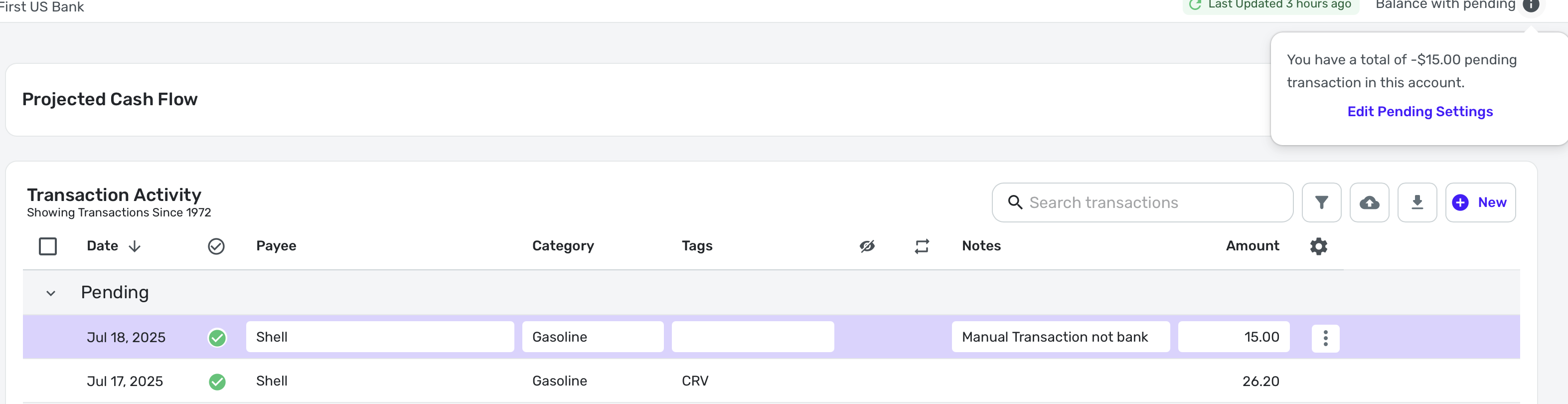
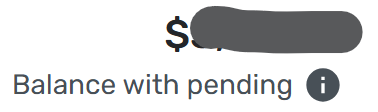
I know that you can just show the bank balance or the balance with pending for every account by making a selection in the Accounts List. I have Balance with Pending selected.
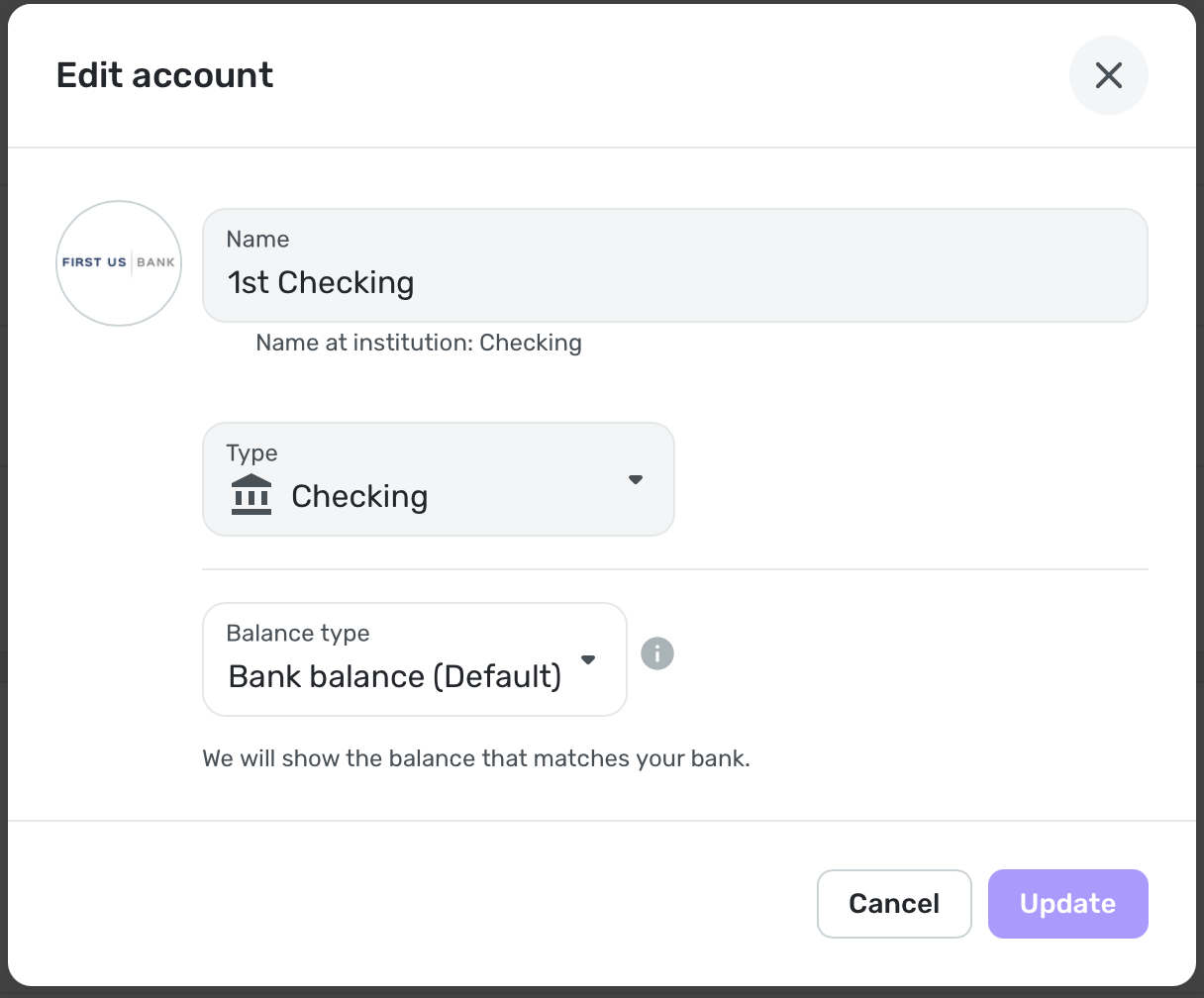
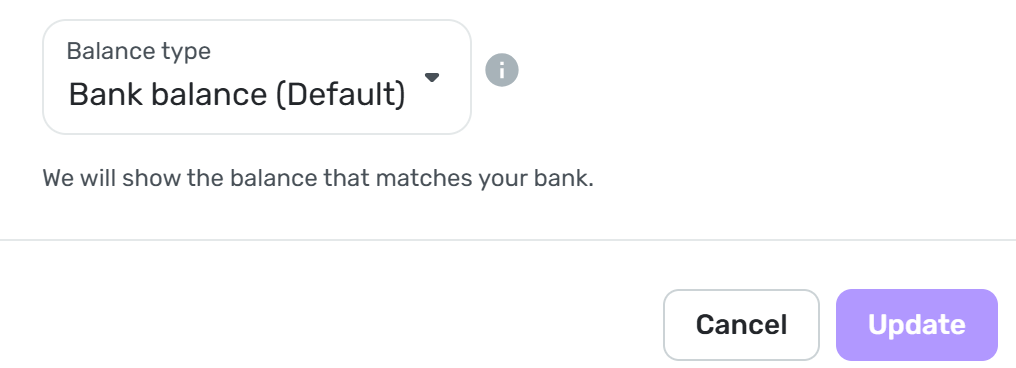
I also know that almost all accounts default to Bank Balance (Default) when you connect accounts.. All my accounts are set to default.
Now my question:
If you do happen to have one account that downloads the available balance (including pending transactions, the ones the bank knows about), what should you do?
I always thought you should go to the Account Settings and change it to "Balance with Pending" so that Simplifi would know not to count the pending transactions downloaded from the bank twice.
Here's what Support says:
If you'd like to enable Balance with Pending in a single account, you can follow these steps, so It won't affect the balance on the other accounts:
- Hover over the panel on the left-hand side and select
Settings. - Select
Accounts. - Locate the Account you'd like to change and click the
three dots at the end. - Select
Edit account. - Check the
Balance with Pending section box so that Quicken Simplifi no longer deducts pending transactions from your balance. - Click
Update when done.
Coach • Just nowAfter updating your setting to exclude pending transactions from your account balance(s), the balance may not reflect the change immediately. This change will occur during your next account refresh which may take 4-6 hours.
There is another post on here from 2 years ago that says pretty much the same thing. I am pretty sure that is where I got my information.
Here's the post:
Since this problem is likely to come up again, I want to make sure I have it right! Thanks.