If select a category for a transaction, then create a rule...which takes precedence?

tryingtosimpli
tryingtosimpli Member
edited August 22 in Managing Your Transactions

So I'm wondering the case where I have a ton for transaction from Amazon, and Simplifi automatically (by default) categorizes them as "Shopping". Then I change a handful to be in the "Electronics" category (but do not create a Rule).


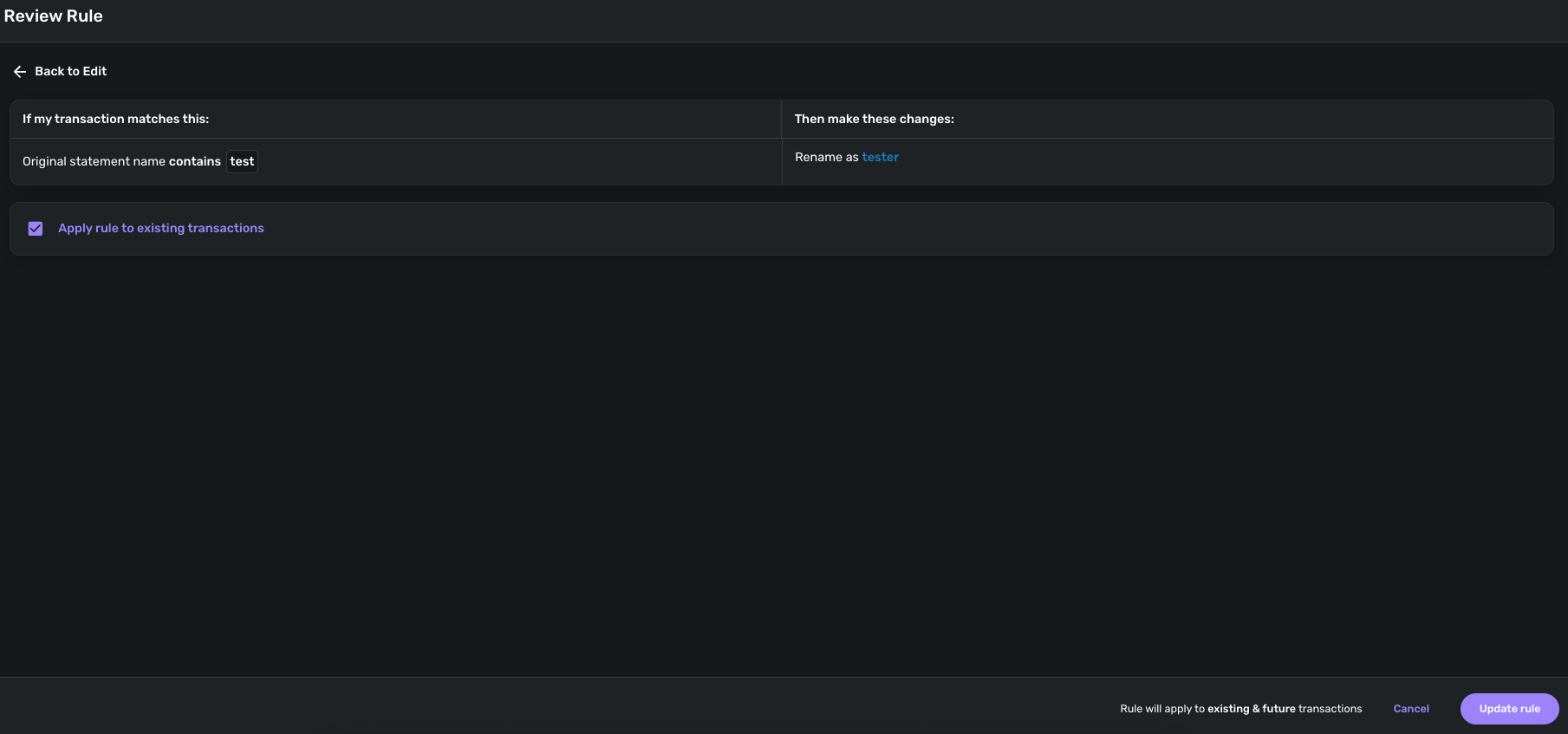
Then, after that…I create a Rule so anything from Amazon will be categorized as "Toys" - does that Rule then go back and overwrite the "Electronics" I selected for the handful, or does Simplifi somehow remember that I have selected "Electronics" for those handful and thus not apply the rule, and will only going forward for new transactions (or any old transactions that also fit the rule) for which it otherwise would have applied "Shopping"?

Thanks !

Best Answer

  • DryHeat
    DryHeat Superuser ✭✭✭✭
    Answer ✓

    @tryingtosimpli

    "does Simplifi somehow remember that I have selected "Electronics" for those handful and thus not apply the rule, and will only going forward for new transactions (or any old transactions that also fit the rule)"

    When you create a rule and check the box to apply that rule to previous transactions, it will overwrite the category you previously selected. But it only does it that once, not over and over.

    One way to deal with this is to:

    1. create an "Electronics" Tag and apply it to the transactions you have categorized (using bulk edit)
    2. create the new rule and let it change category for all past and future Amazon transactions
    3. select the transactions with the "Electronics" Tag and change category back to Electronics
    4. delete the no longer needed "Electronics" Tag

    DryHeat
    -Quicken Classic (1990-2020), CountAbout (2021-2024), Simplifi (2025-…)

Answers

This discussion has been closed.