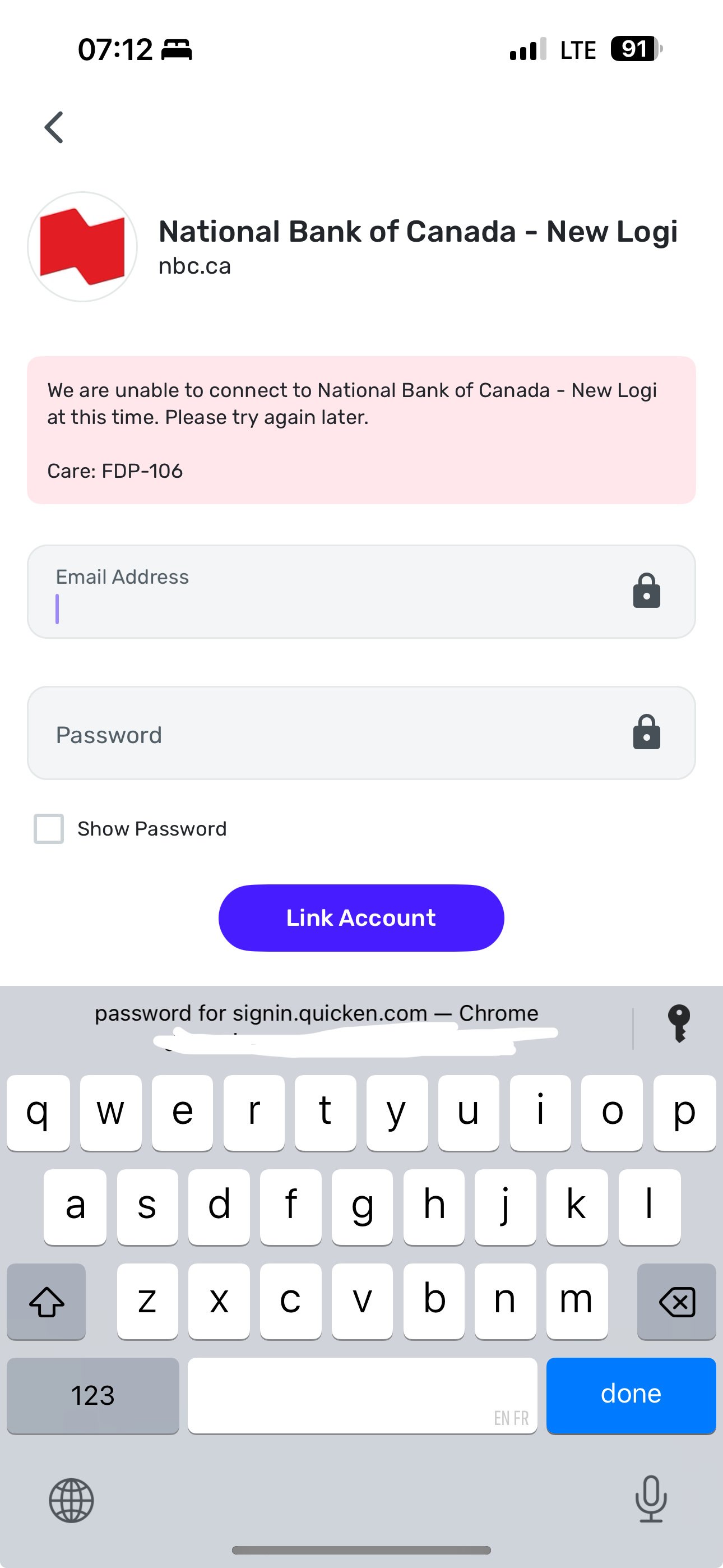
i went through all the steps added username and password plus the 6 digit code and everytime I get this screen when it's supposed to add all my accounts?
Known issue and you guys working on it right?
[edited image to reduce size]
Hello @Unbreakable1989,
Thanks for reaching out! I can confirm it is not a known issue that we have an alert for. You may receive this FDP-106 error if an account name or number changes at your bank, or if an account is closed. Most users would experience this message after replacing their credit card due to it being lost or stolen.
Can you let us know if you are trying to add these accounts for the first time into Quicken Simplifi, or are you trying to update existing accounts already within the program? For the latter, I would suggest establishing a fresh connection by making the accounts manual and re-linking to see if that fixes the current issue. The instructions to do that are:
Let us know!
-Coach Jon