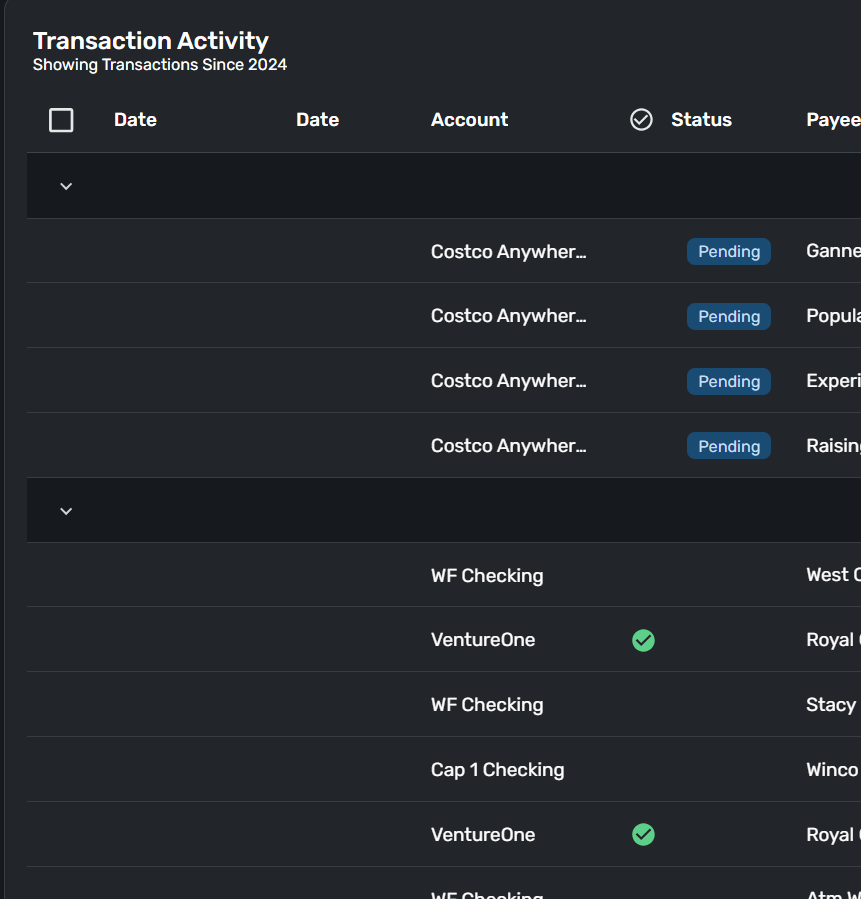
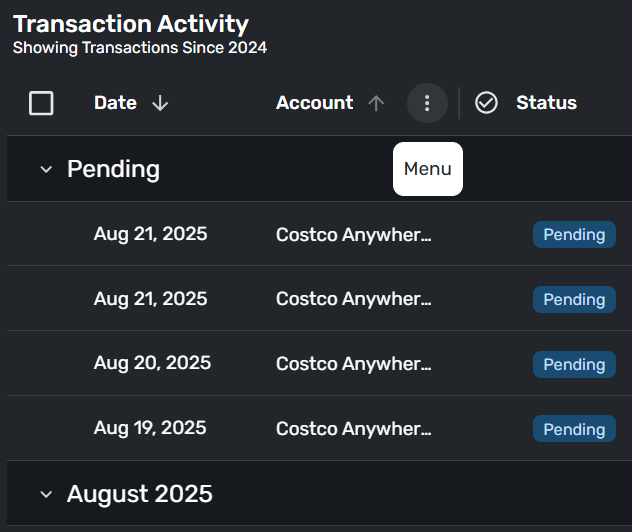
I just noticed this…
There are two Date columns but no actual dates.
I checked all accounts and each account individually… same result.
QS version 4.72.0
Same issue in Google Chrome and MS Edge.
Hello @DannyB,
That is certainly strange! I would see if signing out and back in fixes this issue. Be sure to verify if you see the same issue in different web browsers as well. I cannot see this issue from my side.
-Coach Jon
@DannyB
This morning in the Chrome web app the Date column was missing from all transaction registers.
I picked an account register, clicked the gear icon on the register, clicked "Reset to defaults," and the Date column came back.
When I looked at the other account registers, they were also restored.
Weird…
(version 4.72.0)
@Coach Jon @DryHeat
"Reset to defaults" did the trick.
@DannyB and @DryHeat I had to do the same thing when it updated to 4.72.0 yesterday, and there were no dates! I had to do this the first time I got the new registers as well. 😊